1. บทนำ
Thank you for choosing the DYONDER Wireless Controller. This controller is designed to provide a superior gaming experience across multiple platforms, including PS4, PS4 Slim, PS4 Pro, and PC. Featuring a 1000mAh battery, dual vibration feedback, a 6-axis motion sensor, and responsive joysticks, it offers immersive and precise control for your favorite games. This manual provides detailed instructions on setup, operation, maintenance, and troubleshooting to ensure optimal performance.

ภาพ: ด้านหน้า view of the DYONDER Wireless Controller in black.
2. คุณสมบัติของผลิตภัณฑ์
- ความเข้ากันได้ที่แข็งแกร่ง: Works seamlessly with PS4, PS4 Slim, PS4 Pro, and PC.
- อายุการใช้งานแบตเตอรี่ยาวนาน: Built-in 1000mAh battery provides over 15 hours of playtime with only 2 hours of charging.
- การตอบรับการสั่นสะเทือนแบบคู่: Features dual vibration motors with 4 levels of feedback for an immersive gaming experience.
- Upgraded Joystick: Enhanced responsiveness and precision for faster reactions and reduced input lag or drift.
- เซ็นเซอร์ตรวจจับการเคลื่อนไหว 6 แกน: Provides superior motion sensing for intuitive control in supported games.
- การชาร์จ USB-C: พอร์ต USB-C รุ่นใหม่ เพื่อการชาร์จที่สะดวกและรวดเร็ว
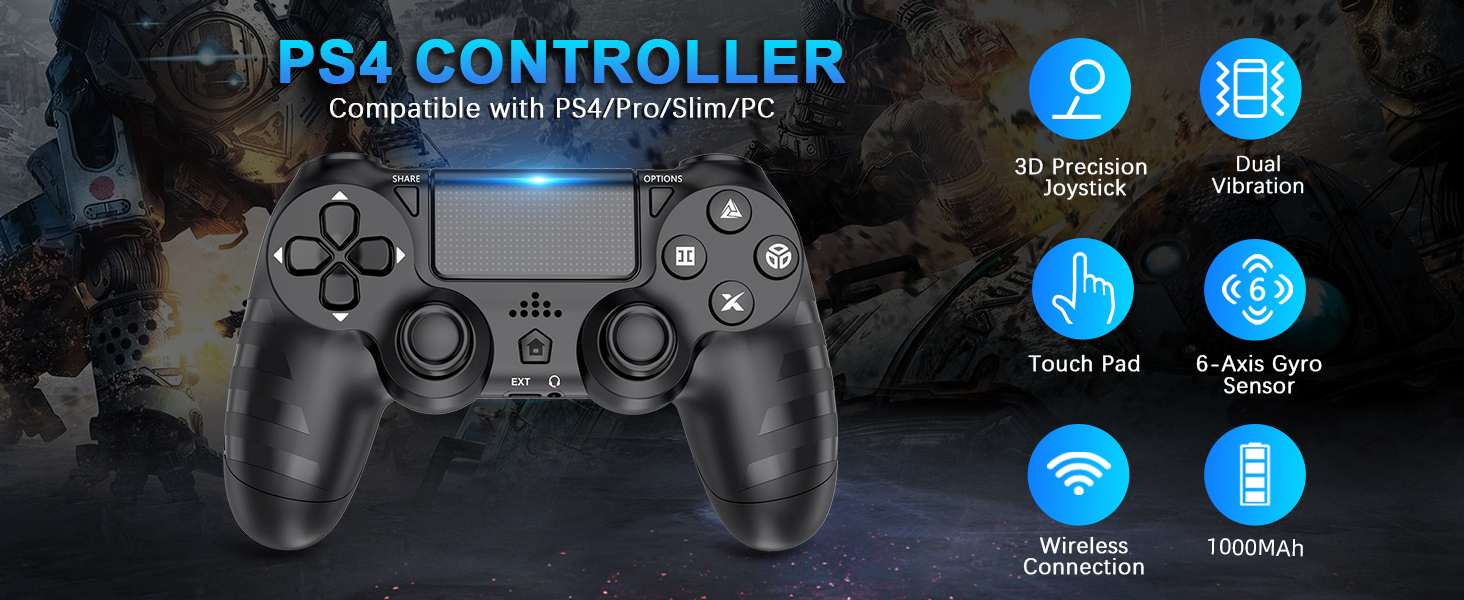
ภาพ: เหนือview of key features of the DYONDER Wireless Controller.
3. เค้าโครงของตัวควบคุม
Familiarize yourself with the various buttons and components of your DYONDER Wireless Controller:

Image: Labeled diagram of the controller's buttons and interfaces.
- ปุ่มแชร์: ใช้สำหรับแชร์เนื้อหาเกมเพลย์
- ปุ่มตัวเลือก: เข้าถึงเมนูและตัวเลือกต่างๆ ภายในเกม
- ดี-แพด: การป้อนข้อมูลแบบทิศทาง
- ปุ่มควบคุมการทำงาน (สามเหลี่ยม วงกลม กากบาท สี่เหลี่ยม): Primary game input buttons.
- จอยสติ๊กซ้าย/ขวา: สัญญาณอนาล็อกสำหรับควบคุมการเคลื่อนไหวและกล้อง
- ทัชแพด: พื้นผิวสำหรับป้อนข้อมูลแบบมัลติทัช
- ปุ่มโฮม: Returns to the console's home screen or powers on/off.
- อินเทอร์เฟซขยาย: For accessories.
- แจ็คหูฟัง: สำหรับการเชื่อมต่อชุดหูฟัง
- แถบไฟ LED: Indicates player number, charging status, and in-game information.
- Charging Socket (USB-C): สำหรับการชาร์จคอนโทรลเลอร์
4. การตั้งค่าและการเชื่อมต่อ
Initial Connection to PS4 Console:
- โปรดตรวจสอบให้แน่ใจว่าเครื่อง PS4 ของคุณเปิดอยู่
- Connect the DYONDER Wireless Controller to your PS4 console using the included USB-C charging cable.
- กดปุ่ม บ้าน button on the controller. The controller will sync with the console.
- Once synced, you can disconnect the USB-C cable for wireless play.
การเชื่อมต่อกับพีซี:
- For PC connection, hold the แบ่งปัน ปุ่มและ บ้าน ปุ่มพร้อมกันเป็นเวลา 3 วินาที
- The controller's LED light bar will start flashing rapidly, indicating it is in pairing mode.
- On your PC, go to Bluetooth settings and select the DYONDER Wireless Controller to pair.
- Once paired, the LED light bar will turn solid, indicating a successful connection.
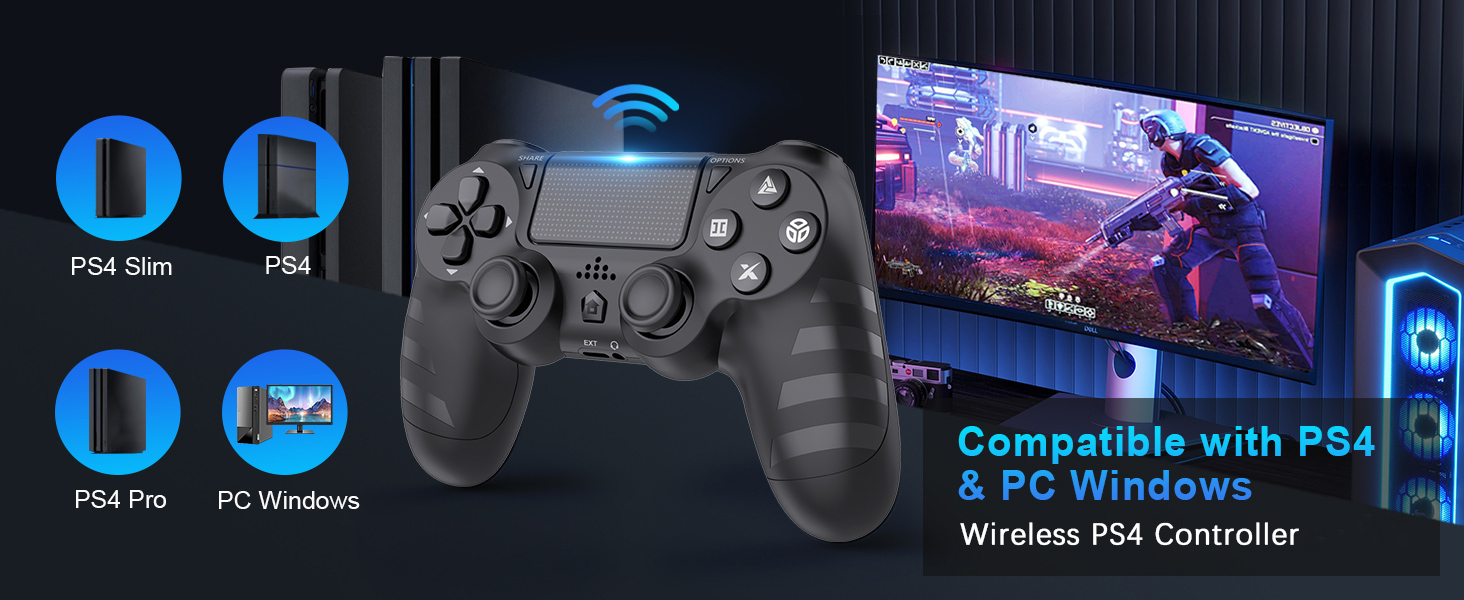
Image: Visual representation of controller compatibility with various platforms.
5. การดำเนินการ
การตอบรับการสั่นสะเทือนแบบคู่:
The controller features dual vibration motors that provide tactile feedback during gameplay. This enhances immersion by simulating in-game actions such as impacts, explosions, and environmental effects. The vibration intensity can vary based on the game and its settings.
เซ็นเซอร์ตรวจจับการเคลื่อนไหว 6 แกน:
Equipped with a highly sensitive 6-axis motion sensor (accelerometer and gyroscope), the controller allows for intuitive motion-based controls in compatible games. You can tilt, rotate, and shake the controller to interact with the game environment.

Image: Illustration of the controller's 6-Axis Gyro Sensor in action.
ฟังก์ชันการทำงานของทัชแพด:
The integrated touchpad supports multi-touch gestures, allowing for unique interactions in games that utilize this feature. It can also function as a clickable button.
แจ็คเสียง:
Connect your headset to the 3.5mm audio jack for in-game audio and voice chat (where supported by the game and console/PC settings).
6. การชาร์จและอายุการใช้งานแบตเตอรี่
The DYONDER Wireless Controller is equipped with a built-in 1000mAh rechargeable lithium-ion battery.
- เวลาในการชาร์จ: Approximately 2 hours for a full charge using the included USB-C cable.
- เวลาเล่น: Up to 15 hours of continuous gameplay on a full charge.
ไฟแสดงสถานะการชาร์จ:
While charging, the LED light bar on the controller will typically display an amber light. Once fully charged, the light will turn off or change color depending on the console/PC status.
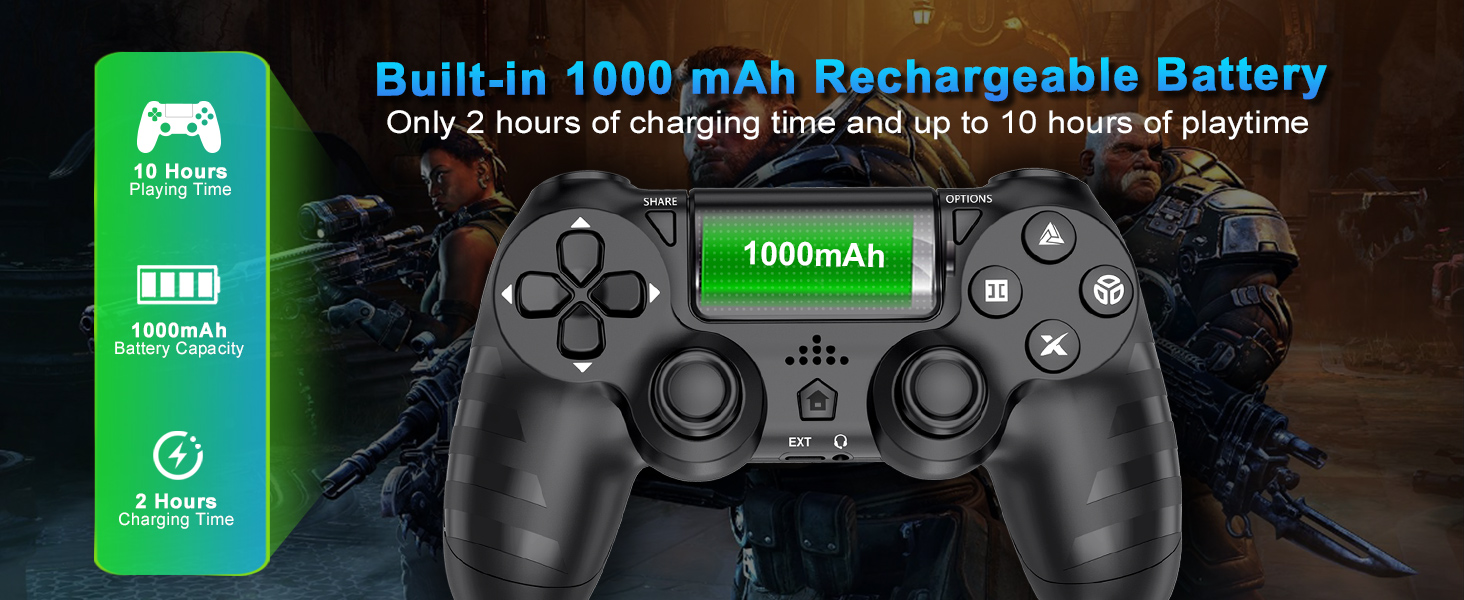
Image: Battery capacity and charging details for the controller.
7. การบำรุงรักษา
- การทำความสะอาด: ใช้ผ้านุ่มและแห้งเช็ดคอนโทรลเลอร์ สำหรับสิ่งสกปรกฝังแน่น ให้เช็ดเบาๆampชุบผ้าด้วยน้ำ หลีกเลี่ยงการใช้สารเคมีรุนแรงหรือน้ำยาทำความสะอาดที่มีฤทธิ์กัดกร่อน
- พื้นที่จัดเก็บ: เก็บตัวควบคุมไว้ในที่แห้งและเย็น ห่างจากแสงแดดโดยตรงและอุณหภูมิที่สูงหรือต่ำมาก
- การดูแลแบตเตอรี่ เพื่อยืดอายุการใช้งานแบตเตอรี่ ควรหลีกเลี่ยงการปล่อยประจุแบตเตอรี่จนหมดบ่อยๆ ควรชาร์จเป็นประจำ แม้จะไม่ได้ใช้งานเป็นเวลานานก็ตาม
- การจัดการ: Do not drop the controller or subject it to strong impacts. Avoid pulling the cable forcefully when disconnecting.
8 การแก้ไขปัญหา
| ปัญหา | สาเหตุที่เป็นไปได้ | สารละลาย |
|---|---|---|
| ตัวควบคุมไม่สามารถเชื่อมต่อ/จับคู่ได้ | Low battery, out of range, pairing mode not activated, interference. | Charge the controller fully. Ensure it's within range of the console/PC. Re-enter pairing mode (SHARE + HOME for 3 seconds). Try connecting with the USB-C cable first. |
| อาการหน่วงหรือการไม่ตอบสนองของอินพุต | Wireless interference, low battery, software issue. | Ensure no strong wireless interference. Charge the controller. Restart the console/PC and controller. |
| การดริฟท์ของจอยสติ๊ก | Wear and tear, dust/debris. | Try resetting the controller (small button on the back). Clean around the joystick base. If persistent, contact support. |
| Headset microphone not working. | Headset compatibility, console/PC audio settings, controller defect. | Ensure your headset is fully plugged in. Check audio input/output settings on your PS4 or PC. Test with another headset if possible. If the issue persists, it may indicate a hardware problem. |
| ตัวควบคุมไม่ชาร์จ | Faulty cable, faulty charging port, power source issue. | Try a different USB-C cable and a different power source (e.g., another USB port on console/PC, wall adapter). Ensure the cable is securely connected. |
9. ข้อมูลจำเพาะ
| คุณสมบัติ | รายละเอียด |
|---|---|
| แบบอย่าง | B0DH22GT2B |
| ยี่ห้อ | ไดอันเดอร์ |
| ความเข้ากันได้ | PS4, PS4 Slim, PS4 Pro, PC |
| ความจุของแบตเตอรี่ | ลิเธียมไอออน 1000mAh |
| เวลาในการชาร์จ | ประมาณ 2 ชั่วโมง |
| เวลาเล่น | นานถึง 15 ชั่วโมง |
| การเชื่อมต่อ | Wireless (Bluetooth), USB-C |
| เซ็นเซอร์ | 6-Axis Motion Sensor (Accelerometer, Gyroscope) |
| ข้อเสนอแนะ | Dual Vibration Motors (4 levels) |
| เสียง | แจ็คหูฟังขนาด 3.5 มม. |
| น้ำหนักสินค้า | 9.9 ออนซ์ (ประมาณ 280 กรัม) |
| ขนาดแพ็คเกจ | 6.5 x 4.37 x 2.6 นิ้ว |
10. วิดีโอผลิตภัณฑ์อย่างเป็นทางการ
วิดีโอ: สั้นๆ สั้นๆview of the DYONDER Wireless Controller in pink, highlighting features like dual vibration, sensitive joysticks, and anti-slip texture.
Video: A quick look at the black DYONDER Wireless Controller, showcasinก. การออกแบบและคุณสมบัติ
11. การรับประกันและการสนับสนุน
For warranty information, technical support, or any inquiries regarding your DYONDER Wireless Controller, please refer to the contact information provided on the product packaging or visit the official DYONDER webไซต์นี้ โปรดเก็บใบเสร็จรับเงินที่ซื้อไว้เพื่อใช้เรียกร้องการรับประกัน
