การแนะนำ
This manual provides essential instructions for setting up, operating, and maintaining your Back Bay Audio Tempo 30 Wireless Earbuds. Please read thoroughly before use.
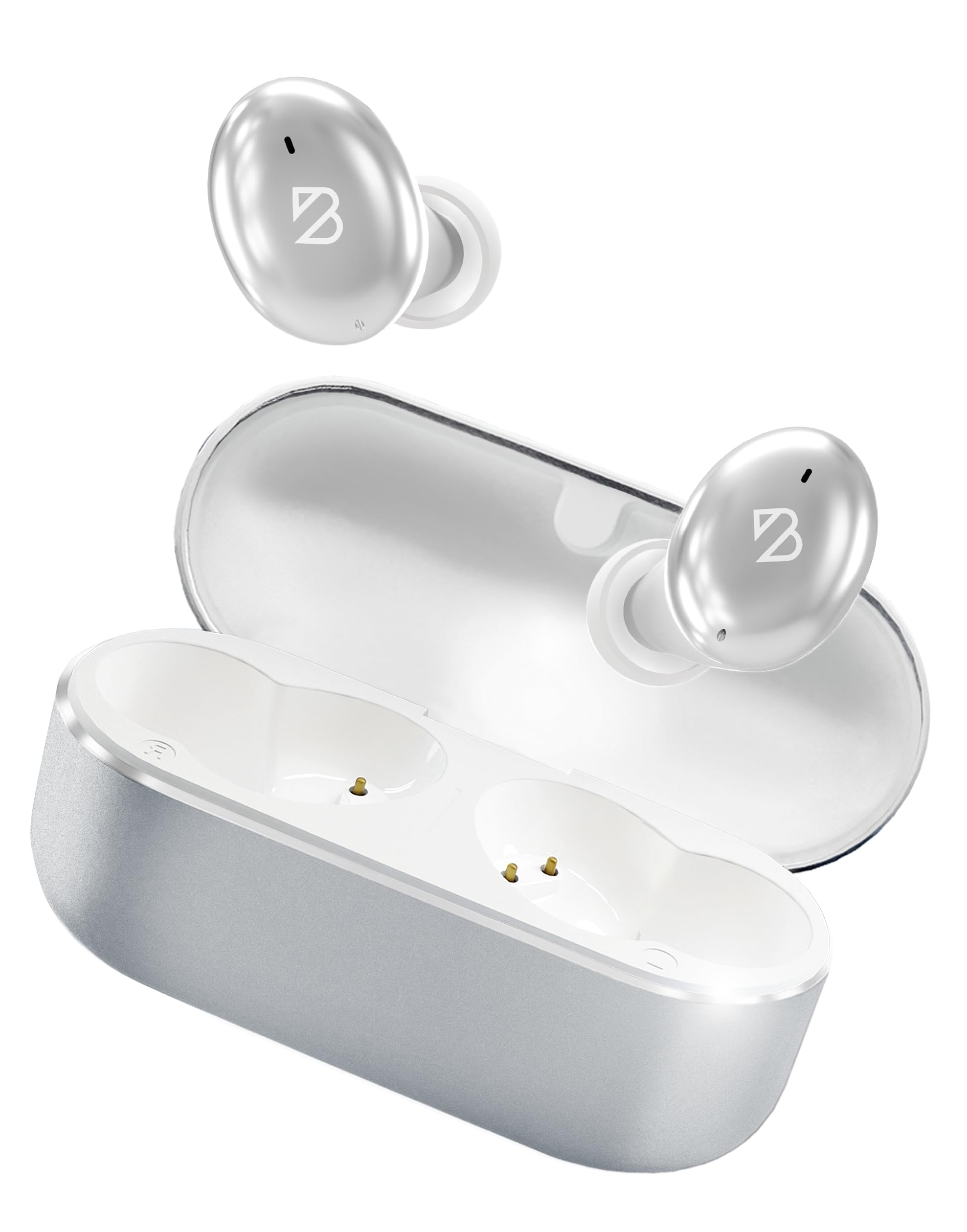
Image: Back Bay Audio Tempo 30 Wireless Earbuds in silver, showcasinด้วยการออกแบบที่เพรียวบาง
มีอะไรอยู่ในกล่อง
- Back Bay Audio Tempo 30 Wireless Earbuds
- เคสชาร์จไฟ
- สายชาร์จ USB-C
- Multiple Sizes of Eartips (6 pairs)
- คู่มือการใช้งาน

Image: The Tempo 30 earbuds in their charging case, accompanied by a selection of different sized eartips for a customized fit.
การตั้งค่า
1. การชาร์จหูฟังและเคส
Before first use, fully charge your Tempo 30 earbuds and charging case. The charging case provides an additional 24 hours of battery life, extending total playtime to 32 hours.
- เชื่อมต่อสาย USB-C ที่ให้มาเข้ากับพอร์ตชาร์จบนเคสและแหล่งจ่ายไฟ
- The LED indicator on the case will flash while charging and turn solid when fully charged.
- Place the earbuds into the charging case to charge them. The case display will show the charge level.

Image: The Tempo 30 charging case with earbuds, illustrating the USB-C charging port and the digital battery display.
2. การจับคู่กับอุปกรณ์ของคุณ
The Tempo 30 earbuds are designed for simple pairing with any Bluetooth-enabled device.
- Ensure earbuds are charged and inside the charging case.
- เปิดฝาเคสชาร์จ หูฟังจะเข้าสู่โหมดจับคู่โดยอัตโนมัติ
- On your device (phone, computer, etc.), go to Bluetooth settings and select "Back Bay Tempo 30" from the list of available devices.
- Once connected, you will hear an audio prompt "Device Connected".
3. Optimal Fit for Small Ears
The Tempo 30 earbuds come with 6 different ear-tip sizes to ensure a comfortable and secure fit, especially for smaller ear canals. Experiment with different sizes to find the best seal for optimal sound quality and comfort.

Image: A close-up of the Tempo 30 earbuds highlighting the multiple ear-tip options designed for a comfortable fit in small ears.
คำแนะนำการใช้งาน
การควบคุมแบบสัมผัส
The Tempo 30 earbuds feature intuitive touch controls on each earbud for managing audio playback, calls, and sound modes.
| การกระทำ | เอียร์บัดข้างซ้าย | เอียร์บัดด้านขวา |
|---|---|---|
| การควบคุมระดับเสียง | Single Tap: Volume Down | Single Tap: Volume Up |
| เล่น/หยุดชั่วคราว | แตะสองครั้ง (ที่หูฟังข้างใดข้างหนึ่ง) | |
| เพลงต่อไป | ค้างไว้ 2 วินาที | |
| เปิด/ปิดโหมดเบส | แตะสามครั้ง | |
| ผู้ช่วยเสียง | แตะสามครั้ง | |
| โหมดควบคุมเสียงรบกวน | Hold for 2 seconds (cycles through Transparency, Noise Blocking, Off) | |
| เปิด/ปิดเครื่อง | Hold for 5 seconds (either earbud) or place in charging case | |
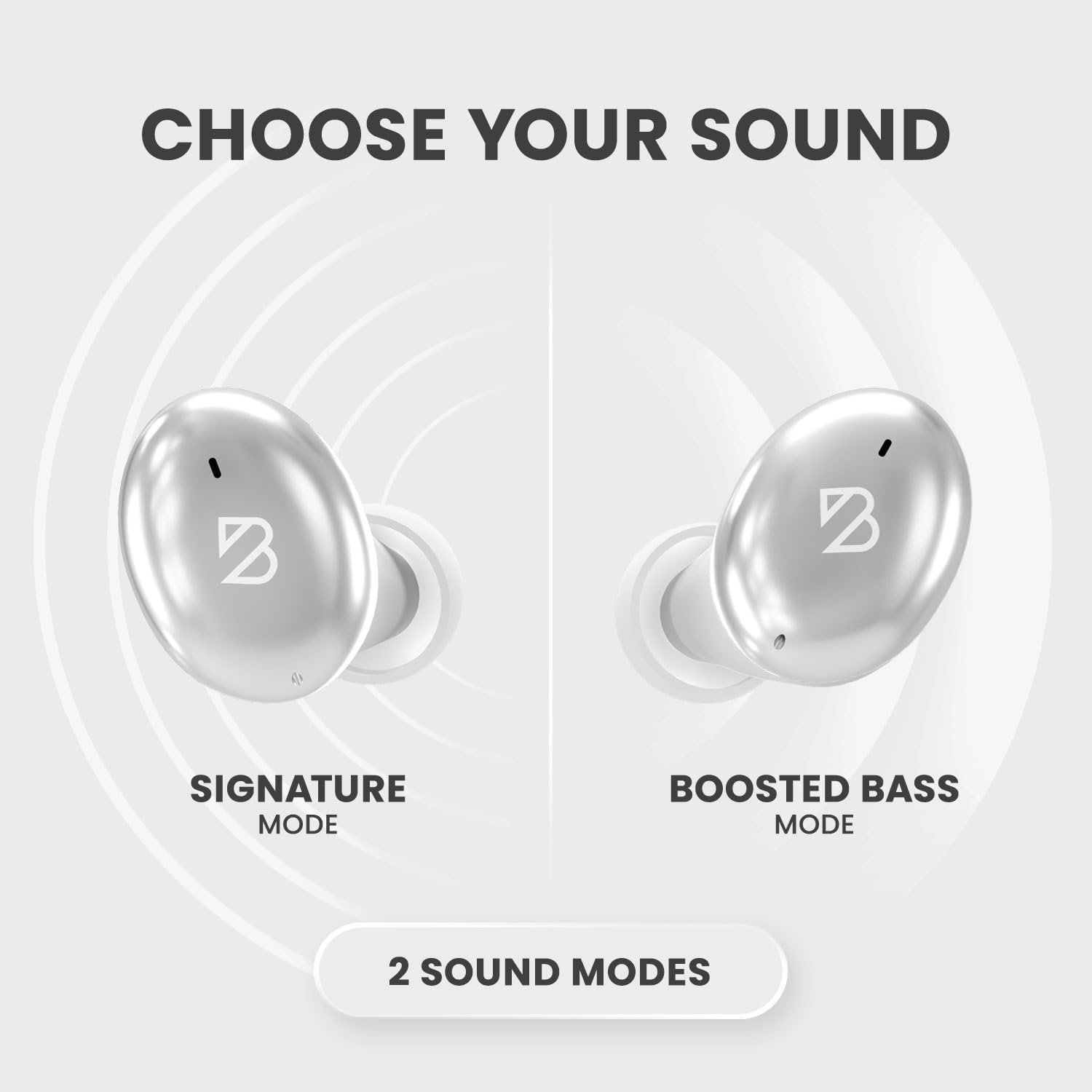
Image: A visual representation of the Tempo 30 earbuds, illustrating the two available sound modes: Signature Mode and Boosted Bass Mode.
โหมดเสียง
- โหมดลงลายเซ็น: Provides a balanced audio experience.
- Boosted Bass Mode: Enhances low frequencies for a more powerful sound, ideal for workouts or gaming. Activate by triple-tapping the right earbud.
การควบคุมเสียงรบกวน
The Tempo 30 offers three noise control modes:
- โหมดความโปร่งใส: ช่วยให้เสียงรอบข้างผ่านเข้ามาได้ ทำให้คุณรับรู้ถึงสภาพแวดล้อมรอบตัวได้
- โหมดตัดเสียงรบกวน: ลดเสียงรบกวนจากภายนอกเพื่อประสบการณ์การฟังที่ดื่มด่ำ
- ปิด: ปิดใช้งานคุณสมบัติควบคุมเสียงรบกวน
Cycle through these modes by holding the left earbud for 2 seconds.
การซ่อมบำรุง
- การทำความสะอาด: ทำความสะอาดจุกหูฟังและหน้าสัมผัสการชาร์จเป็นประจำด้วยผ้าแห้งนุ่ม
- ความต้านทานน้ำ: The Tempo 30 earbuds are IPX7-rated waterproof, making them resistant to sweat and rain. They are not designed for swimming.

Image: The Tempo 30 earbuds shown with water droplets, emphasizing their IPX7 water-resistant rating.
การแก้ไขปัญหา
- ไม่มีปัญหาเรื่องเสียง/การจับคู่: Ensure earbuds are charged. Turn off and on your device's Bluetooth, then re-attempt pairing.
- เอียร์บัดข้างหนึ่งไม่ทำงาน: Place both earbuds back in the charging case, close the lid, and wait for 10 seconds. Then open and try again.
- คุณภาพเสียงไม่ดี: Check ear-tip fit. Ensure earbuds are clean and free of debris.
ข้อมูลจำเพาะ
- ชื่อรุ่น : แบ็คเบย์ เทมโป 30
- เทคโนโลยีการเชื่อมต่อ: บลูทูธ 5.0
- อายุการใช้งานแบตเตอรี่: Up to 32 hours (8 hours earbuds + 24 hours charging case)
- ระดับการต้านทานน้ำ: IPX7 (Sweatproof, Water Resistant - Not for Swimming)
- การควบคุมเสียงรบกวน: Sound Isolation (Transparency Mode, Noise Blocking Mode)
- ประเภทไดรเวอร์เสียง: ไดร์เวอร์แบบไดนามิก
- ไมโครโฟน: Built-in for calls with CVC 8.0 Mic Noise Cancelling
- วิธีการควบคุม: สัมผัส
- วัสดุ: โลหะ, พลาสติก ABS คุณภาพสูง
- น้ำหนักสินค้า: 45 กรัม (1.59 ออนซ์)
- ขนาดสินค้า : 1.1 x 2.9 x 1.8 นิ้ว

Image: Diagram showing the dimensions of the Tempo 30 earbuds and their charging case.
วิดีโอผลิตภัณฑ์อย่างเป็นทางการ
Video: An official product video from Back Bay Brand showcasing the Tempo 30 Wireless Bluetooth Earbuds and their features for workouts.
การรับประกันและการสนับสนุน
For warranty information and customer support, please refer to the contact details provided in the packaging or visit the official Back Bay Audio webเว็บไซต์.


