การแนะนำ
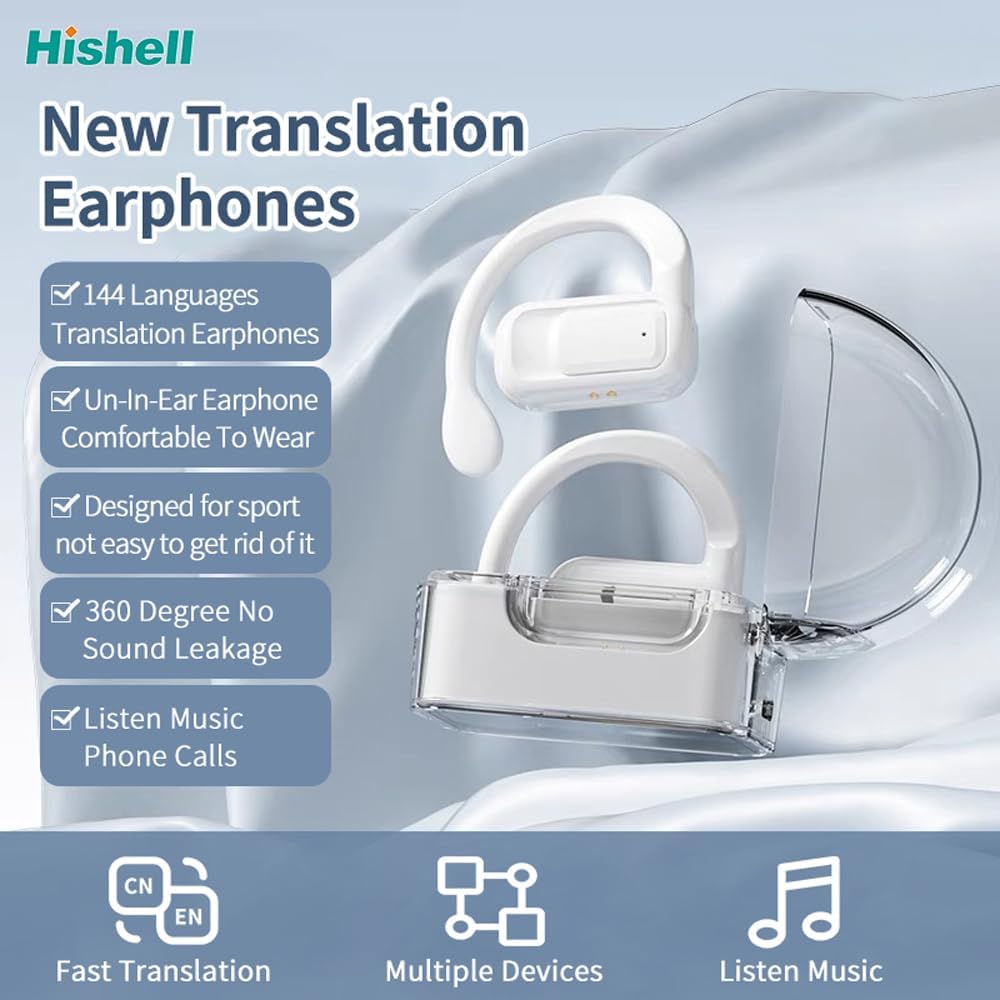
Thank you for choosing the HISHELL Language Translator Earbuds. These open-ear headphones are designed to provide seamless real-time language translation across 144 online languages, powered by 6 top translation engines. Beyond translation, they also function as versatile devices for music streaming and phone calls. This manual will guide you through the setup, operation, and maintenance of your new device to ensure an optimal user experience.

Image: The HISHELL Language Translator Earbuds, showing both earbuds and their transparent charging case.
มีอะไรอยู่ในกล่อง
- 2 x Language Translator Earphones
- 1 x ช่องชาร์จ
- 1 x Data Cable (USB-C)
- 1 x Headset User Manual
- 1 x APP Translation User Manual

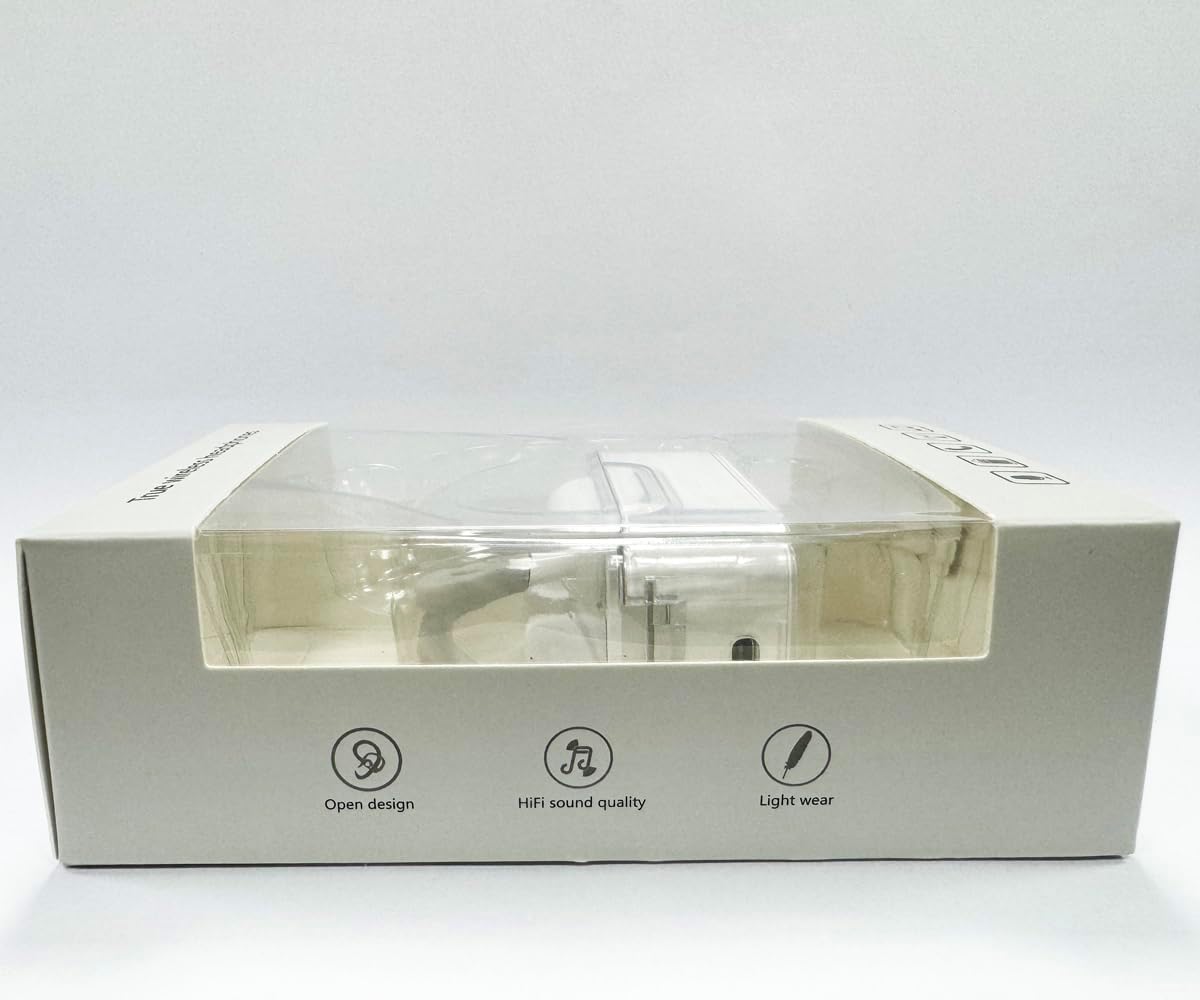
ภาพ: ด้านหน้า view of the product packaging, displaying the earbuds inside.
การตั้งค่า
1. การชาร์จหูฟังและเคส
Before first use, fully charge the earbuds and the charging case. Connect the provided USB-C data cable to the charging port on the case and plug the other end into a USB power source (e.g., computer, wall adapter). The indicator lights on the case will show charging status.
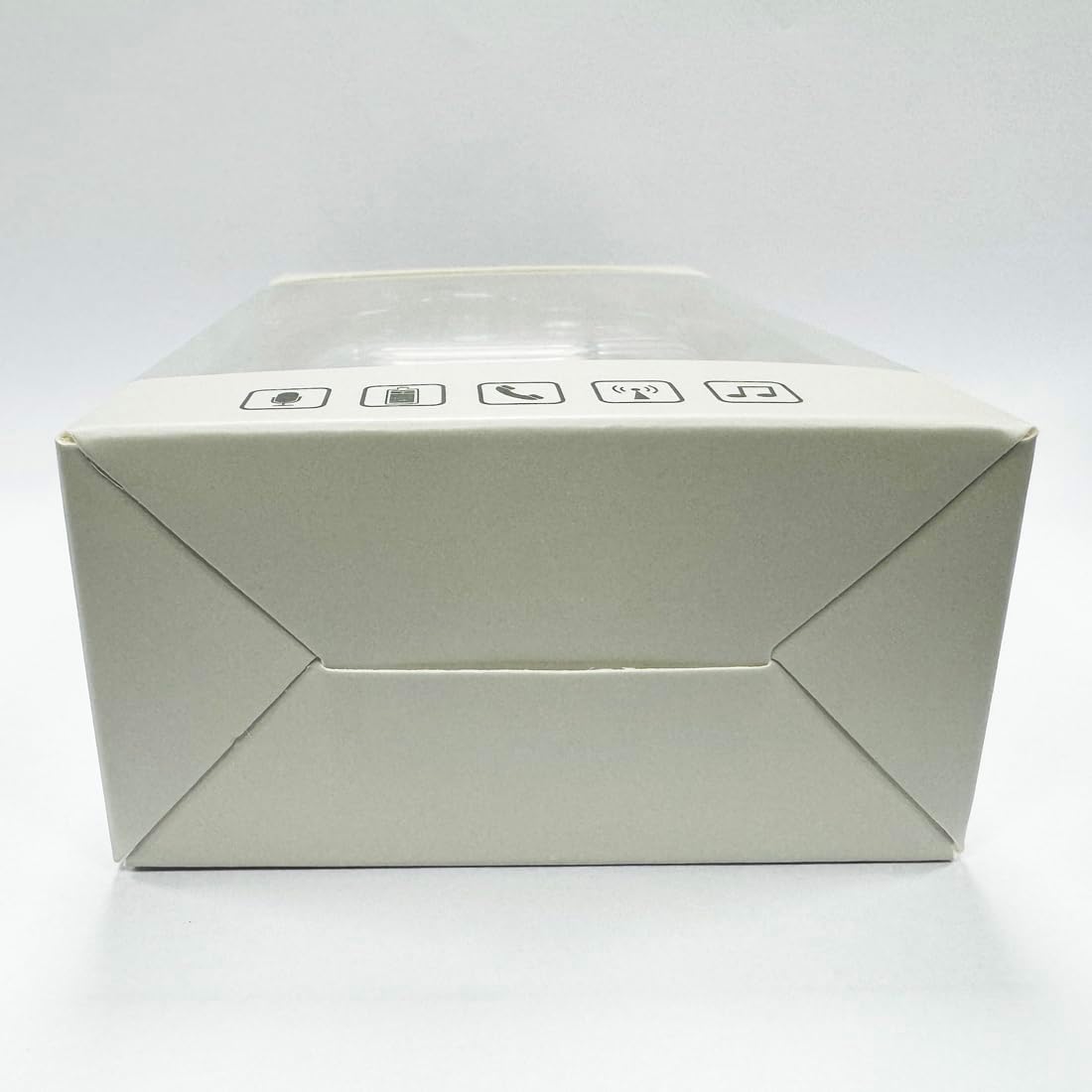
ภาพ: ด้านล่าง view of the charging case, highlighting the USB-C charging port.
2. การติดตั้งแอพ
To utilize the translation features, you must download the dedicated HISHELL translation app on your smartphone (iOS or Android). Scan the QR code provided in the APP Translation User Manual or search for "HISHELL Translator" in your device's app store.
3. การจับคู่บลูทู ธ
- ตรวจสอบให้แน่ใจว่าหูฟังชาร์จไฟเต็มแล้วและนำออกจากกล่องชาร์จแล้ว หูฟังจะเข้าสู่โหมดจับคู่โดยอัตโนมัติ
- On your smartphone, go to Bluetooth settings and turn Bluetooth on.
- Select "HISHELL BL02" (or similar name) from the list of available devices.
- เมื่อเชื่อมต่อแล้ว เสียงยืนยันจะเล่น และหูฟังจะพร้อมใช้งาน
คำแนะนำการใช้งาน
The HISHELL Language Translator Earbuds offer three primary translation modes, along with standard audio functions.
โหมดการแปล

Image: Visual representation of the three distinct translation modes available with the earbuds.
- โหมดสัมผัส:
Two people each wear one earphone. Click or double-click the earphone to translate in real-time. This mode is suitable for acquaintances who are willing to wear your earphone.

Image: Two individuals using the translator earbuds in a conversational setting.
- โหมดลำโพง:
One person wears the earphones, and the other person holds the mobile phone. The phone's speaker will output the translation. This mode is suitable for strangers or situations where it's inconvenient for the other person to wear an earphone.
- โหมดพูดคุยฟรี:
Both users wear an earphone. The device translates in real-time, allowing for natural, continuous conversation without needing to press buttons. This mode facilitates smooth and uninterrupted communication.
Music and Call Functions
In addition to translation, the earbuds function as standard Bluetooth headphones:
- การเล่นเพลง: Once connected via Bluetooth, you can stream audio from your device. Use your phone's media controls for play/pause, skip tracks, and volume adjustment.
- โทรศัพท์: The earbuds support hands-free calling. Answer/end calls directly through the earbuds (refer to the APP Translation User Manual for specific touch controls). The binaural HD microphone ensures clear communication.

ภาพ: อดีตamples of individuals comfortably wearing the open-ear translator earbuds.
การซ่อมบำรุง
การทำความสะอาด
- เช็ดหูฟังและกล่องชาร์จด้วยผ้าแห้งนุ่มที่ไม่เป็นขุย
- ห้ามใช้สารทำความสะอาดที่มีฤทธิ์กัดกร่อน แอลกอฮอล์ หรือตัวทำละลายเคมี
- หลีกเลี่ยงไม่ให้ความชื้นเข้าในช่องเปิดต่างๆ
พื้นที่จัดเก็บ
เมื่อไม่ใช้งาน ให้เก็บหูฟังไว้ในกล่องชาร์จเพื่อปกป้องหูฟังและรักษาระดับพลังงาน เก็บในที่แห้งและเย็น หลีกเลี่ยงแสงแดดโดยตรงและอุณหภูมิที่สูงหรือต่ำเกินไป
การแก้ไขปัญหา
| ปัญหา | สาเหตุที่เป็นไปได้ | สารละลาย |
|---|---|---|
| หูฟังเอียร์บัดไม่จับคู่ | Low battery; out of range; not in pairing mode; previous connection issue. | Ensure earbuds are charged. Place them closer to your device. Re-insert into case and remove to re-enter pairing mode. Forget device in Bluetooth settings and re-pair. |
| Translation not accurate or delayed | Poor internet connection; background noise; speaking too fast/unclearly; incorrect language selection. | Ensure stable internet connection. Speak clearly and at a moderate pace. Reduce background noise. Verify correct source and target languages in the app. |
| ไม่มีเสียงออกจากหูฟัง | Volume too low; not connected; media paused. | Increase volume on your device. Check Bluetooth connection. Ensure media is playing. |
| เคสชาร์จไม่ชาร์จ | สายเคเบิล/อะแดปเตอร์ชำรุด; พอร์ตชาร์จสกปรก | Try a different USB-C cable and power adapter. Clean the charging port gently with a dry cotton swab. |
For further assistance, please refer to the APP Translation User Manual or contact customer support.
ข้อมูลจำเพาะ
| คุณสมบัติ | รายละเอียด |
|---|---|
| หมายเลขรุ่น | BL02 |
| ขนาดแพ็คเกจ | 5.16 x 3.15 x 1.69 นิ้ว |
| น้ำหนักสินค้า | 2.12 ออนซ์ |
| แบตเตอรี่ | แบตเตอรี่ลิเธียมโพลิเมอร์ 1 ก้อน (รวมอยู่ด้วย) |
| ภาษาแปล | 144 online languages |
| Translation Engines | Powered by 6 top translation engines |
| ไมโครโฟน | Binaural HD microphone |
| อายุการใช้งานแบตเตอรี่ (การฟัง) | ประมาณ 3 ชั่วโมง |
| เวลาสแตนด์บาย | ประมาณ 240 ชั่วโมง |
| พอร์ตชาร์จ | ยูเอสบี-ซี |


ภาพ: ต่างๆ views of the HISHELL charging case, showing its dimensions and design.
การรับประกันและการสนับสนุน
ข้อมูลการรับประกัน
HISHELL products typically come with a standard manufacturer's warranty. Please refer to the warranty card included in your product packaging or visit the official HISHELL webเว็บไซต์สำหรับข้อกำหนดและเงื่อนไขการรับประกันโดยละเอียดที่เฉพาะเจาะจงกับภูมิภาคและวันที่ซื้อของคุณ
การสนับสนุนลูกค้า
If you encounter any issues or have questions not covered in this manual, please contact HISHELL customer support. You can usually find contact information (email, phone, or support portal) on the official HISHELL webเว็บไซต์หรือผ่านทางร้านค้าปลีกที่คุณซื้อผลิตภัณฑ์


