1. บทนำ
Thank you for choosing the Retevis NR630 Walkie Talkie. This device is designed for reliable and efficient communication in various environments. Featuring IP67 waterproofing, long-range capabilities, and intelligent noise reduction, the NR630 is suitable for professional and recreational use. Please read this manual carefully to ensure proper operation and maintenance of your device.

Figure 1: Retevis NR630 Walkie Talkie
2. เนื้อหาบรรจุภัณฑ์
Upon unpacking, please verify that all items listed below are included and in good condition. If any items are missing or damaged, contact your retailer.
- 3 x Retevis Walkie Talkie
- 3 x เสาอากาศ
- สายคล้องมือ 3 เส้น
- สายชาร์จ Type-C 3 เส้น
- คลิปหนีบเข็มขัด 3 ชิ้น
- 3 x ฐานชาร์จไฟ
- 3 x คู่มือผู้ใช้

รูปที่ 2: สิ่งของในบรรจุภัณฑ์
3. คุณสมบัติของผลิตภัณฑ์
- การสื่อสารระยะไกล: Designed for adults, this walkie-talkie features a high-gain long antenna, high power, and strong penetration to efficiently achieve long-distance communication.
- IP67 กันน้ำและกันฝุ่น: The transceiver is professionally waterproof and dustproof, capable of being submerged in 1 meter of water for 30 minutes. This allows for reliable operation in harsh environments.
- การลดเสียงรบกวนอัจฉริยะ: Equipped with an independent noise reduction chip, this technology effectively filters out ambient noise, ensuring clear voice transmission and reception, unlike standard squelch functions.
- One-Key Group Call: The one-key group call function facilitates efficient multi-sector cooperation and improves overall work efficiency.
- Long Battery Life (2800 mAh): Equipped with a large 2800 mAh battery, the radio supports high-intensity daily use, ensuring reliable communication throughout your workday.
- Sturdy and Durable Design: Built to withstand demanding conditions, ensuring longevity and reliability.
- สัญญาณเตือนฉุกเฉิน: Features a dedicated emergency alarm function for local and remote alerts, enhancing user safety.

Figure 3: Wide Range Communication

รูปที่ 4: คุณสมบัติกันน้ำระดับ IP67

รูปที่ 5: เทคโนโลยีลดเสียงรบกวน

Figure 6: One-Key Group Call Function

รูปที่ 7: แบตเตอรี่ 2800 mAh
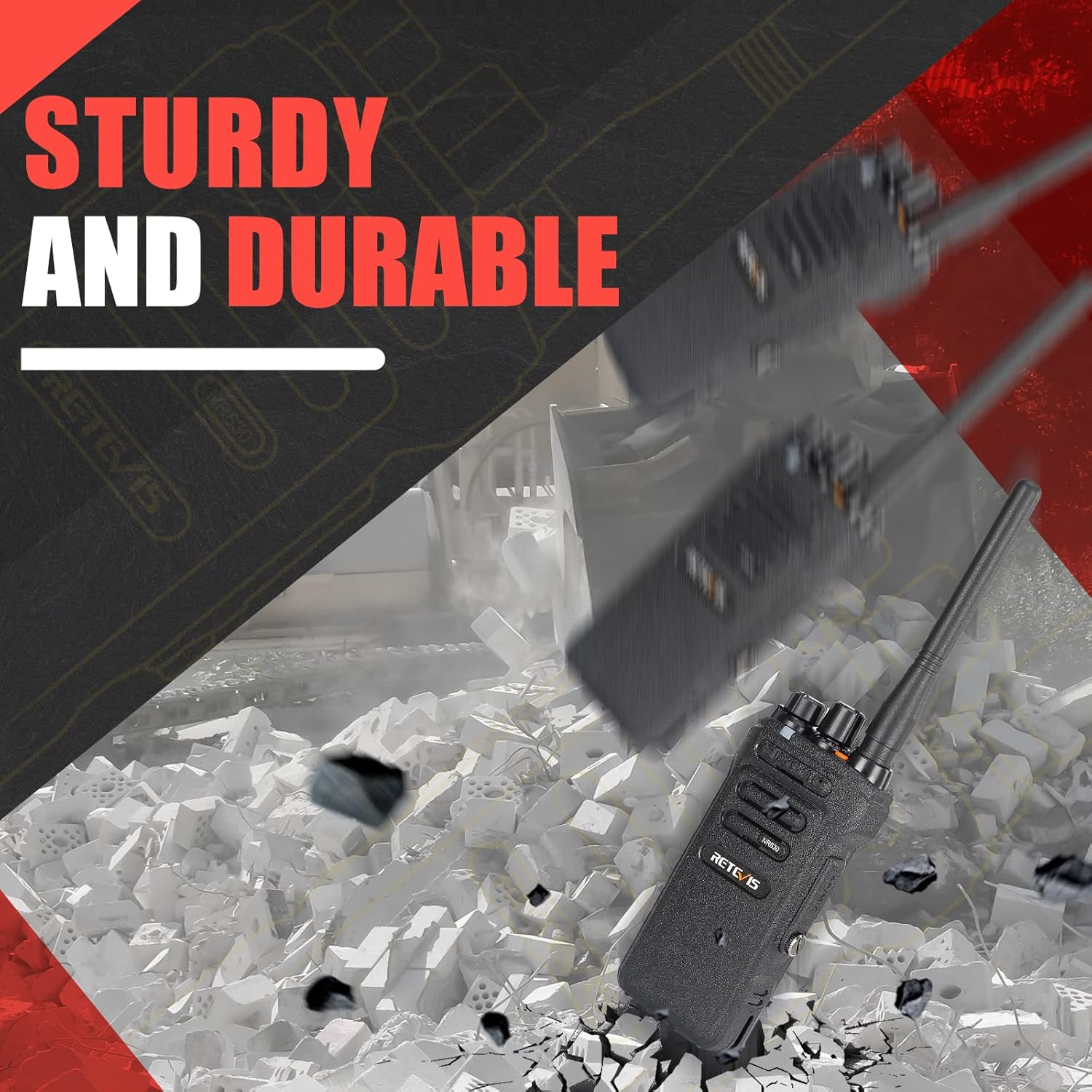
Figure 8: Sturdy and Durable Construction

Figure 9: Emergency Alarm Button
4. การตั้งค่า
4.1. การติดตั้งและการชาร์จแบตเตอรี่
- ตรวจสอบให้แน่ใจว่าวิทยุสื่อสารปิดอยู่
- วางแบตเตอรี่ให้ตรงกับช่องด้านหลังวิทยุ แล้วเลื่อนเข้าไปจนกระทั่งได้ยินเสียงคลิกและแน่นสนิท
- To charge, place the walkie-talkie in the charging base. Connect the Type-C charging cable to the base and a suitable power source. The indicator light on the base will show charging status.
- โดยปกติแล้วการชาร์จจนเต็มจะใช้เวลาหลายชั่วโมง ห้ามชาร์จแบตเตอรี่เกินกำหนด
4.2. การติดเสาอากาศ
- Screw the antenna clockwise into the connector on the top of the walkie-talkie until it is firmly seated. Do not overtighten.
4.3. การติดคลิปหนีบเข็มขัด
- Attach the belt clip to the designated slots on the back of the walkie-talkie using the provided screws.
5. คู่มือการใช้งาน
5.1. เปิด/ปิดเครื่องและควบคุมระดับเสียง
- ในการเปิดเครื่อง ให้หมุน ปุ่มเปิด/ปิดเครื่อง/ปรับระดับเสียง clockwise until you hear a click and a tone.
- หากต้องการปิดเครื่อง ให้หมุน... ปุ่มเปิด/ปิดเครื่อง/ปรับระดับเสียง ทวนเข็มนาฬิกาจนกระทั่งได้ยินเสียงคลิก
- ปรับระดับเสียงโดยการหมุน ปุ่มเปิด/ปิดเครื่อง/ปรับระดับเสียง. Clockwise increases volume, counter-clockwise decreases it.
5.2. การเลือกช่อง
- หมุน ปุ่มเลือกช่องสัญญาณ (usually the top-most knob) to select the desired channel. Ensure all radios in your group are on the same channel for communication.
5.3. การส่งและการรับ
- หากต้องการส่งสัญญาณ ให้กดปุ่มค้างไว้ ปุ่ม Push-to-Talk (ปตท.) วางไว้ด้านข้างวิทยุ พูดให้ชัดเจนใส่ไมโครโฟน
- ปล่อยปุ่ม PTT เพื่อรับ
5.4. Group Call Function
The NR630 supports a one-key group call function. Consult the full programming software for detailed setup of group call channels and members.
5.5. สัญญาณเตือนภัยฉุกเฉิน
To activate the emergency alarm, briefly press the designated Emergency Alarm button (often an orange button on top or side). This will trigger both local and remote alarms.
5.6. CTCSS/DCS Deactivation
The device supports CTCSS/DCS deactivation for compatibility with various walkie-talkies. Refer to the programming guide for specific steps to disable these tones if needed.
6. การบำรุงรักษา
6.1. การดูแลทั่วไป
- เก็บวิทยุให้แห้ง ถ้าเปียกให้เช็ดทันที
- อย่าให้วิทยุสัมผัสกับอุณหภูมิที่สูงเกินไป
- ควรหลีกเลี่ยงการทำวิทยุตกหรือกระแทกอย่างแรง
- ทำความสะอาดภายนอกวิทยุด้วยผ้านุ่มๆamp ผ้า. อย่าใช้สารเคมีหรือตัวทำละลายที่รุนแรง
6.2. การดูแลแบตเตอรี่
- ชาร์จแบตเตอรี่ให้เต็มก่อนใช้งานครั้งแรก
- Do not store the battery in a fully charged or completely discharged state for extended periods.
- ควรเปลี่ยนแบตเตอรี่หากระยะเวลาการใช้งานลดลงอย่างเห็นได้ชัด
7 การแก้ไขปัญหา
| ปัญหา | สาเหตุที่เป็นไปได้ | สารละลาย |
|---|---|---|
| ไม่มีไฟฟ้า | แบตเตอรี่หมดหรือติดตั้งไม่ถูกต้อง | ชาร์จแบตเตอรี่หรือติดตั้งใหม่ให้ถูกต้อง |
| ไม่สามารถสื่อสารกับวิทยุอื่นได้ | Different channels, CTCSS/DCS settings, or out of range. | Ensure all radios are on the same channel and have matching CTCSS/DCS settings. Check range. |
| คุณภาพเสียงไม่ดี | แบตเตอรี่เหลือน้อย เสาอากาศหลวม หรือมีสัญญาณรบกวน | Charge battery, check antenna connection, move to an area with less interference. |
| วิทยุส่งสัญญาณอย่างต่อเนื่อง | ปุ่ม PTT ค้างหรือทำงานผิดปกติ | Check PTT button. If stuck, try to free it. If faulty, contact support. |
8. ข้อมูลจำเพาะ
| คุณสมบัติ | ข้อมูลจำเพาะ |
|---|---|
| ยี่ห้อ | เรเทวิส |
| แบบอย่าง | NR630 |
| ขนาดสินค้า | ขนาด 24.7 x 18 x 6 ซม. ; 550 กรัม |
| แบตเตอรี่ | ต้องใช้แบตเตอรี่ลิเธียมไอออน 3 ก้อน (รวมอยู่ด้วย) |
| ฮาร์ดแวร์อินเตอร์เฟซ | ยูเอสบี |
| อุปกรณ์ที่รองรับ | Various two-way devices and accessories |
| คุณสมบัติเพิ่มเติม | 2800 mAh, Noise Cancellation, Group Call, IP67 Waterproof, Long Range |
| จำนวนรายการ | 3 |
| ระดับเสียง | 40 เดซิเบล |
| เล่มที่tage | 7.4 โวลต์ |
| ส่วนประกอบของเซลล์แบตเตอรี่ | ลิเธียมไอออน |
| ประเภทขั้วต่อ | ยูเอสบี |
| ระดับความต้านทานต่อน้ำ | กันน้ำ |
| จำนวนช่องสัญญาณ | 16 |
| สเปกตรัมความถี่ | 400-430 เมกะเฮิรตซ์ |
| ระยะการสนทนาสูงสุด | 7 กิโลเมตร |
9. การรับประกันและการสนับสนุน
For warranty information and technical support, please refer to the documentation included with your purchase or visit the official Retevis webไซต์ โปรดเก็บใบเสร็จรับเงินไว้เป็นหลักฐานการซื้อสำหรับการเรียกร้องการรับประกัน


