การแนะนำ
This manual provides detailed instructions for the setup, operation, maintenance, and troubleshooting of your Amazon Basics Pro Series Wireless Noise Cancelling ANC Over Ear Headphones. Please read this manual thoroughly before using the product to ensure proper function and longevity.

Image: The Amazon Basics Pro Series Wireless Noise Cancelling ANC Over Ear Headphone in black, showcasing การออกแบบที่เพรียวบาง
เนื้อหาแพ็คเกจ
ตรวจสอบว่ามีรายการทั้งหมดอยู่ในแพ็คเกจ:
- Amazon Basics Pro Series Wireless Noise Cancelling ANC Over Ear Headphone
- สายชาร์จแบบ USB Type-C
- สาย AUX 3.5 มม
- คู่มือการใช้งาน (เอกสารนี้)
การตั้งค่า
1. การชาร์จครั้งแรก
Before first use, fully charge the headphones. Connect the supplied USB Type-C charging cable to the headphone's charging port and the other end to a USB power source (e.g., computer USB port or wall adapter). The LED indicator will show charging status and turn off or change color when fully charged.
A full charge provides up to 74 hours of playback at 50% volume with ANC off, or 34 hours with ANC on.
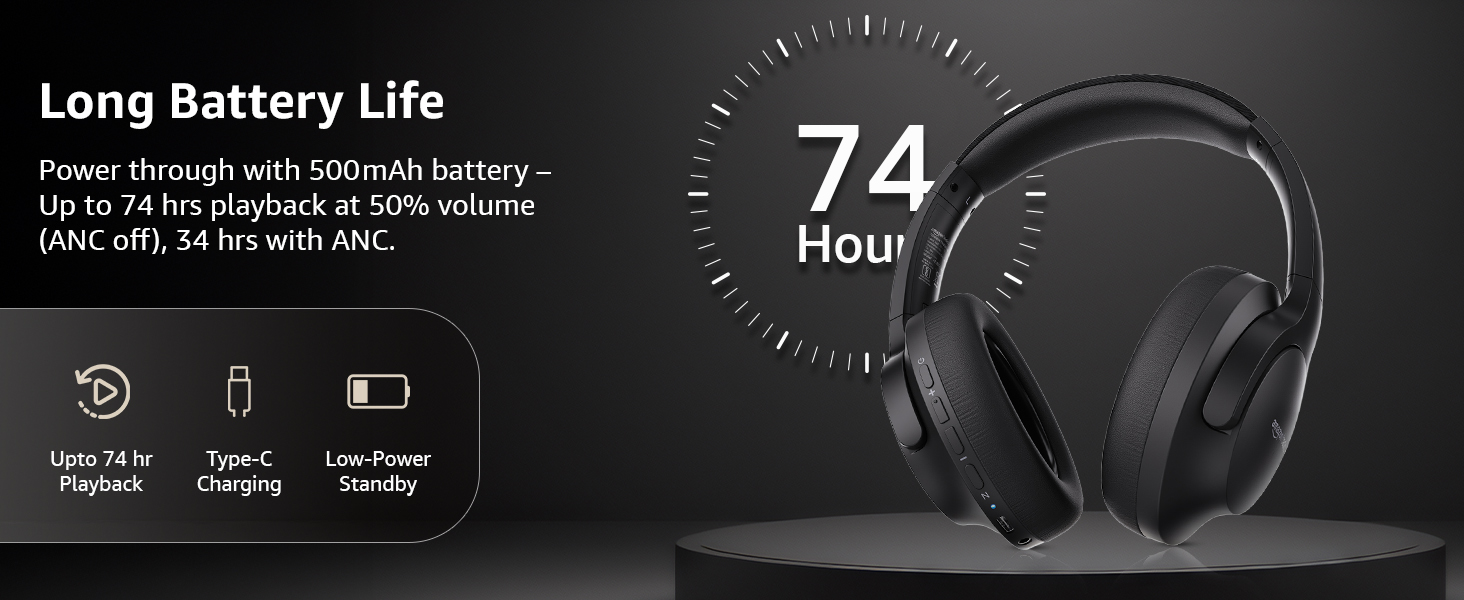
Image: An illustration highlighting the long battery life of the headphones, indicating up to 74 hours of playback.
2. การจับคู่บลูทู ธ
- ตรวจสอบให้แน่ใจว่าหูฟังได้รับการชาร์จและปิดเครื่องแล้ว
- กดปุ่มเปิด/ปิดค้างไว้จนกระทั่งไฟ LED แสดงสถานะกะพริบเป็นสีน้ำเงินและสีแดง แสดงถึงโหมดจับคู่
- บนอุปกรณ์ของคุณ (สมาร์ทโฟน แท็บเล็ต แล็ปท็อป) เปิดใช้งาน Bluetooth และค้นหาอุปกรณ์ที่มีอยู่
- Select "AB-IBT-82ANC" from the list of found devices.
- Once connected, the LED indicator will turn solid blue or flash slowly.
The headphones support dual pairing, allowing connection to two devices simultaneously for seamless switching.

Image: The headphones shown connected to both a smartphone and a laptop, illustrating the multi-pairing capability.
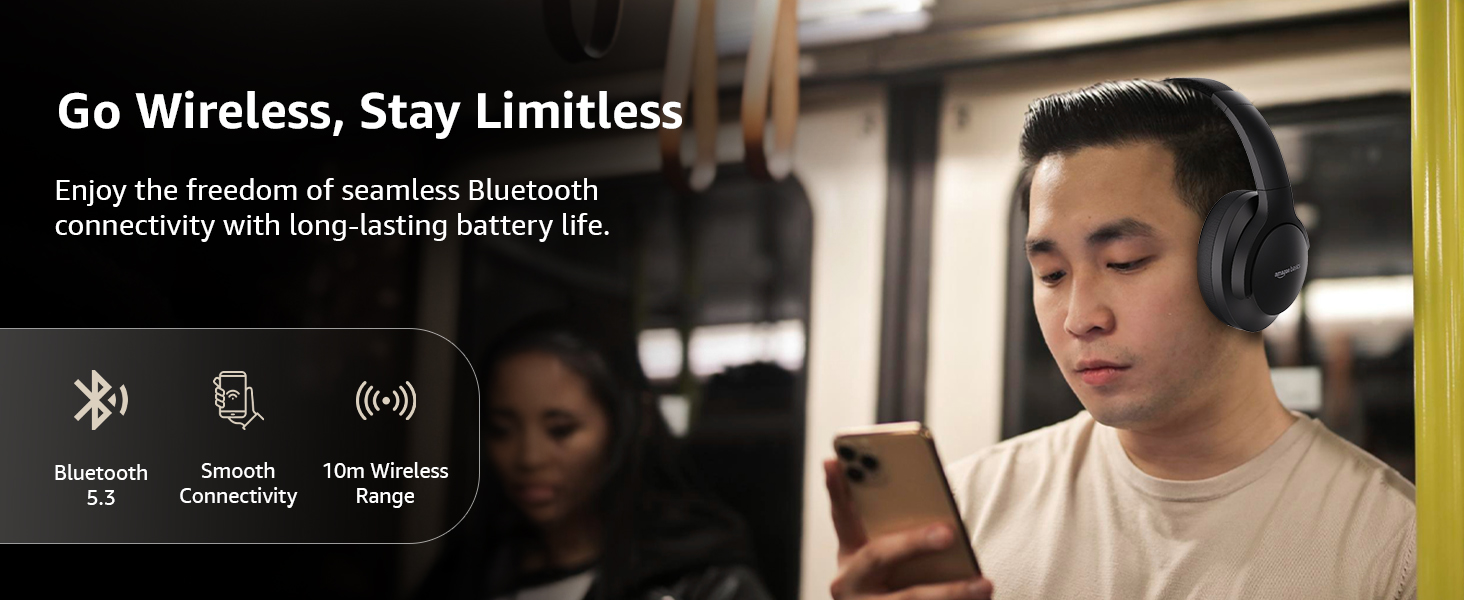
Image: A visual representation of the wireless capabilities, including Bluetooth 5.3 and a 10-meter wireless range.
3. การเชื่อมต่อแบบมีสาย (โหมด AUX)
For a wired connection, plug the 3.5mm AUX cable into the headphone's AUX port and the other end into your audio device's 3.5mm jack. This mode does not require battery power.
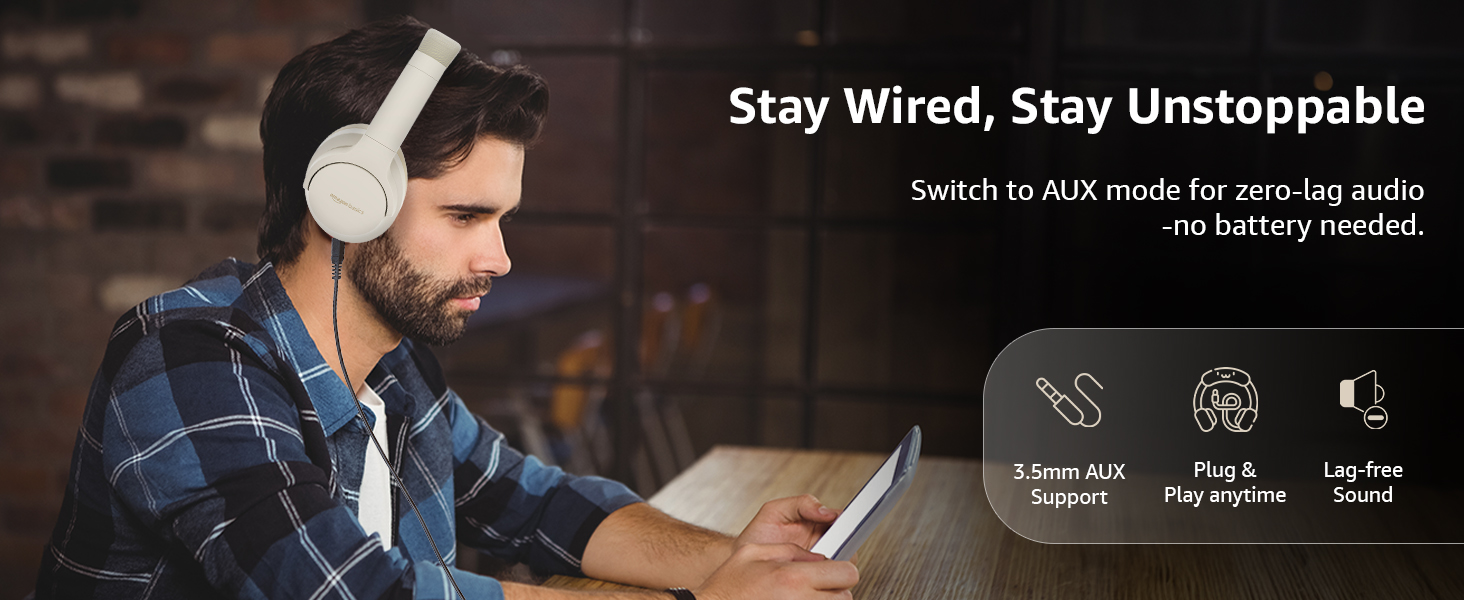
Image: A user demonstrating the wired AUX connection, emphasizing lag-free audio without needing battery power.
คำแนะนำการใช้งาน
1. เปิด/ปิดเครื่อง
- เปิดเครื่อง: กดปุ่มเปิดปิดค้างไว้ประมาณ 3 วินาที
- หมดแรง: กดปุ่มเปิดปิดค้างไว้ประมาณ 5 วินาที
2. Accessible Controls
หูฟังมีระบบควบคุมแบบใช้งานง่ายที่อยู่บนที่ครอบหู:
- เพิ่มระดับเสียง/เพลงถัดไป: กดสั้นเพื่อเพิ่มระดับเสียง กดยาวเพื่อเล่นเพลงถัดไป
- ลดระดับเสียง/เพลงก่อนหน้า: กดสั้นเพื่อลดระดับเสียง กดยาวเพื่อเล่นเพลงก่อนหน้า
- เล่น/หยุดชั่วคราว/รับสาย: กดปุ่มมัลติฟังก์ชั่นเพียงครั้งเดียว
- วางสาย: กดปุ่มมัลติฟังก์ชันเพียงครั้งเดียวขณะสนทนาอยู่
- ปฏิเสธสาย: กดปุ่มมัลติฟังก์ชันค้างไว้ขณะมีสายเรียกเข้า
- เปิดใช้งานผู้ช่วยเสียง (Siri/Google Assistant): กดปุ่มมัลติฟังก์ชันสองครั้ง
- เปิด/ปิด ANC: Dedicated ANC button to toggle Active Noise Cancellation.
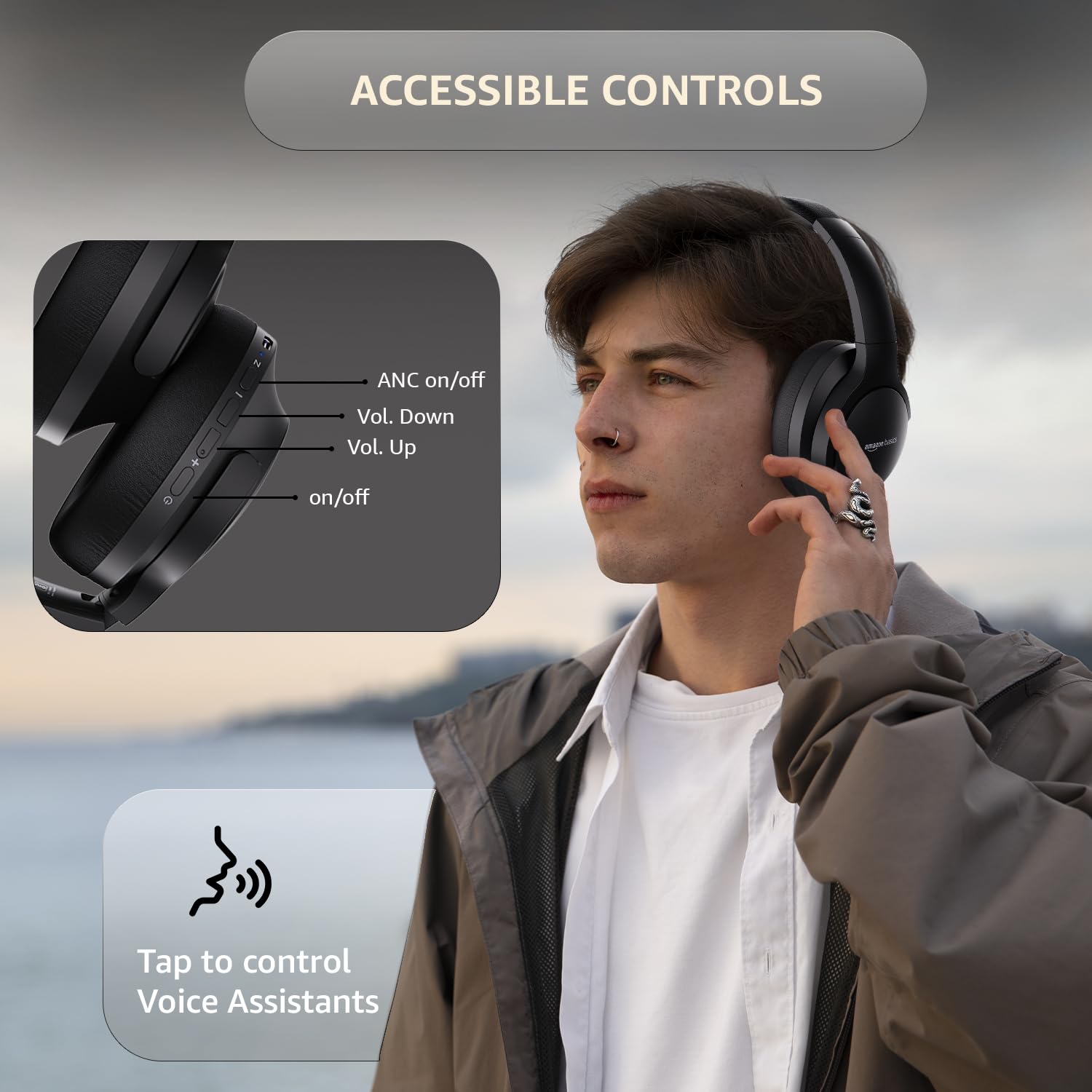
Image: A detailed diagram illustrating the location and function of the accessible controls on the headphone earcup.
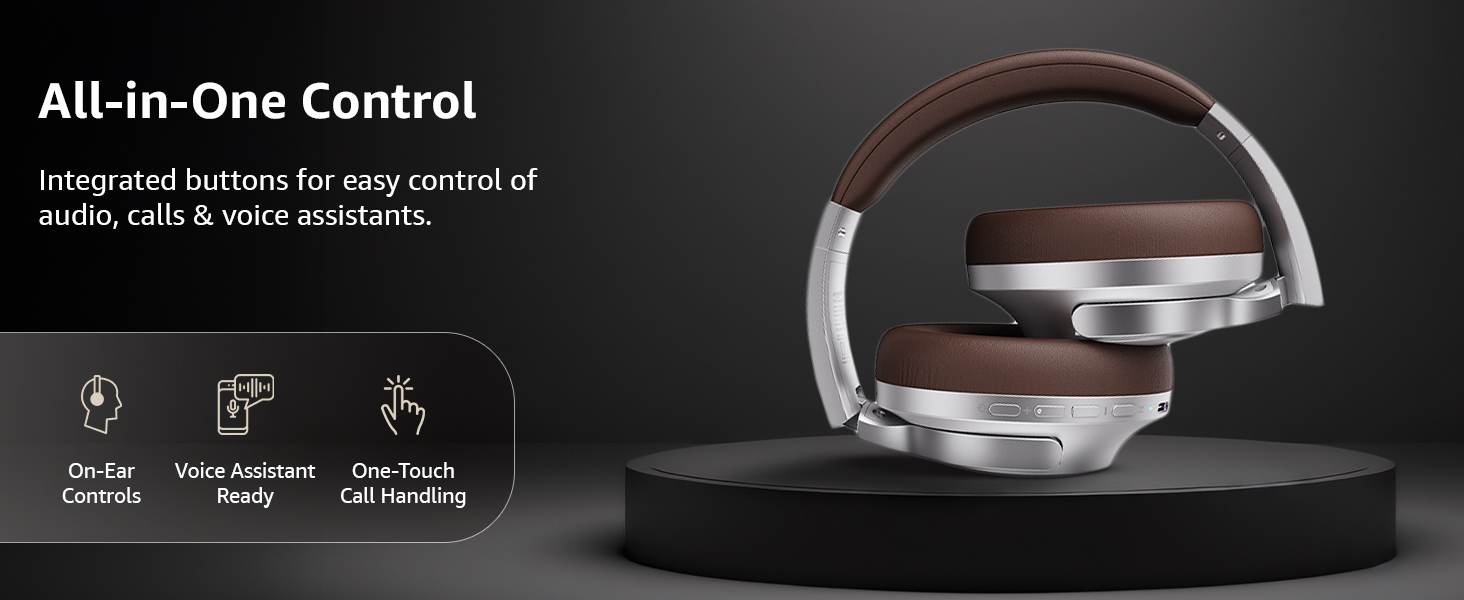
ภาพ: โอเวอร์view of the integrated controls, highlighting ease of use for audio, calls, and voice assistants.
3. ระบบตัดเสียงรบกวนแบบแอคทีฟ (ANC)
The Active Noise Cancellation feature reduces ambient noise, providing a more immersive listening experience. Press the dedicated ANC button to activate or deactivate this feature. Note that ANC functionality may slightly reduce overall battery life.

Image: A person wearing the headphones in a public setting, illustrating the effectiveness of Active Noise Cancellation in reducing distractions.
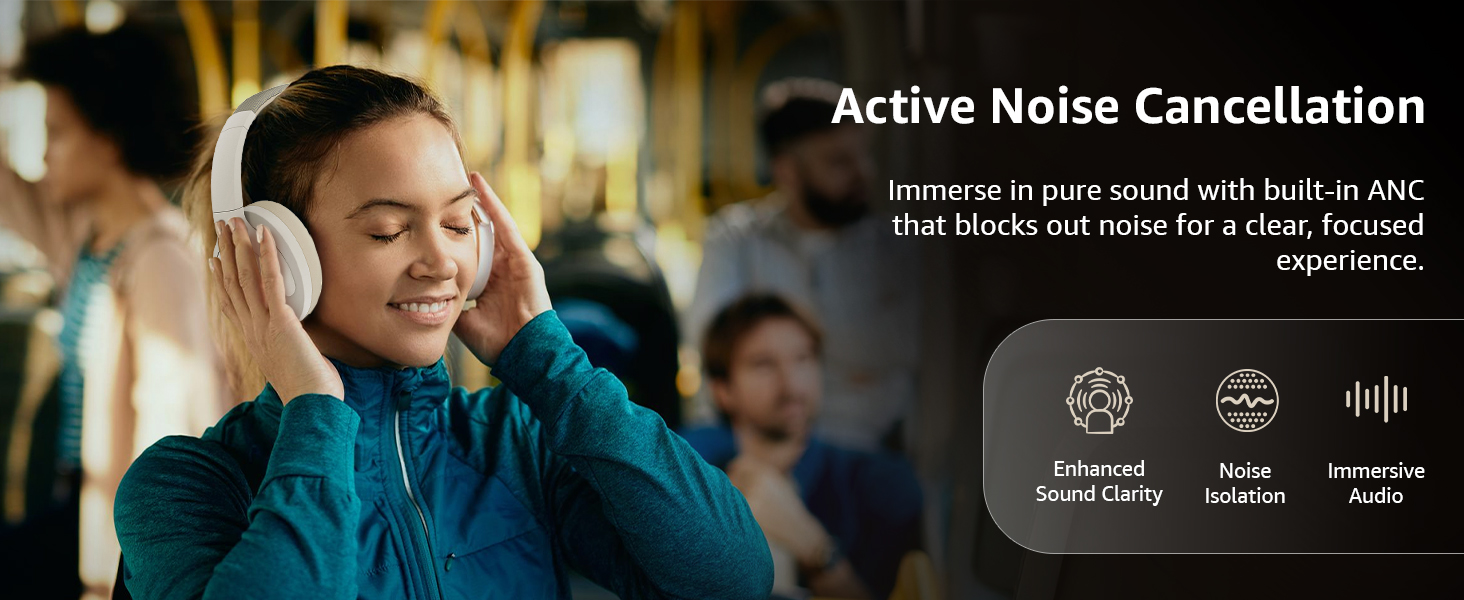
Image: A graphic emphasizing the benefits of Active Noise Cancellation, including enhanced sound clarity and immersive audio.
4 คุณภาพเสียงและไดรเวอร์
The headphones are equipped with 40mm drivers, designed to deliver rich bass, clear mids, and precise highs for a balanced audio experience.
ภาพ: ระเบิด view diagram illustrating the 40mm drivers, which are responsible for the headphone's sound output.
การซ่อมบำรุง
1. การทำความสะอาด
- เช็ดหูฟังด้วยผ้าแห้งนุ่มและไม่ขุย
- Do not use abrasive cleaners, solvents, or spray cleaners directly on the headphones.
- Clean the ear cushions gently with a damp เช็ดด้วยผ้าหากจำเป็น และปล่อยให้แห้งสนิทก่อนใช้งาน
2. การจัดเก็บ
When not in use, store the headphones in a cool, dry place, away from direct sunlight and extreme temperatures. The headphones feature a sleek and foldable design for convenient storage and portability.
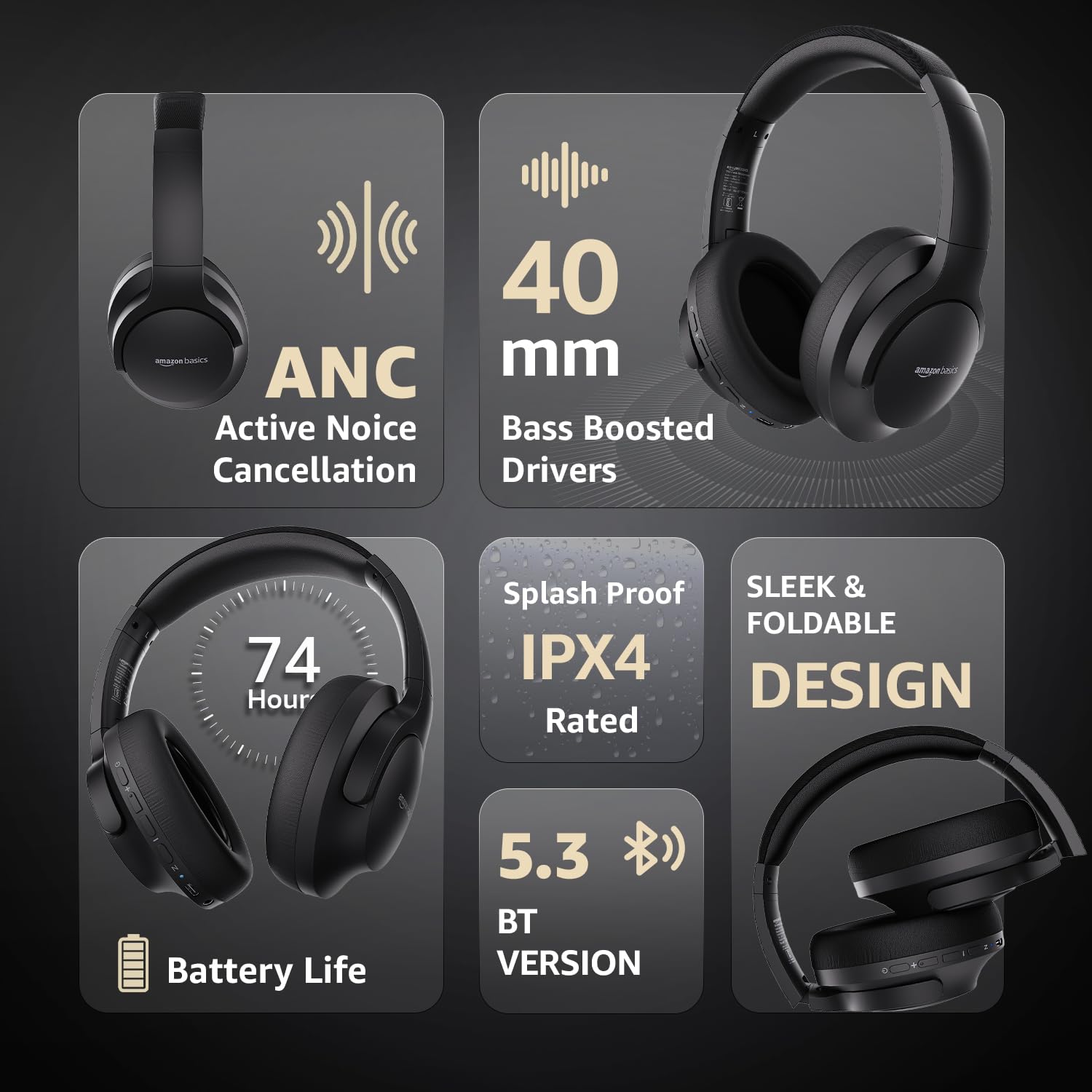
Image: An infographic highlighting key features, including the sleek and foldable design of the headphones for easy storage.
3. การดูแลแบตเตอรี่
- หลีกเลี่ยงการปล่อยแบตเตอรี่จนหมดบ่อยครั้ง
- ควรชาร์จหูฟังเป็นประจำ แม้ว่าจะไม่ได้ใช้งานเป็นเวลานาน เพื่อรักษาอายุการใช้งานของแบตเตอรี่
- อย่าให้แบตเตอรี่ถูกอุณหภูมิสูง
การแก้ไขปัญหา
| ปัญหา | สาเหตุที่เป็นไปได้ | สารละลาย |
|---|---|---|
| หูฟังไม่สามารถเปิดเครื่องได้ | แบตเตอรี่อ่อน | Charge the headphones fully using the supplied USB Type-C cable. |
| ไม่สามารถจับคู่ผ่านบลูทูธได้ | หูฟังไม่ได้อยู่ในโหมดจับคู่ อุปกรณ์ Bluetooth ปิดอยู่ ห่างจากอุปกรณ์มากเกินไป | Ensure headphones are in pairing mode (flashing blue/red). Turn Bluetooth on your device. Move headphones closer to the device (within 10m). |
| ไม่มีเสียง. | ระดับเสียงต่ำเกินไป แหล่งเสียงไม่ถูกต้อง ไม่ได้เชื่อมต่อหูฟัง | Increase volume on headphones and device. Verify correct audio output on device. Re-pair Bluetooth or check AUX cable connection. |
| ANC ไม่ทำงานอย่างมีประสิทธิภาพ | ระบบตัดเสียงรบกวน (ANC) ไม่ได้เปิดใช้งาน เสียงรบกวนรอบข้างสูงเกินไป | กดปุ่ม ANC เพื่อเปิดใช้งาน ระบบ ANC มีประสิทธิภาพสูงสุดในการลดเสียงรบกวนความถี่ต่ำและเสียงรบกวนคงที่ |
ข้อมูลจำเพาะ
| คุณสมบัติ | รายละเอียด |
|---|---|
| หมายเลขรุ่น | AB-IBT-82ANC |
| เทคโนโลยีการเชื่อมต่อ | ไร้สาย (บลูทูธ 5.3), แบบมีสาย (ช่องต่อ AUX 3.5 มม.) |
| ขนาดไดร์เวอร์ | 40 มม. |
| ความจุของแบตเตอรี่ | ลิเธียมโพลีเมอร์ 500 mAh |
| อายุการใช้งานแบตเตอรี่ (ปิด ANC) | สูงสุด 74 ชั่วโมง (ที่ระดับเสียง 50%) |
| อายุการใช้งานแบตเตอรี่ (เปิด ANC) | Up to 34 hours (at 100% volume), 62 hours (at 50% volume) |
| พอร์ตชาร์จ | ยูเอสบี ไทป์ ซี |
| ช่วงสาย | สูงสุด 10 เมตร |
| ระดับการต้านทานน้ำ | IPX4 (ป้องกันน้ำกระเซ็น) |
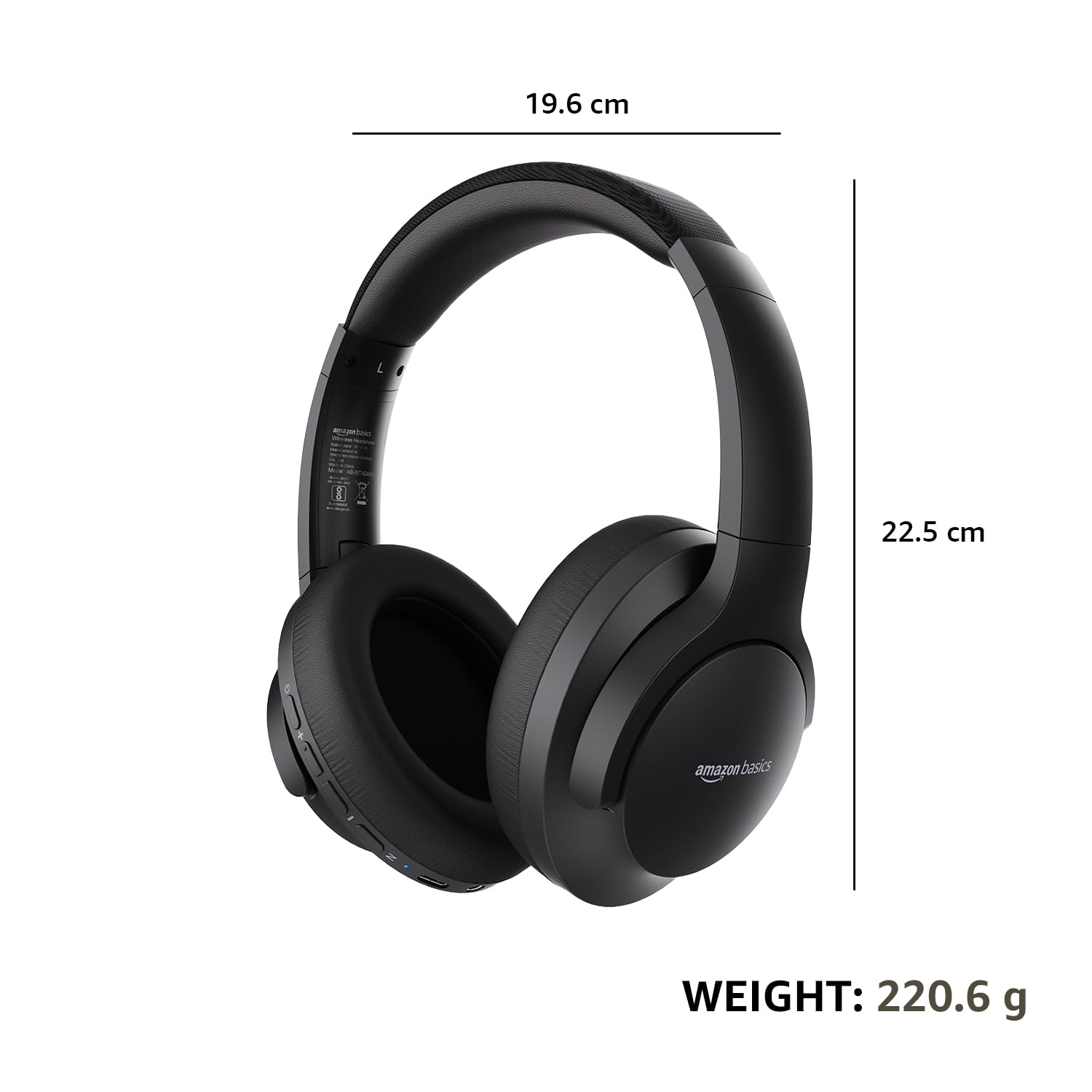
| ขนาด (หูฟัง) | 19.61 x 22.5 x 8.72 ซม. |
| น้ำหนัก (หูฟัง) | 220.6 กรัม |
| วัสดุ | Plastic, Polyurethane (PU) |
| อุปกรณ์ที่รองรับ | Cellphones, Gaming Consoles, Laptops, Tablets |

Image: A visual representation of the headphone's dimensions and weight for reference.
ความสะดวกสบายและการออกแบบ
The headphones are designed for extended wear with an over-ear fit, soft ear cushions, and an adjustable headband, ensuring comfort during long listening sessions.

Image: A person wearing the headphones, demonstrating the comfortable over-ear fit.
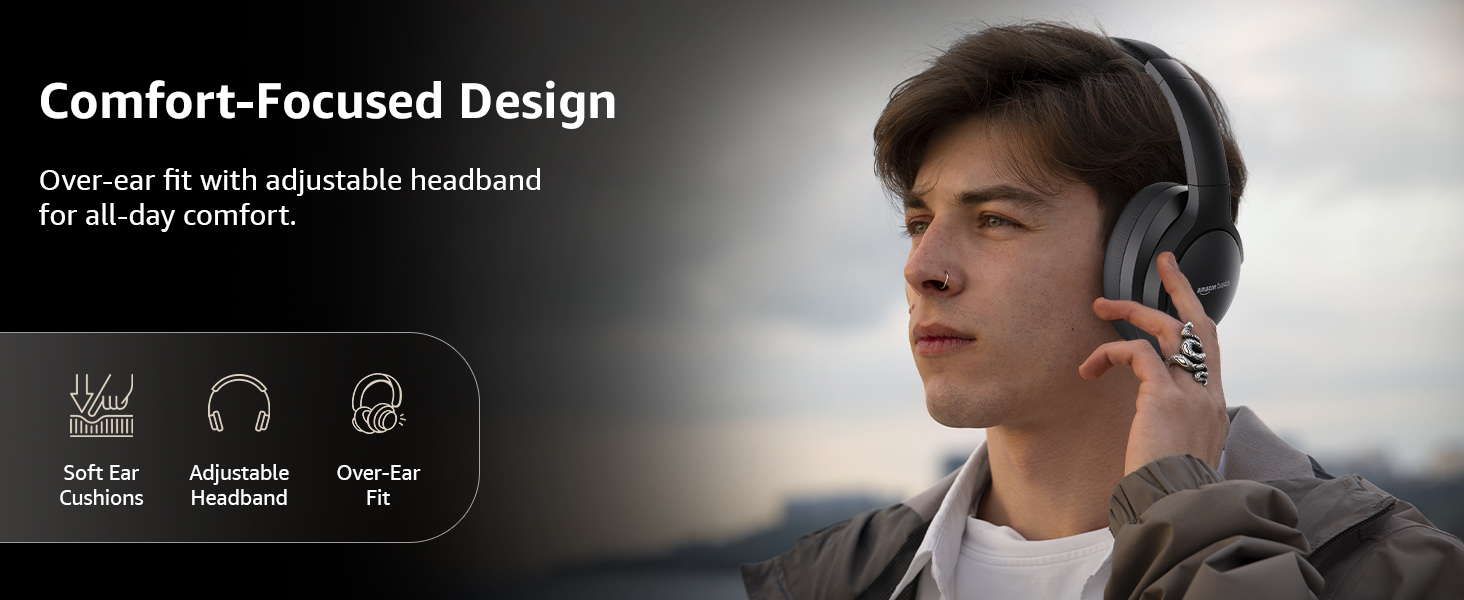
Image: A graphic detailing the comfort-focused design elements, including soft ear cushions and an adjustable headband.
การรับประกันและการสนับสนุน
Warranty information for your Amazon Basics Pro Series Wireless Noise Cancelling ANC Over Ear Headphones is typically provided with the product packaging or can be found on the Amazon Basics official website. For technical support or warranty claims, please refer to the contact information provided with your purchase or visit the Amazon Basics support page.
โปรดเก็บหลักฐานการซื้อของคุณไว้ในกรณีที่มีคำถามเกี่ยวกับการรับประกัน


