1. บทนำ
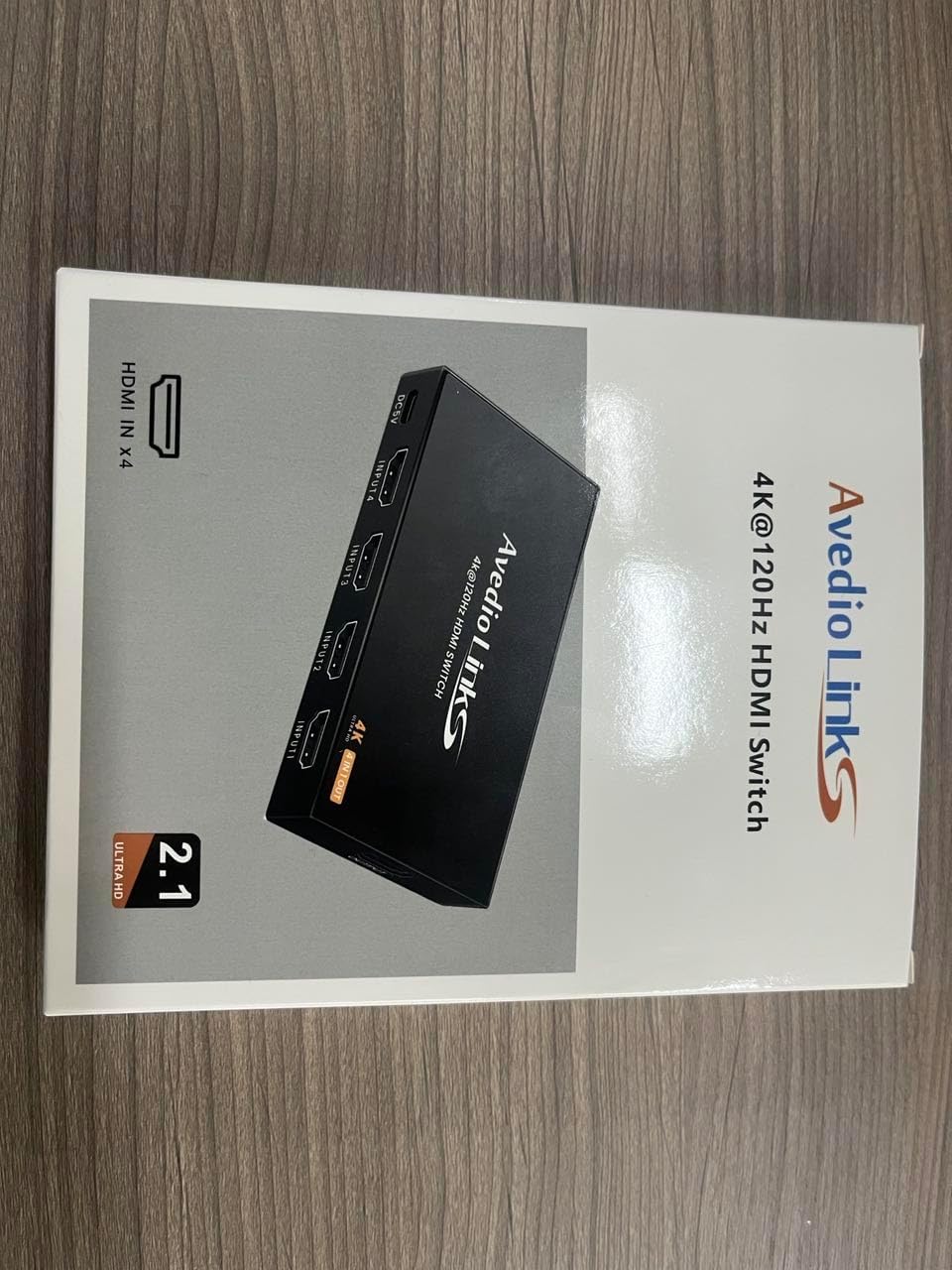
Thank you for choosing the avedio links 4X1 HDMI Switch 4K@60Hz. This device allows you to connect up to four HDMI source devices to a single HDMI display, providing seamless switching between inputs. It supports high-resolution video up to 4K@60Hz, HDR, and 3D, enhancing your viewing and gaming experience. This manual provides detailed instructions for setup, operation, and troubleshooting to ensure optimal performance of your HDMI switch.

2. เนื้อหาบรรจุภัณฑ์
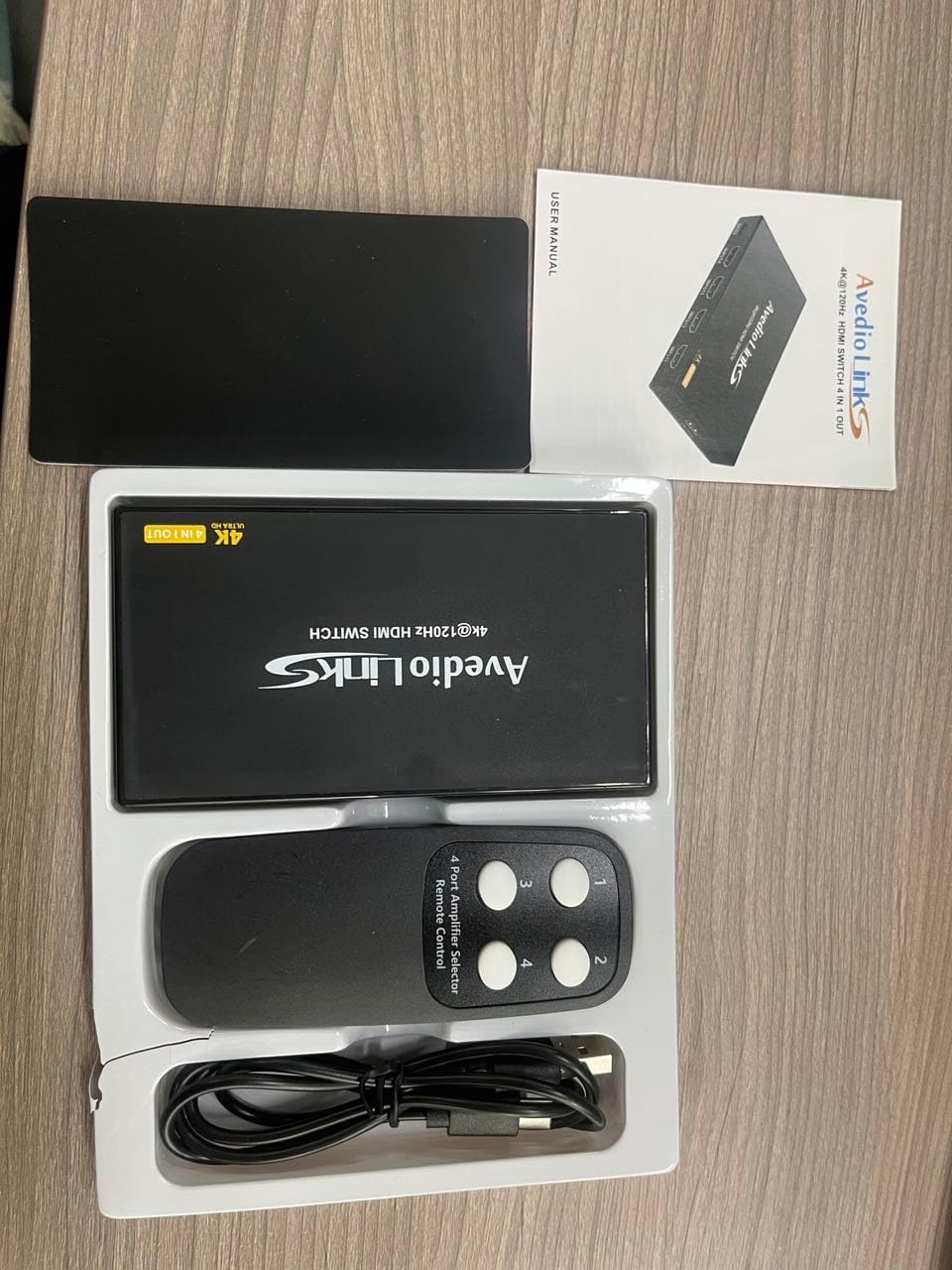
โปรดตรวจสอบว่าสินค้าทั้งหมดมีอยู่ในแพ็คเกจของคุณ:
- 1 x avedio links 4X1 HDMI Switch 4K@60Hz
- 1 x IR รีโมทคอนโทรล
- 1 x USB Power Cable (DC5V)
- 1 x คู่มือผู้ใช้

3. คุณสมบัติหลัก
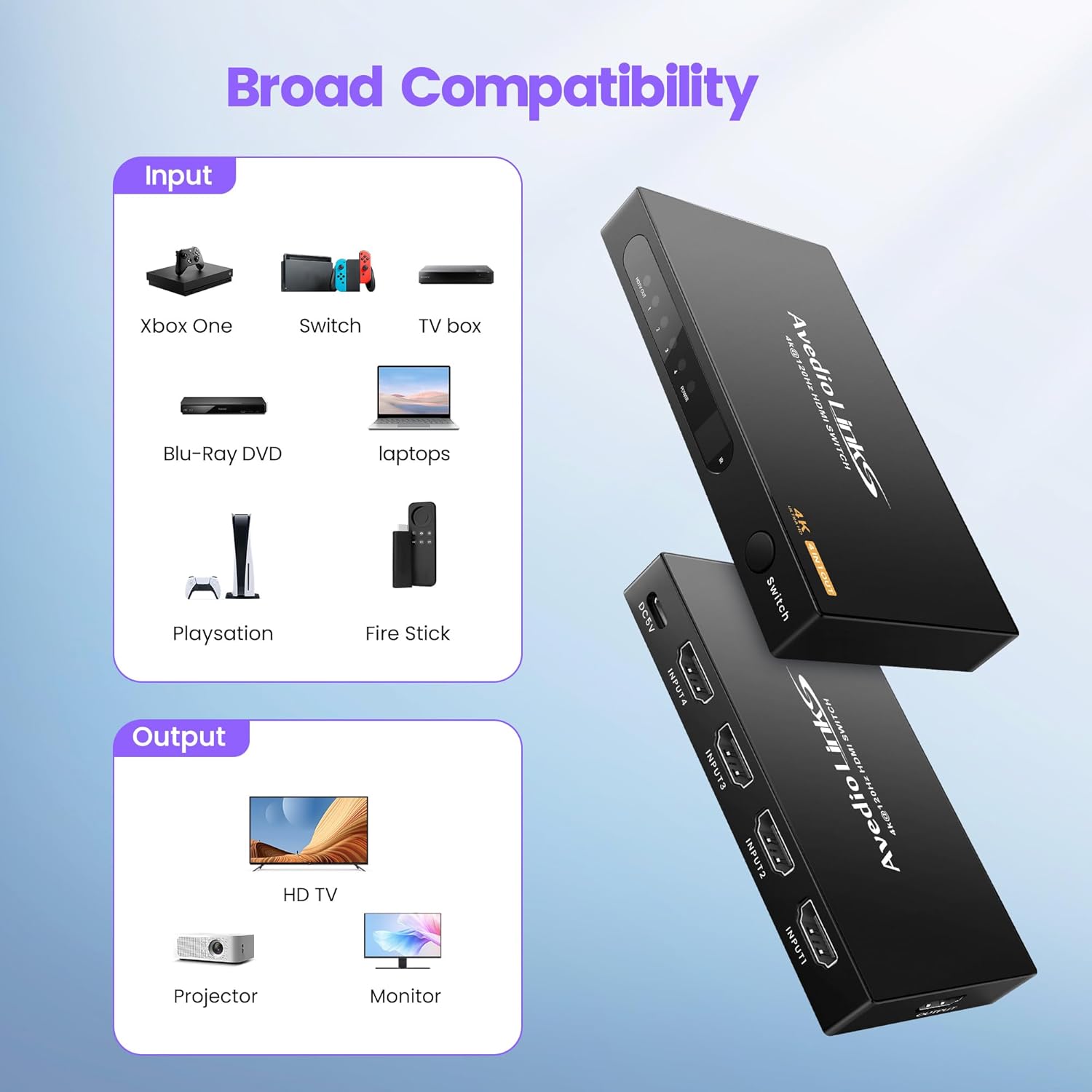
- 4 In 1 Out HDMI Switching: Connects up to four HDMI source devices to one HDMI display.
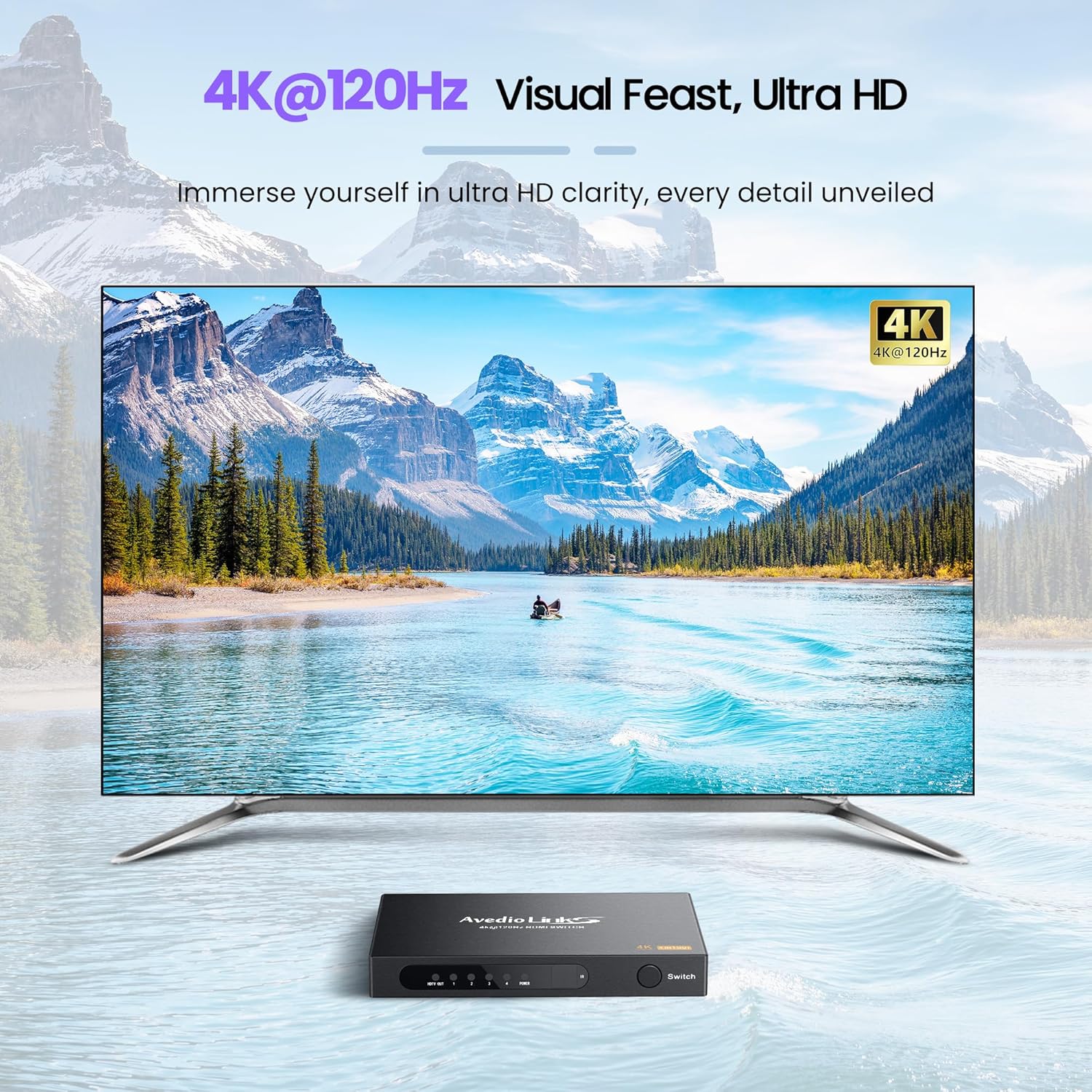
- การสนับสนุนความละเอียดสูง: Compatible with 4K@60Hz, 4Kx2K, and 1080P resolutions.
- มาตรฐาน HDMI ขั้นสูง: Supports HDMI 2.0/1.4, HDCP 2.2/1.4, 3D, 18Gbps bandwidth, and HDR.
- ความเข้ากันได้ของอุปกรณ์ในวงกว้าง: Works with devices such as Fire Stick, Xbox, PS4/PS5, Blu-ray players, laptops, HDTVs, projectors, and monitors.
- Multiple Switching Methods: Features automatic switching, manual button switching, and remote control switching.
- การส่งสัญญาณที่เสถียร: Utilizes an advanced integrated circuit chip for smooth 18Gbps signal transmission.
- แหล่งจ่ายไฟ USB: Ensures stable performance and prevents signal loss.

4. ข้อมูลจำเพาะ
| คุณสมบัติ | รายละเอียด |
|---|---|
| หมายเลขรุ่น | 4X1 HDMI Switch 4K@60Hz |
| เวอร์ชัน HDMI | HDMI2.0/1.4 อินเตอร์เฟซ |
| เวอร์ชัน HDCP | HDCP 2.2 / 1.4 |
| ความละเอียดสูงสุด | 4K@60Hz (4Kx2K) |
| แบนด์วิธ | 18Gbps |
| การรองรับสี | Deep Color 8/10/12 bit |
| รองรับ 3D | ใช่ |
| รองรับ HDR | ใช่ |
| รูปแบบเสียง | DTS-HD/Dolby-trueHD/DTS/Dolby-AC3/DSD/HD(HBR) |
| แหล่งจ่ายไฟ | DC 5V (ผ่านสาย USB) |
| ขนาด (กว้าง x ยาว x สูง) | ประมาณ 4.52 x 2.44 x 0.59 นิ้ว |
| น้ำหนักสินค้า | 7 ออนซ์ |


5. คำแนะนำในการตั้งค่า
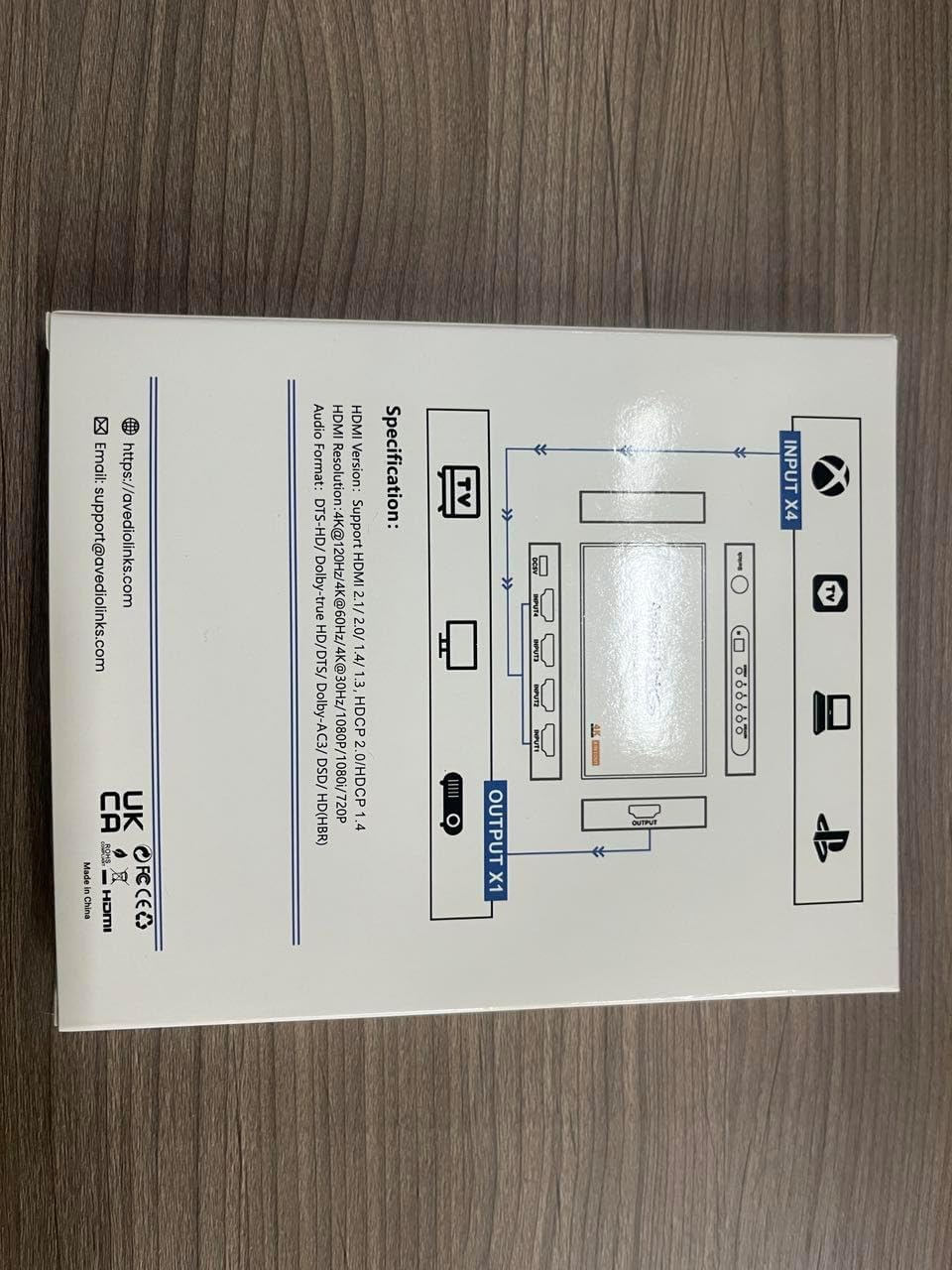
- Connect HDMI Input Devices: Connect up to four HDMI source devices (e.g., game consoles, Blu-ray players, streaming sticks) to the HDMI IN 1-4 ports on the switch using HDMI cables.
- Connect HDMI Output Display: Connect your HDMI display (e.g., TV, monitor, projector) to the HDMI OUT port on the switch using an HDMI cable.
- เชื่อมต่อพลังงาน: Connect the provided USB power cable to the DC 5V port on the switch and then to a USB power source (e.g., a USB port on your TV, a USB wall adapter).
- ใส่แบตเตอรี่รีโมท: Open the battery compartment of the IR remote control and insert two AAA batteries (not included), ensuring correct polarity.
บันทึก: For optimal performance, especially with 4K@60Hz content, it is recommended to use high-quality HDMI 2.0 cables (AWG 26-28, up to 2 meters for input and 2 meters for output).

6. คู่มือการใช้งาน
6.1. Switching Inputs
The avedio links 4X1 HDMI Switch offers three methods for switching between connected HDMI input devices:
- Manual Button Switching: Press the "Switch" button on the front panel of the device to cycle through the HDMI inputs (Input 1, Input 2, Input 3, Input 4).
- การสลับการควบคุมระยะไกล: Use the included IR remote control. Press the corresponding number button (1, 2, 3, or 4) to directly select the desired HDMI input.
- การสลับอัตโนมัติ: The switch supports an automatic switching function. When a new HDMI device is turned on or connected, the switch will intelligently detect the active signal and switch to that input. If the currently active input device is turned off, the switch will automatically switch to the next active input.

7. การบำรุงรักษา
To ensure the longevity and optimal performance of your avedio links 4X1 HDMI Switch, follow these maintenance guidelines:
- การทำความสะอาด: Use a soft, dry cloth to clean the exterior of the device. Avoid using liquid cleaners or abrasive materials, as they may damage the finish or internal components.
- การระบายอากาศ : ตรวจสอบให้แน่ใจว่าวางอุปกรณ์ในบริเวณที่มีอากาศถ่ายเทสะดวกเพื่อป้องกันความร้อนสูงเกินไป อย่าปิดกั้นช่องระบายอากาศใดๆ
- พื้นที่จัดเก็บ: When not in use for extended periods, store the switch in a cool, dry place away from direct sunlight and extreme temperatures.
- การจัดการสายเคเบิล: Avoid bending or kinking HDMI and power cables excessively, as this can damage the cables and affect signal quality.
8 การแก้ไขปัญหา
If you encounter issues with your avedio links 4X1 HDMI Switch, please refer to the following common problems and solutions:
- No Signal or Flickering Image:
- ตรวจสอบให้แน่ใจว่าสาย HDMI ทั้งหมดเชื่อมต่อกับอุปกรณ์ต้นทาง สวิตช์ และจอแสดงผลอย่างแน่นหนาแล้ว
- Try using shorter, high-quality HDMI 2.0 cables, especially for 4K@60Hz content.
- Verify that the switch is receiving power via the USB cable and that the power indicator light is on.
- Try power cycling the switch by unplugging the USB power cable, waiting a few seconds, and then plugging it back in.
- Test each input device directly connected to the display to confirm they are functioning correctly.
- ตรวจสอบให้แน่ใจว่าจอแสดงผลของคุณตั้งค่าเป็นอินพุต HDMI ที่ถูกต้อง
- รีโมทคอนโทรลไม่ทำงาน:
- Check if the batteries in the remote control are correctly inserted and not depleted. Replace them if necessary.
- Ensure there are no obstructions between the remote control and the IR receiver on the HDMI switch.
- Point the remote directly at the IR receiver on the switch.
- Automatic Switching Not Functioning:
- Ensure that the input devices are fully powered on or off for the switch to detect the signal change.
- Some devices may not provide a consistent "power on" signal that triggers auto-switching. In such cases, use manual or remote switching.
- ปัญหาเสียง (ไม่มีเสียงหรือเสียงผิดเพี้ยน):
- Verify that your display's audio settings are correctly configured.
- Ensure that the HDMI cables support audio transmission.
- Try power cycling the switch and all connected devices.
9. การรับประกันและการสนับสนุน
For warranty information or technical support, please contact avedio links customer service.
- อีเมล: support@avediolinks.com
- Webเว็บไซต์: Refer to the official avedio links webเว็บไซต์สำหรับข้อมูลสนับสนุนล่าสุด
โปรดเก็บหลักฐานการซื้อไว้เพื่อใช้ในกรณีเรียกร้องการรับประกัน


