1. สินค้าหมดview
The Lepro S1 AI LED Strip Lights offer advanced smart lighting solutions for indoor environments. Featuring AI-generated lighting effects, app control, and music synchronization, these strip lights provide a customizable and immersive lighting experience. The S1 model integrates IC technology for multi-color display and rainbow chasing effects, distinguishing it from standard RGB strip lights. Control is primarily via the Lepro app, supporting Wi-Fi and Bluetooth connectivity, and compatible with voice assistants like Alexa and Google Assistant.

Image: The Lepro S1 AI LED Strip Lights, showing the coiled light strip, power adapter, and a smartphone displaying the control app interface. The product packaging is visible in the background.
คุณสมบัติหลัก:
- AI LightGPM Technology: Utilizes a large language model trained on color psychology and lighting design to generate professional lighting effects based on user prompts, emotions, or commands.
- Advanced Voice Control: Integrated voice assistant within the Lepro app allows for intuitive control beyond basic on/off and color changes, adapting lighting to moods and activities.
- Rainbow Chasing Effect: Individual IC chips enable multiple colors to be displayed simultaneously along the strip, creating dynamic rainbow and chasinรูปแบบ g
- Billions of AI-Generated Scenes: LightGPM can generate up to 10 optimal lighting effects from a vast combination of possibilities, tailored for various occasions like parties, relaxation, or gaming.
- การปรับแต่ง DIY: Offers flexibility to customize color, brightness, and effects for each segment of the light strip, allowing users to unleash their creativity.
- LightBeats Music Sync: Synchronizes lighting effects with music rhythms, creating an energetic and immersive environment.
- Seamless App Control: Manage multiple devices, adjust settings, set timers, and control lights remotely via the "Lepro" app (2.4GHz Wi-Fi and Bluetooth required).
2. อะไรอยู่ในกล่อง
เมื่อเปิดบรรจุภัณฑ์ โปรดตรวจสอบว่าส่วนประกอบทั้งหมดอยู่ครบและไม่ได้รับความเสียหาย
- 1 x 50FT LED Strip Lights
- อะแดปเตอร์ไฟฟ้า 1 ตัว
- Mounting Clips and Screws (for added security during installation)

Image: The contents of the Lepro S1 AI LED Strip Lights package, including the coiled LED strip, power adapter, and a small bag of mounting clips and screws.
3. การตั้งค่าและการติดตั้ง
Follow these steps for proper installation of your Lepro S1 AI LED Strip Lights. Ensure the installation surface is clean, dry, and smooth for optimal adhesive performance.
- เตรียมพื้นผิว: Clean the desired installation area thoroughly to remove dust, dirt, or oils. A clean, dry surface ensures the adhesive sticks firmly.
- วางแผนเค้าโครง: Before peeling the adhesive, unroll the LED strip and plan its path. Avoid sharp bends or folds that could damage the strip. Note that the strip lights cannot be cut.
- ลอกและติด: Carefully peel off the protective backing from the adhesive tape on the back of the LED strip, section by section. Press the strip firmly onto the prepared surface as you go.
- Secure with Clips (Optional but Recommended): For added security, especially on textured surfaces or corners, use the provided mounting clips and screws. Space them evenly along the strip.
- เชื่อมต่อพลังงาน: Connect the LED strip to the power adapter. Plug the power adapter into a standard electrical outlet.
- ดาวน์โหลดแอป: Scan the QR code provided in the packaging or search for "Lepro" in your device's app store (iOS App Store or Google Play Store). Download and install the official Lepro app. Note: This product is only compatible with the "Lepro" app, not "Lepro Lampux" or "Smart Life" apps.
- จับคู่กับแอป: Open the Lepro app and follow the on-screen instructions to pair your S1 AI LED Strip Lights. Ensure your device's Wi-Fi and Bluetooth are enabled and connected to a 2.4GHz Wi-Fi network.
หมายเหตุสำคัญ: These lights are designed for indoor use only and are not waterproof. Avoid installing them in damp หรือสภาพแวดล้อมภายนอก
4. คู่มือการใช้งาน
The Lepro S1 AI LED Strip Lights are primarily controlled via the dedicated Lepro app, offering a wide range of features and customization options.
การควบคุมแอพ 4.1 ตัว
Once paired, the Lepro app provides comprehensive control over your lights:
- เปิด/ปิดเครื่อง: เปิดหรือปิดไฟได้โดยตรงจากแอปพลิเคชัน
- การปรับความสว่าง: ปรับความเข้มแสงได้ตั้งแต่ 1% ถึง 100%
- การเลือกสี: Choose from a vast spectrum of colors using the color wheel or predefined color palettes.
- Color Segment DIY: Customize the color and brightness of individual segments of the light strip, allowing for unique multi-color patterns.
- Dynamic Modes & Effects: Select from various pre-programmed dynamic modes, including rainbow chasing effects, fades, flashes, and more.
- โหมดฉาก: Access a library of AI-generated scenes tailored for different moods, activities, or holidays.
- ตัวจับเวลาและตารางเวลา: Set schedules for the lights to automatically turn on/off or change modes at specific times.
- การควบคุมกลุ่ม: If you have multiple Lepro smart devices, group them together for synchronized control.

Image: Screenshots of the Lepro app interface, demonstrating various control options such as color selection, brightness adjustment, and effect modes.

Image: A visual representation of the segmented control feature, showing how different sections of the LED strip can display unique colors simultaneously, controlled via the app.
4.2 AI Voice Control (LightGPM)
The integrated AI voice assistant allows for natural language commands to control your lighting. LightGPM can interpret your emotions, activities, or specific instructions to generate suitable lighting effects.
- คำสั่งพื้นฐาน: "Turn on the lights," "Turn off the lights," "Change color to blue," "Set brightness to 50%."
- Mood-Based Commands: "I want relaxing light," "Set a party mood," "I feel happy."
- Activity-Based Commands: "Set lighting for gaming," "I'm reading," "Time for a movie."
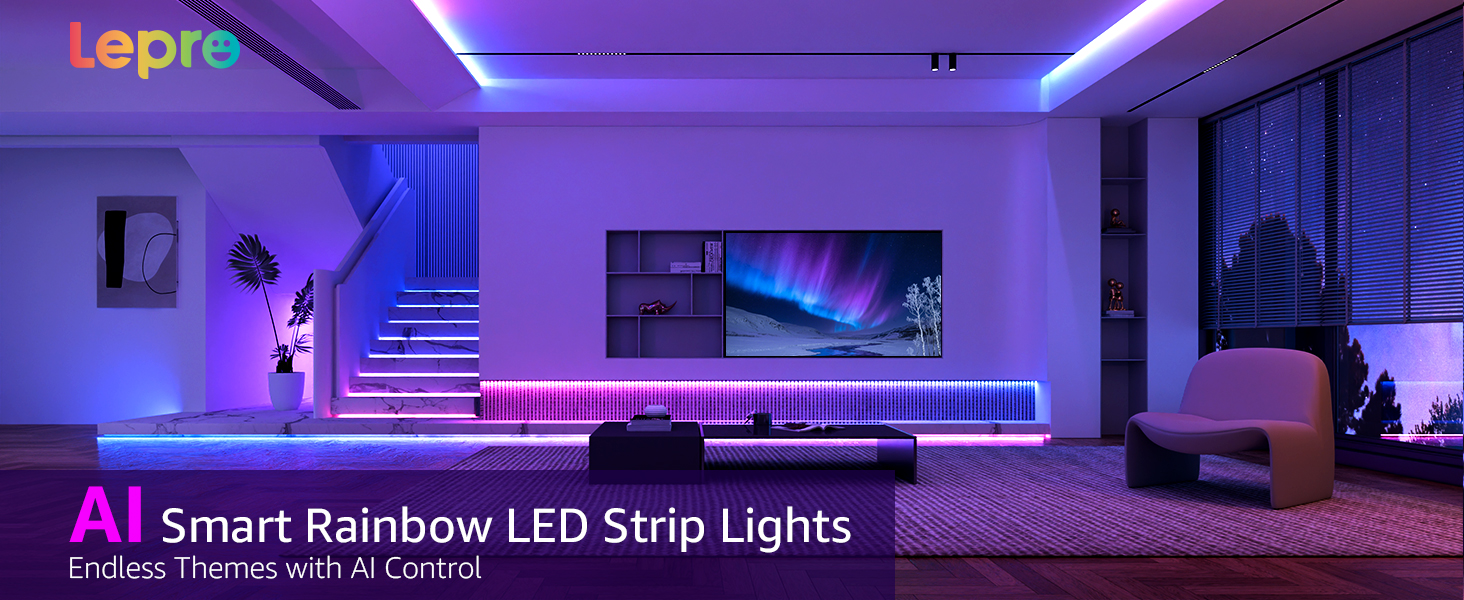
Image: An illustration showing a user interacting with the Lepro app's voice prompt feature, demonstrating how AI generates lighting based on spoken commands related to emotions, scenes, or instructions.

Image: A person using voice commands to control the lights in a room, highlighting compatibility with Amazon Alexa and Google Assistant through the Lepro app.
4.3 การซิงค์เพลง LightBeats
Activate the Music Sync feature in the Lepro app to make your lights react to sound. The lights will change color and intensity in rhythm with music playing from your phone's microphone or a connected device.
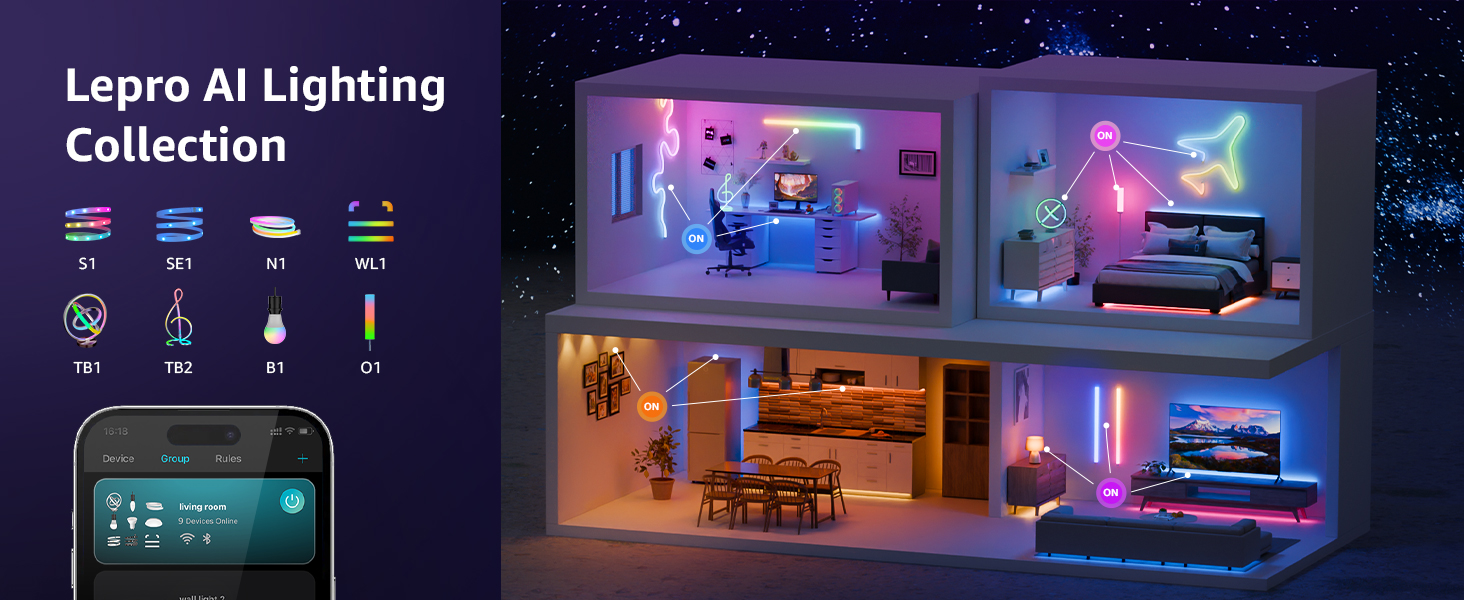
Image: A gaming setup illuminated by LED strip lights, demonstrating the LightBeats Music Sync feature where lights dynamically respond to audio input from a phone or device microphone.
5. การบำรุงรักษา
The Lepro S1 AI LED Strip Lights require minimal maintenance to ensure longevity and optimal performance.
- การทำความสะอาด: Gently wipe the LED strip with a soft, dry cloth to remove dust. Do not use liquid cleaners or abrasive materials, as this may damage the lights or adhesive.
- การตรวจสอบกาว: Periodically check the adhesive along the strip to ensure it remains firmly attached. If sections begin to peel, use the provided mounting clips or a suitable adhesive for re-securing.
- การเชื่อมต่อไฟฟ้า: Ensure the power adapter and connections remain secure and free from damage.
- การอัปเดตซอฟต์แวร์: Keep the Lepro app updated to the latest version to access new features, improvements, and bug fixes.
6 การแก้ไขปัญหา
If you encounter issues with your Lepro S1 AI LED Strip Lights, refer to the following common troubleshooting steps:
| ปัญหา | สาเหตุที่เป็นไปได้ | สารละลาย |
|---|---|---|
| ไฟไม่เปิด | ไม่มีไฟเข้า, การเชื่อมต่อหลวม, อะแดปเตอร์เสีย. |
|
| Lights are not responding to app control. | No Wi-Fi/Bluetooth connection, incorrect app, app glitch. |
|
| ไฟหรี่หรือกะพริบ | Insufficient power, damaged strip, loose connection. |
|
| การควบคุมด้วยเสียงไม่ทำงาน | Microphone issues, app permissions, incorrect commands. |
|
If the problem persists after trying these steps, please contact Lepro customer support for further assistance.
7. ข้อมูลจำเพาะ
| คุณสมบัติ | รายละเอียด |
|---|---|
| หมายเลขรุ่น | S1 |
| ความยาว | 50 ฟุต (15 เมตร) |
| ประเภทแหล่งกำเนิดแสง | LED (with IC for individual segment control) |
| สีอ่อน | Multicolor (RGB, Rainbow Chasing Effects) |
| แหล่งพลังงาน | สายไฟ |
| เล่มที่tage | 24 โวลต์ (กระแสตรง) |
| วัดtage | 21 วัตต์ |
| การเชื่อมต่อ | ไวไฟ 2.4GHz, บลูทูธ |
| วิธีการควบคุม | Lepro App, Voice Control (Alexa, Google Assistant) |
| การใช้งานภายใน/ภายนอกอาคาร | ในร่มเท่านั้น |
| ระดับความต้านทานต่อน้ำ | ไม่ทนน้ำ |
| ชีวิตเฉลี่ย | 15,000 ชั่วโมง |
| น้ำหนักสินค้า | 13.7 ออนซ์ |
| ขนาดแพ็คเกจ | 7.24 x 7.2 x 2.64 นิ้ว |
8. การรับประกันและการสนับสนุน
Lepro products are designed for quality and reliability. For specific warranty information regarding your S1 AI LED Strip Lights, please refer to the warranty card included in your product packaging or visit the official Lepro webเว็บไซต์.
การสนับสนุนลูกค้า:
- For technical assistance, troubleshooting not covered in this manual, or warranty claims, please contact Lepro customer support.
- เยี่ยมชม Official Lepro Store on Amazon สำหรับข้อมูลเพิ่มเติมและรายละเอียดการติดต่อ
- Ensure you have your product model number (S1) and purchase date ready when contacting support.


