การแนะนำ
Thank you for choosing DEWENWILS Remote Control Outlets. This product allows you to wirelessly control your electronic devices with ease, offering convenience and energy-saving benefits. Designed for simplicity and safety, these pre-programmed outlets are ready to use right out of the box. Please read this manual carefully to ensure proper installation, operation, and maintenance.
ข้อมูลด้านความปลอดภัย
เพื่อให้มั่นใจถึงความปลอดภัยในการใช้งานและป้องกันความเสียหาย โปรดปฏิบัติตามแนวทางด้านความปลอดภัยต่อไปนี้:
- Fire Retardant Material: The outlets are constructed from high-quality PC flame-retardant material to ensure electrical safety.
- Integrated Safety Cover: Each outlet features an integrated safety cover to prevent accidental contact, especially from children.
- อุณหภูมิในการทำงาน: The product is designed to operate safely within a temperature range of -25°C to 40°C. Avoid exposing the devices to extreme temperatures outside this range.
- ห้ามถอดประกอบหรือดัดแปลงอุปกรณ์
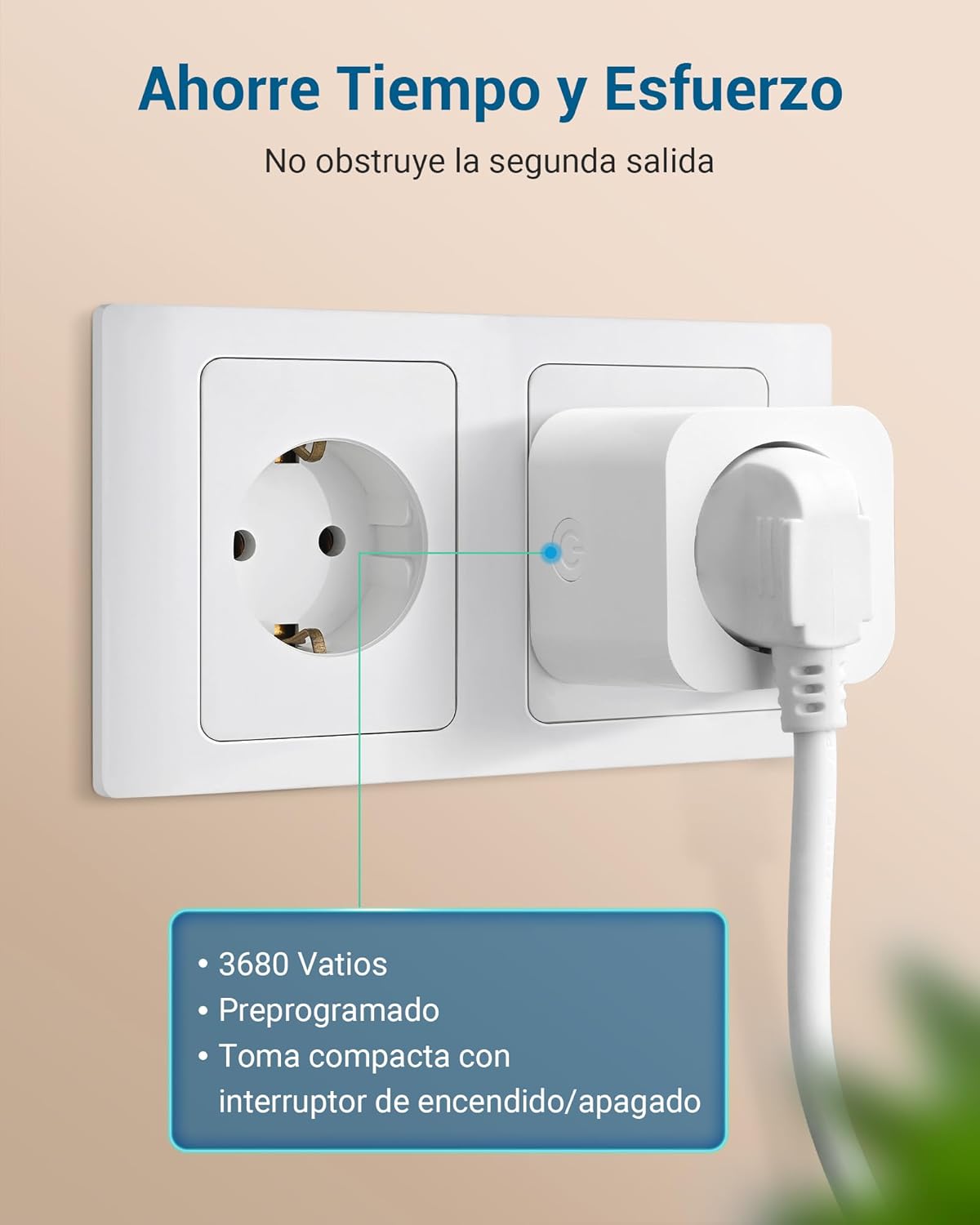
- Ensure the total load of connected devices does not exceed the maximum rated power (3680W).
- เก็บอุปกรณ์ให้ห่างจากน้ำและสภาพแวดล้อมที่ชื้น

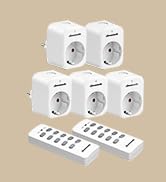
เนื้อหาแพ็คเกจ
The DEWENWILS Remote Control Outlets package typically includes:
- ปลั๊กไฟควบคุมระยะไกลไร้สาย 5 ตัว
- รีโมทคอนโทรล 2 อัน
- คู่มือการใช้งาน (เอกสารนี้)

คำแนะนำการตั้งค่า
The DEWENWILS Remote Control Outlets are designed for quick and easy setup, as they come pre-programmed. No tools are required for installation.
Initial Setup (Pre-programmed)
- เสียบปลั๊ก: Insert the wireless remote control outlet into a standard wall socket.
- เชื่อมต่ออุปกรณ์: Plug your desired appliance or light into the remote control outlet.
- ควบคุม: Use the corresponding button on the remote control to turn the connected device ON or OFF. The outlets are pre-programmed to work with the included remote controls.
The system retains its settings even after a power cut, so you do not need to reconfigure it.
Pairing / Re-programming (Optional)
If you need to re-pair an outlet with a remote button or pair additional outlets/remotes, follow these steps:
- Plug the outlet into a wall socket.
- Press and hold the learning button on the side of the outlet until its indicator light starts flashing.
- Within 5 seconds, press the desired 'ON' or 'OFF' button on the remote control. The outlet's indicator light will stop flashing and remain solid, indicating successful pairing.
- Repeat for other outlets or remote buttons as needed.

คำแนะนำการใช้งาน
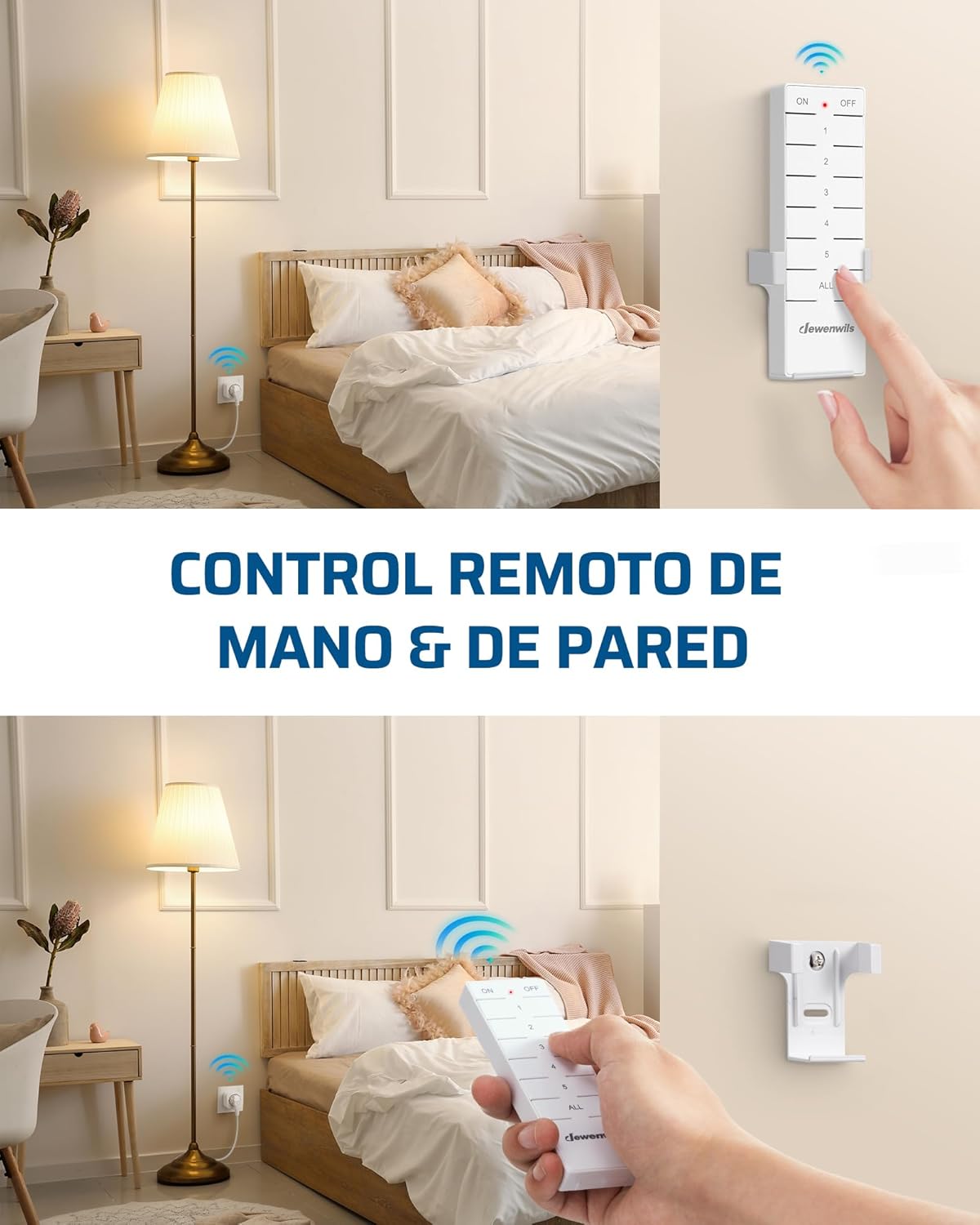
The remote control allows for convenient operation of your connected devices.
การใช้รีโมทคอนโทรล
- Each remote control has numbered buttons (1, 2, 3, 4, 5) corresponding to individual outlets.
- Press the 'ON' button for a specific number to turn on the corresponding outlet.
- Press the 'OFF' button for a specific number to turn off the corresponding outlet.
- The 'ALL ON' button will activate all paired outlets simultaneously.
- The 'ALL OFF' button will deactivate all paired outlets simultaneously.

ระยะควบคุมด้วยรีโมทคอนโทรล
The remote control operates on a 433.92 MHz frequency, providing a powerful signal that can penetrate walls and doors. It has an effective range of up to 30 meters (approximately 100 feet) in open areas, allowing you to control devices from different rooms or even floors without interference.

Handheld and Wall-Mounted Control
The remote control is portable and can be used handheld. For added convenience, it can also be mounted on a wall using the included bracket, transforming it into a wall switch.

การประหยัดพลังงาน
The DEWENWILS Remote Control Outlets are designed to help reduce energy consumption.
- พลังงานสแตนด์บายต่ำ: The standby power consumption of each outlet is only 0.6W.
- Reduce Phantom Load: By completely cutting power to devices when not in use, these outlets help eliminate standby power draw (phantom load), contributing to lower electricity costs.

การใช้งาน Exampเลส
These remote control outlets are versatile and can be used in various settings for enhanced convenience:
- ระบบไฟส่องสว่างภายในบ้าน: ควบคุม lamps in bedrooms, living rooms, or hard-to-reach areas.
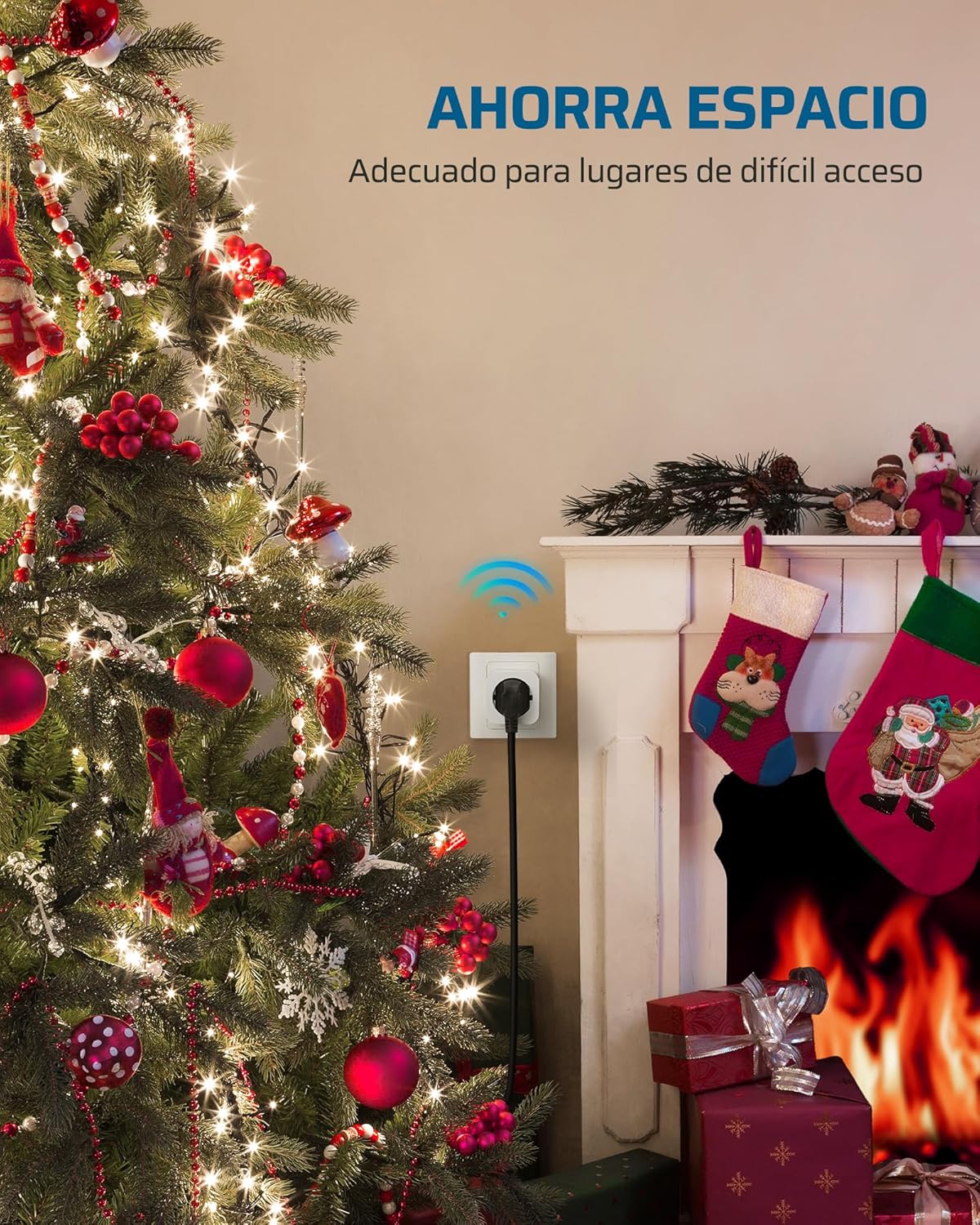
- การตกแต่งตามฤดูกาล: Easily manage Christmas lights and other holiday decorations.
- เครื่องใช้ในครัว: Turn on/off small kitchen appliances.
- Fans and Heaters: Conveniently operate fans or portable heaters.
- การเข้าถึง: Provides convenience for the elderly, individuals with limited mobility, or pregnant women.


ข้อมูลจำเพาะ
| คุณสมบัติ | ข้อมูลจำเพาะ |
|---|---|
| หมายเลขรุ่น | DHRS205L |
| โหมดการทำงาน | เปิดปิด |
| กระแสไฟฟ้าที่ได้รับการจัดอันดับ | 16 Amps |
| ปฏิบัติการฉบับที่tage | 230 โวลต์ |
| โหลดไฟฟ้าสูงสุด | 3680 วัตต์ |
| ความถี่ระยะไกล | 433.92 เมกะเฮิรตซ์ |
| ระยะไกล | สูงถึง 30 เมตร (พื้นที่เปิดโล่ง) |
| การใช้พลังงานขณะสแตนด์บาย | 0.6วัตต์ |
| ขนาดสินค้า (สำหรับจำหน่ายปลีก) | 50 x 50 x 44 มม. (5 x 5 x 4.4 ซม.) |
| ประเภทการติดต่อ | เปิดปกติ |
| ประเภทขั้วต่อ | เสียบปลั๊ก |
| ประเภทสวิตซ์ | ปุ่มกด |
| เทอร์มินัล | จอบ |
| ประเภทวงจร | 16 วิธี |
| อุณหภูมิในการทำงาน | -25°C ถึง 40°C |
| ผู้ผลิต | เดเวนวิลส์ |
| ประเทศต้นกำเนิด | จีน |
การแก้ไขปัญหา
If you encounter issues with your DEWENWILS Remote Control Outlets, please try the following solutions:
- เต้าเสียบไม่ตอบสนอง:
- Ensure the outlet is securely plugged into a live wall socket.
- Check if the connected appliance is properly plugged into the remote outlet and is functioning correctly when plugged directly into a wall socket.
- Verify that the remote control batteries are not depleted. Replace if necessary.
- Re-pair the outlet with the remote control button as described in the 'Pairing / Re-programming' section.
- ลดระยะระยะไกล:
- Ensure there are no significant obstructions (e.g., thick concrete walls, large metal objects) between the remote and the outlet.
- Check for potential sources of interference (e.g., other wireless devices operating on similar frequencies).
- เปลี่ยนแบตเตอรี่รีโมทคอนโทรล
- การรบกวนกับอุปกรณ์อื่น:
- While designed to minimize interference, if you experience issues, try re-pairing the affected outlet to a different remote button.
การซ่อมบำรุง
To maintain the performance and longevity of your DEWENWILS Remote Control Outlets:
- การทำความสะอาด: Disconnect the outlet from power before cleaning. Wipe the devices with a soft, dry cloth. Do not use liquid cleaners or solvents.
- พื้นที่จัดเก็บ: When not in use for extended periods, store the outlets and remote controls in a cool, dry place away from direct sunlight and extreme temperatures.
- การเปลี่ยนแบตเตอรี่: Replace remote control batteries when the range decreases or the indicator light dims.
การรับประกันและการสนับสนุน
DEWENWILS products are manufactured to high-quality standards. For warranty information, technical support, or any questions regarding your product, please refer to the contact information provided with your purchase or visit the official DEWENWILS website. Please have your model number (DHRS205L) and purchase details ready when contacting support.


