1. บทนำ
This manual provides essential instructions for the safe and efficient operation of your RadioShack IPX6 Waterproof Bluetooth Speaker. Please read this manual thoroughly before using the product and retain it for future reference.
The RadioShack IPX6 Waterproof Bluetooth Speaker is designed for portable audio playback, featuring Bluetooth connectivity, dynamic RGB lighting, and a built-in microphone for hands-free calls. Its IPX6 water-resistant rating makes it suitable for various indoor and outdoor environments.

ภาพที่ 1.1: ด้านหน้า view of the RadioShack IPX6 Waterproof Bluetooth Speaker.
2. เนื้อหาบรรจุภัณฑ์
ตรวจสอบว่ารายการทั้งหมดที่ระบุไว้ด้านล่างนี้รวมอยู่ในแพ็คเกจของคุณ:
- RadioShack IPX6 Waterproof Bluetooth Speaker
- สายชาร์จ USB
- สายสัญญาณเสียง AUX
- คู่มือการใช้งาน

Image 2.1: Visual representation of key speaker features and specifications.
3. คุณสมบัติของผลิตภัณฑ์
- เสียงที่ดื่มด่ำ: Equipped with 8W of audio power and a 3600mAh battery, this speaker delivers clear highs and deep bass for an engaging listening experience.
- แสง RGB แบบไดนามิก: Enhance your audio experience with customizable RGB lighting, suitable for various moods and occasions.
- การออกแบบที่ทนต่อสภาพอากาศ: An IPX6 rating ensures the speaker can withstand splashes and minor water exposure, making it ideal for outdoor use.
- สเตอริโอไร้สายจริง (TWS): Connect two identical speakers wirelessly to create a stereo sound system, expanding the audio output and soundstage.
- ไมโครโฟนในตัว: Facilitates hands-free calling directly through the speaker, allowing you to stay connected while enjoying music.

ภาพที่ 3.1: ลำโพงกำลังแสดง...asing its customizable RGB lighting feature.
4. การตั้งค่า
4.1 การชาร์จเริ่มต้น
- ก่อนใช้งานครั้งแรก โปรดชาร์จลำโพงให้เต็มก่อน เชื่อมต่อสายชาร์จ USB ที่ให้มากับพอร์ตชาร์จของลำโพง และอะแดปเตอร์แปลงไฟ USB ที่ใช้งานร่วมกันได้ (ไม่ได้รวมอยู่ในชุด)
- ไฟแสดงสถานะการชาร์จจะสว่างขึ้นขณะชาร์จและจะดับลงเมื่อชาร์จเต็มแล้ว
4.2 การเปิด/ปิดเครื่อง
- To power on, press and hold the Power button until the indicator light illuminates and an audible prompt is heard.
- To power off, press and hold the Power button again until the indicator light turns off and an audible prompt is heard.
4.3 การจับคู่บลูทูธ
- ตรวจสอบให้แน่ใจว่าลำโพงเปิดอยู่และอยู่ในโหมดจับคู่บลูทูธ (ไฟแสดงสถานะบลูทูธจะกะพริบ)
- บนอุปกรณ์ของคุณ (สมาร์ทโฟน แท็บเล็ต ฯลฯ) เปิดใช้งานบลูทูธและค้นหาอุปกรณ์ที่มีอยู่
- Select "RadioShack Speaker" from the list of devices.
- Once paired, the Bluetooth indicator light will become solid, and an audible confirmation will be heard.
การจับคู่ระบบเสียงสเตอริโอไร้สาย 4.4 True Wireless Stereo (TWS)
To pair two RadioShack IPX6 Waterproof Bluetooth Speakers for TWS stereo sound:
- ตรวจสอบให้แน่ใจว่าลำโพงทั้งสองเปิดอยู่และไม่ได้เชื่อมต่อกับอุปกรณ์ Bluetooth อื่นใด
- On one speaker, press and hold the TWS button (refer to button layout in section 5.1) until an audible prompt indicates TWS pairing mode. This speaker will be the primary unit.
- The second speaker will automatically search for and connect to the primary speaker. An audible prompt will confirm successful TWS pairing.
- Once TWS paired, connect your device to the primary speaker via Bluetooth as described in section 4.3. Audio will now play in stereo through both speakers.
5. คู่มือการใช้งาน
5.1 ฟังก์ชันปุ่ม
The speaker features a control panel with several buttons:
- ปุ่มเปิด/ปิด: กดค้างไว้เพื่อเปิด/ปิด
- ปุ่มเล่น/หยุดชั่วคราว: กดเพื่อเล่นหรือหยุดเสียงชั่วคราว
- เพิ่มระดับเสียง (+): กดเพื่อเพิ่มระดับเสียง กดค้างไว้เพื่อเล่นเพลงถัดไป
- ลดเสียงลง (-): กดเพื่อลดระดับเสียง กดค้างไว้เพื่อเล่นเพลงก่อนหน้า
- ปุ่มโหมด (M): Press to switch between Bluetooth, AUX, and FM Radio modes.
- ปุ่มไฟ RGB: Press to cycle through RGB lighting modes or turn off the lights.
- ปุ่มโทรออก: Press to answer/end calls. Press and hold to reject calls.
5.2 การเล่นเสียง
- โหมดบลูทู ธ : หลังจากจับคู่สำเร็จแล้ว เสียงจากอุปกรณ์ที่เชื่อมต่อจะเล่นผ่านลำโพง
- อินพุต AUX: เชื่อมต่ออุปกรณ์เสียงภายนอกโดยใช้สาย AUX ขนาด 3.5 มม. ที่ให้มา ลำโพงจะเปลี่ยนเป็นโหมด AUX โดยอัตโนมัติ หรือสามารถเลือกได้โดยใช้ปุ่มโหมด
- วิทยุ FM: In FM Radio mode, press the Play/Pause button to auto-scan and save available stations. Use the Volume Up/Down buttons (press and hold) to navigate between saved stations.

Image 5.1: The speaker's USB and AUX connectivity ports.
5.3 การโทรแบบแฮนด์ฟรี
When connected via Bluetooth, incoming calls will pause music playback. Press the Call button to answer, and press again to end the call. Press and hold the Call button to reject an incoming call.
6. การบำรุงรักษา
6.1 การทำความสะอาด
เช็ดลำโพงด้วย d . นุ่มๆamp cloth. Do not use abrasive cleaners or solvents. Ensure the charging and AUX ports are dry before use or charging.
6.2 ความต้านทานน้ำ (IPX6)
The speaker is rated IPX6, meaning it is protected against high-pressure water jets from any direction. It is not designed for submersion. Ensure the rubber flap covering the charging and AUX ports is securely closed to maintain water resistance.
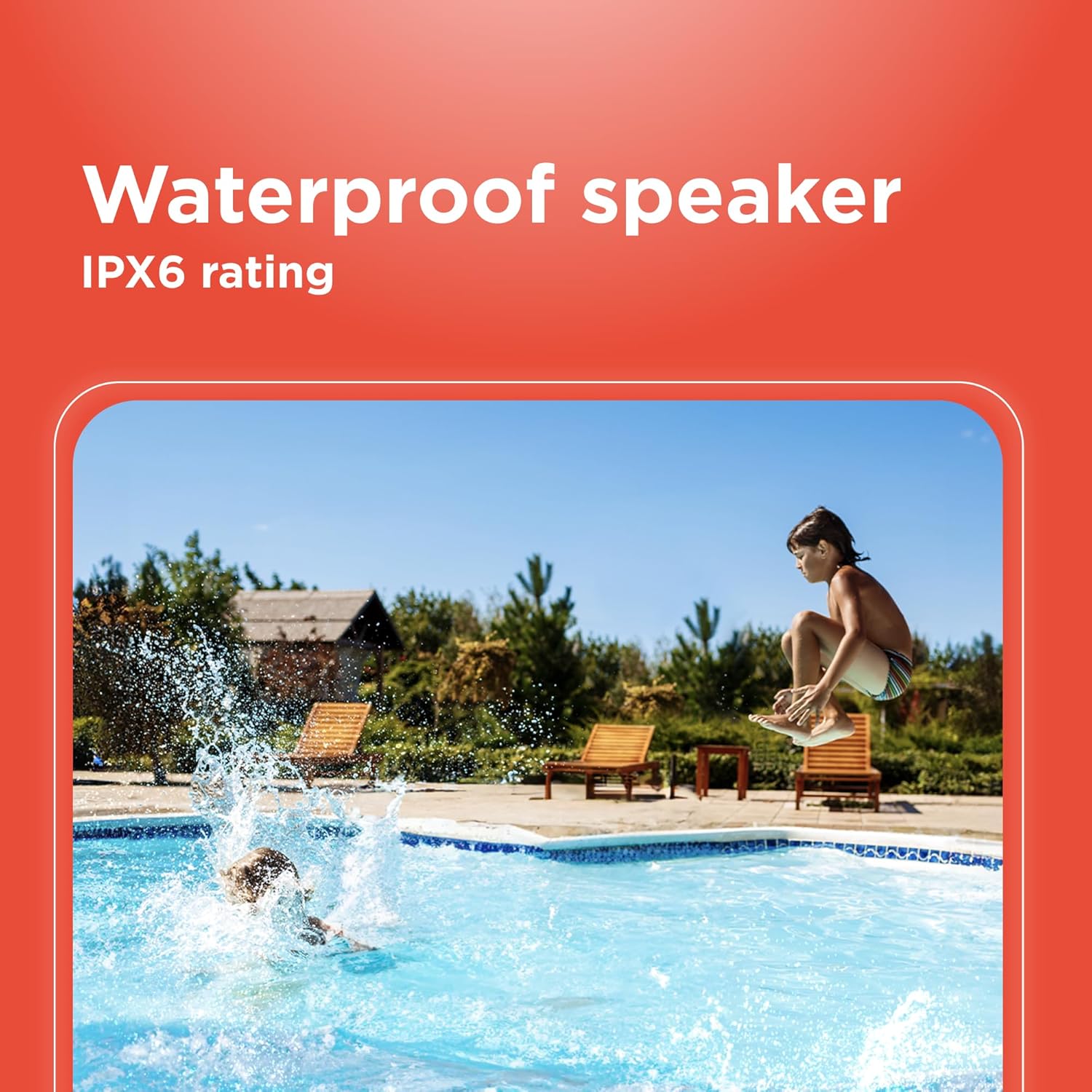
Image 6.1: The speaker's IPX6 water resistance allows for use near water.
6.3 การดูแลแบตเตอรี่
เพื่อยืดอายุการใช้งานแบตเตอรี่ ควรหลีกเลี่ยงการปล่อยให้แบตเตอรี่หมดจนเกลี้ยงบ่อยๆ ควรชาร์จลำโพงเป็นประจำ แม้ว่าจะไม่ได้ใช้งานเป็นเวลานานก็ตาม
7 การแก้ไขปัญหา
- ลำโพงเปิดไม่ติด: ตรวจสอบให้แน่ใจว่าแบตเตอรี่ชาร์จเต็มแล้ว เสียบปลั๊กเข้ากับแหล่งจ่ายไฟแล้วลองอีกครั้ง
- ไม่สามารถจับคู่ผ่านบลูทูธ: Ensure the speaker is in pairing mode and within range of your device. Turn off and on both the speaker and your device's Bluetooth. Forget the device on your phone and re-pair.
- ไม่มีเสียง: Check the volume levels on both the speaker and your connected device. Ensure the correct input mode (Bluetooth, AUX) is selected.
- คุณภาพเสียงไม่ดี: Move the speaker closer to your Bluetooth device. Ensure there are no obstructions between the speaker and the device.
- การจับคู่ TWS ล้มเหลว: Ensure both speakers are identical models and not connected to any other Bluetooth device before initiating TWS pairing.
8. ข้อมูลจำเพาะ
| คุณสมบัติ | ข้อมูลจำเพาะ |
|---|---|
| ชื่อรุ่น | RadioShack Bluetooth Speaker RGB Light 14W |
| หมายเลขรุ่นสินค้า | 4001763-PRNT |
| ยี่ห้อ | เรดิโอแช็ค |
| ประเภทลำโพง | พกพาได้ |
| เทคโนโลยีการเชื่อมต่อ | บลูทูธ |
| เทคโนโลยีการสื่อสารไร้สาย | บลูทูธ |
| กำลังขับสูงสุดของลำโพง | 8 วัตต์ |
| โหมดเอาต์พุตเสียง | สเตอริโอ |
| การกำหนดค่าช่องเสียงรอบทิศทาง | 2.0 |
| แหล่งพลังงาน | ใช้พลังงานจากแบตเตอรี่ |
| ประเภทแบตเตอรี่ | แบตเตอรี่ลิเธียมไอออน 1 ก้อน (รวมอยู่ด้วย) |
| ความจุของแบตเตอรี่ | 3600 มิลลิวินาทีamp ชั่วโมง |
| Estimated Playtime | นานถึง 4 ชั่วโมง |
| กันน้ำได้ | True (IPX6 rating) |
| วิธีการควบคุม | สัมผัส |
| วัสดุ | พลาสติก |
| สี | สีฟ้า |
| ขนาดสินค้า | ลึก 4.84 นิ้ว x กว้าง 11.14 นิ้ว x สูง 4.96 นิ้ว |
| น้ำหนักสินค้า | 4.43 ปอนด์ (70.9 ออนซ์) |
| ผู้ผลิต | เรดิโอแช็ค |
9. การรับประกันและการสนับสนุน
This RadioShack product comes with a limited warranty. For detailed warranty information, please refer to the warranty card included in your package or contact RadioShack customer support.
For technical assistance, troubleshooting, or service inquiries, please visit the official RadioShack support webเว็บไซต์หรือติดต่อฝ่ายบริการลูกค้าของพวกเขา


