1. บทนำ
This manual provides detailed instructions for the installation, operation, and maintenance of your MAXTO M6S Motorcycle Bluetooth Headset. Please read this manual thoroughly before using the device to ensure proper function and safety.
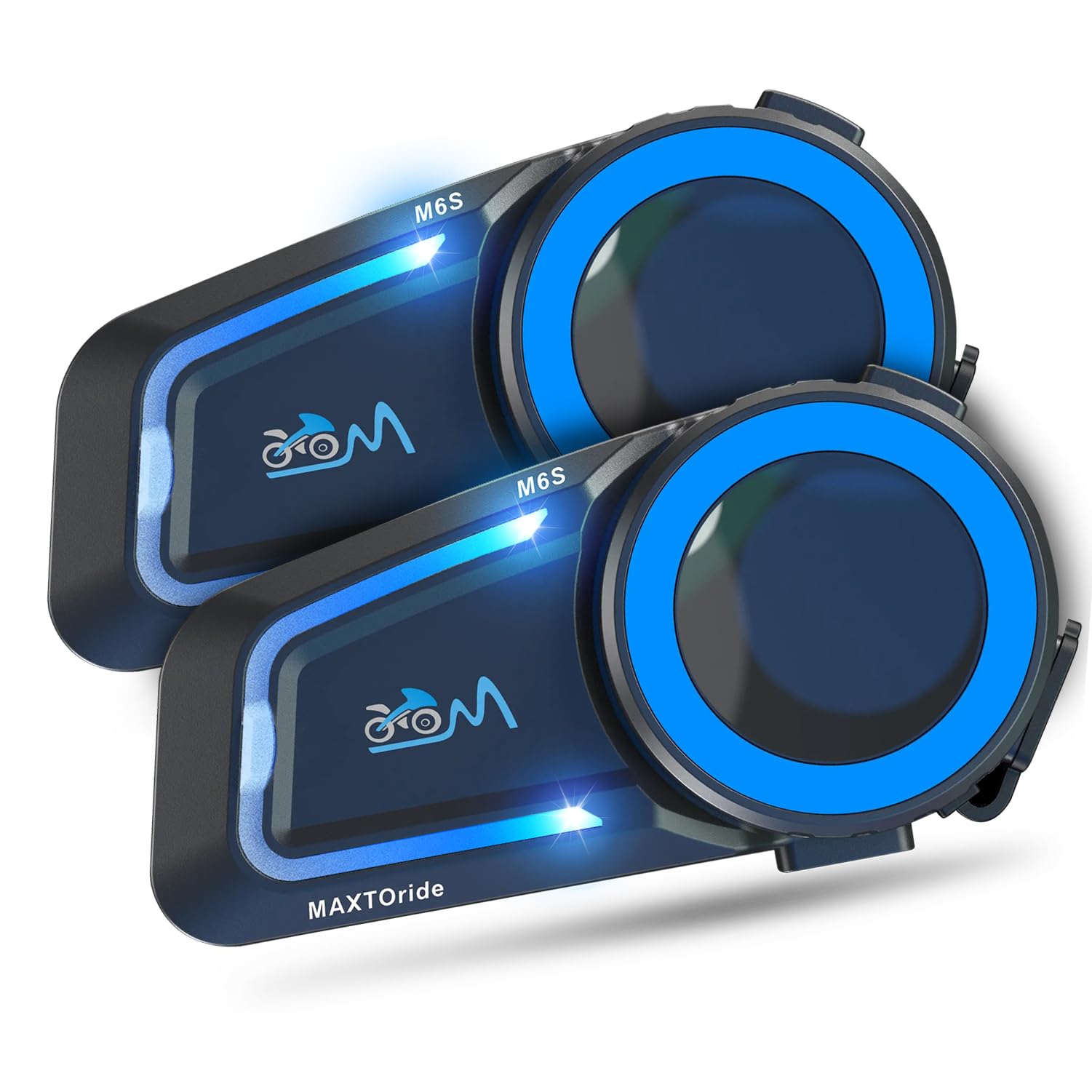
Figure 1: MAXTO M6S Bluetooth Headset main unit.
คุณสมบัติผลิตภัณฑ์
- Dual Bluetooth Chip Design: Allows simultaneous intercom communication and music listening.
- DSP/CVC Noise Reduction: Provides clear audio quality by reducing environmental and wind noise.
- ตาข่ายอินเตอร์คอม: Supports up to 8 riders within a 1000m range with automatic reconnection.
- One-Touch Connection: Simplifies pairing for multi-person networks.
- Bluetooth 5.0: Ensures stable and fast connections to phones and other devices.
- ระบบรับสายอัตโนมัติ: Hands-free communication for safety.
- การควบคุมด้วยเสียง: Access digital assistants for convenient operation.
- การแบ่งปันเพลง: Share audio with another M6S intercom user.
- กันน้ำ IP67: Designed for use in various weather conditions.
2. เนื้อหาบรรจุภัณฑ์
ตรวจสอบว่าสินค้าทั้งหมดที่ระบุไว้ด้านล่างนี้รวมอยู่ในแพ็คเกจของคุณแล้ว หากมีสินค้าใดสูญหายหรือเสียหาย โปรดติดต่อฝ่ายสนับสนุนลูกค้า
- MAXTO M6S Main Unit(s)
- Headset with Speakers and Microphones (Boom and Soft Wire Microphones)
- สายชาร์จ USB
- Helmet Mounting Clips (Adhesive and Clamp ประเภท)
- แผ่นตีนตุ๊กแกสำหรับลำโพงและไมโครโฟน
- Screwdriver (for clamp mount installation)
- คู่มือการใช้งาน
Video 1: This video demonstrates the unboxing and contents of the Motorcycle Bluetooth Headset package, showing the main unit, speakers, microphones, charging cable, and mounting accessories.
3. การตั้งค่า
3.1 การชาร์จอุปกรณ์
Before first use, fully charge the MAXTO M6S unit. The device has a 10-hour battery life for active use.
- Connect the provided USB charging cable to the charging port on the MAXTO M6S unit.
- เชื่อมต่อปลายอีกด้านหนึ่งของสาย USB เข้ากับแหล่งพลังงาน USB ที่ใช้งานร่วมกันได้ (เช่น พอร์ต USB ของคอมพิวเตอร์ อะแดปเตอร์ติดผนัง USB)
- The indicator light will show charging status (refer to the user manual for specific light indicators).
- เวลาในการชาร์จประมาณ 10 ชั่วโมงเมื่อชาร์จเต็ม
3.2 การติดตั้งหมวกกันน็อค
The MAXTO M6S can be installed using either the adhesive mount or the clamp mount, depending on your helmet type and preference.
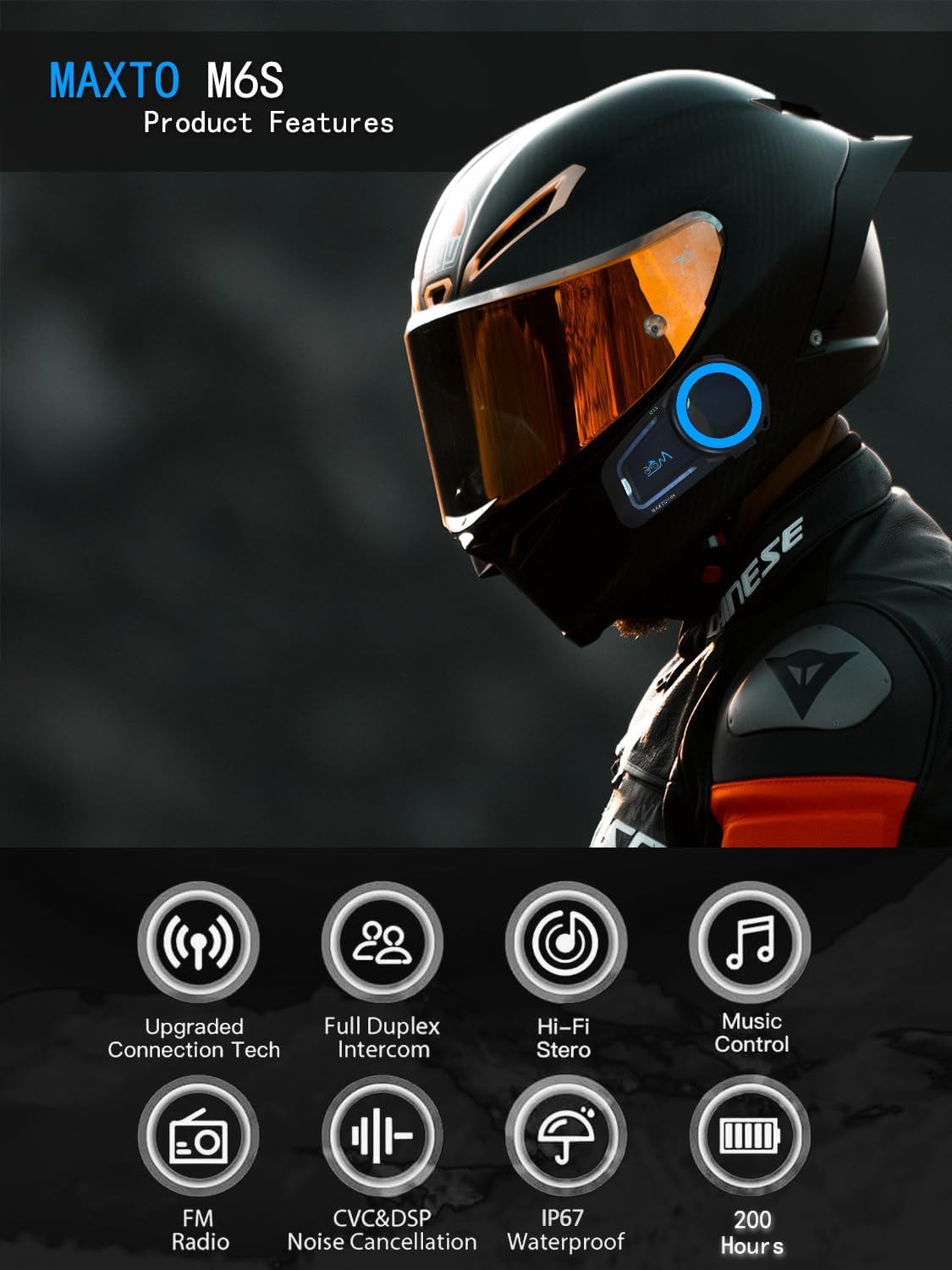
Figure 2: Diagram illustrating various product features and components of the MAXTO M6S.
Speaker and Microphone Placement:
- Remove the helmet's inner padding to access the speaker pockets.
- Attach the Velcro pads to the back of the speakers and inside the helmet's speaker pockets.
- Place the speakers firmly into the pockets.
- Choose either the boom microphone (for open-face helmets) or the soft wire microphone (for full-face helmets).
- Attach the microphone's Velcro pad to a suitable location inside the helmet, ensuring it is close to your mouth for clear audio.
- Route all wires neatly under the helmet padding to avoid discomfort and ensure a secure fit.
การติดตั้งตัวเครื่องหลัก:
- ติดกาว: Clean the desired mounting area on the side of your helmet. Peel off the protective film from the adhesive mount and firmly press it onto the helmet for at least 30 seconds. Allow sufficient time for the adhesive to bond before attaching the main unit.
- Clamp ภูเขา: คลายสกรูบน CLamp mount. Slide the clamp between the helmet shell and the inner padding. Tighten the screws using the provided screwdriver to secure the mount.
- Slide the MAXTO M6S main unit onto the installed mount until it clicks securely into place.
วิดีโอ 2: วิดีโอนี้ให้รายละเอียดอย่างครบถ้วนview of the 2024 MaxTo M6S Motorcycle Bluetooth Headset, highlighting its design and features.
3.3 Pairing with Your Phone (Bluetooth)
The MAXTO M6S uses Bluetooth 5.0 for stable connection to your smartphone.
- Ensure your MAXTO M6S unit is powered off.
- บนสมาร์ทโฟนของคุณ ไปที่การตั้งค่าบลูทูธ และเปิดใช้งานบลูทูธ
- Press and hold the multi-function button on the M6S unit until the indicator light flashes red and blue, indicating pairing mode.
- On your smartphone, search for available devices and select "M6S" from the list.
- Once connected, the indicator light on the M6S will turn solid blue or flash blue slowly.
3.4 Mesh Intercom Pairing (Multi-Person Communication)
The M6S supports mesh networking for up to 8 riders, allowing for easy group communication.
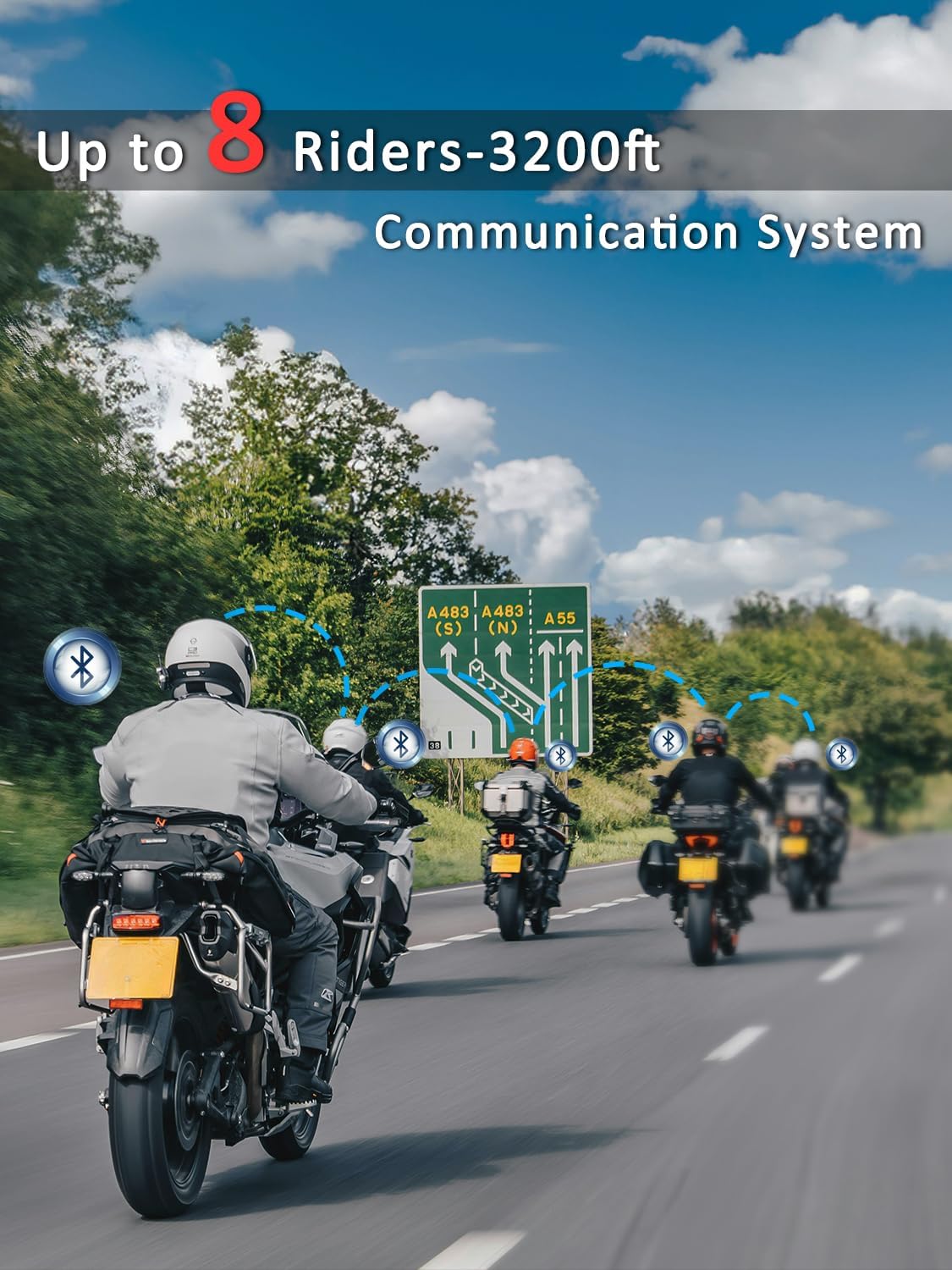
Figure 3: Illustration of multiple riders connected via the MAXTO M6S mesh intercom system.
- Ensure all M6S units are in standby mode.
- On all units, press and hold the intercom button for 3 seconds until the red and blue lights flash simultaneously.
- Press the intercom button on any one unit. All M6S units will automatically pair with each other.
- The system features an "automatic communication return" function, allowing units to reconnect automatically if they re-enter the communication range after a temporary disconnection.
Video 3: This video demonstrates the connection method for the Maxto Helmet Bluetooth Mesh Communication system.
4. คู่มือการใช้งาน
4.1 การควบคุมขั้นพื้นฐาน
The MAXTO M6S features intuitive controls for easy operation while riding.
- เปิด/ปิดเครื่อง: กดปุ่มเปิด/ปิดค้างไว้
- เพิ่ม/ลดระดับเสียง: ใช้ปุ่มปรับระดับเสียงเฉพาะ (+/-)
- เล่น/หยุดเพลง: กดปุ่มมัลติฟังก์ชั่นสั้นๆ
- เพลงถัดไป / ก่อนหน้า: Long press the volume up/down buttons (refer to manual for exact mapping).
4.2 การเล่นและการแชร์เพลง
Enjoy your favorite music and share it with a fellow rider.
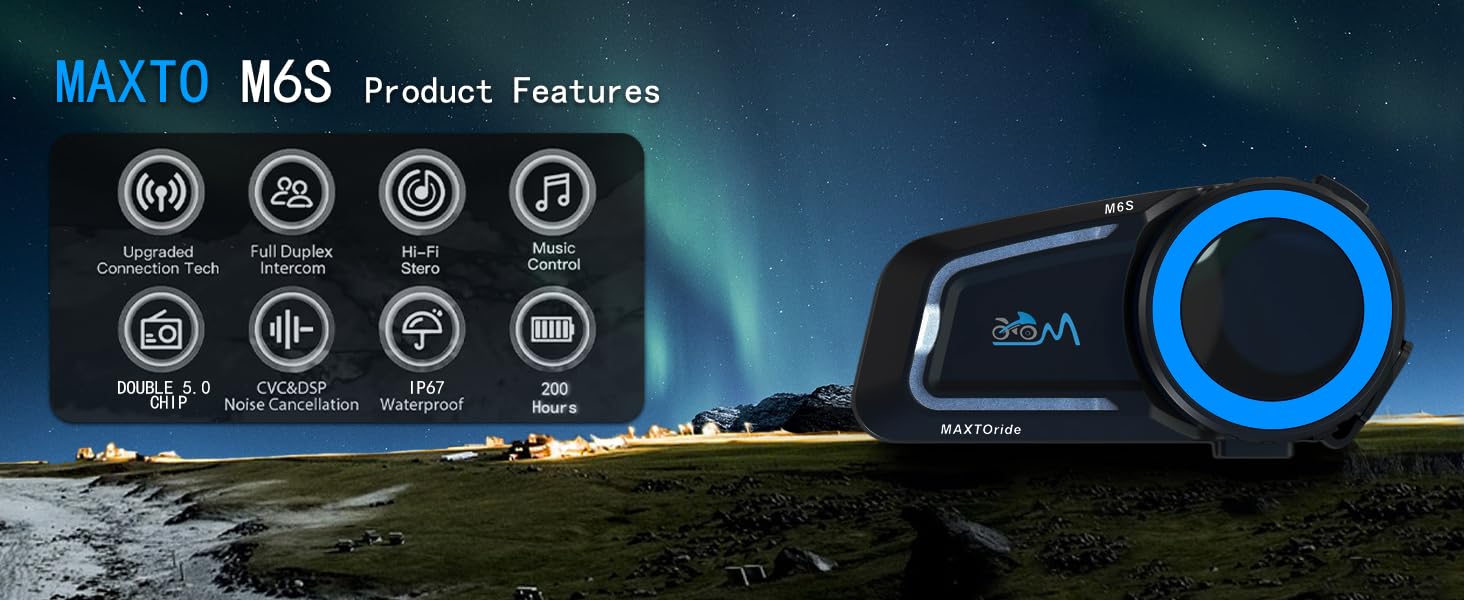
Figure 4: The MAXTO M6S features a dual-core dual system for seamless switching between intercom, music, and calls.
- Ensure your M6S is paired with your smartphone.
- Start music playback on your smartphone.
- To share music with another M6S unit, initiate an intercom connection and then activate the music sharing function (refer to the user manual for specific button presses).
Video 4: This video explains how to use the music sharing feature on the Maxto Helmet Bluetooth Mesh Communication system.
4.3 ระบบสื่อสารภายใน (อินเตอร์คอม)
Engage in clear conversations with your riding group using the mesh intercom system.
- After successful mesh pairing, short press the intercom button to initiate or end an intercom conversation.
- The dual Bluetooth chip allows you to maintain intercom calls while listening to music.
4.4 การโทรและการควบคุมด้วยเสียง
จัดการสายเรียกเข้าและใช้งานผู้ช่วยเสียงของโทรศัพท์ได้แบบแฮนด์ฟรี
- รับ/วางสาย: The headset will automatically answer incoming calls after 10 seconds. You can also short press the multi-function button to answer or end a call.
- ปฏิเสธสาย: กดปุ่มมัลติฟังก์ชั่นค้างไว้เพื่อปฏิเสธสายเรียกเข้า
- ผู้ช่วยเสียง: Activate your smartphone's voice assistant (e.g., Siri, Google Assistant) by a specific button press (refer to manual for details) to make calls, get directions, or control music.
4.5 การตัดเสียงรบกวน
The M6S features advanced DSP/CVC noise reduction technology.

Figure 5: The MAXTO M6S utilizes dual Qualcomm DSP chips for independent audio processing, enhancing sound quality and noise reduction.
- The system intelligently recognizes and filters environmental noise, including wind noise, to ensure clear communication and music enjoyment.
5. การบำรุงรักษา
5.1 ความต้านทานต่อน้ำ
The MAXTO M6S is rated IP67 waterproof, providing protection against dust and water immersion up to 1 meter for 30 minutes.

Figure 6: The MAXTO M6S is IP67 waterproof, designed to withstand rain and splashes.
- Ensure all ports (e.g., charging port) are securely closed with their protective covers when not in use to maintain water resistance.
- หลีกเลี่ยงการแช่น้ำเป็นเวลานานหรือการสัมผัสกับน้ำแรงดันสูง
5.2 การดูแลทั่วไป
- ทำความสะอาดตัวเครื่องด้วย d . ที่อ่อนนุ่มamp ผ้า. อย่าใช้สารเคมีที่รุนแรงหรือน้ำยาทำความสะอาดที่มีฤทธิ์กัดกร่อน
- เก็บอุปกรณ์ไว้ในที่แห้งและเย็นเมื่อไม่ใช้งาน
- หลีกเลี่ยงอุณหภูมิที่สูงหรือต่ำเกินไป
6 การแก้ไขปัญหา
6.1 ปัญหาการจับคู่
- ตรวจสอบให้แน่ใจว่าอุปกรณ์ชาร์จเต็มแล้ว
- Verify that the device is in pairing mode (red and blue flashing lights).
- Turn off and restart both the M6S unit and your smartphone/other intercom units.
- Clear previous Bluetooth connections on your smartphone and attempt pairing again.
6.2 ปัญหาคุณภาพเสียง
- Check speaker placement within the helmet to ensure they are directly over your ears.
- Adjust volume levels on both the M6S and your connected device.
- ตรวจสอบให้แน่ใจว่าวางไมโครโฟนในตำแหน่งที่ถูกต้องและไม่มีสิ่งกีดขวาง
- Noise cancellation performance may vary with extreme wind conditions or very high speeds.
6.3 Intercom Disconnection
- Ensure all units are within the 1000m mesh network range.
- Obstacles like buildings can affect connection stability. The automatic communication return feature should re-establish connection when back in range.
- Re-initiate mesh pairing if disconnections are frequent.
7. ข้อมูลจำเพาะ
| ชื่อรุ่น | เอ็ม6เอส |
| ยี่ห้อ | MAXTO |
| เทคโนโลยีการเชื่อมต่อ | ไร้สาย (บลูทูธ 5.0) |
| เทคโนโลยีการสื่อสารไร้สาย | บลูทูธ |
| อายุการใช้งานแบตเตอรี่ | 10 ชั่วโมง |
| เวลาในการชาร์จ | 10 ชั่วโมง |
| ระดับความต้านทานต่อน้ำ | กันน้ำระดับ IP67 |
| การควบคุมเสียงรบกวน | Active Noise Cancellation (CVC+DSP) |
| วิธีการควบคุม | สัมผัส, การควบคุมสื่อ |
| น้ำหนักสินค้า | 0.72 กิโลกรัม (1.58 ปอนด์) |
| การใช้ที่แนะนำ | Cycling, Skiing |
| อุปกรณ์ที่รองรับ | Motorcycles, Cellphones |
8. การรับประกันและการสนับสนุน
8.1 ข้อมูลการรับประกัน
For specific warranty details and coverage, please refer to the documentation provided with your purchase or contact the seller directly. Protection plans may be available for extended coverage.
8.2 การสนับสนุนลูกค้า
If you encounter any issues or have questions regarding your MAXTO M6S headset, please contact the seller, USHuiDa, for assistance. For software updates or app-related queries, you may search for "RICAM apk" in Google to download the latest version.


