การแนะนำ
This manual provides detailed instructions for the assembly, operation, maintenance, and troubleshooting of your HOMCOM 3-Drawer Home Office Storage Cabinet. Please read this manual thoroughly before assembly and use to ensure proper function and longevity of your product.
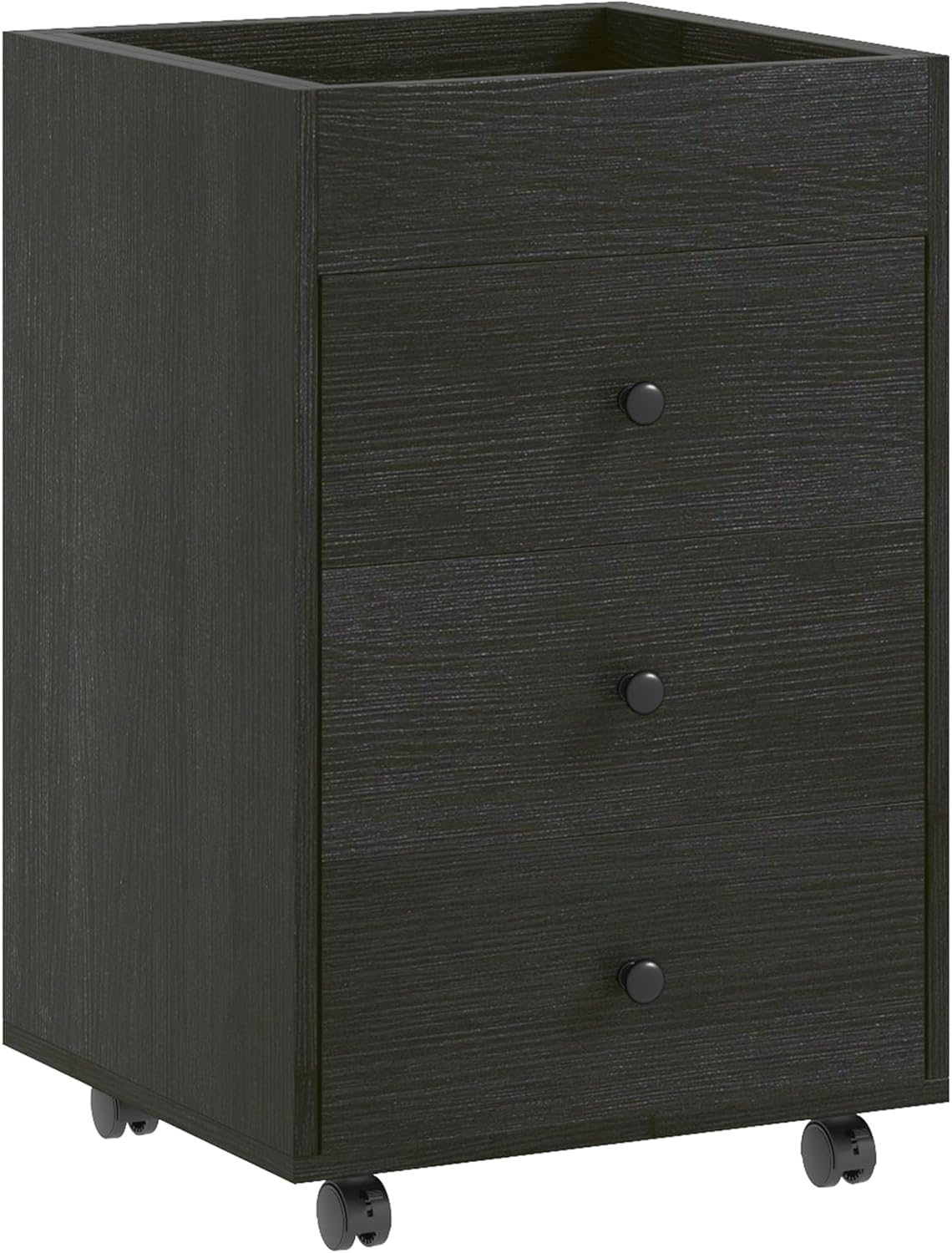
Image: The HOMCOM 3-Drawer Home Office Storage Cabinet in Dark Walnut, featuring three drawers and a sturdy top surface.
การติดตั้งและการประกอบ
Assembly is required for this storage cabinet. All necessary tools and hardware are included. It is recommended to follow the provided assembly instructions carefully. Some users have noted that the instructions are primarily diagram-based, so attention to detail is crucial for correct assembly, particularly regarding part orientation and screw tightening. Using a hand screwdriver is advised over a power screwdriver to prevent damage to the particleboard material.
ส่วนประกอบมากกว่าview
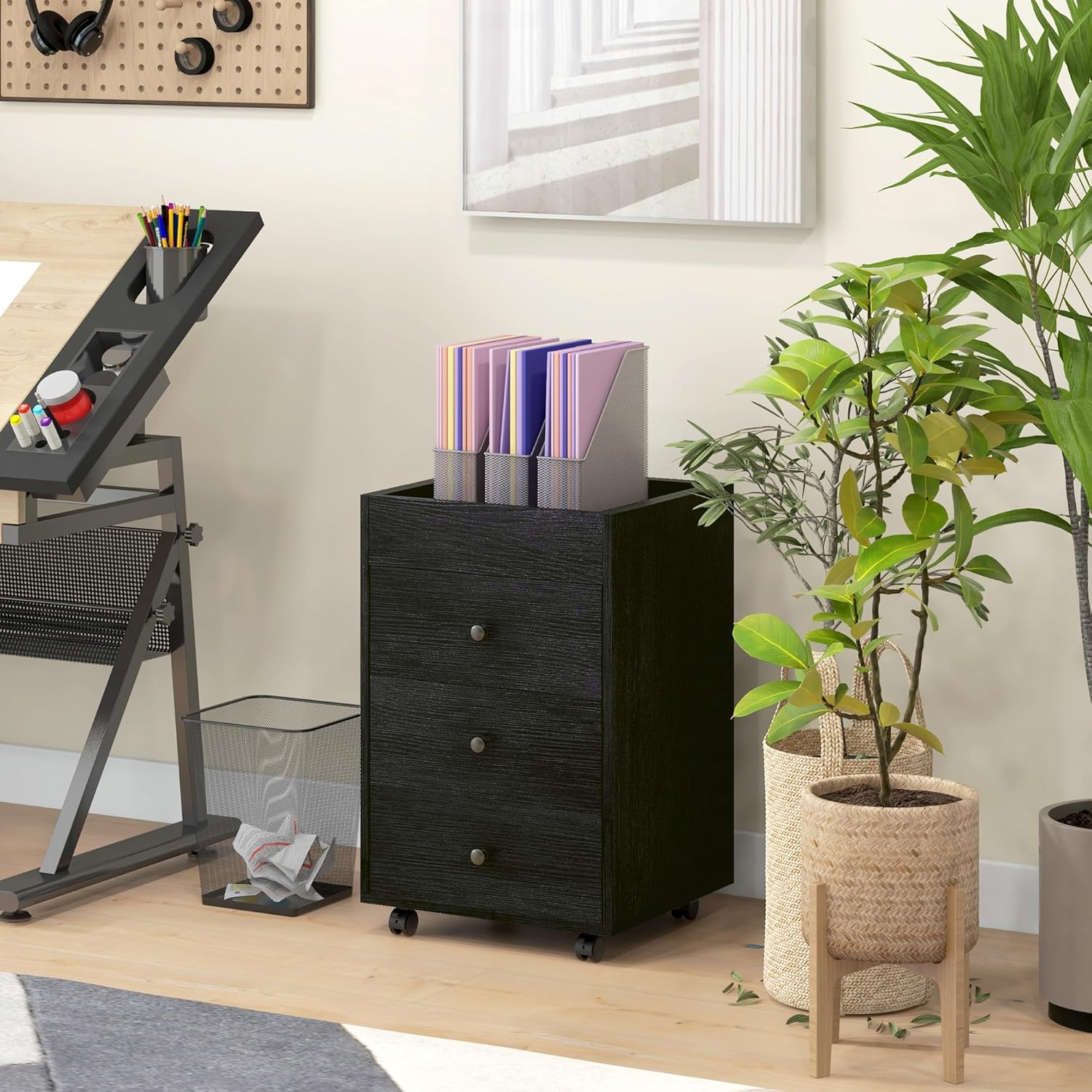
Image: Various components and hardware laid out for assembly, including the frame, drawer parts, and tools.
เคล็ดลับการประกอบ
- Review all diagrams and parts before beginning.
- Ensure correct orientation of all panels, especially those with pre-drilled holes or slots.
- Tighten screws by hand to avoid over-tightening and damaging the melamine-coated particleboard.
- Consider having a second person assist with assembly, as some steps may be easier with two people.
คำแนะนำการใช้งาน
The HOMCOM 3-Drawer Home Office Storage Cabinet is designed for efficient organization and mobility in your workspace.
การใช้ลิ้นชัก
The cabinet features three drawers. The top two drawers are suitable for general office supplies, documents, and smaller items. The bottom drawer is designed to accommodate hanging file folders, providing a dedicated space for important documents.
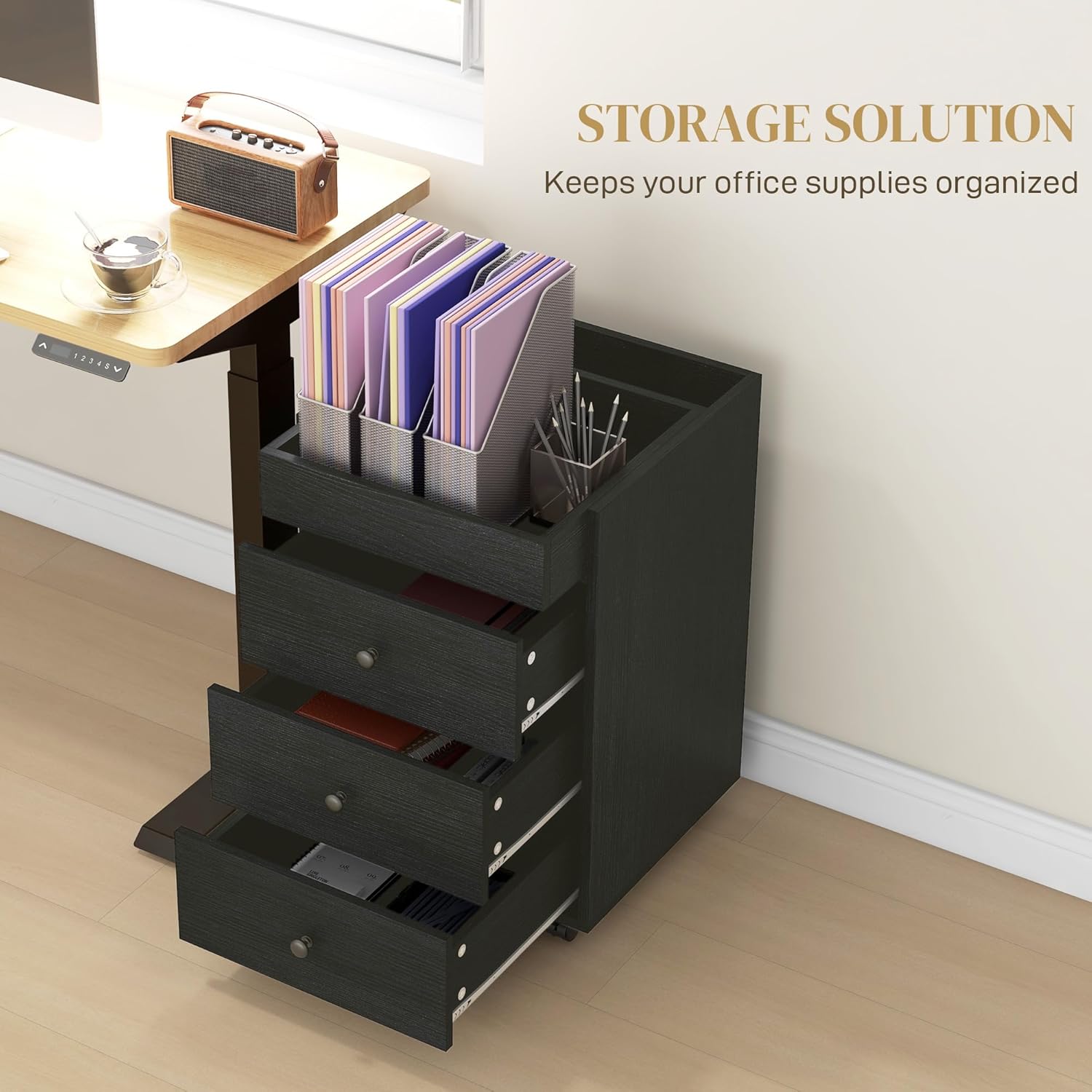
Image: The three drawers of the cabinet are open, revealing organized office supplies and files.
ถาดด้านบนถอดออกได้
The top surface includes a removable tray. This feature allows for flexible use, such as holding a printer or other office equipment, or providing an additional organizational layer for smaller items.

Image: A printer is shown placed on the top surface of the storage cabinet, demonstrating its use as a printer stand.
ความคล่องตัวและเสถียรภาพ
Equipped with four wheels, including two with brakes, this cabinet offers easy mobility. You can effortlessly move it around your workspace and then lock the wheels to secure its position.

ภาพ: รายละเอียด view of the cabinet's wheels, highlighting the two lockable casters for stability.
การเพิ่มประสิทธิภาพพื้นที่
The compact design allows the cabinet to fit conveniently under most desks, maximizing your office space without occupying excessive room.

Image: The storage cabinet is shown fitting perfectly under a desk, illustrating its space-saving design.
การซ่อมบำรุง
To ensure the longevity and appearance of your storage cabinet, follow these simple maintenance guidelines:
- การทำความสะอาด: The melamine-coated particleboard surface is easy to clean. Use a soft, damp cloth with mild soap and water. Avoid abrasive cleaners or harsh chemicals that could damage the finish.
- ปัดฝุ่น: Regularly dust the cabinet with a soft, dry cloth to prevent dust buildup.
- การรั่วไหล: Wipe up spills immediately to prevent staining or damage to the surface.
- การกระจายน้ำหนัก: Distribute weight evenly across the top surface and within the drawers to prevent tipping or structural stress.
การแก้ไขปัญหา
If you encounter any issues with your storage cabinet, refer to the following common troubleshooting tips:
- ลิ้นชักเลื่อนไม่ราบรื่น: Ensure that all drawer slides are correctly installed and aligned. Check for any obstructions within the drawer tracks. If the issue persists, re-check the assembly steps for the drawers.
- ตู้โยกเยก: Verify that all screws and fasteners are securely tightened. Ensure the cabinet is placed on a level surface. If using wheels, ensure they are properly installed and locked if stationary use is desired.
- Damaged Wheels: In some cases, wheel lock levers may be damaged during shipping. If a wheel is damaged, contact customer support for a replacement.
- ความยากในการประกอบ: หากคุณพบว่าคำแนะนำในการประกอบไม่ชัดเจน โปรดตอบกลับview them carefully, paying close attention to diagrams and part numbers. It may be helpful to re-examine the orientation of similar-looking parts.
ข้อมูลจำเพาะ
| คุณสมบัติ | รายละเอียด |
|---|---|
| ยี่ห้อ | โฮมคอม |
| ชื่อรุ่น | Home Office Storage Cabinet |
| หมายเลขรุ่นสินค้า | 924-088V80DW |
| สี | วอลนัทสีเข้ม |
| ขนาดโดยรวม | กว้าง 16.9 นิ้ว x ลึก 15.7 นิ้ว x สูง 26.2 นิ้ว |
| วัสดุ | Engineered Wood (Melamine-coated particleboard) |
| ความจุน้ำหนัก (โดยรวม) | 66 ปอนด์ |
| ความสามารถในการรับน้ำหนัก (ด้านบน) | 33 ปอนด์ |
| Weight Capacity (Drawer/Tray) | 11 ปอนด์ |
| คุณสมบัติพิเศษ | Portable, Removable Tray, Scratches Resistant, Wheeled |
| ส่วนประกอบที่รวมอยู่ | ล้อเลื่อน |
| จำเป็นต้องประกอบ | ใช่ |
| น้ำหนักสินค้า | 44 ปอนด์ |
การรับประกันและการสนับสนุน
Specific warranty information is not provided in this manual. For details regarding warranty coverage, returns, or to obtain replacement parts, please contact the manufacturer, Aosom LLC, or your retailer directly. Ensure you have your model number (924-088V80DW) and proof of purchase available when contacting support.


