1. บทนำ
Thank you for choosing the DYONDER 2.4 GHz Wireless Game Controller. This manual provides detailed instructions on how to set up, operate, and maintain your new controller. Please read this manual thoroughly before use to ensure optimal performance and longevity of your device.

Image: The DYONDER 2.4 GHz Wireless Game Controller in blue, shown alongside its compact USB wireless dongle.
2. เนื้อหาบรรจุภัณฑ์
โปรดตรวจสอบว่าสินค้าทั้งหมดมีอยู่ในแพ็คเกจของคุณ:
- 1 x DYONDER 2.4 GHz Wireless Game Controller (Blue)
- 1 x 2.4 GHz USB Wireless Receiver
- สายข้อมูล 1 x USB
- 1 x คู่มือการใช้งาน
3. สินค้าหมดview
Familiarize yourself with the various components and buttons of your DYONDER wireless controller:

Image: A detailed diagram illustrating the various buttons and ports on the DYONDER wireless controller, including the Left Joystick, Home Button, View Button, Menu Button, X/Y/A/B Buttons, Right Joystick, Share Button, Arrow Button (D-pad), RT Button, RB Button, USB Charging Port, Signal Search Button, and LT Button.
- จอยสติ๊กซ้าย: สำหรับการควบคุมทิศทาง
- ปุ่มโฮม: Access console/PC dashboard.
- View ปุ่ม: Contextual menu or map.
- ปุ่มเมนู: Game menu or options.
- X/Y/A/B Buttons: ปุ่มการกระทำ
- จอยสติ๊กขวา: สำหรับควบคุมหรือเล็งกล้อง
- ปุ่มแบ่งปัน: บันทึกภาพหน้าจอหรือคลิปวิดีโอ
- Arrow Button (D-pad): การป้อนข้อมูลแบบทิศทาง
- RT (Right Trigger) & LT (Left Trigger): ทริกเกอร์แบบอนาล็อกสำหรับการป้อนข้อมูลที่แม่นยำ
- RB (Right Bumper) & LB (Left Bumper): Digital buttons.
- พอร์ตชาร์จ USB: For connecting the data cable.
- Signal Search Button: For pairing.
4. การตั้งค่า
4.1 การติดตั้งแบตเตอรี่
The controller requires AA batteries (not included). It also supports rechargeable batteries (not included). To install:
- เปิดฝาช่องใส่แบตเตอรี่ด้านหลังของตัวควบคุม
- ใส่แบตเตอรี่ AA สองก้อน โดยตรวจสอบให้แน่ใจว่าขั้วถูกต้อง (+/-)
- ปิดฝาช่องใส่แบตเตอรี่ให้แน่น
4.2 การเชื่อมต่อกับอุปกรณ์ของคุณ
The DYONDER controller uses 2.4 GHz wireless technology for a stable connection.
- Insert the included 2.4 GHz USB wireless receiver into an available USB port on your Xbox console (Xbox One, Xbox Series X/S, Xbox One S/X) or PC (Windows 7/8/10/11).
- Turn on the controller by pressing the Home button. The controller will automatically search for the receiver.
- Once connected, the indicator light on the controller will become solid, indicating a successful pairing.
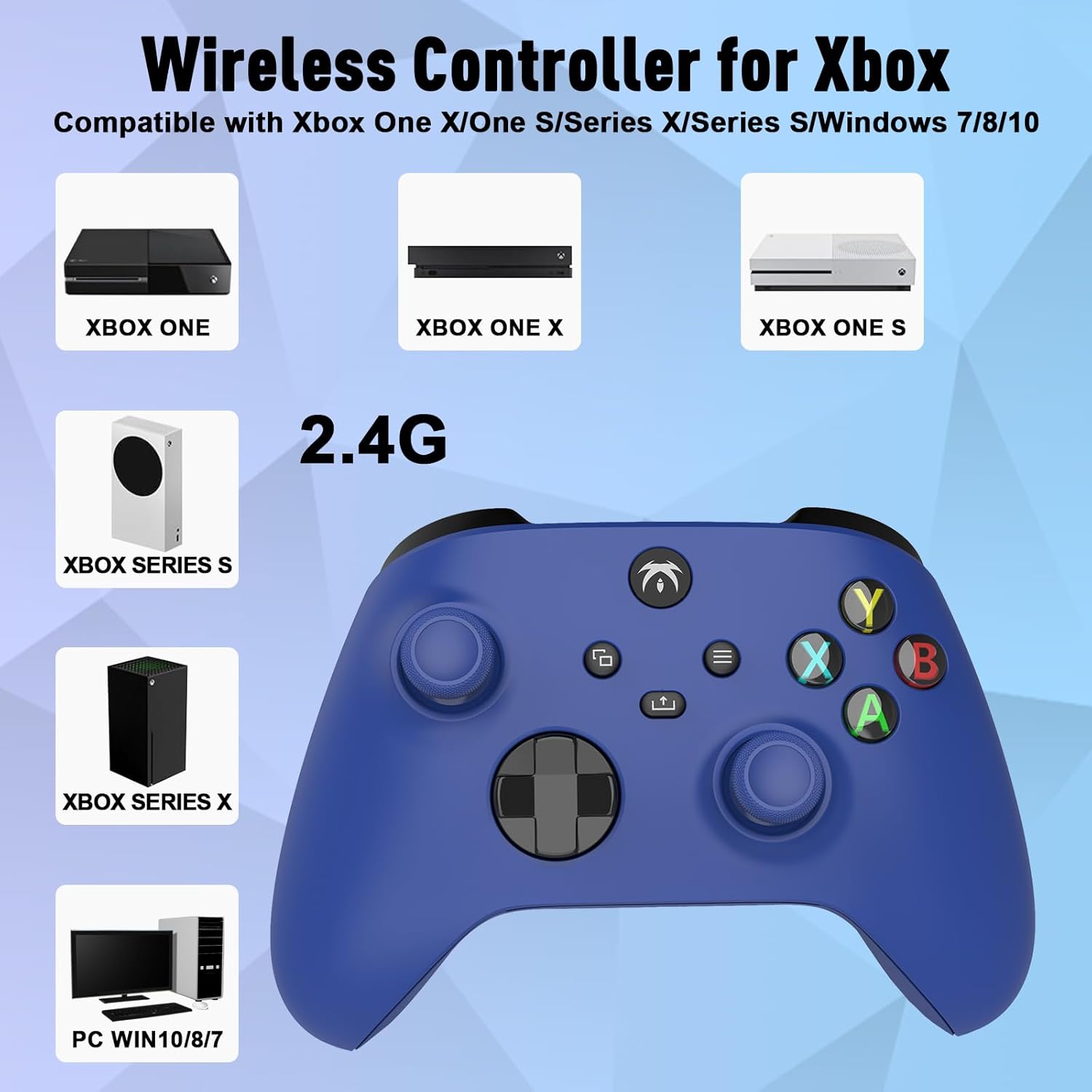
Image: An illustration demonstrating the broad compatibility of the DYONDER wireless controller with Xbox One, Xbox One X, Xbox One S, Xbox Series S, Xbox Series X, and PC (Windows 7/8/10/11) via its 2.4G wireless connection.
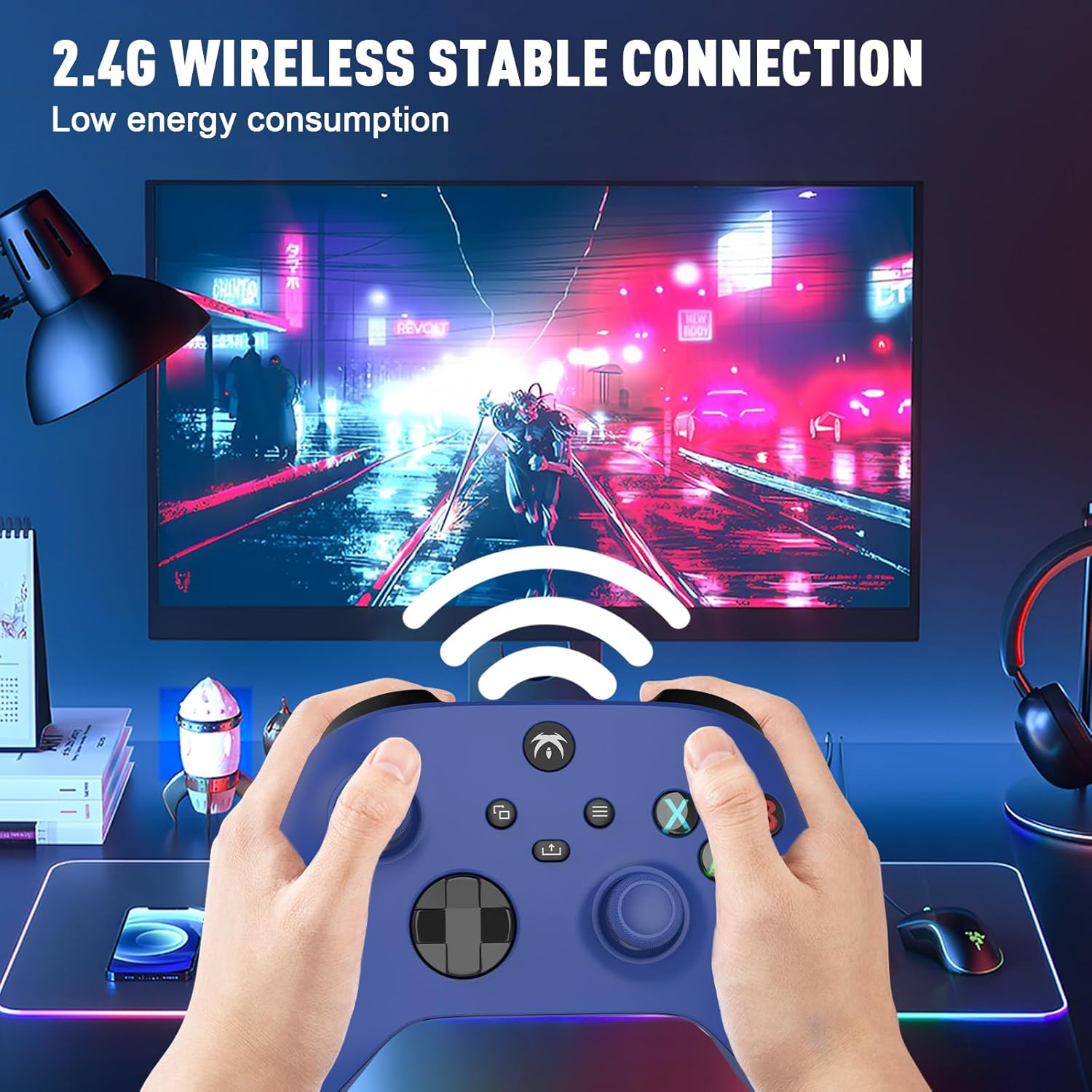
Image: A user holding the DYONDER wireless controller, demonstrating its 2.4G wireless stable connection while playing a game on a monitor, highlighting low energy consumption.
5. คู่มือการใช้งาน
5.1 ความเข้ากันได้
The DYONDER wireless controller is designed for powerful compatibility with a range of gaming platforms, including:
- Xbox one
- Xbox ซีรี่ส์ X|S
- Xbox One S / X
- Xbox Elite Controller Series
- Xbox Core
- พีเอส3
- พีซี (Windows 11/10/8/7)
5.2 ทริกเกอร์เชิงเส้นฮอลล์
Experience enhanced precision and control with the Hall linear triggers. These triggers provide increased sensitivity and speed control, particularly beneficial for racing games where precise acceleration and braking are crucial.
5.3 มอเตอร์สั่นสะเทือนคู่
The controller is equipped with dual motor vibration feedback, offering an immersive gaming experience. The motors provide varied vibration intensities and directions, enhancing realism in gameplay, such as impacts, explosions, or terrain changes.

Image: A visual representation highlighting the Dual Vibration feature for an immersive gaming experience and the Hall Trigger for precise linear control, especially in racing games.
5.4 แจ็คเสียง 3.5 มม.
The integrated 3.5mm headphone jack allows you to connect your compatible audio device directly to the controller. This feature provides convenience for in-game audio and communication with other players without needing to connect to the console.

Image: The DYONDER controller featuring its 3.5mm audio jack, with a headphone cable plugged in, emphasizing direct audio connectivity.
5.5 Share Button Functionality
The dedicated Share button allows you to easily capture and share your gaming moments. Press the Share button to take screenshots or record game clips, preserving your best plays.

ภาพ: ภาพระยะใกล้ view of the controller's central buttons, highlighting the Share button and a pop-up indicating "Game clip recorded," demonstrating its functionality.
6. การบำรุงรักษา
To ensure the longevity and optimal performance of your DYONDER wireless controller, follow these maintenance guidelines:
- การทำความสะอาด: ใช้ผ้านุ่มและแห้งเช็ดคอนโทรลเลอร์ สำหรับสิ่งสกปรกฝังแน่น ให้เช็ดเบาๆampชุบผ้าด้วยน้ำ หลีกเลี่ยงการใช้สารเคมีรุนแรงหรือน้ำยาทำความสะอาดที่มีฤทธิ์กัดกร่อน
- พื้นที่จัดเก็บ: เก็บตัวควบคุมไว้ในที่แห้งและเย็น ห่างจากแสงแดดโดยตรงและอุณหภูมิที่สูงหรือต่ำมาก
- การดูแลแบตเตอรี่ If the controller will not be used for an extended period, remove the batteries to prevent leakage and damage.
- หลีกเลี่ยงการหยด: ปกป้องตัวควบคุมจากการตกหล่นและแรงกระแทกซึ่งอาจทำให้ส่วนประกอบภายในเสียหายได้
7 การแก้ไขปัญหา
If you encounter issues with your DYONDER wireless controller, refer to the following common problems and solutions:
| ปัญหา | สาเหตุที่เป็นไปได้ | สารละลาย |
|---|---|---|
| ตัวควบคุมไม่เปิดใช้งาน | แบตเตอรี่เหลือน้อยหรือหมด การติดตั้งแบตเตอรี่ไม่ถูกต้อง | เปลี่ยนแบตเตอรี่ใหม่โดยตรวจสอบให้แน่ใจว่าใส่ขั้วถูกต้อง |
| ตัวควบคุมไม่สามารถเชื่อมต่อกับเครื่องเล่นเกม/พีซีได้ | USB receiver not properly inserted; interference; out of range. | Ensure receiver is fully inserted. Move closer to the receiver. Try a different USB port. Re-pair the controller by pressing the Signal Search button on the controller and receiver (if applicable). |
| อาการหน่วงในการป้อนข้อมูลหรือการเชื่อมต่อหลุด | สัญญาณรบกวนจากอุปกรณ์ไร้สายอื่นๆ; แบตเตอรี่เหลือน้อย | Move controller closer to receiver. Ensure no strong wireless interference sources nearby. Replace batteries. |
| การสั่นสะเทือนไม่ทำงาน | Vibration feature disabled in game settings; software issue. | Check in-game settings to ensure vibration is enabled. Restart the console/PC and controller. |
| ปุ่มกดหรือจอยสติ๊กไม่ตอบสนอง | Dirt/debris under buttons; internal hardware issue. | Clean around buttons. If issue persists, contact customer support. |
8. ข้อมูลจำเพาะ
| คุณสมบัติ | รายละเอียด |
|---|---|
| ยี่ห้อ | ไดอันเดอร์ |
| ชื่อรุ่น | DYONDER 2.4 GHz Wireless Game Controller |
| สี | สีฟ้า |
| เทคโนโลยีการเชื่อมต่อ | ไร้สาย 2.4 GHz |
| อุปกรณ์ที่รองรับ | PC (Windows 7/8/10/11), Xbox One, Xbox Series X, Xbox Series S, PS3 |
| ประเภทตัวควบคุม | แป้นเกม |
| จำนวนปุ่ม | 17 |
| คุณสมบัติพิเศษ | Wireless, Dual Vibration, Hall Linear Triggers, 3.5mm Audio Jack |
| แหล่งพลังงาน | 2 x AA Batteries (not included) or Rechargeable Batteries (not included) |
9. การรับประกันและการสนับสนุน
For warranty information and customer support, please refer to the documentation provided with your purchase or contact DYONDER customer service through the retailer where the product was purchased. Please retain your proof of purchase for any warranty claims.


