การแนะนำ
This manual provides comprehensive instructions for the VTech CS2000 DECT Cordless Home Phone. It covers setup, operation, maintenance, and troubleshooting to ensure you get the most out of your device. The VTech CS2000 offers reliable long-range communication, advanced call blocking features, a clear backlit display, and hands-free functionality, designed for ease of use in your home.

Image: The VTech CS2000 cordless handset resting in its base station, showcasinด้วยดีไซน์ที่กะทัดรัดและจอแสดงผลที่คมชัด
การตั้งค่า
Follow these steps to set up your VTech CS2000 phone system.
1. เนื้อหาบรรจุภัณฑ์
ให้แน่ใจว่ามีรายการทั้งหมดอยู่:
- โทรศัพท์มือถือ VTech CS2000
- สถานีฐาน
- อะแดปเตอร์ไฟฟ้าสำหรับสถานีฐาน
- สายโทรศัพท์
- Rechargeable NiMH Batteries (2 x AAA)
- คู่มือการใช้งาน (เอกสารนี้)
3. การติดตั้งแบตเตอรี่
- เปิดฝาปิดช่องใส่แบตเตอรี่ที่ด้านหลังของโทรศัพท์
- Insert the two supplied NiMH AAA batteries, observing the correct polarity (+ and -).
- ปิดฝาช่องใส่แบตเตอรี่ให้แน่น
3. การเชื่อมต่อสถานีฐาน
- Connect one end of the telephone line cord to the TEL LINE jack on the back of the base station.
- ต่อปลายอีกด้านของสายโทรศัพท์เข้ากับเต้ารับโทรศัพท์ที่ผนัง
- Plug the small end of the power adapter into the POWER jack on the back of the base station.
- เสียบปลั๊กอะแดปเตอร์ไฟฟ้าด้านใหญ่เข้ากับเต้ารับไฟฟ้ามาตรฐาน
- วางโทรศัพท์ลงบนแท่นชาร์จเพื่อชาร์จแบตเตอรี่ ควรใช้เวลาอย่างน้อย 16 ชั่วโมงสำหรับการชาร์จครั้งแรก

ภาพ: มุมเอียง view of the VTech CS2000 handset docked in its base, illustrating proper placement for charging.
คำแนะนำการใช้งาน
Learn how to use the various features of your VTech CS2000 phone.
การโทรออกและรับสาย
- ในการโทรออก: ยกหูโทรศัพท์หรือกดปุ่ม พูดคุย ปุ่มแล้วกดหมายเลข
- วิธีรับสาย: เมื่อโทรศัพท์ดัง ให้หยิบหูโทรศัพท์ขึ้นมาหรือกดปุ่ม พูดคุย ปุ่ม.
- สปีกเกอร์โฟนแบบแฮนด์ฟรี: ระหว่างการโทร ให้กด ผู้พูด กดปุ่มเพื่อเปิดใช้งานลำโพง กดอีกครั้งเพื่อสลับกลับไปที่หูฟัง

Image: A person using the hands-free speakerphone function of the VTech CS2000 while preparing food, demonstrating convenience.
การบล็อกการโทร
The VTech CS2000 features a robust call blocking function to filter unwanted calls.
- Block up to 30 numbers in the blacklist.
- Block unwanted calls and calls from unknown numbers.
- Option to block all calls during a programmable period for undisturbed time.
*Note: This feature requires subscription to a Caller ID service from your network provider.

Image: The VTech CS2000 phone with an overlay indicating the call blocker feature, showing a person relaxing undisturbed.
Phone Directory and Caller ID
- Store up to 30 names and numbers in the phone directory.
- Caller ID memory stores up to 20 names and numbers.
- Access the last 10 dialed numbers for quick redial.
*Note: Caller ID function requires subscription to a Caller ID service from your network provider.
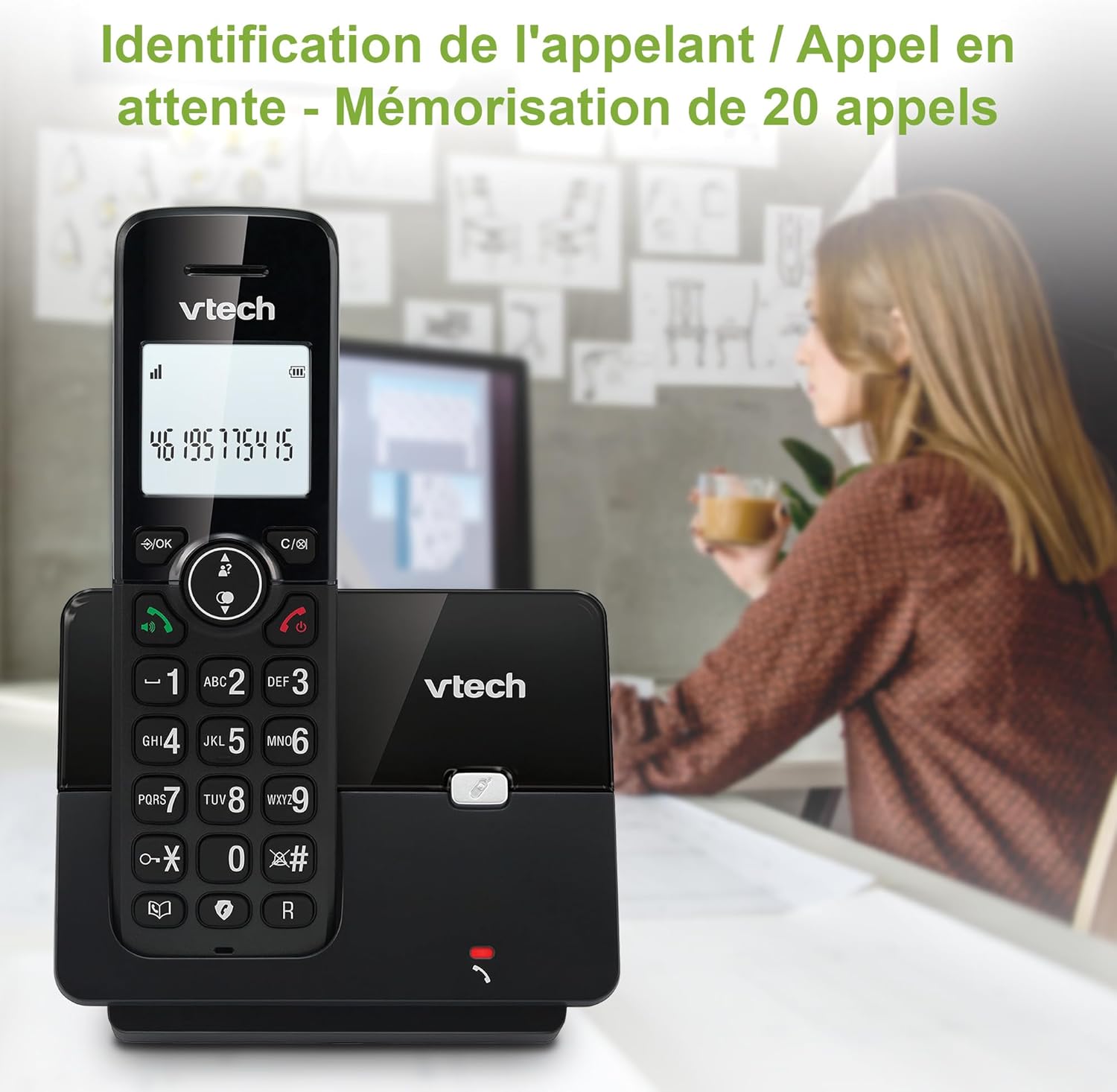
Image: The VTech CS2000 handset displaying caller ID information, with an overlay indicating storage for 20 calls.
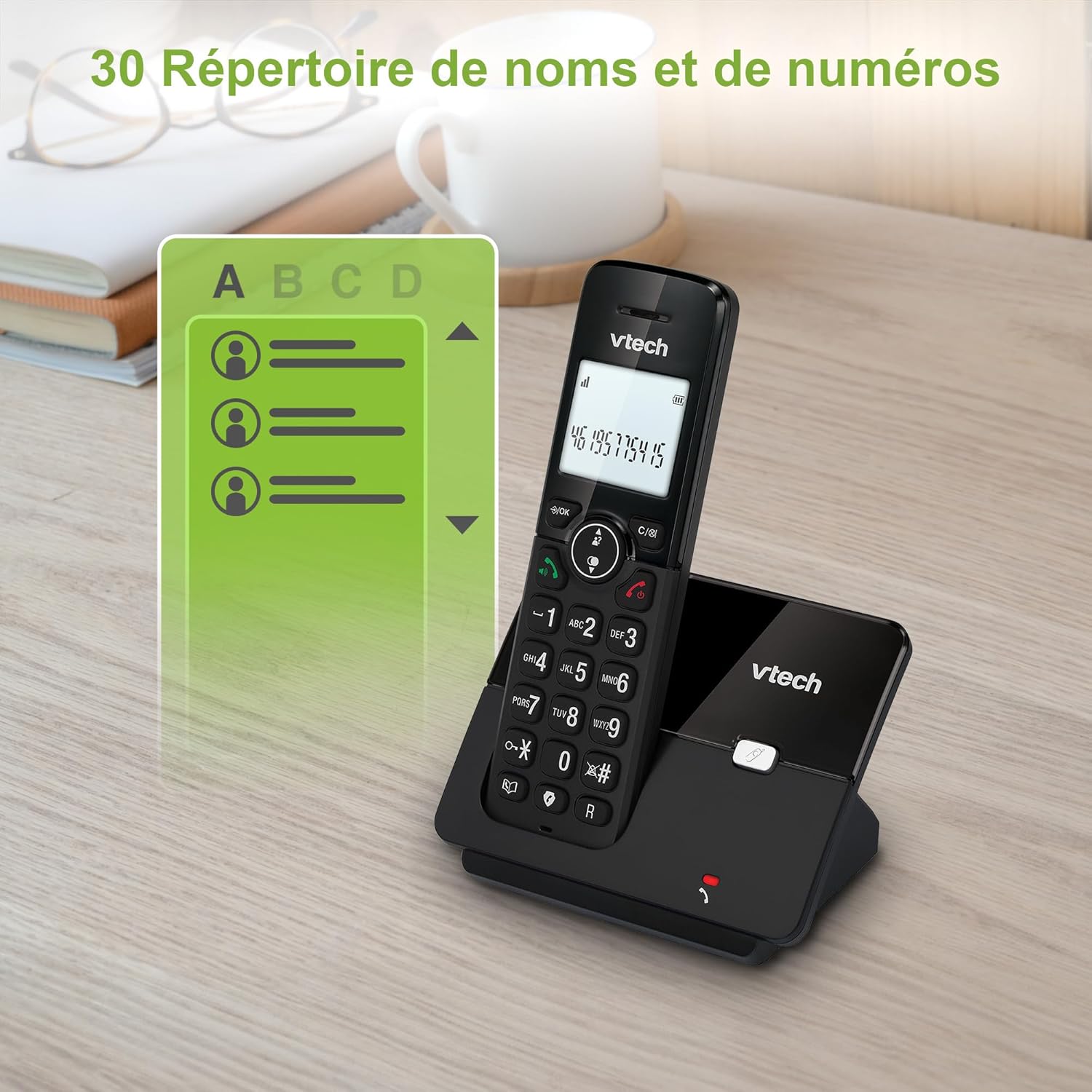
Image: The VTech CS2000 handset displaying a phone directory list, highlighting its capacity for 30 names and numbers.

Image: The VTech CS2000 handset displaying a list of recently dialed numbers, indicating the 10 last number redial feature.
การปรับแต่งการตั้งค่า
- Ringtone Volume and Melody: Adjust these settings through the handset menu to suit your preference.
- Alarm and Mute Function: Utilize the alarm feature for reminders and the mute function for privacy during calls.
- โหมด ECO: The handset automatically adjusts radio frequency power based on its distance from the base station, optimizing power consumption.

Image: The VTech CS2000 handset with an overlay indicating adjustable ringtone volume and melody, showing sound waves.

Image: A split image showing the VTech CS2000's alarm function (person exercising) and mute function (couple relaxing), indicating versatility.
การซ่อมบำรุง
Proper care ensures the longevity of your VTech CS2000 phone.
- การทำความสะอาด: Wipe the handset and base station with a soft, damp ใช้ผ้าเช็ดทำความสะอาดเท่านั้น ห้ามใช้สเปรย์ทำความสะอาดหรือสารเคมีรุนแรง
- การดูแลแบตเตอรี่ For optimal battery life, always return the handset to the base station when not in use. If the phone will be unused for an extended period, remove the batteries.
- สิ่งแวดล้อม: เก็บโทรศัพท์ให้ห่างจากแหล่งความร้อน แสงแดดโดยตรง และความชื้น
การแก้ไขปัญหา
If you encounter issues with your VTech CS2000, try these solutions:
| ปัญหา | สารละลาย |
|---|---|
| ไม่มีเสียงโทรออก |
|
| โทรศัพท์มือถือไม่ชาร์จ |
|
| Poor sound quality or limited range. |
|
| หน้าจอว่างเปล่าหรือไม่สามารถอ่านได้ |
|
| ไม่สามารถบล็อคการโทรได้ |
|
ข้อมูลจำเพาะ
Detailed technical specifications for the VTech CS2000 DECT Cordless Home Phone.
| คุณสมบัติ | รายละเอียด |
|---|---|
| ยี่ห้อ | VTech |
| หมายเลขรุ่น | ซีเอส2000 |
| สี | สีดำ |
| ประเภทโทรศัพท์ | ไร้สาย |
| ขนาดหน้าจอ | 1.8 นิ้ว |
| คุณสมบัติพิเศษ | Cordless, Call Blocking, Hands-free Speakerphone, ECO Mode |
| องค์ประกอบของแบตเตอรี่ | นิเกิลเอ็มเอช |
| จำนวนแบตเตอรี่ | 2 AAA (รวม) |
| วัสดุ | พลาสติก |
| แหล่งพลังงาน | ใช้พลังงานจากแบตเตอรี่ |
| ประเภทผู้โทรออก | ปุ่มกดเดียว |
| ขนาดรายการ (ยาว x กว้าง x สูง) | 17.5 x 10.5 x 9.2 เซนติเมตร |
| ประเภทของระบบตอบรับ | ดิจิตอล |
| เวลาสนทนา | 13 ชั่วโมง |
| ช่วงสาย | สูงสุด 300 เมตร (กลางแจ้ง) |
| ความจุสมุดโทรศัพท์ | 30 ชื่อและหมายเลข |
| หน่วยความจำหมายเลขผู้โทร | 20 ชื่อและหมายเลข |
| โทรซ้ำหมายเลขล่าสุด | 10 รายการ |
| ประเทศต้นกำเนิด | จีน |

Image: A visual representation of the VTech CS2000's reliable long-range capability, showing the phone in a large home environment.
การรับประกันและการสนับสนุน
สำหรับข้อมูลการรับประกันและการสนับสนุนลูกค้า โปรดดูที่เว็บไซต์อย่างเป็นทางการของผู้ผลิต website or the warranty card included with your product. VTech products typically come with a standard manufacturer's warranty covering defects in materials and workmanship.
If you require technical assistance or have questions not covered in this manual, please contact VTech customer support. Keep your purchase receipt as proof of purchase for warranty claims.
For returns or specific purchase-related inquiries, please refer to the return policy of your retailer (e.g., Amazon's 30-day return policy).


