การแนะนำ
The Amazon Basics Thunderbolt 4 / USB4 Docking Station is designed to expand your laptop's connectivity and enhance your workspace. It provides multiple ports for monitors, peripherals, and network access, all while delivering power to your connected laptop through a single Thunderbolt 4 cable.
สิ่งที่รวมอยู่
- สถานีเชื่อมต่อ Thunderbolt 4
- สายฟ้า 4 Cable
- อะแดปเตอร์แปลงไฟ
- สายไฟ
- คู่มือการติดตั้งด่วน

Image: All components included with the docking station.
สินค้าเกินview
The docking station features a compact design with various ports for versatile connectivity. Below is a detailed look at the ports and indicators.

ภาพ: ด้านหน้า view of the docking station.
แผงด้านหน้า
- เครื่องอ่านการ์ด SD: สำหรับอ่านและเขียนข้อมูลลงในการ์ดหน่วยความจำ SD
- พอร์ต USB-A 3.1: Connect USB-A peripherals.
- แจ็คเสียงขนาด 3.5 มม.: สำหรับหูฟังหรือลำโพง
- พอร์ตอัปสตรีม Thunderbolt 4: Connects to your laptop. Supports up to 85W Power Delivery.
- ไฟ LED แสดงสถานะ: Power and Thunderbolt connection status.
- ปุ่มเปิด/ปิด: To turn the docking station on or off.
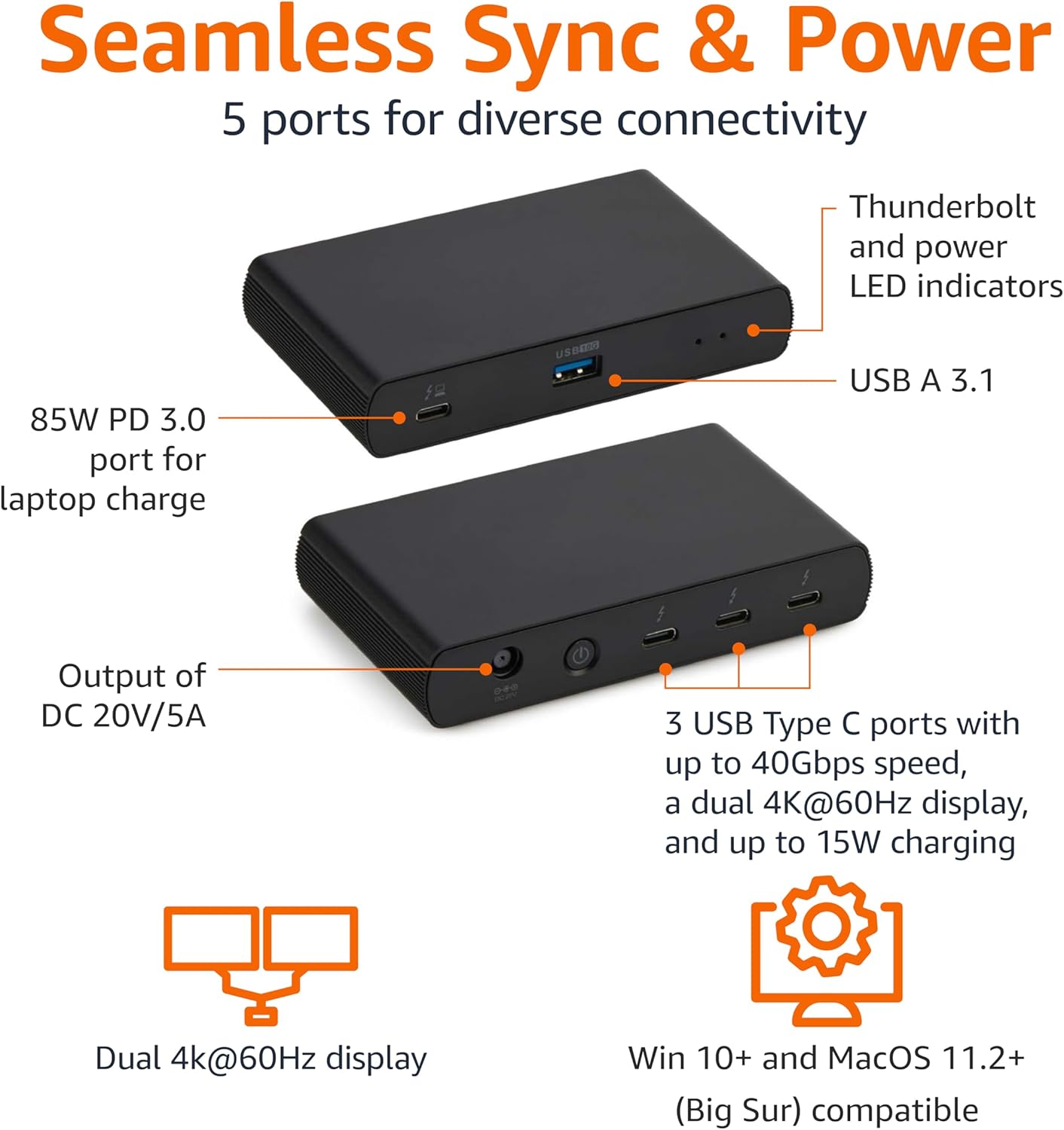
Image: Labeled ports on the docking station.
แผงด้านหลัง
- DC In Port: เชื่อมต่ออะแดปเตอร์ไฟฟ้าที่ให้มา
- พอร์ต HDMI 2.1: เชื่อมต่อจอแสดงผลภายนอก
- 2x Thunderbolt 4 Downstream Ports: Connect additional Thunderbolt devices or external displays. Each supports up to 15W charging.
- พอร์ตอีเธอร์เน็ต 2.5G: สำหรับการเชื่อมต่อเครือข่ายแบบใช้สาย
- พอร์ต USB-A 3.1 จำนวน 2 ช่อง: Connect additional USB-A peripherals.
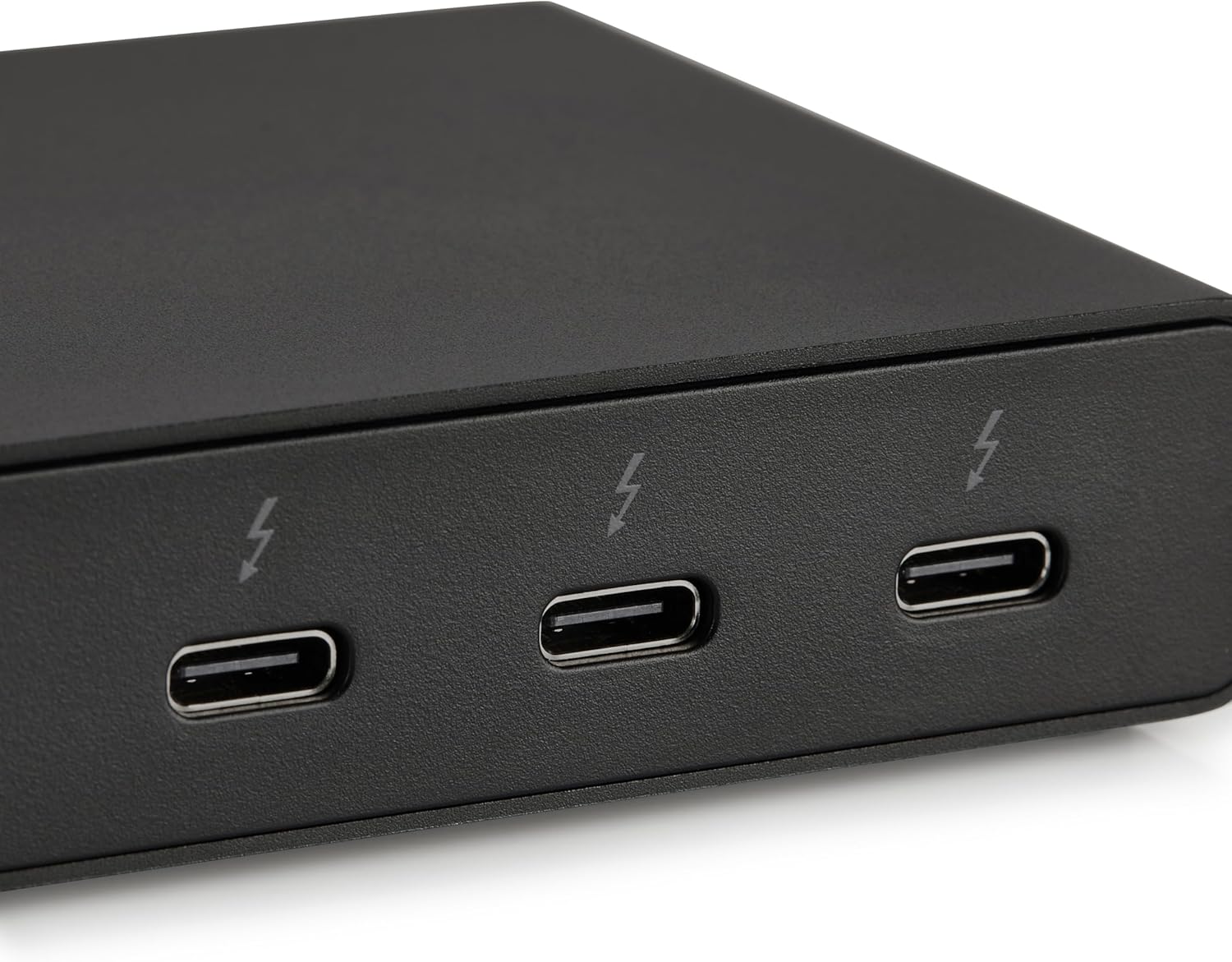
Image: Close-up of Thunderbolt 4 ports.
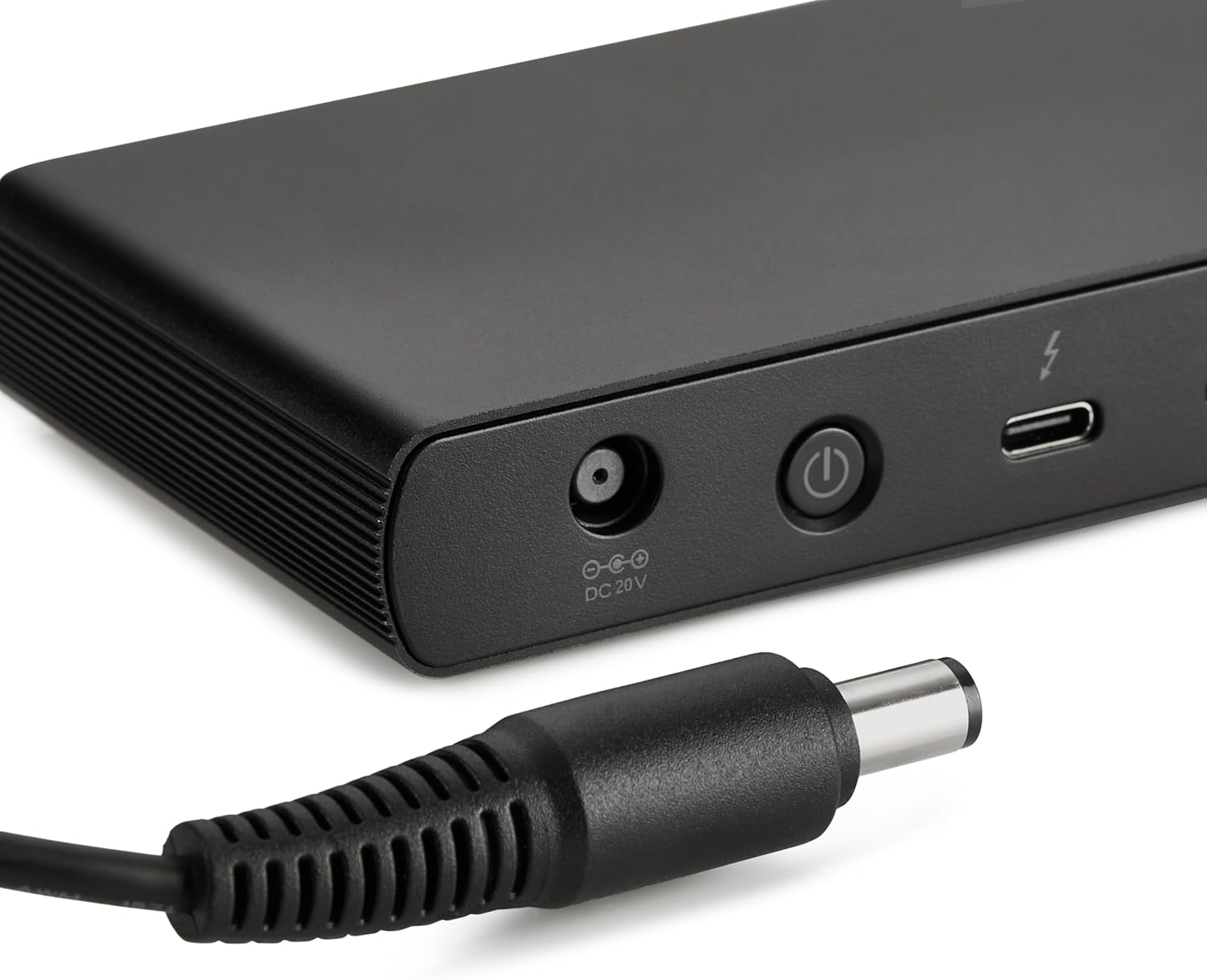
Image: Close-up of the DC power input.
คำแนะนำการตั้งค่า
- เชื่อมต่อพลังงาน: Plug the provided power adapter into the DC In port on the rear of the docking station, then connect the power cord to a wall outlet.
- เชื่อมต่อกับแล็ปท็อป: Use the provided black Thunderbolt 4 cable to connect the Thunderbolt 4 upstream port on the ด้านหน้า of the docking station to a Thunderbolt 4 port on your laptop.
- เปิดเครื่อง: Press the power button on the front panel of the docking station. The green power LED and blue Thunderbolt LED should illuminate.
- เชื่อมต่ออุปกรณ์ต่อพ่วง: Connect your monitors, Ethernet cable, USB devices, and audio devices to the appropriate ports on the docking station.
Video: This video demonstrates the basic setup and connectivity of the Amazon Basics Thunderbolt 4 / USB4 Docking Station, including connecting to a laptop, external displays, and peripherals.
Note: If your laptop does not immediately detect the dock, ensure the Thunderbolt 4 cable is securely connected. Wait approximately 60 seconds for the system to complete the setup process.
คำแนะนำการใช้งาน
รองรับจอแสดงผลคู่
The docking station supports up to dual 4K@60Hz displays. You can connect one display via the HDMI 2.1 port and another via one of the Thunderbolt 4 downstream ports (using an appropriate adapter/cable, not included).
- Verify your laptop's Thunderbolt ports support dual 4K@60Hz output.
- Ensure your graphics card has the latest drivers installed.
- Confirm your monitors support 4K@60Hz display.
- Use high-quality Thunderbolt 4 or USB4 cables for display connections (not included).

Image: Dual display setup with the docking station.
ระบบส่งกำลังไฟฟ้า (PD)
The docking station provides dynamic power delivery up to 85W to charge your connected laptop. This eliminates the need for a separate laptop charger.
- Check your laptop manufacturer's power supply specifications.
- If laptop power requirements exceed 85W, the docking station may activate an overload protection feature, causing disconnection or improper port function.
- The Thunderbolt 4 downstream ports also provide up to 15W charging for connected devices.
การถ่ายโอนข้อมูลความเร็วสูง
Leverage Thunderbolt 4 and USB4 technology for lightning-fast data transfers up to 40Gbps across the Thunderbolt ports, ensuring seamless workflows for large fileและแอปพลิเคชันที่ต้องการประสิทธิภาพสูง
ความเข้ากันได้
- ระบบปฏิบัติการที่รองรับ: Windows 10 OS or later (with Thunderbolt 4 port), non-M1/M2 chip MacBooks running macOS 11 (Big Sur) or later.
- ความเข้ากันได้แบบย้อนกลับ: Thunderbolt 3 laptops may work with limited functionality (e.g., not supporting dual display).
- ไม่เข้ากันได้กับ: Linux or Chrome OS laptops, and M1/M2 chip MacBooks running macOS 10.16 or earlier.
ข้อมูลจำเพาะ
| คุณสมบัติ | รายละเอียด |
|---|---|
| ยี่ห้อ | พื้นฐานของ Amazon |
| หมายเลขรุ่น | DBD1010 |
| ขนาดสินค้า | 4.76 x 2.84 x 0.86 นิ้ว |
| น้ำหนักสินค้า | 1.76 ปอนด์ |
| ฮาร์ดแวร์อินเตอร์เฟซ | Thunderbolt, USB |
| พอร์ต USB รวม | 4 (1x USB-A 3.1 front, 2x USB-A 3.1 rear, 1x Thunderbolt 4 upstream front) |
| พอร์ตสายฟ้า | 3 (1x upstream, 2x downstream) |
| พอร์ต HDMI | 1x HDMI2.1 การเชื่อมต่อ |
| พอร์ตอีเทอร์เน็ต | 1x 2.5G RJ45 |
| การส่งกำลัง | รองรับกำลังไฟสูงสุด 85 วัตต์ สำหรับแล็ปท็อป |
| เอาท์พุตวิดีโอ | Dual 4K@60Hz displays |
| ยูพีซี | 840324412260 |
การแก้ไขปัญหา
- ไม่มีการแสดงผล:
- ตรวจสอบให้แน่ใจว่าสายเคเบิลของจอแสดงผลทั้งหมดเชื่อมต่อแน่นสนิทแล้ว
- Verify your laptop's Thunderbolt ports support dual 4K@60Hz output.
- อัปเดตไดรเวอร์การ์ดแสดงผลของคุณเป็นเวอร์ชันล่าสุด
- Confirm your monitors support 4K@60Hz.
- Try using different high-quality Thunderbolt 4 or USB4 cables for display connections.
- Laptop Not Charging / Intermittent Charging:
- Ensure the provided Thunderbolt 4 cable is used for the upstream connection to your laptop.
- Confirm the power adapter is correctly plugged into the dock and a working wall outlet.
- Check your laptop's power requirements. If they exceed 85W, the dock's overload protection may activate.
- ไม่พบอุปกรณ์ต่อพ่วง:
- Ensure the Thunderbolt 4 cable connecting the dock to your laptop is firmly seated.
- Try connecting the peripheral directly to your laptop to rule out device issues.
- รีสตาร์ทแล็ปท็อปและแท่นวางเชื่อมต่อ
- การถ่ายโอนข้อมูลช้า:
- Ensure you are using Thunderbolt 4 or USB4 compatible devices and cables for optimal speeds.
- Check that your laptop's ports support the expected data transfer rates.
การซ่อมบำรุง
- การทำความสะอาด: ใช้ผ้าแห้งเนื้อนุ่มเช็ดทำความสะอาดภายนอกของแท่นวาง หลีกเลี่ยงการใช้น้ำยาทำความสะอาดหรือสารละลาย
- พื้นที่จัดเก็บ: เก็บแท่นวางไว้ในที่แห้งและเย็น หลีกเลี่ยงแสงแดดโดยตรงและอุณหภูมิที่สูงหรือต่ำเกินไป
- การดูแลสายเคเบิล: หลีกเลี่ยงการดัดหรือบีบสายเคเบิลมากเกินไปเพื่อป้องกันความเสียหาย
การรับประกันและการสนับสนุน
สำหรับข้อมูลการรับประกันและการบริการลูกค้า โปรดดูที่เว็บไซต์อย่างเป็นทางการของ Amazon Basics website or contact Amazon customer service. Protection plans are also available for extended coverage.
For additional assistance, visit: amazon.com/AmazonBasics


