การแนะนำ
The FLAMMA FX200 is a versatile multi-effects processor designed for guitarists, offering a wide range of features for practice, studio recording, and live performance. This manual provides essential information for setting up, operating, and maintaining your device.
คุณสมบัติหลัก:
- Enhanced footswitches for intuitive preset bank switching and effects control.
- Expanded I/O options including Aux In, Expression Pedal input, Stereo FX Loop, Stereo Out, Headphones Out, XLR Out, 5-pin MIDI In/Out, and USB-C.
- 58 ในตัว preamp models and 30 IR-based factory speaker cabinet simulations.
- Support for third-party impulse response (IR) files, with 50 empty slots for custom loading (up to 1024 sampling points each).
- USB-C connectivity for PC connection, enabling use with specialized editing software for tone editing, preset management, firmware updates, and IR loading.
- Battery-powered operation for portability and convenience.
การตั้งค่า
ตัวเลือกพลังงาน
The FX200 can be powered by its internal Lithium Polymer battery or an optional AC adapter. Ensure the device is adequately charged or connected to a stable power source before use.

Image: FLAMMA FX200 showcasing its battery-powered capability with 3000mAh capacity, 2.5 hours charging time, and 5.6 hours battery life. It also highlights the option for AC adapter power.
การเชื่อมต่อ
The FX200 offers extensive input/output options to integrate into various setups. Refer to the diagram below for common connection scenarios.

ภาพ: ด้านหลัง view of the FLAMMA FX200 showing all input and output jacks, including Aux In, EXP 2, Input, FX Loop (Send/Return), Output (L/Mono, R), Phones, XLR Out (L/Mono, R), MIDI In/Out, USB-C, DC In, and Power Switch.
- ป้อนข้อมูล: เชื่อมต่อกีต้าร์หรือเบสของคุณที่นี่
- เสริมใน: เชื่อมต่อเครื่องเล่นเสียงภายนอกเพื่อใช้เป็นเพลงประกอบ
- EXP 2: Connect an external expression pedal for additional control.
- FX Loop (Send/Return): เชื่อมต่อเอฟเฟ็กต์กีตาร์ภายนอกเข้ากับวงจรสัญญาณของคุณ
- เอาต์พุต (ซ้าย/โมโน, ขวา): เชื่อมต่อกับ amplifier, mixer, or audio interface. Supports mono or stereo output.
- โทรศัพท์: เชื่อมต่อหูฟังเพื่อฝึกซ้อมแบบเงียบๆ
- XLR Out (L/Mono, R): Balanced outputs for direct connection to a mixer or PA system.
- MIDI เข้า/ออก: Connect MIDI devices for external control or to control other MIDI gear.
- ยูเอสบี-C: Connect to a PC/Mac for editing software, firmware updates, and USB audio recording.
- สวิตช์ไฟ: เปิด/ปิดเครื่อง

Image: Diagram illustrating various connection possibilities for the FLAMMA FX200, including music player, expression pedal, guitar, effector, guitar power amp/monitor/sound card, mixer, MIDI device, power, and PC/Mac.
Operating the FX200
จอแสดงผลแบบสัมผัส
The FX200 features a 5-inch LCD touchscreen for intuitive navigation and control. You can touch, swipe, drag-and-drop elements to customize your effects chain and settings.

Image: A hand interacting with the touchscreen of the FLAMMA FX200, demonstrating the touch, swipe, drag-and-drop functionality for managing effects.
Footswitches and Expression Pedal
The unit is equipped with multiple footswitches for preset selection, effects toggling, and looper/tuner functions. The integrated expression pedal can be assigned to control various parameters like volume or wah effects.
Presets and Effects
The FX200 includes 58 preamp models, 30 cabinet simulations, and 160 different types of effects. You can create and store up to 200 editable user preset slots. The editable effects chain allows you to change the order of modules for precise tone shaping.

Image: Visual representation of the FLAMMA FX200's capabilities, highlighting 160 effects, 50 IR loading slots, 44.1 kHz sampอัตราบิต 24 บิตample accuracy, 30 cab simulations, and 1024 sampคะแนนเลอ
Looper และดรัมแมชชีน
An integrated 52-second looper and a drum machine with 80 variations and 10 metronome styles are available for practice and creative use.
ซอฟต์แวร์แก้ไข
Connect the FX200 to your PC/Mac via USB-C to use the specialized editing software. This software allows for comprehensive tone editing, preset management, preset backup, firmware updates, and IR loading.
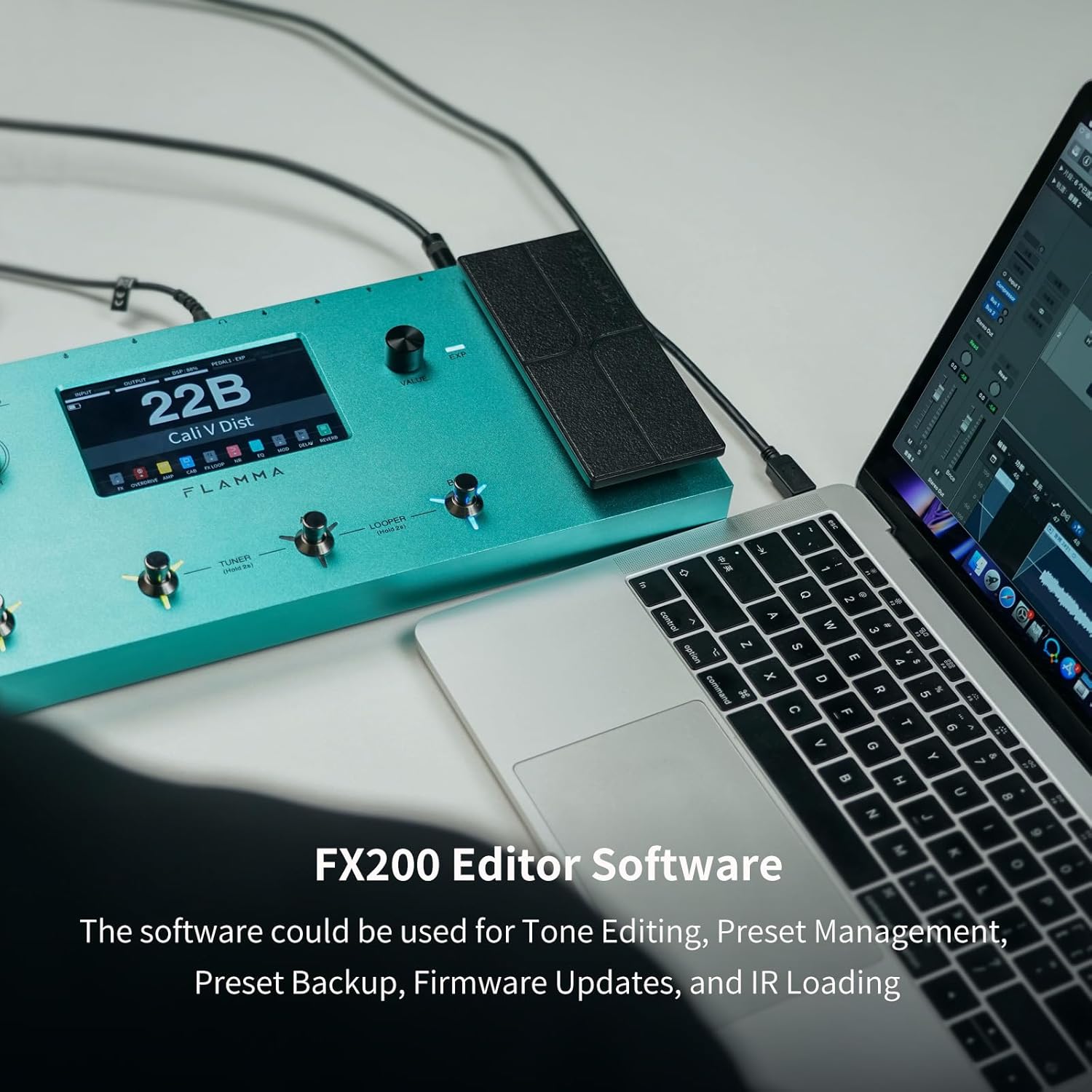
Image: The FLAMMA FX200 connected to a laptop, displaying the editor software interface for tone editing, preset management, backup, firmware updates, and IR loading.
การซ่อมบำรุง
อัพเดตเฟิร์มแวร์
Firmware updates can be performed by connecting the FX200 to a PC/Mac via USB-C and using the dedicated editing software. Regularly check the FLAMMA webเข้าชมเว็บไซต์เพื่อดาวน์โหลดเฟิร์มแวร์เวอร์ชั่นล่าสุด เพื่อให้มั่นใจได้ถึงประสิทธิภาพสูงสุดและการเข้าถึงฟีเจอร์ใหม่ๆ
การทำความสะอาด
Use a soft, dry cloth to clean the unit. Avoid using abrasive cleaners or solvents that could damage the finish or electronic components.
การแก้ไขปัญหา
ปัญหาการต่อสายดิน
If you experience unwanted noise or hum, check the grounding of your setup. The FX200 includes a ground lift switch on the rear panel (near the XLR outputs) that can help resolve grounding issues.
ข้อมูลจำเพาะ
| คุณสมบัติ | รายละเอียด |
|---|---|
| หมายเลขรุ่น | เอฟเอ็กซ์200 |
| ยี่ห้อ | ฟลามมา |
| น้ำหนักสินค้า | 3.9 ปอนด์ |
| แหล่งพลังงาน | ใช้พลังงานจากแบตเตอรี่ |
| ประเภทแบตเตอรี่ | ลิเธียมโพลีเมอร์ (รวม 1 ชิ้น) |
| ฮาร์ดแวร์อินเตอร์เฟซ | ยูเอสบี |
| รูปแบบสัญญาณ | อนาล็อก |
| ประเภทวัสดุ | โลหะ |
| เอฟเฟกต์เอาต์พุตเสียง | เอฟเฟกต์หลายอย่าง |
การรับประกันและการสนับสนุน
ข้อมูลผลิตภัณฑ์ที่มีอยู่ไม่ได้ระบุรายละเอียดการรับประกันและข้อมูลติดต่อฝ่ายสนับสนุนโดยตรง โปรดดูข้อมูลอย่างเป็นทางการจากผู้ผลิต website or your retailer for warranty terms and customer support options.
วิดีโอผลิตภัณฑ์อย่างเป็นทางการ
FLAMMA FX200 Multi Effects Processor Overview
วิดีโอ: จบแล้วview of the FLAMMA FX200 Multi Effects Processor by Kyle Bull, demonstrating its features and capabilities.
FLAMMA FX200 Multi Effects Processor Demo
Video: A demonstration of the FLAMMA FX200 Multi Effects Processor by Brett Kingman, showcasing various sounds and effects.
FLAMMA FX200b Multi Effects Processor on NAMM Show
Video: Premier Guitar's coverage of the FLAMMA FX200b Multi Effects Processor at the NAMM Show, highlighting its key features.


