การแนะนำ
Thank you for choosing the LEXIP Madara Design Headset. This manual provides detailed instructions for setting up, operating, and maintaining your headset. Please read this manual thoroughly before use to ensure optimal performance and longevity of your device.
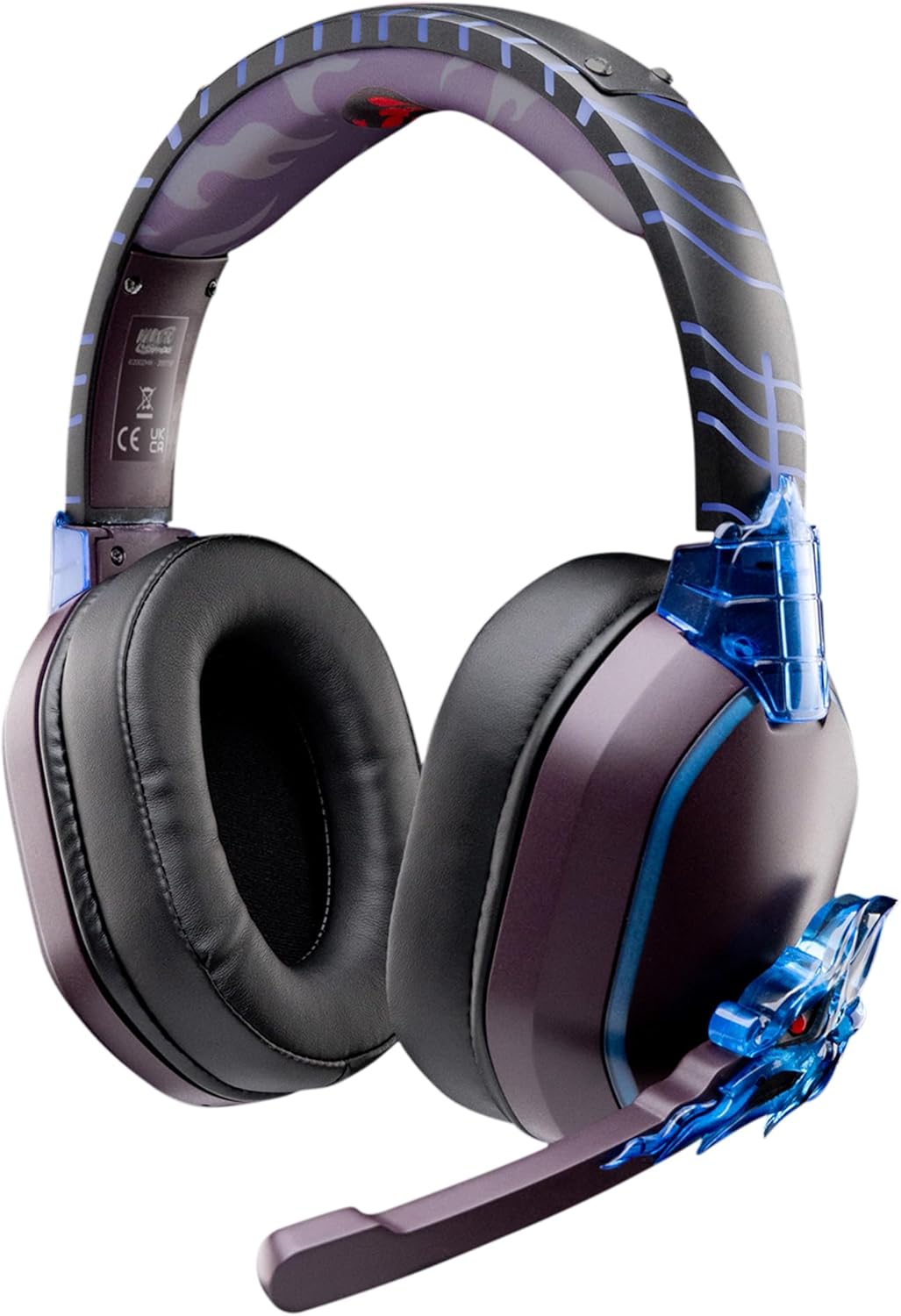
Image: The LEXIP Madara Design Headset, featuring a distinctive purple and blue color scheme with intricate design elements inspired by Madara.
เนื้อหาแพ็คเกจ
ตรวจสอบให้แน่ใจว่ามีรายการทั้งหมดอยู่ในบรรจุภัณฑ์:
- LEXIP Madara Design Headset
- ไมโครโฟนแบบถอดออกได้
- สายสัญญาณเสียงขนาด 3.5 มม.
- สายชาร์จ USB
- คู่มือการใช้งาน
สินค้าเกินview
Familiarize yourself with the components and design features of your headset.

Image: Close-up of the headset's ear cup, highlighting the intricate blue dragon design element.

ภาพ: View of the soft earcups and adjustable headband, designed for comfort during extended use.
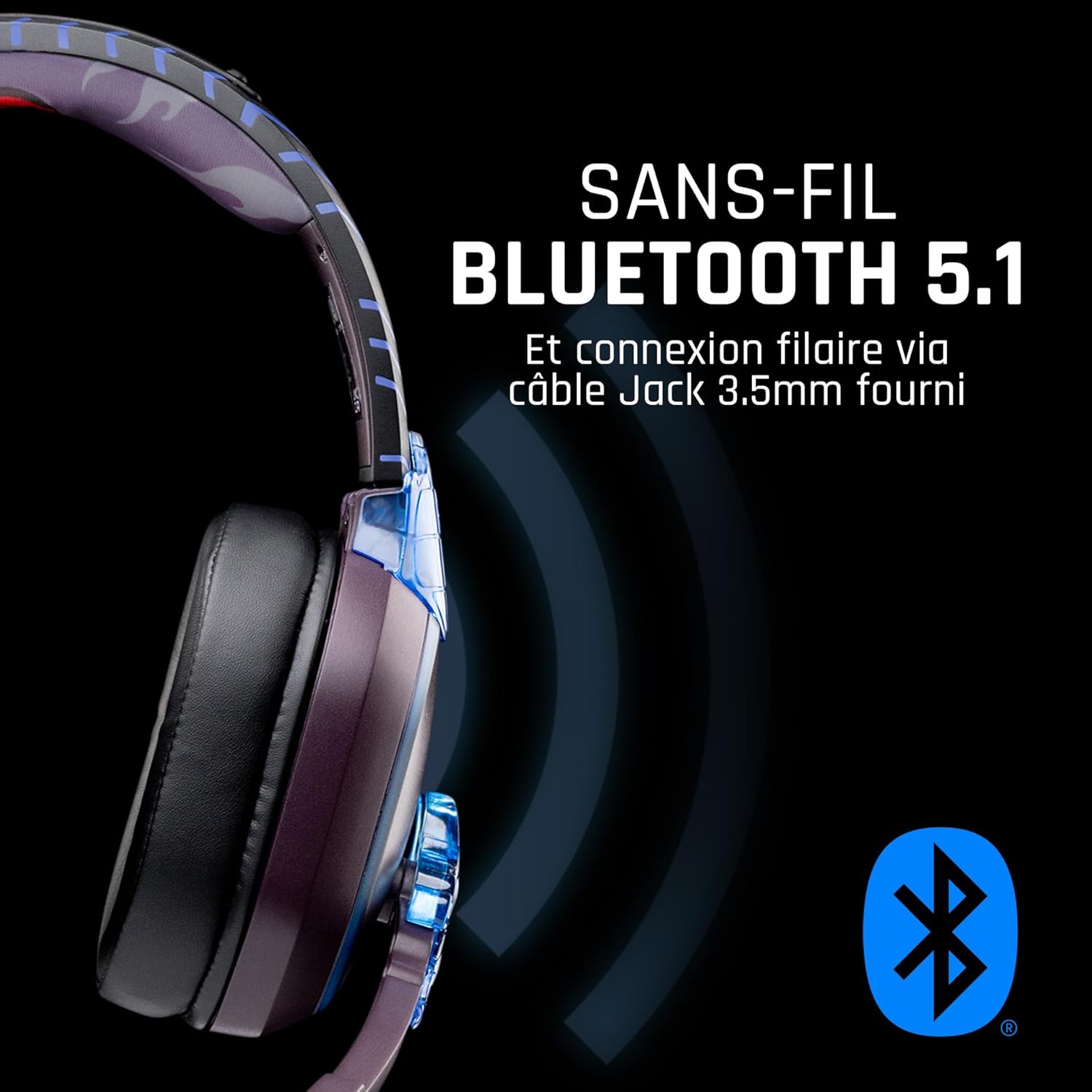
ภาพ: ด้านข้าง view of the headset, illustrating its wireless Bluetooth 5.1 capability and connection points.

Image: The headset displayed on a stand, alongside a matching game controller, showcasing its gaming application.
คุณสมบัติหลัก:
- การเชื่อมต่อไร้สายบลูทูธ 5.1: For seamless wireless audio.
- การเชื่อมต่อแบบมีสาย: Via the included 3.5mm Jack cable.
- ไมโครโฟนที่ถอดออกได้: For clear communication and versatility.
- การควบคุมระดับเสียง: Integrated controls for easy audio adjustment.
- การแยกเสียงรบกวน: Passive noise reduction for an immersive experience.
- การออกแบบที่สะดวกสบาย: Adjustable headband and over-ear form factor.
การตั้งค่า
1. การชาร์จชุดหูฟัง
- เสียบสายชาร์จ USB เข้ากับพอร์ตชาร์จบนหูฟัง
- เชื่อมต่อปลายอีกด้านหนึ่งของสาย USB เข้ากับแหล่งพลังงาน USB ที่ใช้งานร่วมกันได้ (เช่น พอร์ต USB ของคอมพิวเตอร์ อะแดปเตอร์ติดผนัง USB)
- The LED indicator on the headset will show the charging status. A full charge typically takes approximately 2-3 hours.
2. การติดตั้งไมโครโฟน
- Locate the microphone input port on the headset, usually on the left earcup.
- Align the detachable microphone connector with the port and gently push it in until it clicks into place.
- ปรับตำแหน่งไมโครโฟนเพื่อให้รับเสียงได้ดีที่สุด
คำแนะนำการใช้งาน
1. การเปิด/ปิดเครื่อง
- การเปิดเครื่อง: กดปุ่มเปิด/ปิดค้างไว้ประมาณ 3 วินาที จนกว่าไฟแสดงสถานะ LED จะสว่างขึ้น
- วิธีปิดเครื่อง: กดปุ่มเปิด/ปิดค้างไว้ประมาณ 5 วินาที จนกระทั่งไฟแสดงสถานะ LED ดับลง
2. การจับคู่บลูทูธ (โหมดไร้สาย)
- ตรวจสอบว่าชุดหูฟังปิดอยู่
- กดปุ่มเปิด/ปิดค้างไว้ประมาณ 5-7 วินาที จนกระทั่งไฟ LED กระพริบเร็ว แสดงว่าเข้าสู่โหมดจับคู่แล้ว
- On your device (Windows 10/11, Mac, PS5, PS4, Xbox Series X/S, Xbox One, Nintendo Switch, Android, iOS, tablets), navigate to Bluetooth settings.
- ค้นหา available devices and select "LEXIP Madara Headset" (or similar name).
- เมื่อจับคู่แล้ว ไฟ LED จะหยุดกะพริบและยังคงเป็นสีน้ำเงินค้าง
3. Wired Connection (3.5mm Jack)
- Insert one end of the 3.5mm audio cable into the headset's audio jack.
- Insert the other end into the 3.5mm audio port of your desired device.
- The headset will operate in passive wired mode, even if the power is off.
4. การควบคุมระดับเสียง
- Use the volume control dial or buttons located on the headset to adjust the audio level.
การซ่อมบำรุง
- การทำความสะอาด: ใช้ผ้านุ่มและแห้งเช็ดทำความสะอาดชุดหูฟัง ห้ามใช้น้ำยาทำความสะอาดหรือสารละลายที่มีฤทธิ์กัดกร่อน
- พื้นที่จัดเก็บ: เก็บหูฟังไว้ในที่แห้งและเย็น หลีกเลี่ยงแสงแดดโดยตรงและอุณหภูมิที่สูงหรือต่ำเกินไป
- การดูแลแบตเตอรี่ เพื่อให้แบตเตอรี่ใช้งานได้นานที่สุด ควรหลีกเลี่ยงการปล่อยให้แบตเตอรี่หมดจนเกลี้ยงบ่อยๆ ควรชาร์จแบตเตอรี่เป็นประจำ
- ความต้านทานน้ำ: The headset is not waterproof. Avoid exposure to liquids.
การแก้ไขปัญหา
| ปัญหา | สาเหตุที่เป็นไปได้ | สารละลาย |
|---|---|---|
| ไม่มีเสียงจากหูฟัง | Headset not powered on; Volume too low; Not paired/connected; Incorrect audio output selected on device. | Ensure headset is powered on and charged. Increase volume. Re-pair Bluetooth or check 3.5mm cable connection. Select headset as audio output on your device. |
| ไม่สามารถจับคู่ผ่านบลูทูธได้ | Headset not in pairing mode; Device Bluetooth off; Too far from device; Interference. | Ensure headset is in pairing mode (flashing LED). Turn device Bluetooth off and on again. Move headset closer to device. Avoid strong Wi-Fi signals or other Bluetooth devices. |
| ไมโครโฟนไม่ทำงาน | Microphone not properly attached; Muted on headset/device; Incorrect input selected on device. | Ensure microphone is securely attached. Check if microphone is muted. Select headset microphone as input device in your device's sound settings. |
| อายุการใช้งานแบตเตอรี่สั้น | Headset not fully charged; Old battery. | Ensure headset is fully charged before use. Battery performance may degrade over time. |
ข้อมูลจำเพาะ
| หมายเลขรุ่น | TSXLXHS0003 |
| ยี่ห้อ | เลกซ์ซิป |
| เทคโนโลยีการเชื่อมต่อ | ไร้สาย (บลูทูธ 5.1), มีสาย (แจ็ค 3.5 มม.) |
| ช่วงความถี่ | 20 เฮิรตซ์ - 20,000 เฮิรตซ์ |
| อิมพีแดนซ์ | 3 โอห์ม |
| ความไวต่อความรู้สึก | 116 เดซิเบล |
| การแยกสัญญาณรบกวน | การลดสัญญาณรบกวนแบบพาสซีฟ |
| ไมโครโฟน | ถอดออกได้ |
| การควบคุม | ปุ่มปรับระดับเสียง, รีโมทคอนโทรล |
| อุปกรณ์ที่รองรับ | Windows 10/11, Mac, PS5, PS4, Xbox Series X/S, Xbox One, Nintendo Switch, Android, iOS, tablets |
| ฟอร์มแฟกเตอร์ | Over-ear, Extra-aural |
| วัสดุ | วัสดุผสม |
| ช่วงอายุ | ผู้ใหญ่ |
| ระดับความต้านทานต่อน้ำ | ไม่ทนน้ำ |
| แบตเตอรี่ | 1 non-standard battery (included) |
การรับประกันและการสนับสนุน
The LEXIP Madara Design Headset comes with a การรับประกันจากผู้ผลิต 2 ปี ตั้งแต่วันที่ซื้อ การรับประกันนี้ครอบคลุมถึงข้อบกพร่องในวัสดุและฝีมือการผลิตภายใต้การใช้งานปกติ
For warranty claims, technical support, or further assistance, please contact LEXIP customer service through their official website or the retailer where the product was purchased. Please have your proof of purchase and model number (TSXLXHS0003) ready when contacting support.
หมายเหตุ: ขณะนี้ยังไม่มีข้อมูลเกี่ยวกับความพร้อมของอะไหล่และการอัปเดตซอฟต์แวร์


