การแนะนำ
This user manual provides comprehensive instructions for the safe and efficient operation, installation, and maintenance of your Tera P02 Portable EV Charger. This charger supports both Level 1 (110V) and Level 2 (240V) charging for J1772 compatible electric vehicles, offering adjustable current settings and a convenient NEMA 5-15P to 14-50R adapter.
ข้อมูลด้านความปลอดภัย
WARNING: Please read all safety instructions carefully before using this product. Failure to follow these instructions may result in electric shock, fire, or serious injury.
- Ensure the charging station is properly grounded.
- Do not use if the charger, cable, or plug is damaged.
- อย่าจุ่มอุปกรณ์ชาร์จลงในน้ำหรือของเหลวอื่นๆ
- เก็บให้พ้นจากมือเด็ก
- ดำเนินการภายในปริมาณที่กำหนดtage และขีดจำกัดปัจจุบัน
- Avoid using extension cords unless absolutely necessary and ensure they are rated for the appropriate current.
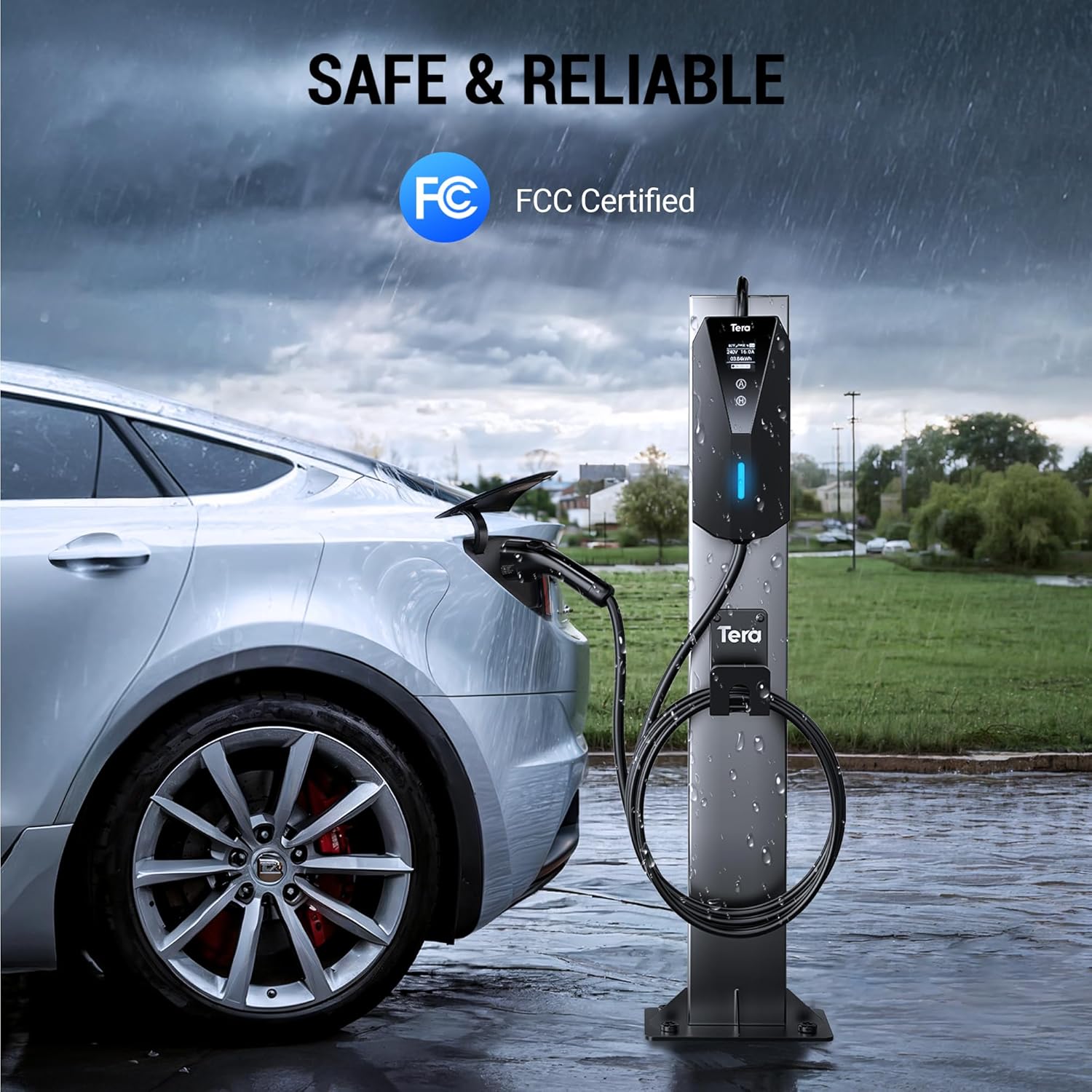
Image: The Tera EV charger control box with an FCC Certified logo, emphasizing its safety and reliability features. The image shows the charger in an outdoor setting, suggesting its robust design.
มีอะไรอยู่ในกล่อง
Your Tera P02 Portable EV Charger package includes the following items:
- Level 1 + Level 2 Portable EV Charger (Main Unit)
- กระเป๋าเก็บของ
- Hook (for cable management)
- NEMA 5-15P to 14-50R Adapter Cord
- คู่มือการใช้งาน

ภาพ: เสร็จสมบูรณ์ view of all items included in the Tera P02 Portable EV Charger package, neatly arranged. This includes the main charging unit, the NEMA 5-15P to 14-50R adapter, a storage bag, and a wall-mount hook.
Video: A customer unboxing the Tera P02 Portable EV Charger, demonstrating the contents of the package and initial impressions of the product components.
การตั้งค่า
- แกะกล่องเครื่องชาร์จ: นำส่วนประกอบทั้งหมดออกจากบรรจุภัณฑ์อย่างระมัดระวัง ตรวจสอบความเสียหายที่อาจเกิดขึ้น
- เลือกตำแหน่ง: Select a dry, well-ventilated area for charging. The charger is rated for indoor and outdoor use (IP66 control box, IP54 EV connector), but protection from direct heavy rain is recommended for prolonged outdoor use.
- การติดตั้ง (ทางเลือก): Use the provided hook to organize the cable and charger. Secure the hook to a sturdy wall or post using appropriate fasteners (not included).
- เชื่อมต่อกับพลังงาน:
- For Level 1 (110V) Charging: Connect the NEMA 5-15P plug directly to a standard household 110V outlet.
- For Level 2 (240V) Charging: Use the NEMA 5-15P to 14-50R adapter cord. Plug the 14-50R end into a NEMA 14-50 outlet.
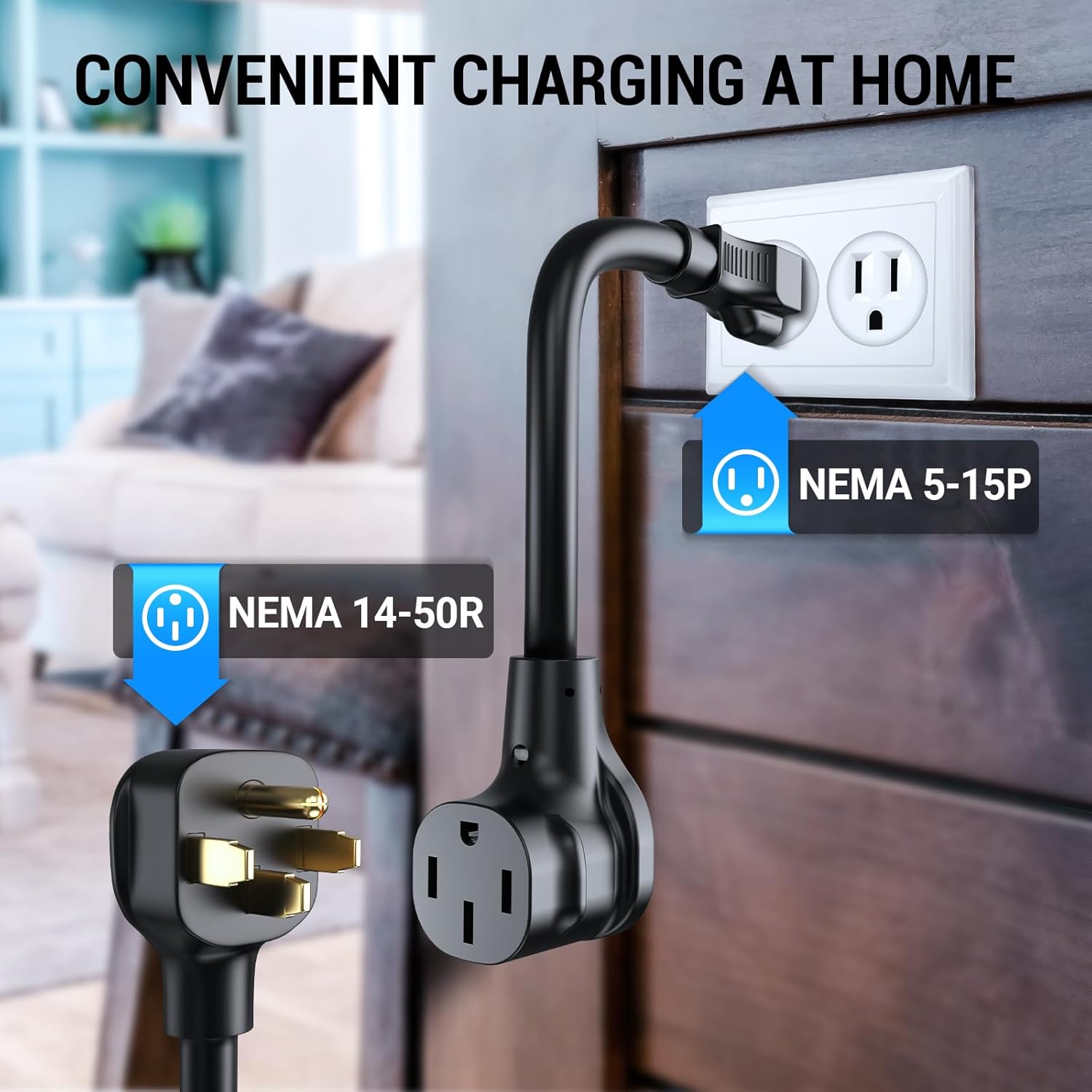
Image: The NEMA 5-15P to 14-50R adapter cord, illustrating how it connects to a standard household outlet for Level 1 charging or a 14-50R outlet for Level 2 charging.
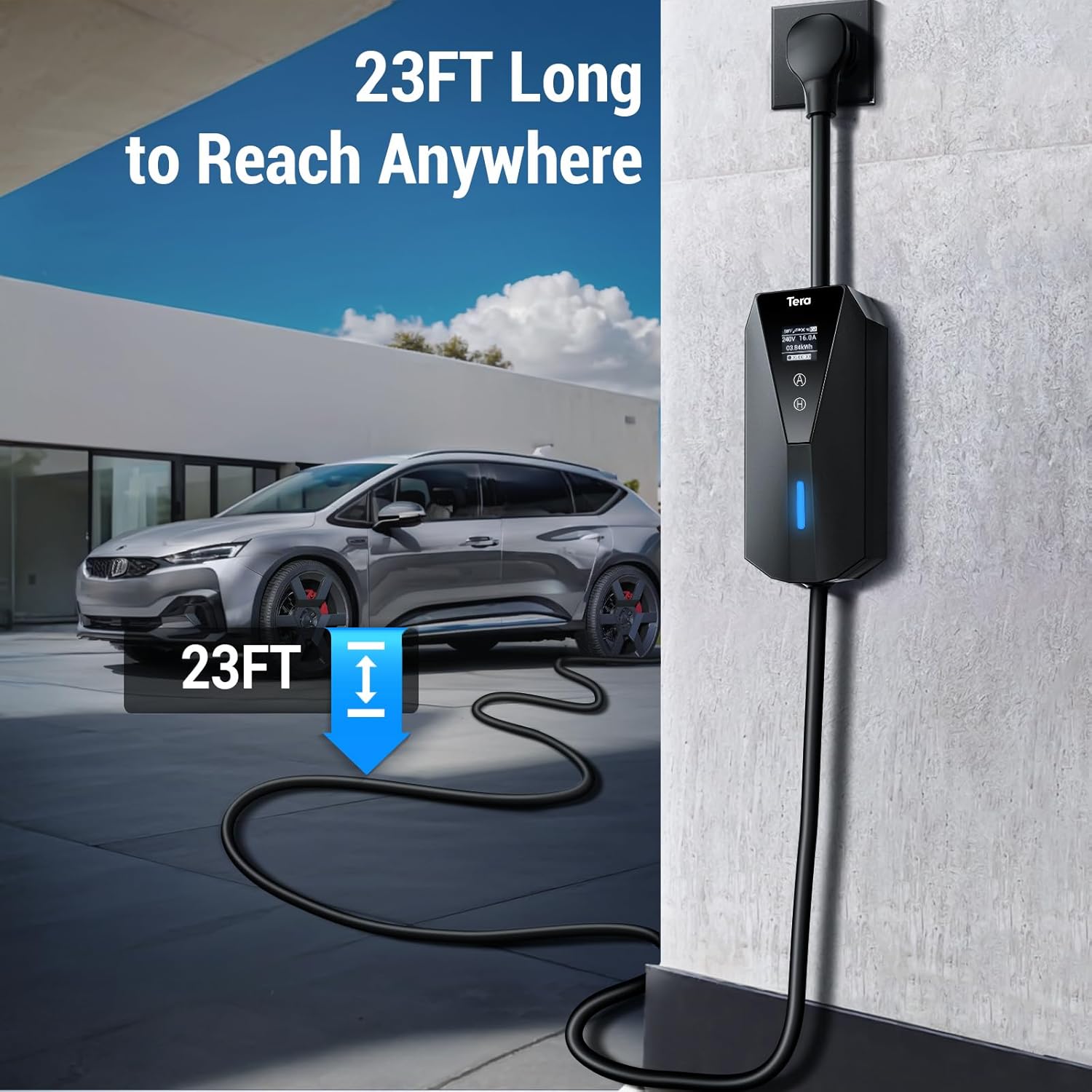
Image: The Tera EV charger installed on a wall, showcasing its 23-foot long cable, which provides ample reach for various charging scenarios.
คำแนะนำการใช้งาน
- เชื่อมต่อกับยานพาหนะ: Insert the J1772 charging connector into your electric vehicle's charging port. Ensure a secure connection.
- Adjust Current (if desired): The charger features an LED touchscreen display. Use the controls on the unit to select your desired amperage: 16A, 13A, 10A, or 8A. The display will show real-time charging information including amperage, speed, input voltage, and delay time.
- เริ่มการชาร์จ: Once connected and current is set, charging will typically begin automatically. The LED screen will indicate charging status.
- Delay Charging (Optional): You can schedule charging through the built-in touchscreen or your vehicle's onboard system. On the charger's LED touchscreen, you can set a charging delay in hourly increments, up to a maximum of 12 hours. This is useful for charging during off-peak electricity hours.
- สิ้นสุดการชาร์จ: To stop charging, disconnect the J1772 connector from your vehicle. Ensure the vehicle's charging port is unlocked if necessary.

Image: A close-up of the Tera EV charger's display, highlighting the adjustable current settings (8A, 10A, 13A, 16A) and how to select them.
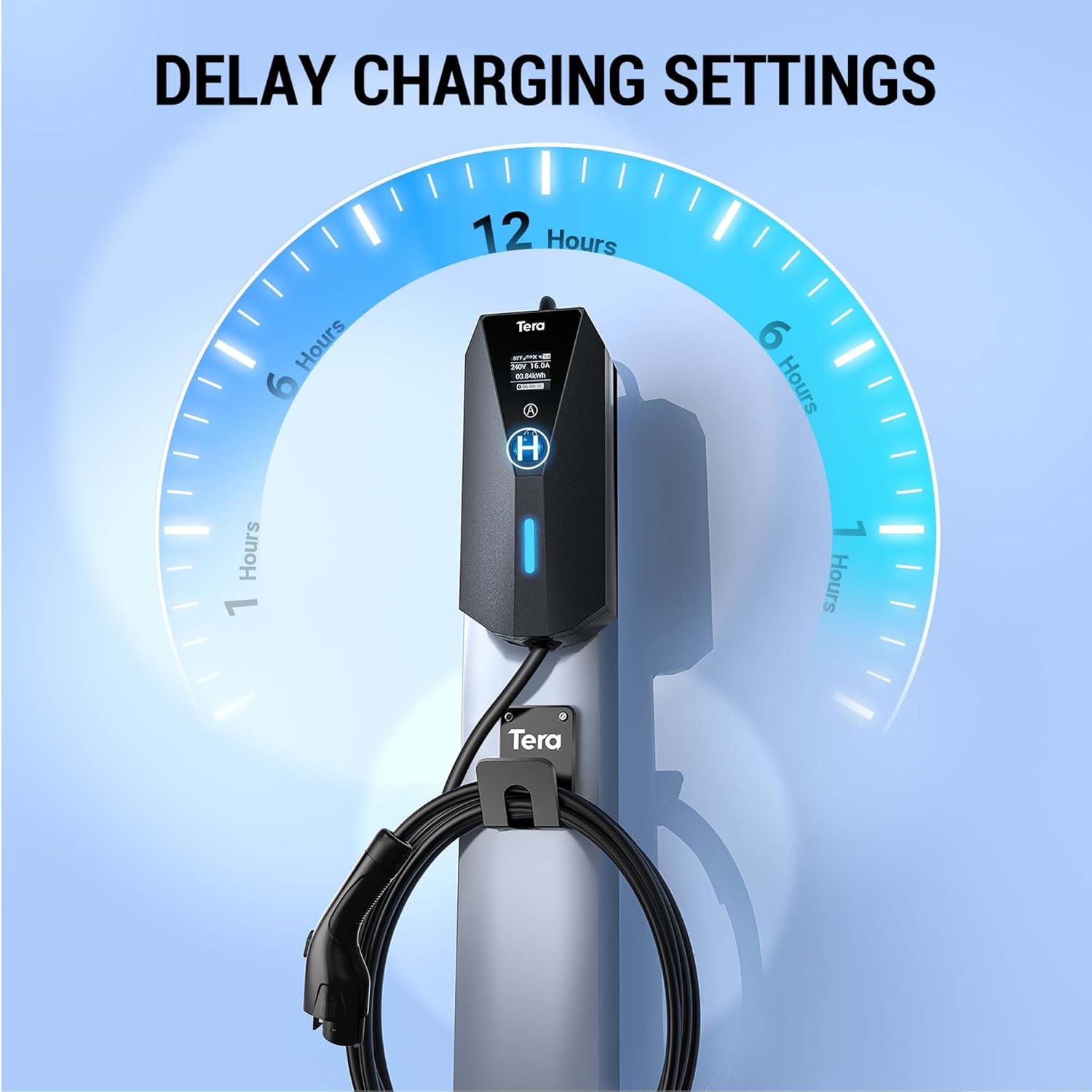
Image: The Tera EV charger's display showing the delay charging settings, allowing users to schedule charging up to 12 hours in advance.

Image: The J1772 connector being inserted into an electric vehicle's charging port, demonstrating compatibility with all J1772 EVs.
การซ่อมบำรุง
- การทำความสะอาด: Wipe the charger and cables with a soft, dry cloth. Do not use abrasive cleaners or solvents.
- พื้นที่จัดเก็บ: When not in use, store the charger in its provided storage bag in a dry, cool place. Use the included hook to keep the cable neatly organized.
- การตรวจสอบ: Regularly inspect the charging cable, plug, and unit for any signs of damage, wear, or corrosion. If any damage is found, discontinue use and contact customer support.
- การปกป้องสิ่งแวดล้อม: While designed for indoor and outdoor use, avoid prolonged exposure to extreme weather conditions to maximize product lifespan.
การแก้ไขปัญหา
| ปัญหา | สาเหตุที่เป็นไปได้ | สารละลาย |
|---|---|---|
| เครื่องชาร์จไม่เปิด/ไม่มีหน้าจอแสดงผล | ไม่มีไฟเข้าปลั๊ก; การเชื่อมต่อหลวม; ความผิดพลาดภายใน | Check power outlet with another device. Ensure all connections are secure. If problem persists, contact support. |
| Vehicle not charging. | Charging port not fully connected; vehicle charging schedule active; current setting too low for vehicle. | Ensure J1772 connector is fully inserted and locked. Check vehicle's charging schedule. Increase amperage setting on charger. |
| การชาร์จหยุดลงโดยไม่คาดคิด | Overheating; power fluctuation; vehicle battery full. | Allow charger to cool down if hot. Check power supply stability. Verify vehicle battery status. |
| LED screen went dead (as per customer review). | Potential internal component failure. | Unplug the charger for a few hours and plug it back in. If the screen remains off, contact customer support for repair or replacement under warranty. |
| Charger disconnects in cold weather and doesn't resume (as per customer review). | Charger not designed to monitor/supply power for battery temperature maintenance after reaching setpoint. | This behavior may be inherent to the charger's design. For continuous battery temperature maintenance in extreme cold, consider alternative charging solutions or manually unplug and replug the charger to re-initiate charging. |
ข้อมูลจำเพาะ
- ยี่ห้อ: เทระ
- แบบอย่าง: EV-P02-BK-US
- อินพุต Voltage: 110โวลต์/240โวลต์
- Ampอายุ: Adjustable (8A, 10A, 13A, 16A)
- ประเภทตัวเชื่อมต่อ: เจ 1772
- ประเภทปลั๊ก: NEMA 5-15P (with NEMA 14-50R adapter)
- ความยาวสายเคเบิล: 23 ฟุต
- Control Box IP Rating: มาตรฐาน IP66 (กันฝุ่นและป้องกันน้ำแรงดันสูง)
- EV Connector IP Rating: IP54 (ป้องกันฝุ่นและน้ำกระเซ็น)
- น้ำหนักสินค้า: ประมาณ 7.37 ปอนด์ (3.35 กก.)
- ขนาดสินค้า : ประมาณ 12.6 x 6.3 x 12.6 นิ้ว
- คุณสมบัติพิเศษ: Charging Indicator, Smart LED Screen Display
การรับประกันและการสนับสนุน
สำหรับข้อมูลการรับประกันและการสนับสนุนทางเทคนิค โปรดดูที่เว็บไซต์อย่างเป็นทางการของ Tera webหรือติดต่อฝ่ายบริการลูกค้าโดยตรง โปรดเก็บใบเสร็จรับเงินไว้เป็นหลักฐานการซื้อสำหรับการเรียกร้องการรับประกัน
แหล่งข้อมูลออนไลน์:
- คู่มือผู้ใช้อย่างเป็นทางการ (PDF): ดาวน์โหลดคู่มือ PDF
- Tera Brand Store: Visit Tera Store on Amazon


