1. สินค้าหมดview
The ABLEWE USB to HDMI Adapter allows you to connect a computer with a USB interface to an HDTV, monitor, or projector equipped with an HDMI interface. This adapter supports video resolutions up to 1080P and 3D display, with a capability to project at 1920x1080P@60HZ when connected to a USB 3.0 port. It features a 24K gold-plated USB 3.0 port and a premium-quality chip for stable performance and durability.
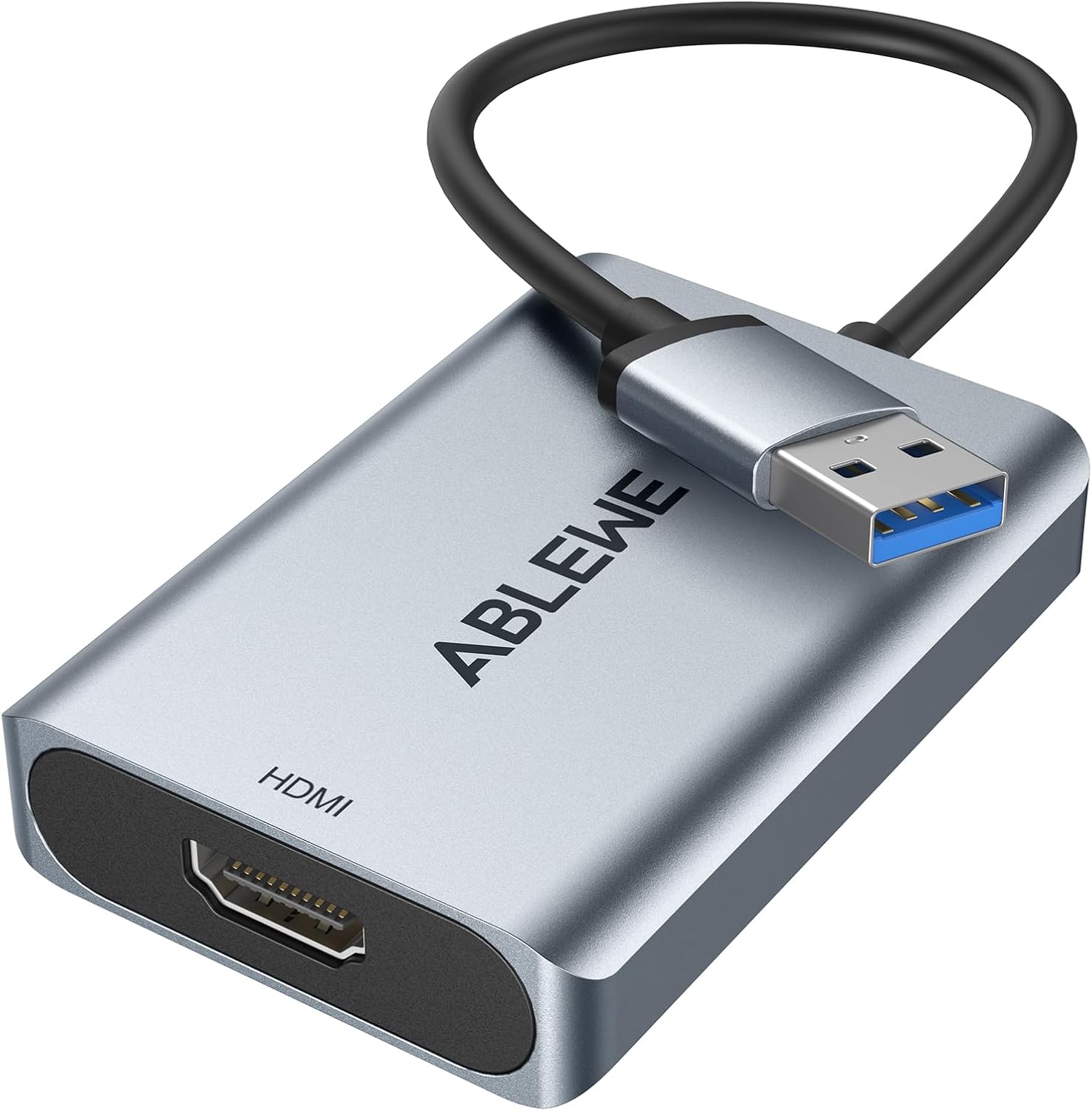
Image: The ABLEWE USB to HDMI Adapter, featuring a silver aluminum casing, a USB 3.0 connector, and an HDMI output port.

ภาพ: เอกซเรย์ view of the adapter highlighting its internal performance chip, indicating no delay for large screen viewการไอเอ็นจี
2. การตั้งค่าและการติดตั้ง
2.1 ข้อกำหนดของระบบ
- ระบบปฏิบัติการ: Windows 10, 8.1, 8, 7, XP (32-bit only), and Mac OS.
- ระบบที่ไม่เข้ากัน: Windows XP (64-bit), Linux OS, Chrome OS.
- อุปกรณ์ต้นทาง: PC, Laptop, Desktop.
- อุปกรณ์เป้าหมาย: HDTV, Monitor, Projector.

Image: Diagram illustrating the adapter's compatibility with Windows (XP 32-bit, 7, 8, 10) and Mac OS, connecting various source devices (desktop, laptop) to target devices (HDTV, monitor, projector).
2.2 การติดตั้งไดรเวอร์
The ABLEWE USB to HDMI adapter includes built-in drivers for convenient installation. Follow these steps:
- Connect the USB end of the adapter to an available USB port on your computer.
- The driver installation process should automatically initiate. Follow the on-screen prompts to complete the installation.
- If automatic installation does not occur, or if you encounter issues, the adapter may contain a driver backup on a virtual CD drive. Access 'My Computer' or 'This PC' and run the installer from the virtual drive.
- Alternatively, you can download the latest driver from the official Displaylink webเว็บไซต์: displaylink.com/downloads.
- It is recommended to add the driver to your system's trusted list to prevent it from being recognized as a dubious driver and mistakenly deleted by security software.
3. โหมดการทำงาน
The adapter supports both Mirror and Extend display modes, allowing for versatile screen configurations.
3.1 โหมดมิเรอร์
In Mirror Mode, the adapter synchronizes the image from your computer's display to the connected external display (HDTV, monitor, or projector). This mode is suitable for presentations or sharing content on a larger screen.
3.2 โหมดขยาย
Extend Mode allows you to expand your computer's desktop across two screens, enabling multiple tasks simultaneously. This mode is ideal for productivity, such as working on documents while referencing information on another screen.
Note: Due to limitations of Mac OS, it primarily supports mirroring mode and may not allow for extending to two different screens on the monitor.

Image: A visual representation of Extend Mode, showing different content on a laptop screen and an external monitor, and Mirror Mode, showing identical content on both screens.
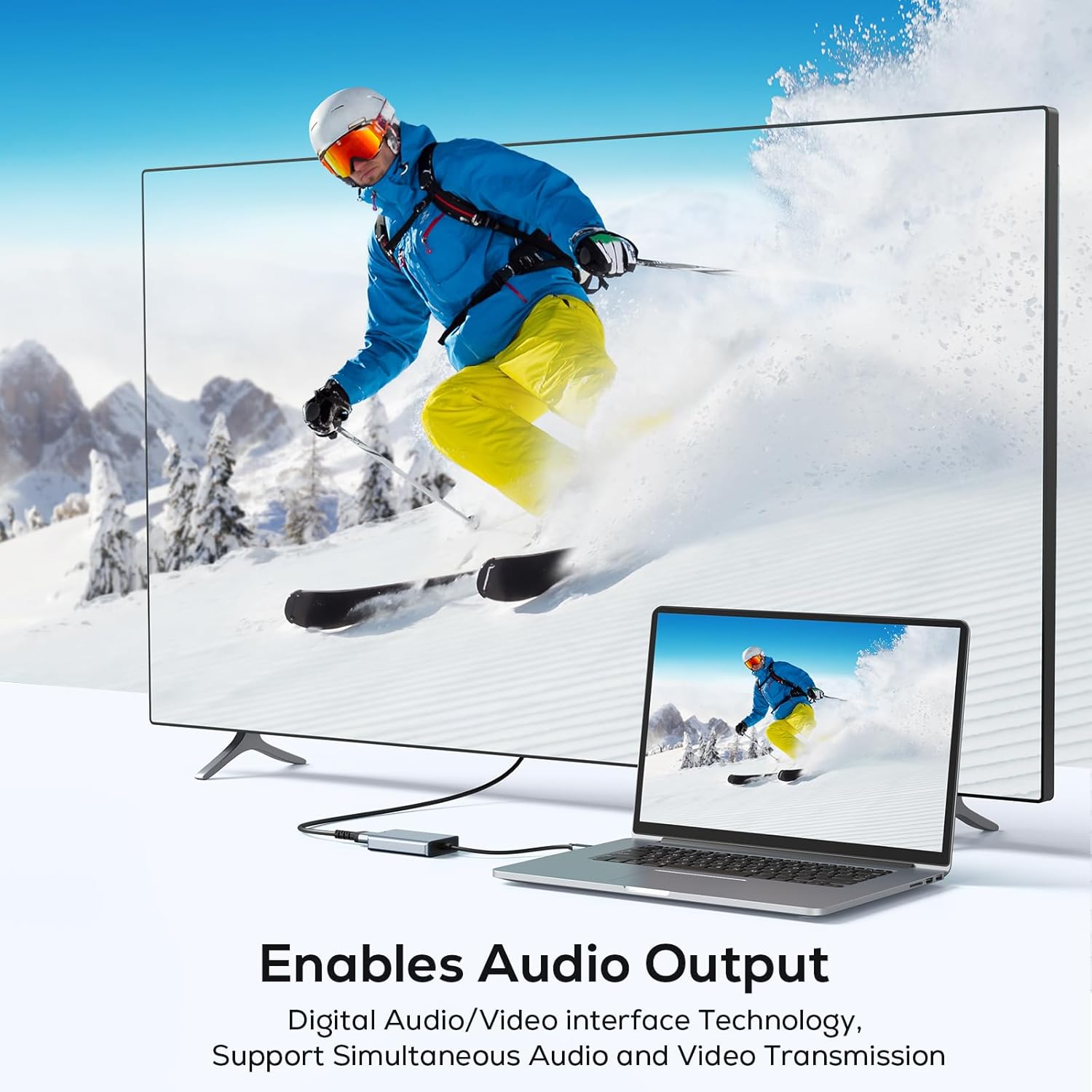
Image: A family watching a movie on a large television screen, connected to a laptop via the ABLEWE USB to HDMI adapter, demonstrating the use for home entertainment.

Image: Four scenarios demonstrating the adapter's versatility: home theater, video conferencing, gaming, and stock trading, highlighting its multi-purpose functionality.
4 การแก้ไขปัญหา
- ไม่มีการแสดงผลหลังการติดตั้ง: Ensure the driver is correctly installed. If issues persist, visit the Displaylink webงาน (displaylink.com/downloads) to download and reinstall the latest driver. Verify that the adapter is securely connected to both the USB port on your computer and the HDMI port on your display.
- Incorrect Display Mode: After connecting, adjust your display settings within your operating system (Windows Display Settings or Mac System Preferences) to select between Mirror (Duplicate) or Extend display modes.
- ปัญหาประสิทธิภาพการทำงาน: For optimal performance, especially with high resolutions (1920x1080P@60HZ), connect the adapter to a USB 3.0 port on your computer. USB 2.0 ports will support lower resolutions.
- ความเข้ากันได้: This adapter is not compatible with Windows XP (64-bit), Linux OS, or Chrome OS. Ensure your operating system meets the specified requirements.
5. ข้อมูลจำเพาะ
| คุณสมบัติ | รายละเอียด |
|---|---|
| ขนาดสินค้า | 0.63 x 4.8 x 3 นิ้ว |
| น้ำหนักสินค้า | 3.53 ออนซ์ |
| หมายเลขรุ่น | e2755963-75f1-42f3-bea0-c3486653dca4 |
| อุปกรณ์ที่รองรับ | Laptop, Monitor, Projector, Television |
| การใช้งานเฉพาะ | TV, Laptop, Monitor |
| ประเภทขั้วต่อ | HDMI |
| สี | สีเทา |
| ผู้ผลิต | เอเบิลวี |
| มีจำหน่ายครั้งแรก | 11 พฤศจิกายน 2023 |
6. การรับประกันและการสนับสนุน
ABLEWE ให้บริการ รับประกัน 12 เดือน for this product from the date of purchase. Additionally, lifetime technical support is available to assist with any product-related inquiries or issues.
For technical assistance or warranty claims, please contact ABLEWE customer support through their official channels.
