1. บทนำ
The AVMTON Wireless Gaming Mouse is designed for comfortable and efficient use with personal computers, laptops, and other compatible devices. Featuring a honeycomb shell for lightweight design, RGB backlighting, and a rechargeable battery, this mouse offers a responsive and ergonomic experience. It connects wirelessly via a 2.4GHz USB receiver, providing a stable connection for both office tasks and light gaming.

Image 1.1: The AVMTON Wireless Gaming Mouse shown alongside its 2.4GHz USB receiver. The mouse features a black honeycomb shell design and vibrant RGB lighting.
2. การตั้งค่า
2.1 การแกะกล่องและส่วนประกอบ
เมื่อแกะกล่อง ให้แน่ใจว่ามีส่วนประกอบทั้งหมดครบถ้วน:
- AVMTON Wireless Gaming Mouse
- 2.4GHz USB Receiver (typically stored in the mouse's bottom compartment)
- สายชาร์จแบบ USB Type-C
2.2 การเชื่อมต่อเมาส์
- ค้นหาตัวรับสัญญาณ USB ที่เก็บไว้ในช่องด้านล่างของเมาส์
- ถอดตัวรับสัญญาณ USB ออกจากเมาส์
- เสียบตัวรับสัญญาณ USB เข้ากับพอร์ต USB ที่มีอยู่ในคอมพิวเตอร์หรือแล็ปท็อปของคุณ
- เปิดเมาส์โดยใช้สวิตช์เปิด/ปิดที่ด้านล่างของเมาส์ เมาส์จะเชื่อมต่อกับตัวรับสัญญาณโดยอัตโนมัติ
2.3 การชาร์จเริ่มต้น
The mouse comes with a built-in rechargeable battery. For optimal performance, it is recommended to fully charge the mouse before its first use. The mouse can be used while it is charging.

Image 2.1: The AVMTON Wireless Gaming Mouse connected to a laptop via its Type-C charging cable. The image highlights the convenience of charging while using the mouse.
3. คู่มือการใช้งาน
3.1 Mouse Button Functions
The AVMTON Wireless Gaming Mouse features several buttons for enhanced functionality:
- ปุ่มซ้าย: ฟังก์ชั่นคลิกมาตรฐาน
- ปุ่มขวา: ฟังก์ชั่นคลิกขวามาตรฐาน
- ล้อเลื่อน: Scrolls content up or down. Can also be pressed for middle-click functionality.
- ปุ่ม DPI: ปรับความไวของเมาส์ (DPI)
- ปุ่มไปข้างหน้า: นำทางไปข้างหน้าใน web เบราว์เซอร์หรือ file นักสำรวจ
- ปุ่มย้อนกลับ: นำทางย้อนกลับใน web เบราว์เซอร์หรือ file นักสำรวจ
- สวิตช์ไฟ: เปิดหรือปิดเมาส์
- สวิตซ์ไฟ: Controls the RGB lighting.

Image 3.1: A detailed diagram illustrating the various buttons and components of the AVMTON Wireless Gaming Mouse, including the DPI button, scroll wheel, forward/backward buttons, and power/light switches.
3.2 การปรับ DPI
The mouse offers three adjustable DPI (Dots Per Inch) levels to control cursor speed and sensitivity. Press the DPI button (located behind the scroll wheel) to cycle through the settings: 800 DPI, 1200 DPI (default), and 1600 DPI. Choose the sensitivity that best suits your task, whether for precise work or faster movements in games.
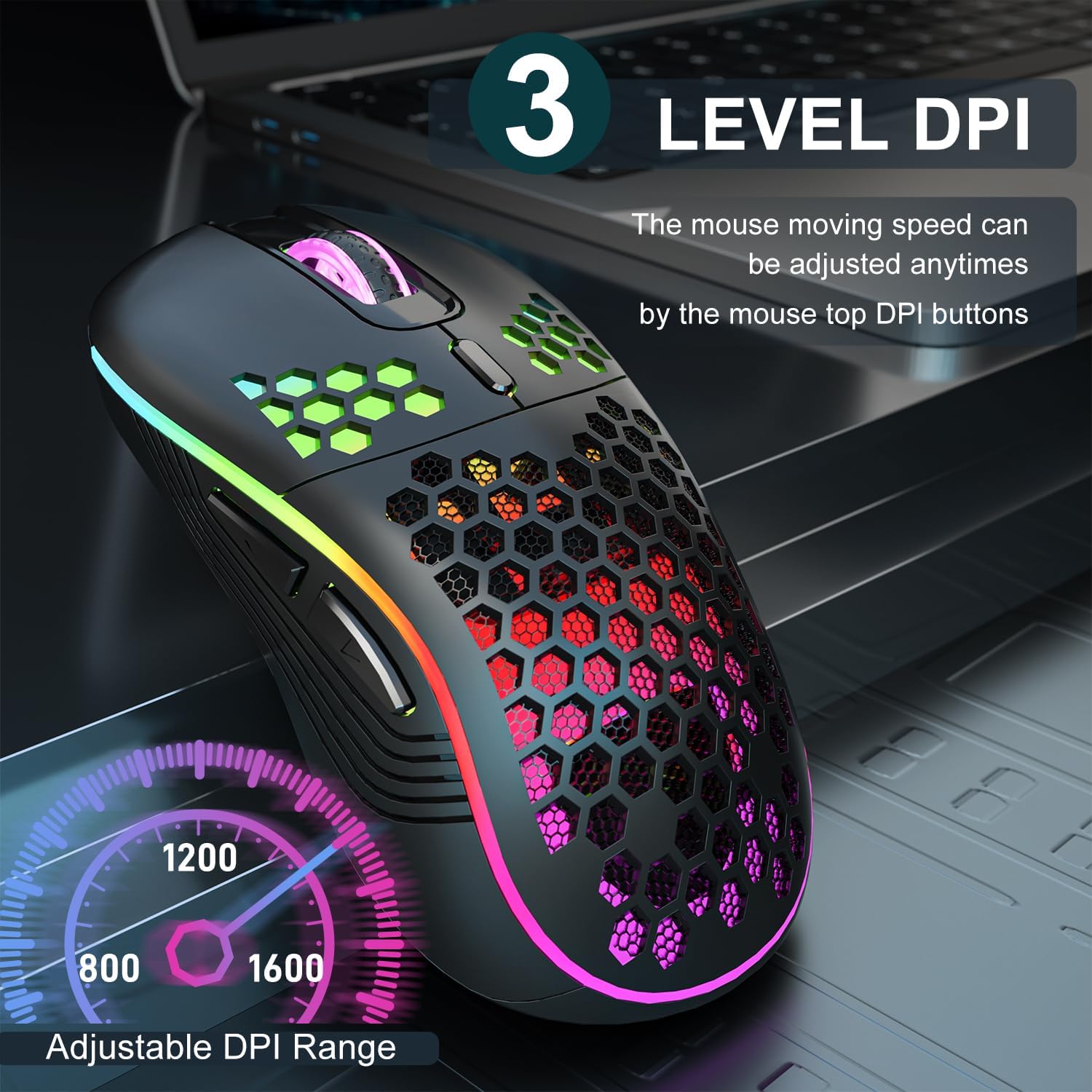
Image 3.2: The AVMTON Wireless Gaming Mouse with an overlay indicating the three adjustable DPI levels: 800, 1200, and 1600. This allows users to easily switch mouse sensitivity.
3.3 การควบคุมไฟแบ็คไลท์ RGB
The mouse features customizable RGB lighting. Use the dedicated light switch on the bottom of the mouse to turn the RGB lighting on or off. Turning off the RGB lighting can help conserve battery life.
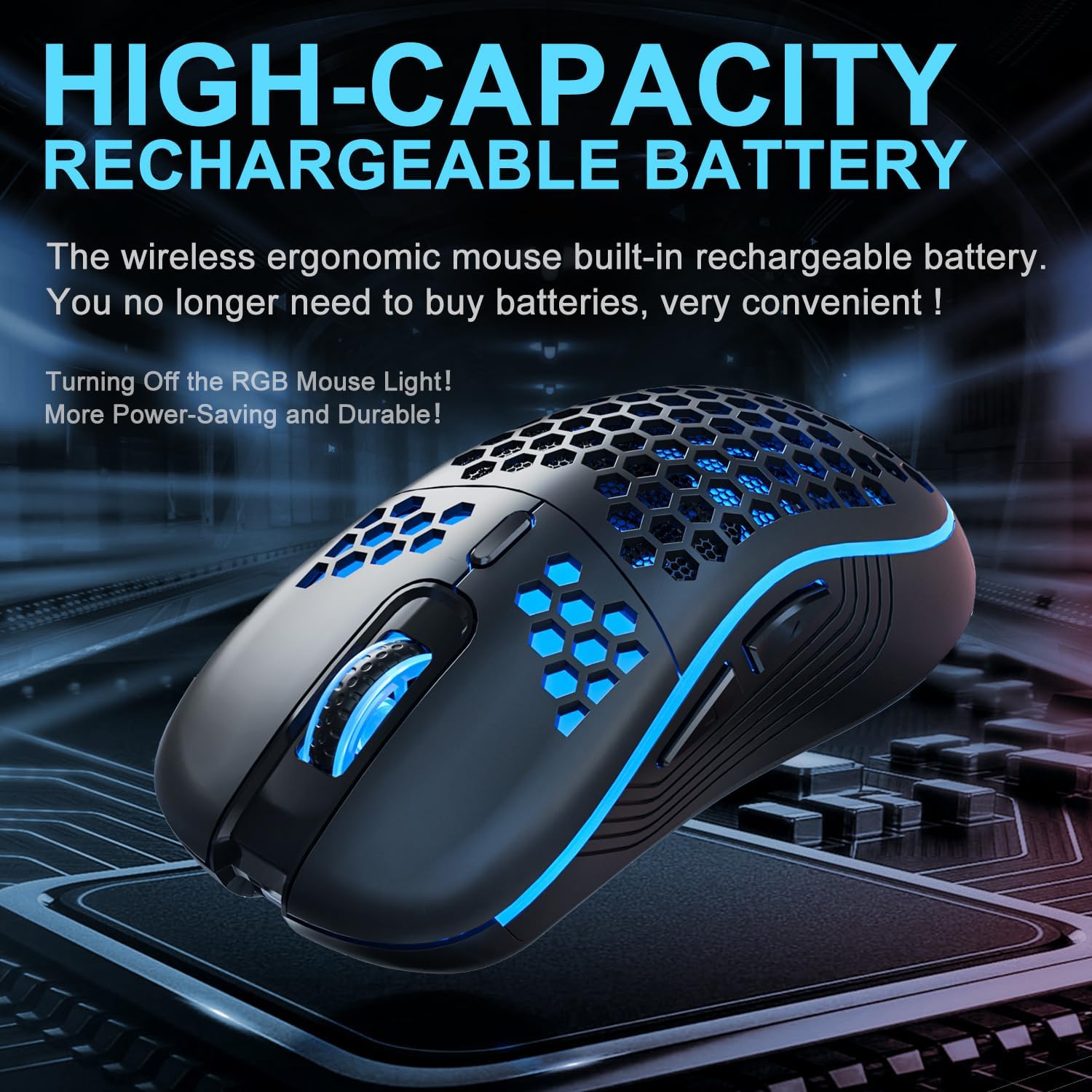
Image 3.3: The AVMTON Wireless Gaming Mouse illuminated with blue RGB lighting, highlighting its aesthetic features and rechargeable battery capacity.
3.4 โหมดประหยัดพลังงาน
To conserve battery, the mouse automatically enters a power-saving mode after a period of inactivity. To reactivate the mouse, simply move it or click any button.
3.5 ความเข้ากันได้
The AVMTON Wireless Gaming Mouse is widely compatible with various operating systems, including Windows 2000, XP, Vista, 7, 8, 10, 11, Linux, and Mac OS. It is designed for use with personal computers and laptops.

Image 3.4: Visual representation of the mouse's wide compatibility with Windows, Linux, and Mac OS operating systems.
4. การบำรุงรักษา
4.1 การชาร์จแบตเตอรี่
When the mouse battery is low, connect the provided USB Type-C charging cable to the mouse's charging port and the other end to a USB power source (e.g., computer USB port, USB wall adapter). The mouse can be used normally while charging.
4.2 การทำความสะอาดเมาส์
To maintain optimal performance and appearance, clean the mouse regularly. Use a soft, dry cloth to wipe the surface. For stubborn dirt, a slightly damp cloth can be used, ensuring no liquid enters the mouse. Avoid using harsh chemicals or abrasive materials.
5 การแก้ไขปัญหา
- เมาส์ไม่ตอบสนอง:
- Ensure the USB receiver is securely plugged into a working USB port.
- Verify that the mouse's power switch is in the 'ON' position.
- Check the battery level and charge the mouse if necessary. - การเคลื่อนที่ของเคอร์เซอร์ผิดปกติหรือช้า:
- Adjust the DPI setting using the DPI button.
- Ensure the mouse is used on a clean, non-reflective surface. A mouse pad is recommended.
- Recharge the mouse if the battery is low. - แสง RGB ไม่ทำงาน:
- Ensure the light switch on the bottom of the mouse is in the 'ON' position.
- The mouse may be in power-saving mode; move or click to wake it up. - Latency during large games:
- This mouse is primarily designed for office scenarios and small games. Large, graphically intensive games may experience some latency due to the wireless connection and mouse specifications.
6. ข้อมูลจำเพาะ
| ยี่ห้อ | เอวีเอ็มตัน |
| ชื่อรุ่น | เมาส์ไร้สาย |
| เทคโนโลยีการเชื่อมต่อ | USB (2.4GHz Wireless) |
| เทคโนโลยีตรวจจับการเคลื่อนไหว | ออฟติคอล |
| ระดับ DPI | 800 / 1200 (Default) / 1600 |
| ประเภทแบตเตอรี่ | แบตเตอรี่ลิเธียมโพลิเมอร์แบบชาร์จได้ (มีมาให้ในชุด) |
| อายุการใช้งานแบตเตอรี่โดยเฉลี่ย | 6 months (approx.) |
| พอร์ตชาร์จ | ยูเอสบี ไทป์ ซี |
| คุณสมบัติพิเศษ | Honeycomb Design, RGB Backlight, Lightweight, 6 programmable Buttons |
| การวางแนวมือ | ถนัดทั้งสองมือ |
| วัสดุ | พลาสติก |
| ระบบปฏิบัติการที่รองรับ | Windows 2000 / XP / Vista / 7 / 8 / 10 / 11, Linux, Mac OS |
| ขนาดพัสดุ | 13.7 x 8.7 x 4.9 ซม. |
| น้ำหนักสินค้า | 140 กรัม |
7. การรับประกันและการสนับสนุน
Specific warranty details are not provided within this manual. For warranty information, technical support, or any inquiries regarding your AVMTON Wireless Gaming Mouse, please refer to the product packaging or contact AVMTON customer service directly through their official webไซต์หรือผู้ค้าปลีกที่ซื้อผลิตภัณฑ์


