การแนะนำ
This manual provides detailed instructions for the installation, operation, maintenance, and troubleshooting of your Aiwit 1080p Wired Video Doorbell Camera, Model K50. Please read this manual thoroughly before using the product to ensure proper setup and functionality.
มีอะไรอยู่ในกล่อง
ตรวจสอบว่ามีส่วนประกอบทั้งหมดอยู่:
- กล้องกริ่งประตู
- ระฆัง
- (Additional mounting hardware, screws, and user guide may be included but are not explicitly listed in the provided components.)

ข้อมูลจำเพาะ
| คุณสมบัติ | รายละเอียด |
|---|---|
| การใช้งานภายใน/ภายนอกอาคาร | ในร่ม, กลางแจ้ง |
| อุปกรณ์ที่รองรับ | สมาร์ทโฟน |
| แหล่งพลังงาน | ใช้พลังงานจากแบตเตอรี่ |
| โปรโตคอลการเชื่อมต่อ | ไวไฟ |
| ประเภทตัวควบคุม | Aiwit App |
| ประเภทการติดตั้ง | ติดผนัง |
| ความละเอียดในการจับภาพวิดีโอ | 1080p |
| สี | สีดำ |
| จำนวนรายการ | 1 |
| ส่วนประกอบที่รวมอยู่ | Doorbell Camera, Chime |
| จำนวนช่องสัญญาณ | 4 |
| เทคโนโลยีการสื่อสารไร้สาย | ไวไฟ |
| ฟอร์มแฟกเตอร์ | กล่อง |
| ประเภทการติดตั้ง | ติดผนัง |
| วัสดุ | อะคริโลไนไตรล์ บิวทาไดอีน สไตรีน (ABS) |
| ขนาดสินค้า กว้าง x ยาว x สูง | 1.77 x 1.34 x 5.3 นิ้ว |
| จำเป็นต้องใช้แบตเตอรี่หรือไม่? | เลขที่ |
| เทคโนโลยีแสงน้อย | ใช่ |
| ประเภทการแจ้งเตือน | การเคลื่อนไหวเท่านั้น |
| ประเภทห้อง | Hallway, Living Room, Study Room possibility room |
| รูปแบบการจับภาพวิดีโอ | เอ็มพี 4 |
| จำนวนหน่วย | 1.0 จำนวน |
| ความละเอียดของภาพนิ่งที่มีประสิทธิภาพ | 4 MP |
| วิธีการควบคุม | แอป |
| จำนวนไฟ LED IR | 4 |
| ความเข้ากันได้ของสมาร์ทโฮม | Smart Home Compatible |
| การใช้งานที่แนะนำสำหรับผลิตภัณฑ์ | ในร่ม/กลางแจ้ง |
| ชื่อรุ่น | ออดวิดีโอแบบมีสาย |
| เทคโนโลยีการเชื่อมต่อ | ไร้สาย |
| คุณสมบัติพิเศษ | ระบบเสียง 2 ทาง |

การติดตั้งและการตั้งค่า
ทำตามขั้นตอนเหล่านี้เพื่อให้การติดตั้งสำเร็จ:
- ขั้นตอนที่ 1: ถอดปลั๊กไฟ Before beginning any electrical work, always disable the doorbell's electrical circuit at your home's circuit breaker to prevent electrical shock.
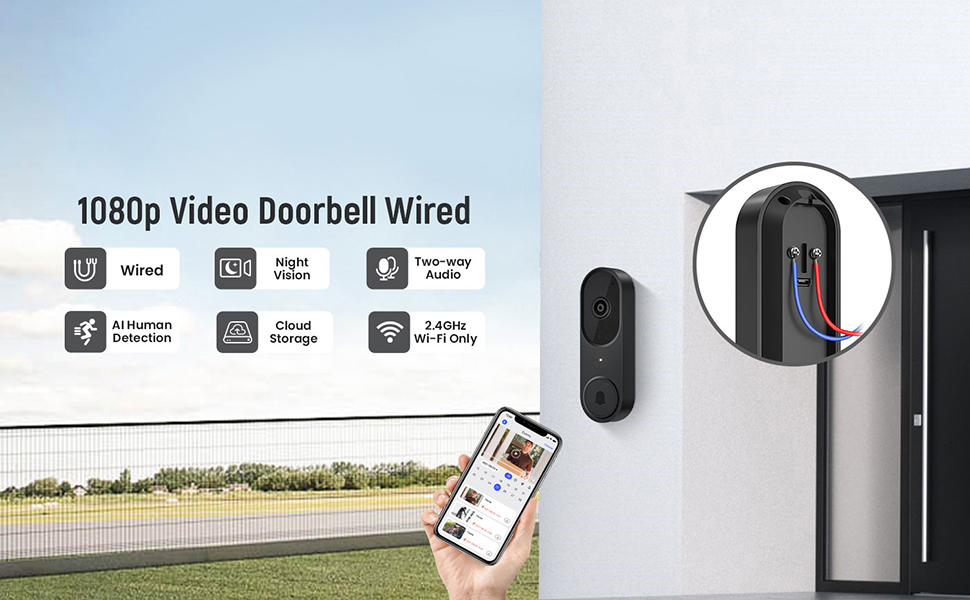
- Step 2: Connect Wires. Remove your existing doorbell button. Connect the wires from your home's doorbell system to the terminals on the back of the new Aiwit Video Doorbell. Ensure a secure connection.
- Step 3: Mount and Secure. Secure the doorbell camera to the wall using the provided mounting hardware. Ensure it is firmly attached.
- ขั้นตอนที่ 4: คืนพลังงาน Re-enable the electrical circuit at your home's circuit breaker.
- Step 5: App Setup. Download the Aiwit app from your smartphone's app store. Follow the in-app instructions to connect your doorbell to your 2.4GHz Wi-Fi network and complete the setup process. Note: This device supports 2.4GHz Wi-Fi only; 5GHz networks are not supported.

The included chime will automatically pair with your doorbell once both are powered on and connected to the app.
คำแนะนำการใช้งาน
Aiwit App Control
All primary functions and settings of your video doorbell are managed through the Aiwit mobile application. Ensure your app is updated to the latest version for optimal performance.
Live Two-Way Audio
When a visitor presses the doorbell or motion is detected, you will receive a notification on your smartphone. Open the Aiwit app to view the live feed and use the microphone icon to speak with the visitor. The built-in speaker on the doorbell will transmit your voice, allowing for real-time communication.

AI การตรวจจับมนุษย์
The doorbell utilizes advanced AI to distinguish human shapes from other moving objects such as animals or foliage. This reduces false alerts, ensuring you are only notified of relevant activity. You can adjust detection sensitivity and zones within the Aiwit app.

Enhanced Night Vision
Equipped with four IR LEDs and a smart infrared sensor, the doorbell provides clear video footage even in low-light or complete darkness. The night vision automatically activates when ambient light levels are insufficient.

Cloud Storage and Pre-roll Recording
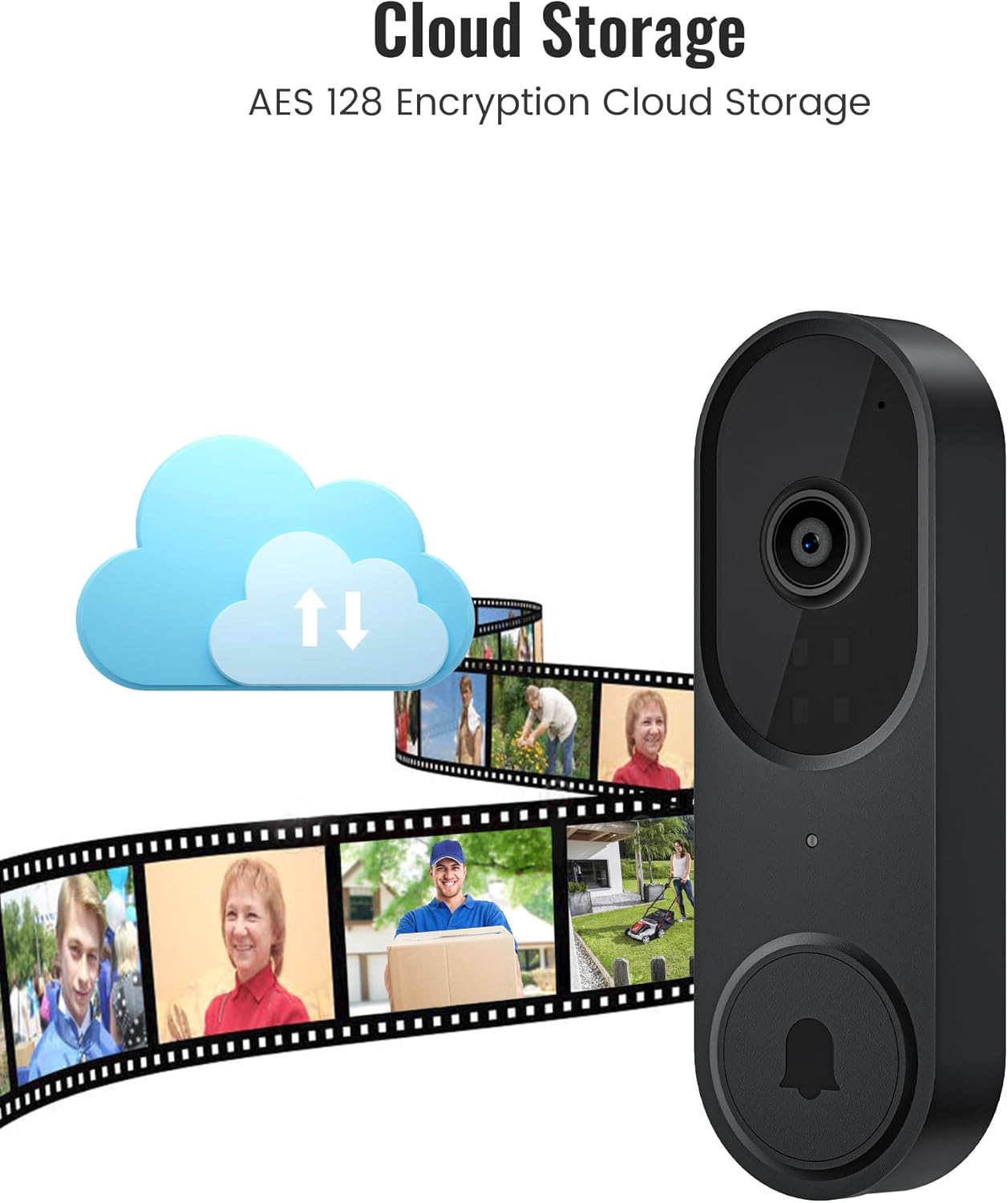
For continuous recording and access to event history, an optional cloud storage subscription is available. This service includes AES-128 encrypted storage and a pre-roll recording feature, which captures video footage a few seconds before a detected motion event or doorbell press, providing complete context.
การซ่อมบำรุง
- การทำความสะอาด: ค่อยๆ เช็ดเลนส์กล้องและพื้นผิวของกริ่งประตูด้วยผ้าเนื้อนุ่มและแห้งamp ผ้า หลีกเลี่ยงน้ำยาทำความสะอาดหรือตัวทำละลายที่มีฤทธิ์กัดกร่อน
- อัพเดตเฟิร์มแวร์: Regularly check the Aiwit app for available firmware updates. Updates often include performance improvements and security enhancements.
- การตรวจสอบการเชื่อมต่อ: Periodically verify your Wi-Fi connection strength in the app to ensure stable operation.
การแก้ไขปัญหา
- No Power to Doorbell:
- Ensure the circuit breaker is on. Verify that the wires are correctly connected to the doorbell terminals and that there are no loose connections.
- ไม่สามารถเชื่อมต่อกับ Wi-Fi ได้:
- Confirm your Wi-Fi network is 2.4GHz. Ensure the doorbell is within range of your Wi-Fi router. Restart your router and try the setup process again. Check if your Wi-Fi password is entered correctly.
- คุณภาพวิดีโอไม่ดี หรือระบบมองเห็นในเวลากลางคืนไม่ดี:
- Clean the camera lens. Ensure there are no obstructions blocking the camera's view. Check your Wi-Fi signal strength; a weak signal can affect video streaming quality.
- Motion Detection Not Working or Too Many False Alerts:
- Adjust the motion detection sensitivity and set specific detection zones within the Aiwit app. Ensure AI Human Detection is enabled if you wish to filter out non-human movements.
- ปัญหาเสียงสองทาง:
- Ensure your smartphone's microphone is enabled for the Aiwit app. Check the volume settings on both your phone and within the app. Verify a stable internet connection.
ข้อมูลการรับประกัน
Aiwit products are covered by a manufacturer's warranty. For specific details regarding your product's warranty period and terms, please refer to the warranty card included with your purchase or visit the official Aiwit support webเว็บไซต์.
การสนับสนุนลูกค้า
If you encounter any issues or have questions not covered in this manual, please contact Aiwit customer support through one of the following methods:
- Aiwit App: Access the 'Help' or 'Support' section within the application.
- เป็นทางการ Webเว็บไซต์: เยี่ยมชม Aiwit Store on Amazon สำหรับข้อมูลผลิตภัณฑ์และลิงก์สนับสนุน
- อีเมล์/โทรศัพท์: ดูที่บรรจุภัณฑ์ผลิตภัณฑ์ของคุณหรือที่ทางการ webเว็บไซต์สำหรับข้อมูลการติดต่อโดยตรง