การแนะนำ
Thank you for choosing the Coby Pro Fitness True Wireless Earbuds. These earbuds are designed to provide a superior audio experience with features tailored for an active lifestyle, including sweat resistance, secure fit, and high-definition audio. This manual will guide you through the setup, operation, and maintenance of your new earbuds.
มีอะไรอยู่ในกล่อง
ตรวจสอบให้แน่ใจว่ามีสิ่งของครบทั้งหมดเมื่อแกะกล่อง:
- Coby Pro Fitness True Wireless Earbuds (Left and Right)
- เคสชาร์จไฟ
- จุกหูฟัง (ขนาดต่างๆ เพื่อความพอดีที่เหมาะสม)
- สายชาร์จ USB
- คู่มือการใช้งาน (เอกสารนี้)
สินค้าเกินview
Familiarize yourself with the components of your Coby Pro Fitness True Wireless Earbuds.

Image: The Coby Pro Fitness True Wireless Earbuds, showing both earbuds and the open charging case with charging contacts visible.

Image: A visual representation of the earbuds and charging case, emphasizing key features such as 15 hours playtime, noise isolating design, sweat-resistance, non-slip fit, auto pairing, voice assistant compatibility, and wide compatibility.
การตั้งค่า
1. การชาร์จหูฟังและเคส
ก่อนใช้งานครั้งแรก ควรชาร์จหูฟังและเคสชาร์จให้เต็มก่อน
- Place the earbuds into the charging case. Ensure they are properly seated and the charging indicators light up.
- เชื่อมต่อเคสชาร์จเข้ากับแหล่งจ่ายไฟ USB โดยใช้สาย USB ที่ให้มา
- The charging case provides up to 20 hours of additional battery life, while the earbuds offer 15 hours of playtime on a full charge.
2. การจับคู่กับอุปกรณ์ของคุณ
The Coby Pro Fitness Earbuds feature auto-pairing for seamless connectivity.
- เปิดกล่องชาร์จ หูฟังจะเข้าสู่โหมดจับคู่โดยอัตโนมัติ
- บนอุปกรณ์ของคุณ (สมาร์ทโฟน แท็บเล็ต แล็ปท็อป) ไปที่การตั้งค่าบลูทูธ
- Select "COBY-CETW553" from the list of available devices.
- เมื่อเชื่อมต่อแล้ว คุณจะได้ยินเสียงยืนยัน และหูฟังจะพร้อมใช้งาน
- Thanks to Bluetooth version 5.3, you can expect lightning-fast pairing and uninterrupted audio streaming within a 10-meter range.
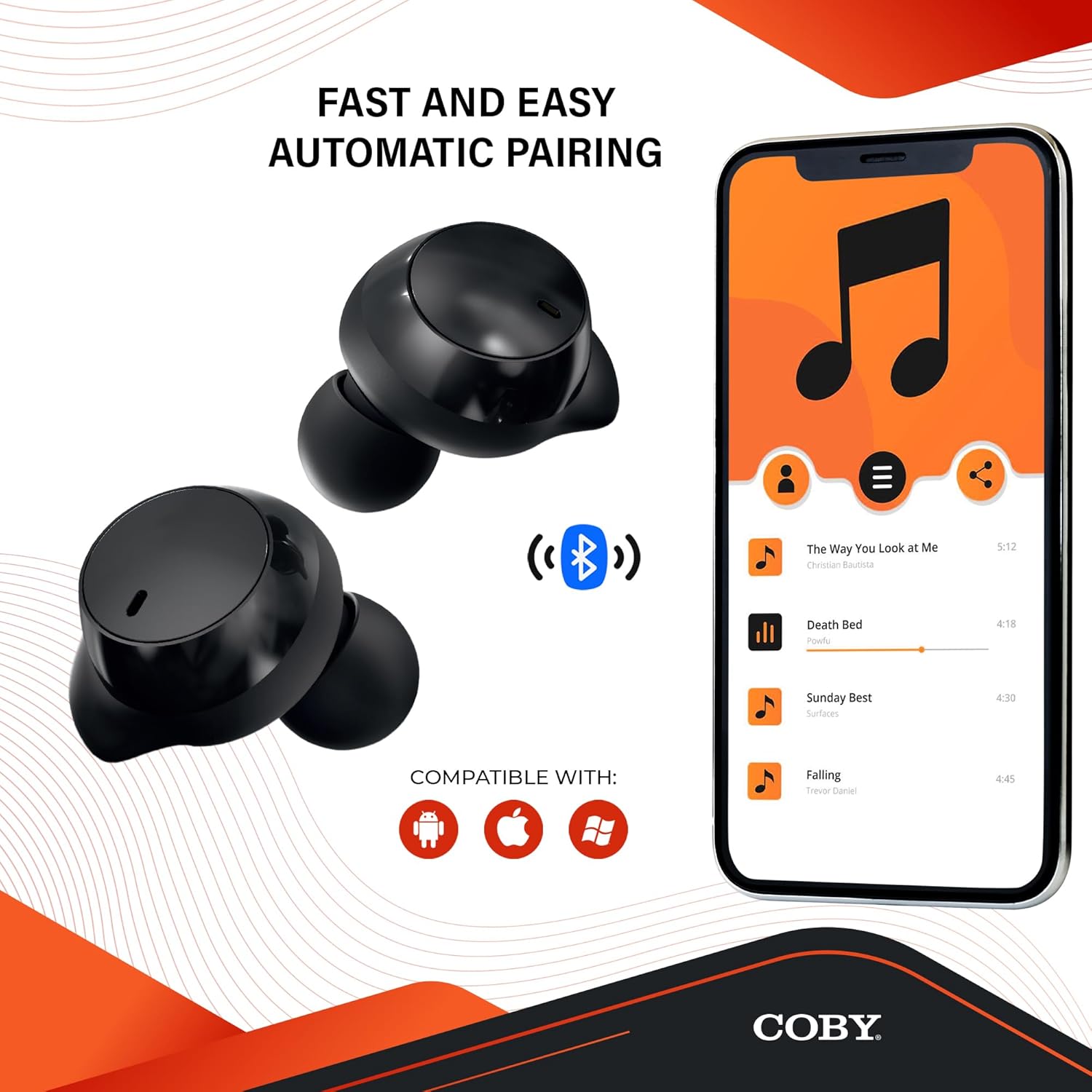
Image: The earbuds next to a smartphone displaying a music playlist, illustrating the fast and easy automatic pairing process and compatibility with Android, Apple, and Windows devices.
คำแนะนำการใช้งาน
การเล่นเสียง
Enjoy high-fidelity sound quality with dynamic audio and crystal-clear clarity for your music, podcasts, and audiobooks.
โทรแบบแฮนด์ฟรี
The earbuds support hands-free calling, allowing you to take calls directly through the earbuds.
ผู้ช่วยเสียง
Activate your preferred voice assistant (Siri or Google Assistant) with a quick voice command. This allows you to make calls, send texts, check notifications, and more without needing to access your phone.

Image: The earbuds with accompanying text emphasizing high-fidelity sound quality, sweat-resistant design, comfortable and secure fit, and compatibility with Siri and Google Assistant.

Image: The Coby Pro Fitness Earbuds displayed with logos indicating compatibility with Google Assistant and Siri.
การบำรุงรักษาและการดูแล
เพื่อให้หูฟังของคุณใช้งานได้ยาวนานและมีประสิทธิภาพสูงสุด:
- Sweat Resistant Design: The earbuds are thoughtfully crafted to divert sweat and moisture, making them ideal for workouts. However, they are not fully waterproof; avoid submerging them in water.
- การทำความสะอาด: Regularly clean the earbuds and charging case with a soft, dry, lint-free cloth. Gently remove any earwax or debris from the eartips and speaker mesh using a small, soft brush or cotton swab.
- พื้นที่จัดเก็บ: เมื่อไม่ได้ใช้งาน ให้เก็บหูฟังไว้ในกล่องชาร์จเพื่อปกป้องหูฟังและชาร์จไฟให้หูฟังอยู่เสมอ
- อุณหภูมิ: หลีกเลี่ยงการวางหูฟังไว้ในที่ที่มีอุณหภูมิร้อนจัด (ร้อนหรือเย็นจัด) หรือโดนแสงแดดโดยตรงเป็นเวลานาน

Image: A person in athletic wear preparing to run, wearing the earbuds, illustrating the sweat-resistant design suitable for active use.

Image: Two individuals engaged in a workout, both wearing the earbuds, demonstrating their suitability for fitness activities.
การแก้ไขปัญหา
If you encounter any issues with your Coby Pro Fitness Earbuds, try the following steps:
- ไม่มีเสียง:
- ตรวจสอบให้แน่ใจว่าหูฟังมีการชาร์จแล้ว
- ตรวจสอบการเชื่อมต่อบลูทูธบนอุปกรณ์ของคุณ
- เพิ่มระดับเสียงทั้งบนหูฟังและอุปกรณ์ของคุณ
- เอียร์บัดไม่จับคู่:
- ตรวจสอบให้แน่ใจว่าได้เปิดใช้งานบลูทูธบนอุปกรณ์ของคุณแล้ว
- ตรวจสอบให้แน่ใจว่าหูฟังอยู่ในโหมดจับคู่ (เปิดเคส)
- ลืมอุปกรณ์จากรายการบลูทูธของโทรศัพท์ของคุณและลองจับคู่ใหม่อีกครั้ง
- ตรวจสอบให้แน่ใจว่าหูฟังอยู่ห่างจากอุปกรณ์ของคุณไม่เกิน 10 เมตร
- ปัญหาการชาร์จ:
- ตรวจสอบว่าสายชาร์จและแหล่งจ่ายไฟใช้งานได้
- ตรวจสอบให้แน่ใจว่าใส่เอียร์บัดลงในกล่องชาร์จอย่างถูกต้อง
- ทำความสะอาดหน้าสัมผัสการชาร์จบนหูฟังทั้งสองข้างและเคส
ข้อมูลจำเพาะ
| คุณสมบัติ | รายละเอียด |
|---|---|
| ชื่อรุ่น | CETW553 |
| หมายเลขรุ่นสินค้า | COBY-CETW553 |
| เทคโนโลยีการเชื่อมต่อ | ไร้สาย (Bluetooth) |
| เวอร์ชันบลูทูธ | 5.3 |
| ช่วงบลูทูธ | 10 เมตร |
| อายุการใช้งานแบตเตอรี่ (หูฟัง) | 15 ชั่วโมง |
| อายุการใช้งานแบตเตอรี่ของกระเป๋าพกพา | 20 ชั่วโมง (เพิ่มเติม) |
| ระดับความต้านทานต่อน้ำ | Water Resistant (Sweat Resistant) |
| การควบคุมเสียงรบกวน | การแยกเสียง |
| ประเภทการควบคุม | Voice (Google Assistant, Siri Compatible) |
| ช่วงความถี่ | 20 เฮิรตซ์ - 20,000 เฮิรตซ์ |
| น้ำหนักสินค้า | 1.4 ออนซ์ |
| ขนาดสินค้า | 0.96 x 0.7 x 0.94 นิ้ว |
| วัสดุ | Silicone (Eartips) |
| ยูพีซี | 643620020401 |
| ผู้ผลิต | ซัมมิท อิเล็คโทรนิคส์ แอลแอลซี |
| ประเทศต้นกำเนิด | จีน |
การรับประกันและการสนับสนุน
For warranty information and customer support, please refer to the warranty card included with your product or visit the official Coby webเว็บไซต์.
You can also visit the Coby Store on Amazon for more information: Coby Amazon Store.


