1. สินค้าหมดview
Thank you for choosing the PDP AIRLITE GLOW Wired Headset. This headset is designed to provide an immersive audio experience and clear communication for gaming on Xbox Series X|S, Xbox One, and Windows 10/11 PC. Its lightweight design and comfortable earcups ensure extended use without discomfort.
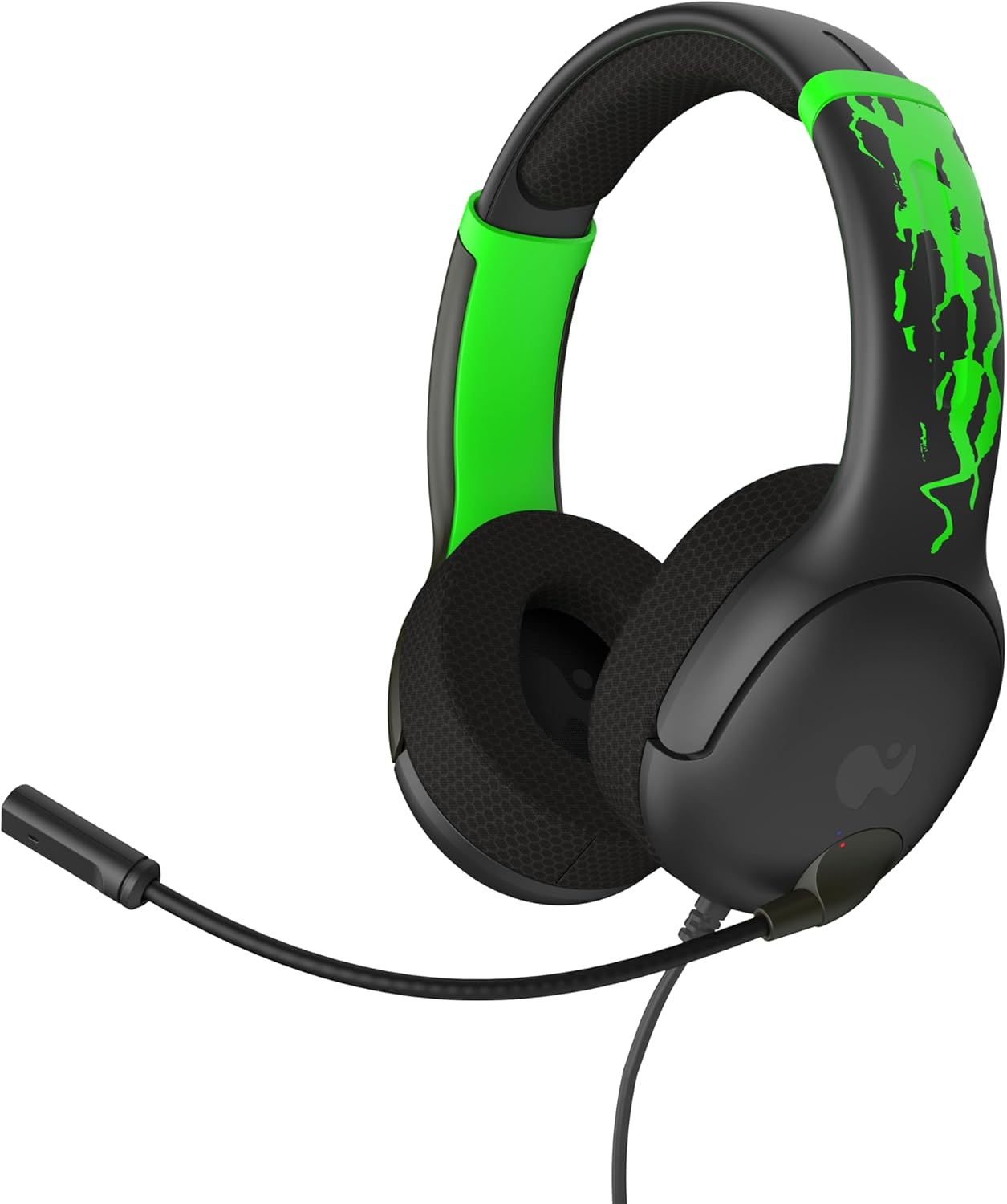
รูปที่ 1 : ด้านหน้า view of the PDP AIRLITE GLOW Wired Headset.
คุณสมบัติหลัก:
- Unique design glows in the dark after exposure to light (for best results use UV light).
- Lightweight construction (7 oz) and soft padded earcups for all-day comfort.
- 40mm drivers with fine-tuned audio for immersive gameplay.
- Sleek, noise-canceling mic with flip-to-mute feature.
- Officially licensed by Xbox.
2. คำแนะนำในการตั้งค่า
The PDP AIRLITE GLOW Wired Headset connects directly to your gaming controller or compatible device via a 3.5mm audio jack.
Connecting to an Xbox Controller:
- Ensure your Xbox console and controller are powered on.
- Locate the 3.5mm audio jack port on the bottom of your Xbox controller.
- Insert the 3.5mm audio plug from the headset firmly into the controller's audio jack.
- The headset should now be connected and ready for use. You may need to adjust audio settings on your Xbox console or controller for optimal sound and microphone levels.
Connecting to PC (Windows 10/11):
- Locate the 3.5mm audio jack on your PC. If your PC has separate ports for microphone and headphones, you may need a 3.5mm splitter (not included).
- Insert the 3.5mm audio plug from the headset into the combined audio jack or the appropriate headphone/microphone jacks.
- Access your PC's sound settings to ensure the headset is selected as the default input and output device. Adjust volume and microphone levels as needed.
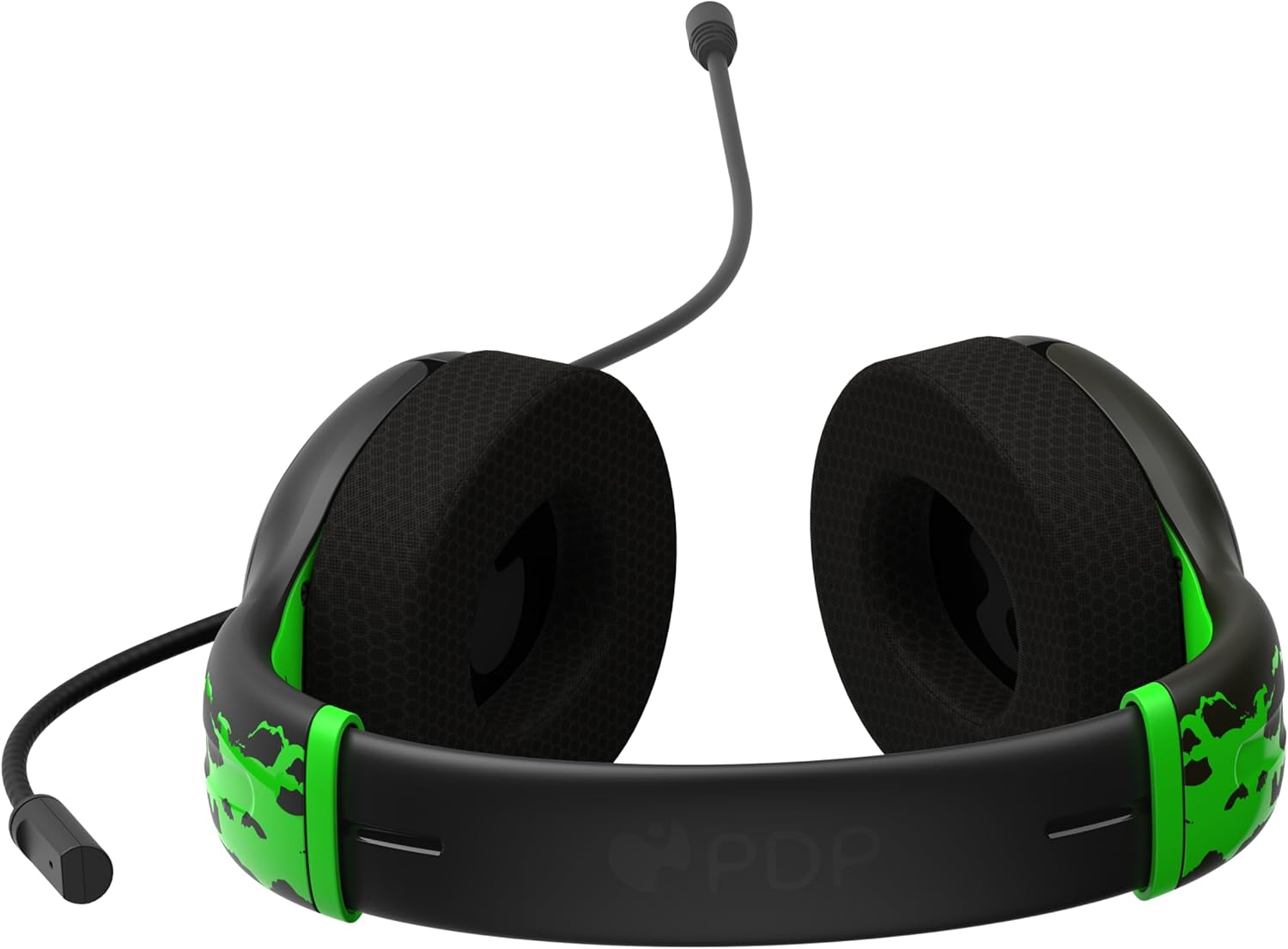
Figure 2: The 3.5mm audio jack for connecting the headset.
3. คู่มือการใช้งาน
ฟังก์ชั่นไมโครโฟน:
- พลิกเพื่อปิดเสียง: The headset features a convenient flip-to-mute microphone. To mute your microphone, simply flip the microphone boom arm upwards until it clicks into the vertical position. To unmute, flip the microphone boom arm back down to the speaking position.
- ไมโครโฟนปรับระดับได้: The microphone arm is flexible and can be adjusted to your preferred speaking distance for optimal voice clarity.
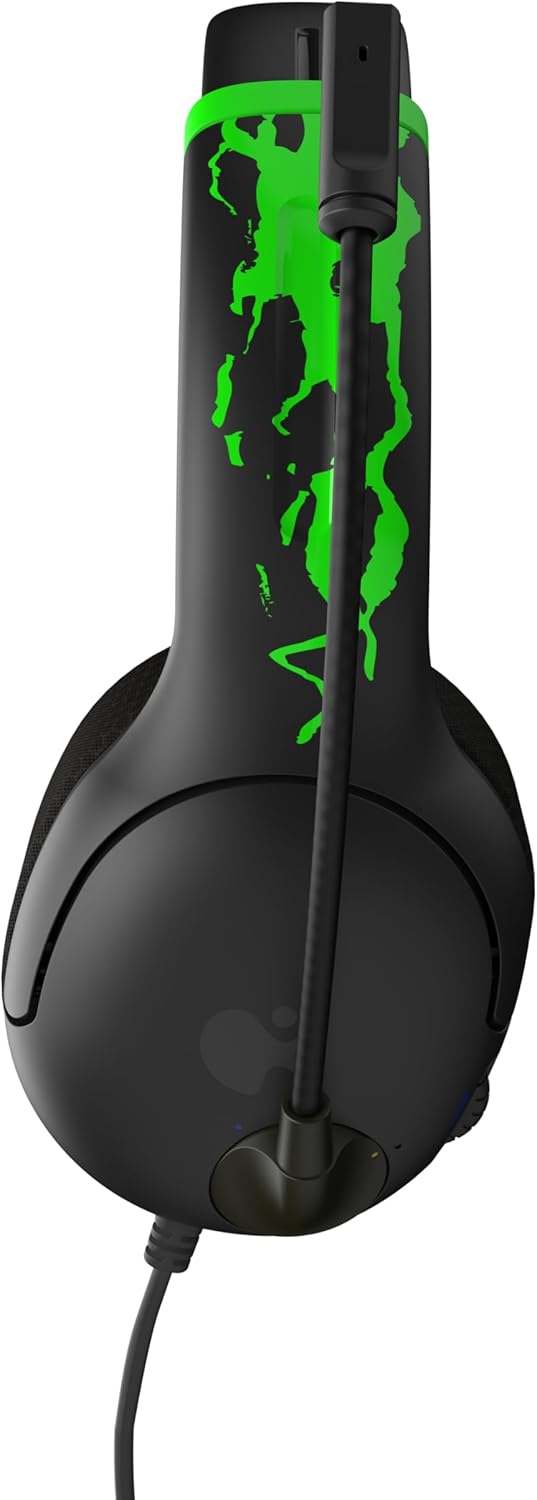
Figure 3: Microphone in the muted (upright) position.
การควบคุมระดับเสียง:
- The headset includes an on-ear volume control dial. Rotate the dial to increase or decrease the audio volume to your desired level.

Figure 4: Volume control dial located on the earcup.
Adjusting Headset Fit:
- The headband is adjustable. Gently slide the earcups up or down to find a comfortable and secure fit on your head.

Figure 5: Adjustable headband for a personalized fit.
4. การดูแลรักษา
- การทำความสะอาด: ใช้ผ้าแห้งนุ่มๆ เช็ดทำความสะอาดหูฟัง หลีกเลี่ยงการใช้สารเคมีรุนแรงหรือวัสดุที่มีฤทธิ์กัดกร่อน
- พื้นที่จัดเก็บ: เก็บหูฟังไว้ในที่แห้งและเย็น หลีกเลี่ยงแสงแดดโดยตรงและอุณหภูมิที่สูงหรือต่ำเกินไป
- การดูแลสายเคเบิล: หลีกเลี่ยงการงอหรือบิดสายเคเบิลอย่างรุนแรงเพื่อป้องกันความเสียหายภายใน
- Glow Feature: For optimal glow effect, expose the headset's glow-in-the-dark elements to a light source (preferably UV light) before use in dark environments.
5 การแก้ไขปัญหา
| ปัญหา | สารละลาย |
|---|---|
| ไม่มีเสียงจากหูฟัง |
|
| ไมโครโฟนไม่ทำงาน |
|
| หูฟังไม่สบายหู |
|
6. ข้อมูลจำเพาะผลิตภัณฑ์
| คุณสมบัติ | รายละเอียด |
|---|---|
| ชื่อรุ่น | AIRLITE GLOW |
| หมายเลขรุ่น | 049-015-JGR |
| ยี่ห้อ | พรรคประชาธิปไตยประชาชนลาว |
| เทคโนโลยีการเชื่อมต่อ | แบบมีสาย (แจ็ค 3.5 มม.) |
| อุปกรณ์ที่รองรับ | Xbox Series X|S, Xbox One, Windows 10/11 PC, Gaming Consoles, Desktops, Laptops |
| ประเภทไดร์เวอร์เสียง | ไดรเวอร์ไดนามิก (40 มม.) |
| ไมโครโฟน | Noise-canceling, Flip-to-mute |
| ประเภทการควบคุม | Volume Control (on-ear dial) |
| น้ำหนักสินค้า | 0.018 ounces (approximately 7 oz as per feature bullet) |
| วัสดุ | พลาสติก |
| คุณสมบัติพิเศษ | Lightweight, Glow-in-the-dark design |
7. การรับประกันและการสนับสนุน
For warranty information and customer support, please refer to the official PDP webหรือติดต่อฝ่ายบริการลูกค้าโดยตรง โปรดเก็บหลักฐานการซื้อไว้เพื่อใช้ในกรณีที่ต้องการเคลมประกัน
การสนับสนุนทางออนไลน์: เยี่ยมชม ร้าน PDP บน Amazon สำหรับข้อมูลผลิตภัณฑ์และทรัพยากรสนับสนุนเพิ่มเติม
8. วิดีโอผลิตภัณฑ์
AIRLITE GLOW Wired Headset for Xbox: Jolt Green 3D Video
This video provides a 3D view of the PDP AIRLITE GLOW Wired Headset in Jolt Green, showcasing its design and features. Note: This is a short preview วีดีโอ
PDP Licensed Gaming Accessories Xbox Nintendo Playstation
โอเวอร์view วิดีโอโชว์asing various PDP licensed gaming accessories for Xbox, Nintendo, and PlayStation, including the AIRLITE GLOW headset.


