1. บทนำ
This manual provides essential instructions for the safe operation, setup, and maintenance of your Holy Stone HS720R GPS Drone. Please read this manual thoroughly before operating the drone to ensure proper function and to prevent damage or injury. Retain this manual for future reference.
2. เนื้อหาบรรจุภัณฑ์
Verify that all items listed below are present in your package. If any components are missing or damaged, please contact Holy Stone customer support.
- Holy Stone HS720R Drone
- รีโมทคอนโทรล
- แบตเตอรี่บินอัจฉริยะ
- สายชาร์จ USB
- ใบพัดสำรอง (ชุด)
- ไขควง
- กระเป๋าใส่อุปกรณ์
- คู่มือการใช้งาน (เอกสารนี้)

3. การตั้งค่า
3.1 การชาร์จแบตเตอรี่และการติดตั้ง
- Charge the Flight Battery: Connect the intelligent flight battery to the USB charging cable and plug it into a suitable USB power adapter (not included). The battery indicator lights will show charging status. Ensure the battery is fully charged before each flight.
- Install the Flight Battery: Insert the fully charged battery into the drone's battery compartment until it clicks securely into place.
- Charge the Remote Controller: Connect the remote controller to a USB power source using its charging cable. The indicator lights will show charging status.
3.2 การติดตั้งใบพัด
The propellers are marked A and B. Match the propellers to the corresponding motor arms (A to A, B to B). Use the provided screwdriver to securely attach the propellers.
3.3 Remote Controller and Mobile Device Setup
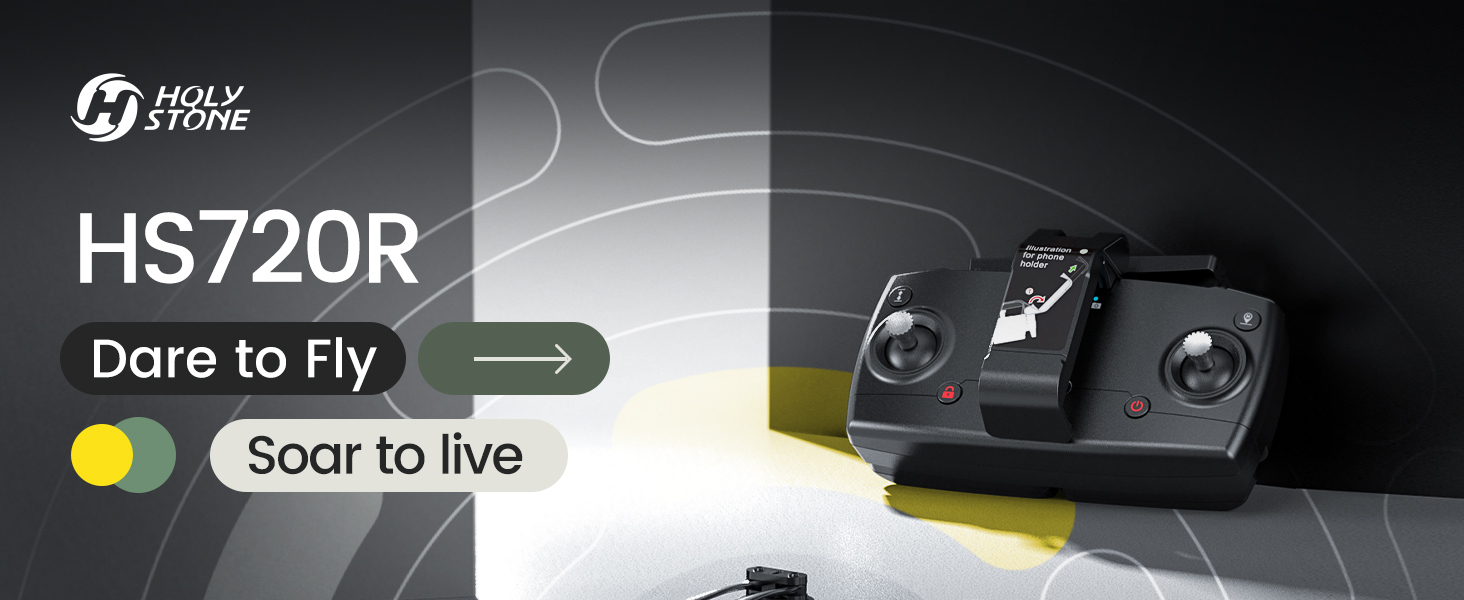
- Unfold the Remote Controller: Extend the phone holder and antennas on the remote controller.
- Mount Mobile Device: Place your smartphone securely into the phone holder on the remote controller.
- Install Ophelia FLY App: Download and install the 'Ophelia FLY' application from your mobile device's app store.
- เชื่อมต่อกับโดรน: Power on the drone and the remote controller. Open the Ophelia FLY app and follow the on-screen instructions to connect your mobile device to the drone's Wi-Fi network.
3.4 การปรับเทียบก่อนบิน
Before each flight, especially when flying in a new location, perform compass and gyroscope calibration as instructed in the Ophelia FLY app. This ensures accurate flight stability and GPS functionality.
3.5 Flight Environment Considerations
Always fly in open areas, away from obstacles, people, and animals. Avoid flying in strong winds (the drone has Level-6 wind resistance, but calm conditions are ideal for beginners), rain, or extreme temperatures. Ensure compliance with local aviation regulations, including FAA registration if required in your region.
4. คู่มือการใช้งาน
4.1 การควบคุมการบินขั้นพื้นฐาน
- ขึ้น/ลงด้วยปุ่มเดียว: Press the dedicated button on the remote controller or in the app for automatic take-off and landing.
- การรักษาระดับความสูง: The drone maintains a stable altitude automatically, allowing for easier control of horizontal movement.
- การควบคุมทิศทาง: Use the joysticks on the remote controller to control the drone's ascent/descent, forward/backward, and left/right movements.

4.2 GPS Intelligent Flight Modes
The HS720R utilizes an advanced GPS positioning system for enhanced flight stability and intelligent features.
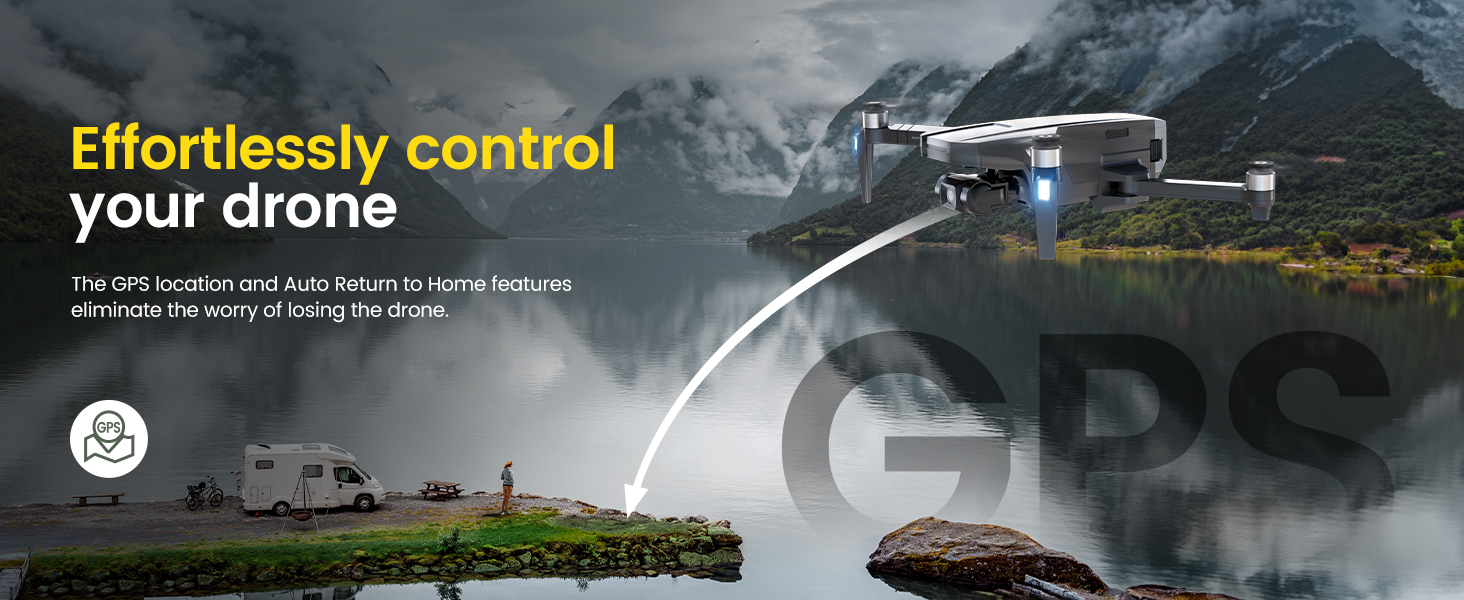
- กลับสู่หน้าหลักอัตโนมัติ (RTH): The drone will automatically return to its take-off point if the battery is low, connection is lost, or the RTH button is pressed. Ensure a clear return path.
- ติดตามฉัน: The drone will automatically follow the remote controller or mobile device, capturing footage ขณะที่คุณเคลื่อนไหว
- จุดแวะพักเที่ยวบิน: Plan a custom flight path by tapping points on the map within the Ophelia FLY app. The drone will fly along the designated route.
- จุดที่น่าสนใจ: Select a central point on the map, and the drone will circle around it at a specified radius and altitude, capturing panoramic footage.
- TapFly: Tap a destination on the map in the app, and the drone will fly directly to that point.


4.3 การทำงานของกล้อง
The HS720R features a 4K EIS camera with a 3-axis gimbal for stable, high-quality aerial photography and videography.
- ถ่ายภาพ/วิดีโอ: Use the dedicated buttons on the remote controller or the Ophelia FLY app interface to capture 4K photos (3840x2160P with TF card) and 4K@30fps HD videos.
- กิมบอล 3 แกน: The gimbal stabilizes the camera, reducing shake and blur for smooth footage.
- EIS (ระบบป้องกันภาพสั่นไหวแบบอิเล็กทรอนิกส์): Further enhances video stability.
- การถ่ายภาพแบบ Time-lapse: Utilize the app to set up time-lapse sequences for creative video content.

5. การบำรุงรักษา
5.1 การทำความสะอาด
Regularly clean the drone, propellers, and camera lens with a soft, dry cloth. Avoid using liquids or solvents that could damage electronic components.
5.2 การดูแลแบตเตอรี่
- อย่าชาร์จมากเกินไปหรือคายประจุแบตเตอรี่มากเกินไป
- เก็บแบตเตอรี่ไว้ในที่แห้งและเย็น หลีกเลี่ยงแสงแดดโดยตรงและอุณหภูมิที่สูงหรือต่ำเกินไป
- หากจัดเก็บเป็นเวลานาน ควรชาร์จแบตเตอรี่ให้มีความจุประมาณ 50-60%
5.3 การเปลี่ยนใบพัด
Inspect propellers for cracks, bends, or damage before each flight. Replace damaged propellers immediately using the spare parts and screwdriver provided. Ensure correct A/B propeller placement.
5.4 พื้นที่จัดเก็บ
When not in use, store the drone and its accessories in the provided carrying case to protect them from dust and physical damage.
6 การแก้ไขปัญหา
This section addresses common issues you might encounter with your HS720R drone.
| ปัญหา | สาเหตุที่เป็นไปได้ | สารละลาย |
|---|---|---|
| โดรนไม่เปิดเครื่อง | แบตเตอรี่ไม่ได้ชาร์จหรือติดตั้งไม่ถูกต้อง | ตรวจสอบให้แน่ใจว่าแบตเตอรี่ชาร์จเต็มและใส่เข้าไปอย่างถูกต้อง |
| Unable to connect to app/remote | Wi-Fi not enabled, incorrect network, or interference. | Check Wi-Fi settings, ensure connection to drone's network. Restart drone and remote. |
| การบินไม่เสถียร/การลอยตัว | Improper calibration, strong winds, or GPS signal issues. | Perform compass and gyroscope calibration. Fly in calm conditions. Ensure strong GPS signal. |
| คุณภาพรูปภาพ/วิดีโอไม่ดี | Dirty lens, insufficient lighting, or camera settings. | Clean camera lens. Adjust camera settings in the app. Ensure adequate lighting. |
| Auto Return to Home not working | Weak GPS signal or RTH point not set. | Ensure strong GPS signal (at least 7-8 satellites). Confirm RTH point is recorded before take-off. |
For further assistance, refer to the official Holy Stone support resources or contact customer service.
7. ข้อมูลจำเพาะ
Key technical specifications for the Holy Stone HS720R drone:
| คุณสมบัติ | รายละเอียด |
|---|---|
| ยี่ห้อ | หินศักดิ์สิทธิ์ |
| ชื่อรุ่น | HS720R |
| กล้อง | 4K EIS Camera with 3-Axis Gimbal, 140° Wide-angle, 70° Adjustable |
| ความละเอียดในการจับภาพวิดีโอ | 4K (3840x2160P Photos, 4K@30fps Videos) |
| เทคโนโลยีเซ็นเซอร์ | 1/3'' CMOS Sony Sensor |
| เทคโนโลยีการเชื่อมต่อ | Wi-Fi Repeater (5G FPV Transmission) |
| ช่วงการส่งข้อมูลสูงสุด | 10,000 ฟุต (ประมาณ 3000 เมตร) |
| เวลาบิน | Up to 26 minutes (with 2950mAh Modular Battery) |
| ความจุของแบตเตอรี่ | 2950 มิลลิวินาทีamp ชั่วโมง (ลิเธียมโพลิเมอร์) |
| ประเภทการควบคุม | รีโมทคอนโทรล |
| น้ำหนักสินค้า | 13.7 ออนซ์ |
| ขนาดสินค้า | ยาว 12 นิ้ว x กว้าง 9.3 นิ้ว x สูง 2.7 นิ้ว |
| วัสดุ | พลาสติก |
| ระดับทักษะ | ขั้นสูง |
8. การรับประกันและการสนับสนุน
8.1 ข้อมูลการรับประกัน
For details regarding the product warranty, please refer to the documentation included with your purchase or visit the official Holy Stone website. Standard warranty terms typically cover manufacturing defects.
8.2 การสนับสนุนลูกค้า
If you encounter any issues or have questions about your Holy Stone HS720R drone, please contact Holy Stone customer support. They are available to assist with troubleshooting, parts replacement, and general inquiries.
- แหล่งข้อมูลออนไลน์: เยี่ยมชม ร้าน Holy Stone บน Amazon สำหรับข้อมูลผลิตภัณฑ์และการสนับสนุน
- คู่มือผู้ใช้: Additional user guides and safety information are available in PDF format: ข้อมูลด้านความปลอดภัย (PDF), คู่มือผู้ใช้ (PDF), คู่มือการใช้งาน (PDF).


