1. สินค้าหมดview
The ATTACK SHARK X3 is an ultra-lightweight wireless gaming mouse designed for high performance and versatility. It features a PixArt PAW3395 sensor, multi-mode connectivity (wired, 2.4G wireless, Bluetooth), and a long-lasting battery, making it suitable for various computing environments and gaming needs.
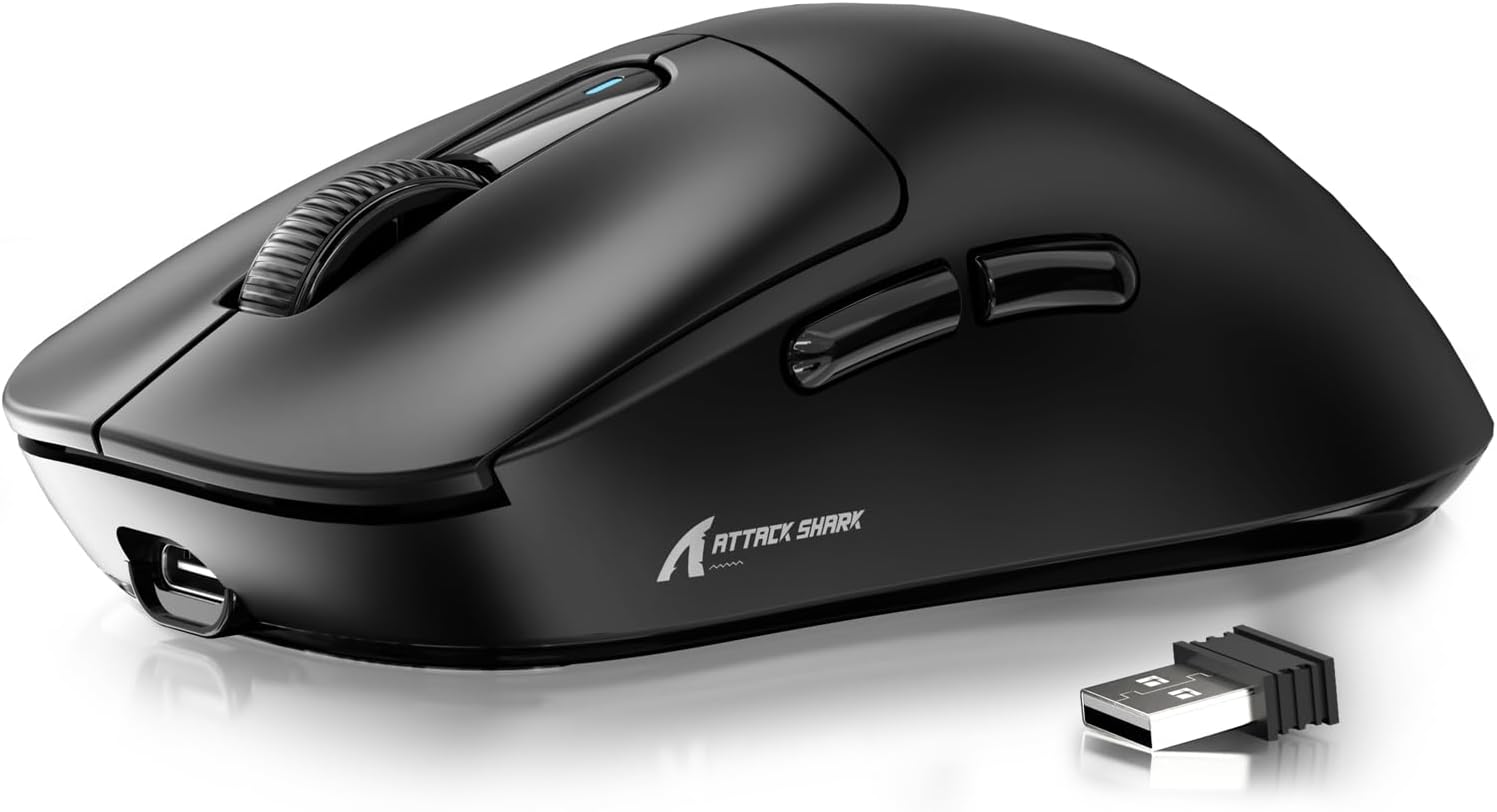
Figure 1: ATTACK SHARK X3 Wireless Gaming Mouse (Black)
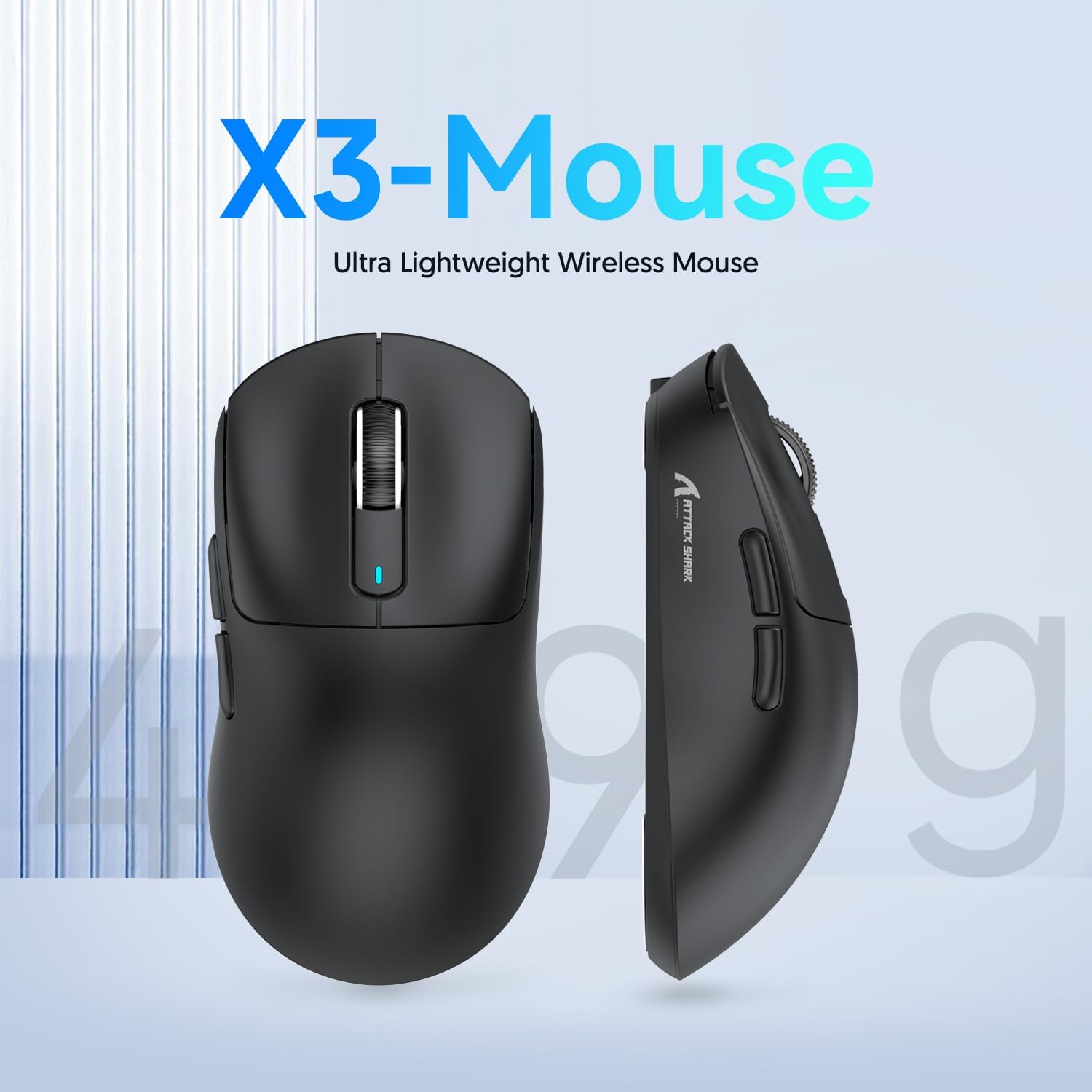
Figure 2: X3-Mouse Ultra Lightweight Design
2. คุณสมบัติหลัก
- การออกแบบน้ำหนักเบามาก: Weighing approximately 49g, designed for comfortable and agile movement.
- เซ็นเซอร์ PixArt PAW3395: Flagship gaming sensor offering up to 26000 DPI for precise tracking.
- การเชื่อมต่อสามโหมด: Supports wired (Type-C), 2.4G wireless, and Bluetooth (BT5.2) connections.
- อายุการใช้งานแบตเตอรี่ยาวนาน: ใช้งานได้ต่อเนื่องสูงสุด 200 ชั่วโมงต่อการชาร์จหนึ่งครั้ง
- สวิตช์ที่ทนทาน: Equipped with Kailh GM8.0 switches, rated for 80 million clicks.
- สามารถปรับแต่งค่า DPI ได้: 6 adjustable DPI levels.
- Macro Drivers: Software support for macro customization and button remapping.
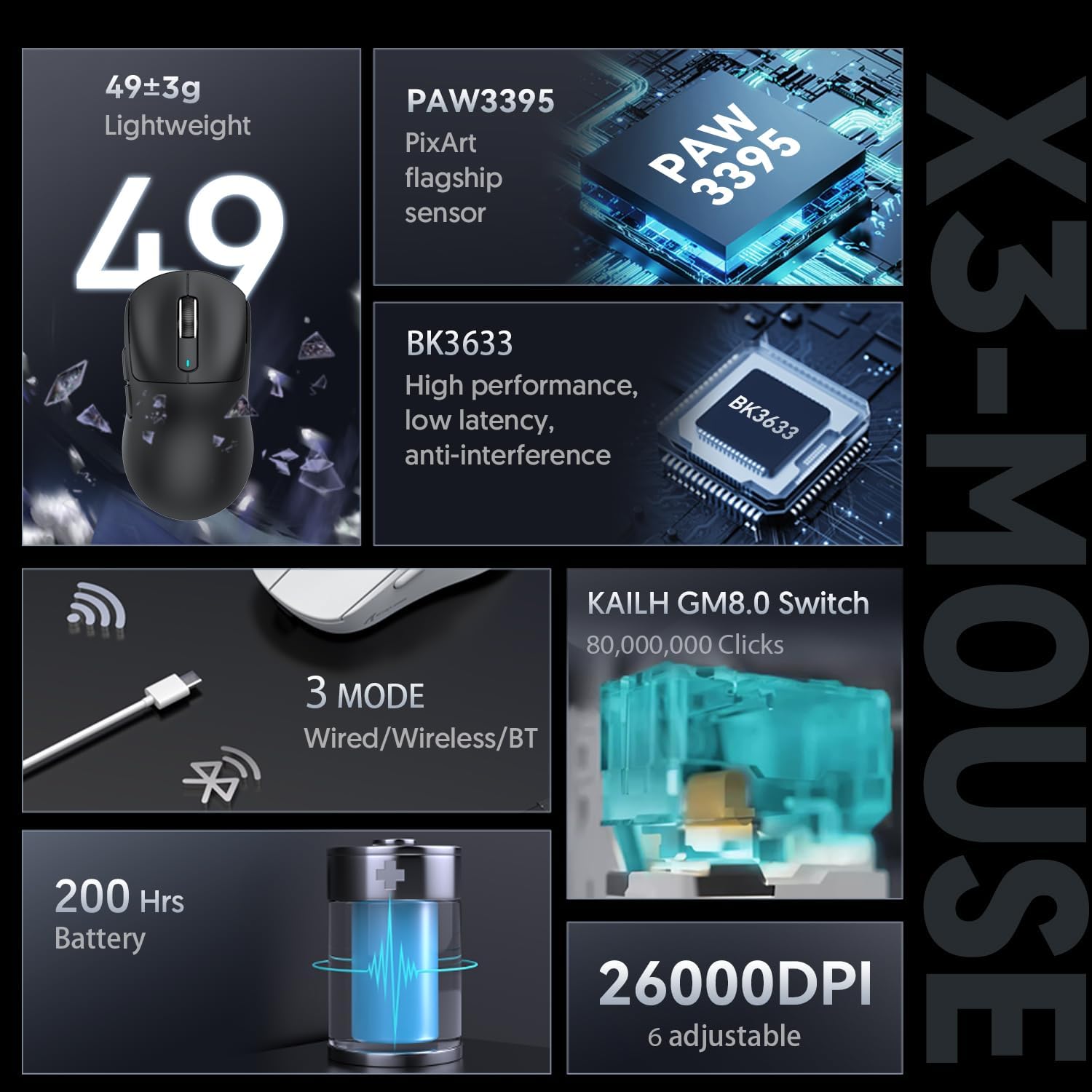
Figure 3: X3-Mouse Feature Overview

Figure 4: PixArt PAW3395 Flagship Sensor Details
3. การตั้งค่า
3.1 เนื้อหาบรรจุภัณฑ์
- เมาส์เกมมิ่งไร้สาย ATTACK SHARK X3
- สายเคเบิล USB Type-C
- ตัวรับสัญญาณ USB 2.4G
- คู่มือการใช้งาน (เอกสารนี้)
- Optional: Grip Tapes (may vary by package)
3.2 การชาร์จเริ่มต้น
Before first use, it is recommended to fully charge the mouse. Connect the provided USB Type-C cable to the mouse's front port and the other end to a USB power source (e.g., computer USB port, USB wall adapter). The DPI indicator light will show charging status.
3.3 การเชื่อมต่อเมาส์
เมาส์ X3 รองรับโหมดการเชื่อมต่อสามโหมด: แบบมีสาย, ไร้สาย 2.4G และบลูทูธ
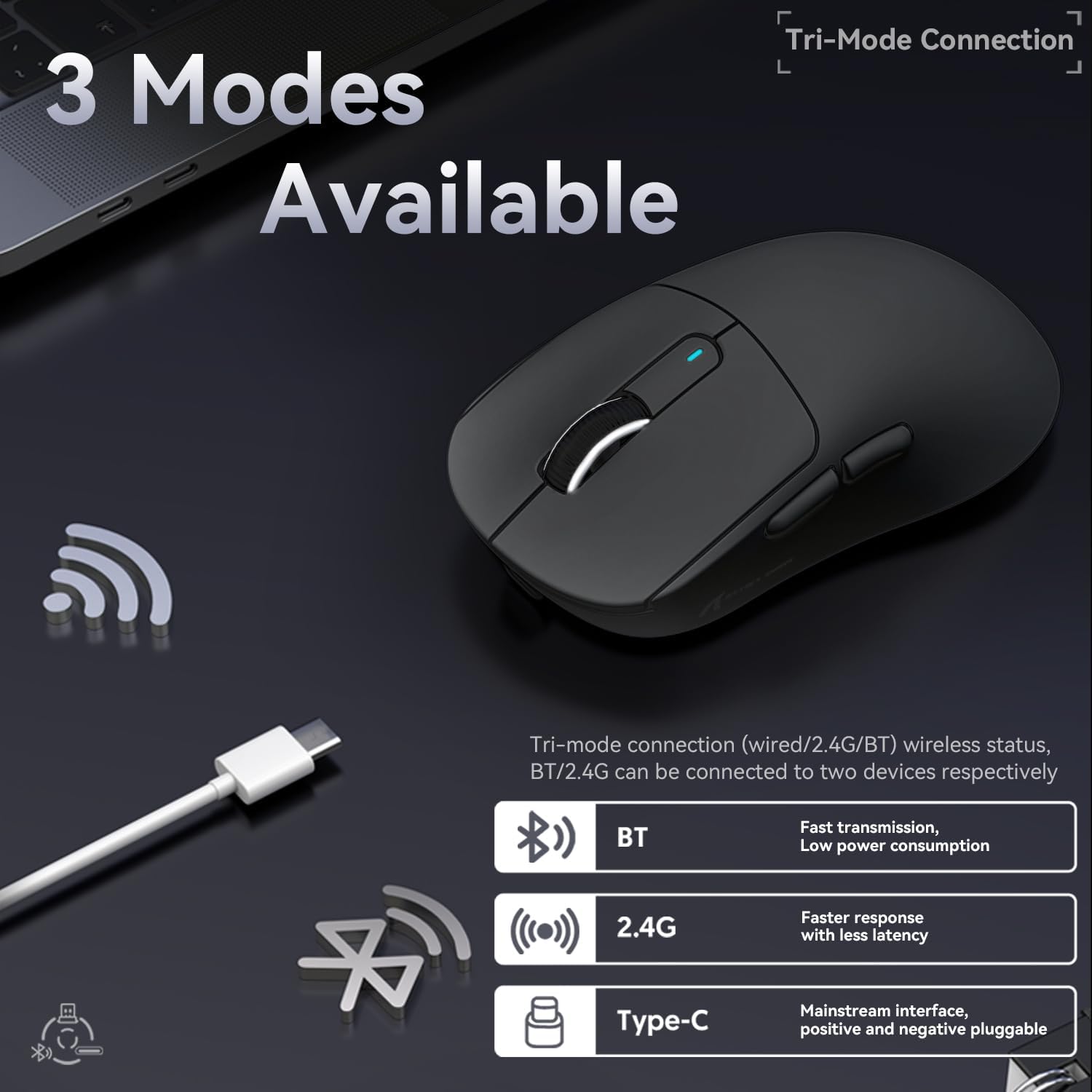
รูปที่ 5: ตัวเลือกการเชื่อมต่อแบบสามโหมด
- โหมดสาย:
Connect the USB Type-C cable directly from the mouse to your computer. The mouse will automatically switch to wired mode and begin charging.
- โหมดไร้สาย 2.4G:
Locate the 2.4G USB receiver stored in the magnetic compartment on the bottom of the mouse. Plug the receiver into an available USB port on your computer. Slide the switch on the bottom of the mouse to the "2.4G" position. The mouse should connect automatically. If not, press and hold the mode switching key on the bottom for 3 seconds to initiate pairing.

Figure 6: Mouse Bottom Layout with Switch and Receiver Slot
- โหมดบลูทู ธ :
Slide the switch on the bottom of the mouse to the "BT" position. On your computer or device, open Bluetooth settings and search for new devices. Select "ATTACK SHARK X3" from the list to pair. If pairing fails, press and hold the mode switching key on the bottom for 3 seconds to enter pairing mode.
4. คู่มือการใช้งาน
4.1 การปรับ DPI
The mouse features a dedicated DPI switch button on the bottom (or top, depending on model variant) to cycle through preset DPI levels. The DPI indicator light will change color to indicate the current DPI setting. You can customize these levels using the official software.
4.2 การปรับแต่งมาโคร
For advanced customization, download the official ATTACK SHARK software from the manufacturer's webไซต์ ซอฟต์แวร์นี้ช่วยให้คุณ:
- ตั้งค่าปุ่มเมาส์ใหม่
- Create and assign macros for complex actions.
- ปรับระดับ DPI และอัตราการส่งข้อมูล (polling rate)
- ตรวจสอบสถานะแบตเตอรี่
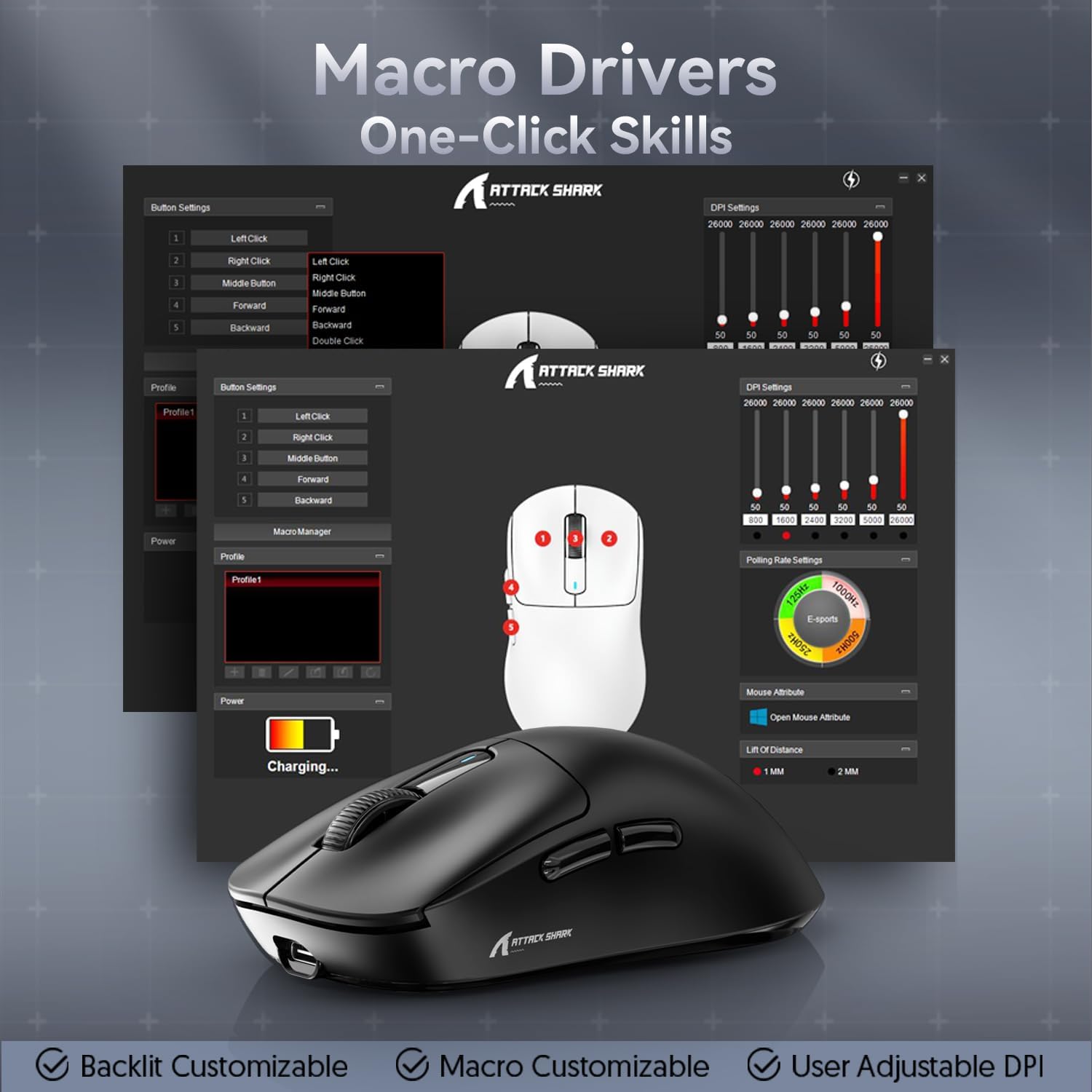
Figure 7: Macro Drivers and Software Interface
5. การจัดการแบตเตอรี่
The ATTACK SHARK X3 mouse is equipped with a high-capacity lithium battery providing up to 200 hours of usage. To preserve battery life:
- Turn off the mouse using the switch on the bottom when not in use for extended periods.
- ควรชาร์จเมาส์เมื่อไฟแสดงสถานะแบตเตอรี่แสดงว่าพลังงานเหลือน้อย
- หลีกเลี่ยงการให้เมาส์สัมผัสกับอุณหภูมิที่สูงหรือต่ำเกินไป
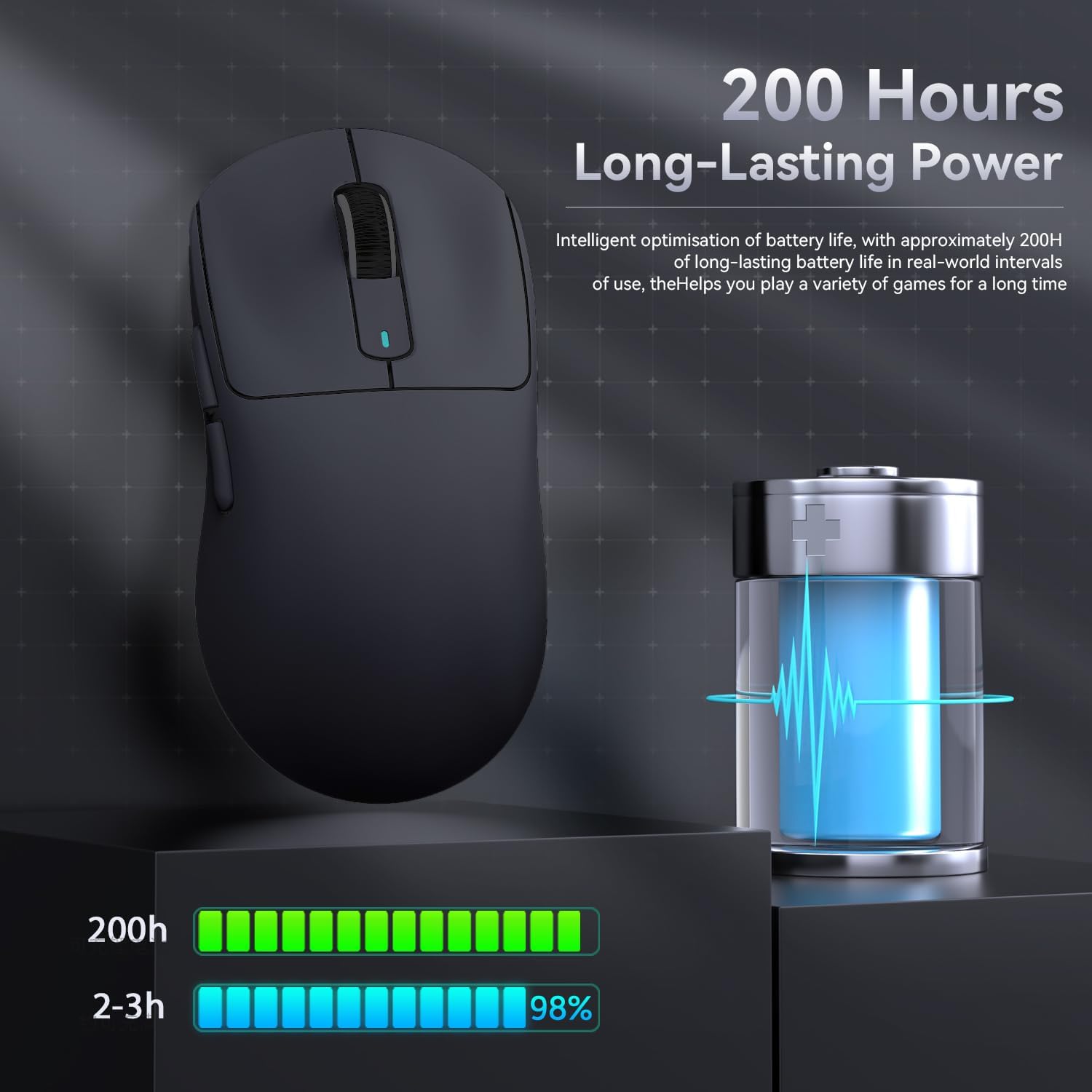
รูปที่ 8: ตัวบ่งชี้อายุการใช้งานแบตเตอรี่
6. การบำรุงรักษา
- การทำความสะอาด: ใช้ผ้าแห้งนุ่มๆ เช็ดทำความสะอาดเมาส์ ห้ามใช้สารเคมีรุนแรงหรือวัสดุที่มีฤทธิ์กัดกร่อน
- พื้นที่จัดเก็บ: เก็บเมาส์ไว้ในที่แห้งและเย็น หลีกเลี่ยงแสงแดดโดยตรงและอุณหภูมิที่สูงหรือต่ำเกินไป
- การดูแลเซ็นเซอร์: Keep the optical sensor on the bottom of the mouse clean and free from dust or debris for optimal tracking performance.
7 การแก้ไขปัญหา
| ปัญหา | สาเหตุที่เป็นไปได้ | สารละลาย |
|---|---|---|
| เมาส์ไม่ตอบสนอง | แบตเตอรี่เหลือน้อย; โหมดการเชื่อมต่อไม่ถูกต้อง; ตัวรับสัญญาณ USB ไม่ได้เสียบ (2.4G); บลูทูธไม่ได้จับคู่ | Charge the mouse; Ensure the switch on the bottom is in the correct mode (2.4G/BT); Re-insert USB receiver; Re-pair Bluetooth. |
| การเชื่อมต่อล่าช้าหรือขาดๆ หายๆ | สัญญาณรบกวน; ระยะห่างจากเครื่องรับ/อุปกรณ์; แบตเตอรี่เหลือน้อย | Move closer to the receiver/device; Ensure no strong interference sources nearby; Charge the mouse. |
| DPI ไม่เปลี่ยนแปลง | ปุ่ม DPI ทำงานผิดปกติ ซอฟต์แวร์ขัดแย้งกัน | Ensure the DPI button is pressed correctly; Restart the mouse and computer; Reinstall mouse software. |
| ซอฟต์แวร์ไม่ตรวจจับเมาส์ | Driver issue; Connection problem. | Ensure mouse is connected via wired or 2.4G mode (Bluetooth might not be supported by all software features); Reinstall drivers/software. |
8. ข้อมูลจำเพาะ
| คุณสมบัติ | รายละเอียด |
|---|---|
| แบบอย่าง | X3 |
| เซ็นเซอร์ | พิกอาร์ต PAW3395 |
| ดีพีไอ | Up to 26000 (Adjustable) |
| ความเร็วในการติดตาม | 650 IPS |
| การเร่งความเร็ว | 50จี |
| อัตราการสำรวจความคิดเห็น | 1000Hz (Adjustable via software) |
| การเชื่อมต่อ | แบบมีสาย (Type-C), ไร้สาย 2.4G, บลูทูธ 5.2 |
| สวิตซ์ | Kailh GM8.0 (80 Million Clicks) |
| อายุการใช้งานแบตเตอรี่ | ประมาณ 200 ชั่วโมง |
| น้ำหนัก | ประมาณ 49กรัม |
| ขนาด | 118.5 มม. x 61 มม. x 39.7 มม. (โดยประมาณ) |
| ระบบปฏิบัติการที่รองรับ | Windows 11, Xbox, PS, Mac (functionality may vary) |

Figure 9: ATTACK SHARK X3 Super Light Mouse Overview

Figure 10: X3MAX Exploded Diagram (Illustrative of X3 series internal components)
9. วิดีโอผลิตภัณฑ์อย่างเป็นทางการ
Video 1: ATTACK SHARK X3 Mouse Product Overview. This video provides a visual demonstration of the mouse's features, unboxing, and usage scenarios.
10. การรับประกันและการสนับสนุน
For warranty information, technical support, or to download the latest software and drivers, please visit the official ATTACK SHARK webหรือติดต่อฝ่ายบริการลูกค้า เก็บใบเสร็จรับเงินไว้เพื่อใช้ในการเคลมประกัน
ร้านค้าอย่างเป็นทางการของแบรนด์: ร้านค้า ATTACK SHARK


