1. บทนำ
ขอบคุณสำหรับการซื้อasing the CUPEISI YQ11M Android 13 10.1-inch Tablet. This manual provides essential information for setting up, operating, maintaining, and troubleshooting your device. Please read this manual thoroughly to ensure proper use and to maximize your tablet's performance.
2. ข้อมูลด้านความปลอดภัย
เพื่อป้องกันความเสียหายต่ออุปกรณ์ของคุณ หรือการบาดเจ็บต่อตัวคุณเองและผู้อื่น โปรดปฏิบัติตามข้อควรระวังด้านความปลอดภัยดังต่อไปนี้:
- อย่าให้แท็บเล็ตถูกอุณหภูมิที่สูงหรือต่ำเกินไป แสงแดดโดยตรง หรือความชื้นสูง
- หลีกเลี่ยงการทำแท็บเล็ตตกหรือได้รับแรงกระแทกรุนแรง
- เก็บแท็บเล็ตให้ห่างจากน้ำและของเหลวอื่นๆ
- ใช้เฉพาะอุปกรณ์เสริมและที่ชาร์จที่ผ่านการรับรองเท่านั้น
- อย่าพยายามถอดประกอบหรือซ่อมแซมแท็บเล็ตด้วยตนเอง โปรดติดต่อช่างผู้ชำนาญการ
ข้อควรระวังในการชาร์จไฟ
When charging your CUPEISI YQ11M tablet, it is crucial to use a charger with a เอาต์พุต 5V / 2.0A. Using chargers with different output specifications may lead to device malfunction or damage. The tablet supports both Type-A and Type-C charging terminals. However, chargers with Type-C on both ends may not be compatible. Avoid using multi-type chargers with outputs exceeding 2.0A, chargers that automatically detect current, fast chargers, or chargers specifically designed for other brands (e.g., Apple, Docomo, au).

ภาพ: Charging precautions and pre-applied protective film.
3. เนื้อหาบรรจุภัณฑ์
กรุณาทำเครื่องหมายในช่องสำหรับรายการต่อไปนี้:
- CUPEISI YQ11M Android 13 Tablet
- สายชาร์จ USB
- อะแดปเตอร์แปลงไฟ
- คู่มือการใช้งาน (เอกสารนี้)
4. อุปกรณ์โอเวอร์view
Familiarize yourself with the physical features of your CUPEISI YQ11M tablet.
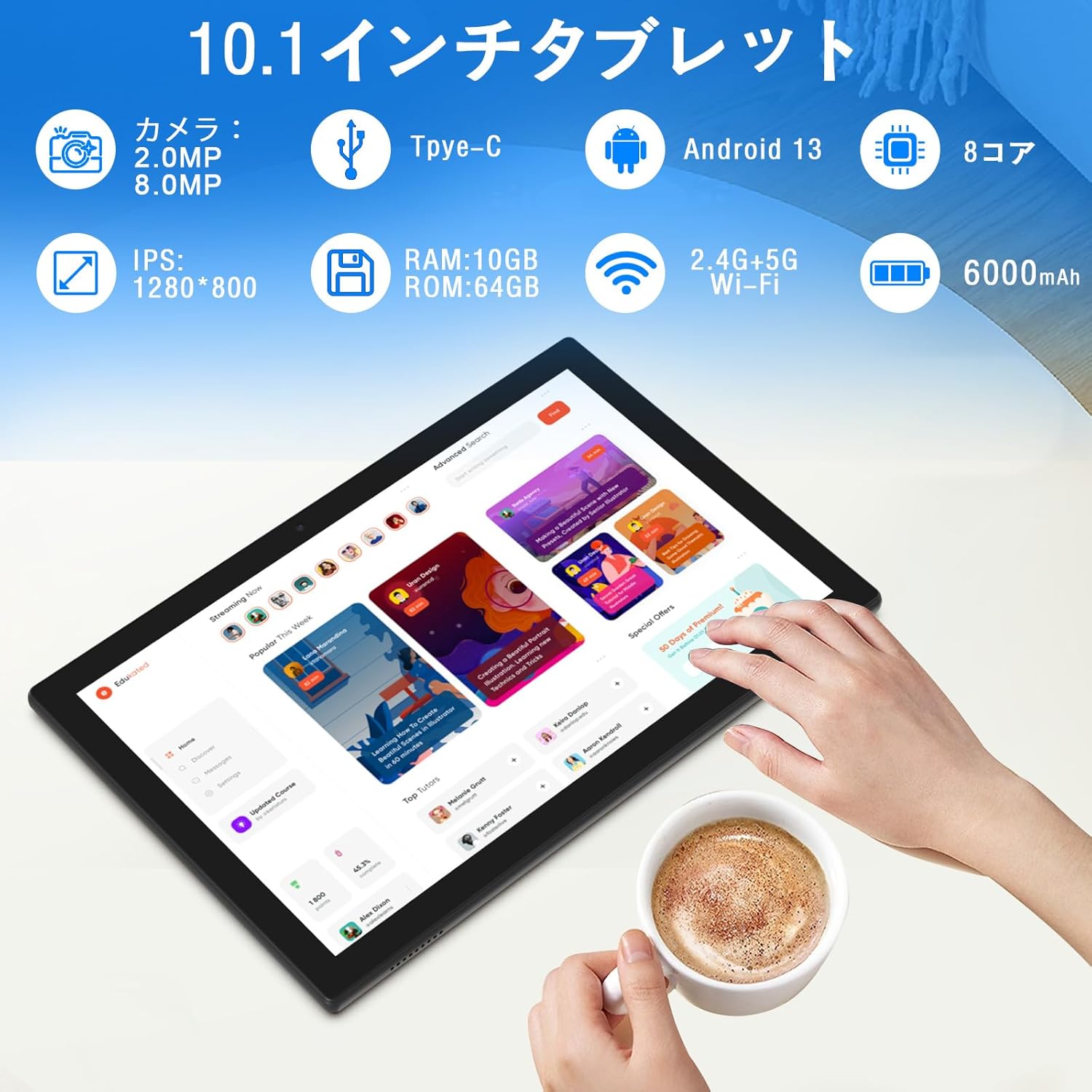
ภาพ: เกินview of tablet features and specifications.
- กล้องหน้า: กล้อง 2MP สำหรับการสนทนาทางวิดีโอและการถ่ายเซลฟี่
- กล้องหลัง: กล้องความละเอียด 8MP สำหรับถ่ายภาพและวิดีโอ
- แสดง: 10.1-inch IPS HD screen (1280x800 resolution).
- วิทยากร: ลำโพงคู่เพื่อประสบการณ์เสียงที่ดียิ่งขึ้น
- พอร์ตชาร์จ: พอร์ต Type-C สำหรับชาร์จและถ่ายโอนข้อมูล
- ปุ่มเปิด/ปิด: ตั้งอยู่ด้านข้างสำหรับเปิด/ปิดอุปกรณ์และล็อคหน้าจอ
- ปุ่มปรับระดับเสียง: ปุ่มปรับระดับเสียงอยู่ด้านข้าง
- ช่องเสียบการ์ด MicroSD: สำหรับเพิ่มพื้นที่จัดเก็บข้อมูลได้สูงสุดถึง 1TB

ภาพ: ด้านหน้าและด้านหลัง view of the CUPEISI YQ11M tablet.
5. การตั้งค่า
5.1 การเปิดเครื่องครั้งแรก
- กดปุ่มเปิด/ปิดค้างไว้จนกว่าหน้าจอจะสว่างขึ้น
- ทำตามคำแนะนำบนหน้าจอเพื่อเลือกภาษา ภูมิภาค และยอมรับข้อกำหนดและเงื่อนไข
5.2 การเชื่อมต่อ Wi-Fi
- During the initial setup, select your preferred Wi-Fi network from the list.
- ป้อนรหัสผ่าน Wi-Fi หากได้รับแจ้งและแตะ "เชื่อมต่อ"
- The tablet supports both 2.4G and 5G Wi-Fi for stable and fast connections.
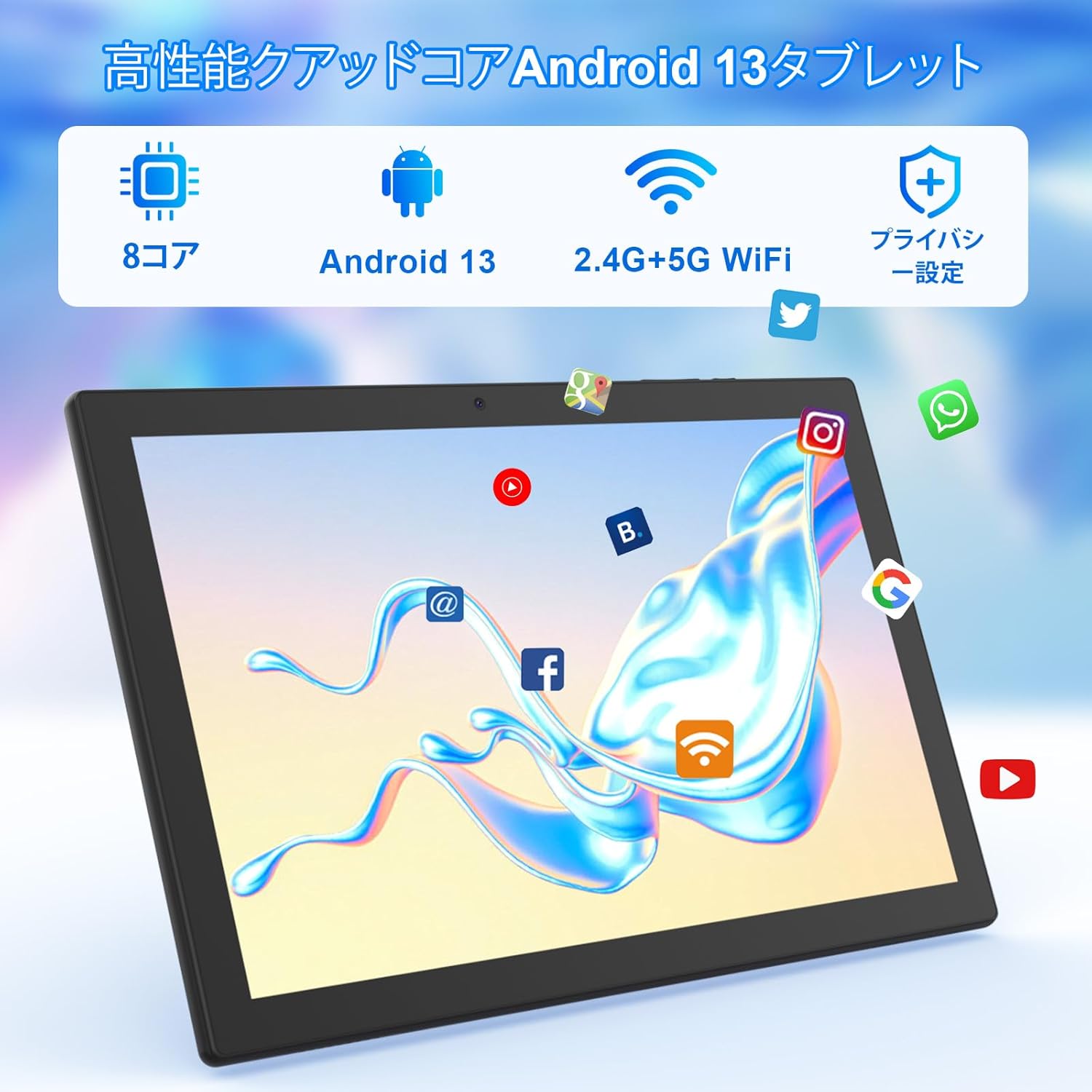
ภาพ: Tablet screen showing app icons and connectivity features.
5.3 การตั้งค่าบัญชี Google
Sign in with your Google account or create a new one to access Google Play Store, Gmail, and other Google services.
5.4 ฟิล์มป้องกัน
The tablet comes with a simple transparent PET protective film pre-applied. You may choose to keep it on or remove it according to your preference. It is designed for easy application without air bubbles or dust.
6. คู่มือการใช้งาน
6.1 การนำทางพื้นฐาน
The CUPEISI YQ11M tablet features a 10.1-inch FHD in-cell touchscreen with wide viewing angles and 1280x800 high resolution, offering a clear and vibrant visual experience.

ภาพ: Tablet display features.
- แตะ: เลือกรายการหรือเปิดใช้งานฟังก์ชั่น
- ปัด: นำทางผ่านหน้าจอหรือเลื่อนเนื้อหา
- หยิก: ซูมเข้าหรือออกจากรูปภาพและ web หน้า
6.2 การจัดการแอปพลิเคชัน
The tablet comes with Google Play pre-installed, allowing you to download and use popular applications such as Facebook, Twitter, YouTube, Line, and Instagram. To install apps:
- Open the 'Play Store' app.
- ค้นหา แอปที่ต้องการ
- Tap 'Install' to download and set up the app.
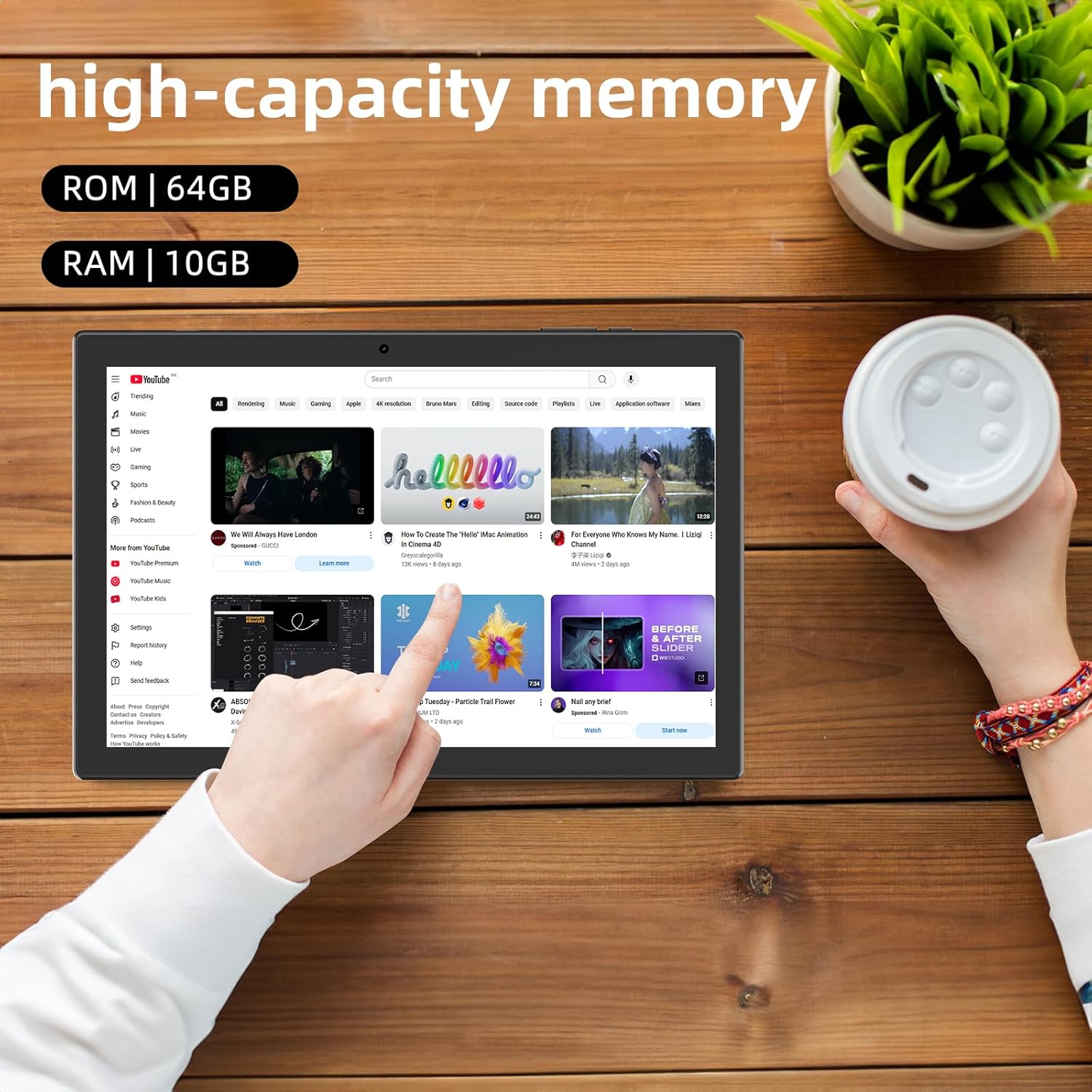
ภาพ: Tablet displaying high-capacity memory and app usage.
6.3 การใช้งานกล้อง
The tablet is equipped with an 8MP main camera and a 2MP front camera. You can use them for capturing beautiful moments, participating in web conferences, or online classes.
- เปิดแอป 'กล้อง'
- สลับใช้งานระหว่างกล้องหน้าและกล้องหลังตามต้องการ
- Tap the shutter button to take a photo or start recording a video.
6.4 ฟังก์ชัน GPS
With built-in GPS functionality, you can download offline maps to your tablet and use it for navigation, even without an internet connection.
6.5 การจัดการแบตเตอรี่
The tablet features a large 6000mAh battery and AI intelligent power management, allowing for extended use for movies, reading, and browsing.

ภาพ: Tablet highlighting its 6000mAh battery capacity.

ภาพ: Tablet showing Type-C charging and various entertainment uses.
7. การบำรุงรักษา
7.1 การทำความสะอาดเครื่อง
Use a soft, lint-free cloth to gently wipe the screen and body of the tablet. Avoid using harsh chemicals or abrasive materials.
7.2 การอัปเดตซอฟต์แวร์
ตรวจสอบการอัปเดตระบบในเมนูการตั้งค่าของแท็บเล็ตเป็นระยะ เพื่อให้มั่นใจได้ถึงประสิทธิภาพและความปลอดภัยสูงสุด
7.3 การจัดการการจัดเก็บข้อมูล
The tablet comes with 64GB of internal storage (ROM) and supports MicroSD cards up to 1TB for additional storage. Regularly manage your files and uninstall unused apps to free up space and maintain smooth operation.
8 การแก้ไขปัญหา
- อุปกรณ์ไม่เปิด: ตรวจสอบให้แน่ใจว่าแบตเตอรี่ชาร์จเต็มแล้ว เสียบแท็บเล็ตเข้ากับที่ชาร์จและรอสักครู่ก่อนที่จะลองเปิดเครื่องอีกครั้ง
- ปัญหาการเชื่อมต่อ Wi-Fi: ตรวจสอบว่าเปิดใช้งาน Wi-Fi ในการตั้งค่าแล้วหรือไม่ รีสตาร์ทเราเตอร์และแท็บเล็ต ตรวจสอบให้แน่ใจว่าคุณอยู่ในระยะสัญญาณ Wi-Fi
- ประสิทธิภาพช้า: Close unused applications. Clear cache and data for frequently used apps. Consider uninstalling unnecessary apps or moving large files to a MicroSD card.
- หน้าจอไม่ตอบสนอง: Restart the tablet by holding down the power button. If the issue persists, contact support.
9. ข้อมูลจำเพาะ
| ยี่ห้อ | คิวเปซี |
| แบบอย่าง | YQ11M (Note: Some specifications may refer to CP31 or UMIDIGI G2 Tab, but YQ11M is the primary model for this product.) |
| ระบบปฏิบัติการ | Android 13 (ได้รับการรับรอง GMS) |
| ซีพียู | MediaTek MTK8768 Octa-core, 2.3 GHz |
| แรม | 10GB (ขยาย 4GB + 6GB) |
| หน่วยความจำภายใน (ROM) | 64GB |
| พื้นที่เก็บข้อมูลแบบขยายได้ | MicroSD สูงสุด 1TB |
| ขนาดหน้าจอ | 10.1 นิ้ว |
| ความละเอียดการแสดงผล | 1280x800 pixels HD IPS |
| กล้องหน้า | 2MP |
| กล้องหลัง | 8MP |
| ไวไฟ | 2.4G + 5G Dual-band (802.11ac/b/g/n) |
| บลูทูธ | ใช่ |
| จีพีเอส | ใช่ |
| ความจุของแบตเตอรี่ | 6000 mAh (22.8 วัตต์-ชั่วโมง) |
| พอร์ตชาร์จ | ประเภทซี |
| ลำโพง | ลำโพง 2 แชนเนล |
| น้ำหนักสินค้า | 516 กรัม |
| ขนาดแพ็คเกจ | 30.9 x 19.3 x 2.9 ซม. |
10. การรับประกันและการสนับสนุน
ผลิตภัณฑ์นี้มาพร้อมกับ รับประกันคุณภาพ 1 ปี. In the unlikely event that you encounter any issues or defects with your product, please do not hesitate to contact us via email. We are committed to providing a prompt response within 24 hours to address your concerns.
Returns and refunds are also possible for customer convenience. Please purchase with confidence.
For support inquiries, please refer to the contact information provided with your purchase or visit the official CUPEISI webเว็บไซต์.

