สินค้าเกินview
The ENEGON AA AAA Battery Charger is an advanced, intelligent 8-bay charging solution designed for Ni-MH and Ni-CD rechargeable batteries. It features independent charging slots, allowing you to charge 1 to 8 batteries simultaneously or individually. With a fast charging current of up to 1000mA, it can fully charge batteries in less than 5 hours. The integrated intelligent LCD display provides real-time charging status for each battery, ensuring you are always informed.
This charger incorporates smart auto cut-off technology, which automatically stops charging when batteries reach full capacity, preventing overcharging and extending battery life. Additionally, it includes multiple safety protections such as over-voltage, over-current, short-circuit, high-temperature, and over-charge protection, ensuring safe and reliable operation.

Image: The ENEGON 8-Bay AA AAA Battery Charger, shown with its detachable power cord.
คุณสมบัติหลัก
- Independent 8-Bay Charging: Charge 1 to 8 AA or AAA Ni-MH/Ni-CD batteries independently or simultaneously.
- ชาร์จเร็ว: Delivers up to 1000mA charging current, fully charging batteries in under 5 hours.
- จอแสดงผล LCD อัจฉริยะ: Provides real-time charging status for each individual battery.
- Smart Auto Cut-off: Automatically stops charging when batteries are full, preventing overcharge.
- การป้องกันความปลอดภัยที่ครอบคลุม: รวมถึงการป้องกัน over-voltage, over-current, short-circuit, high-temperature, and over-charge.
- ฉบับสากลtagอีอินพุต: Compatible with AC100-240V 50/60Hz power sources.
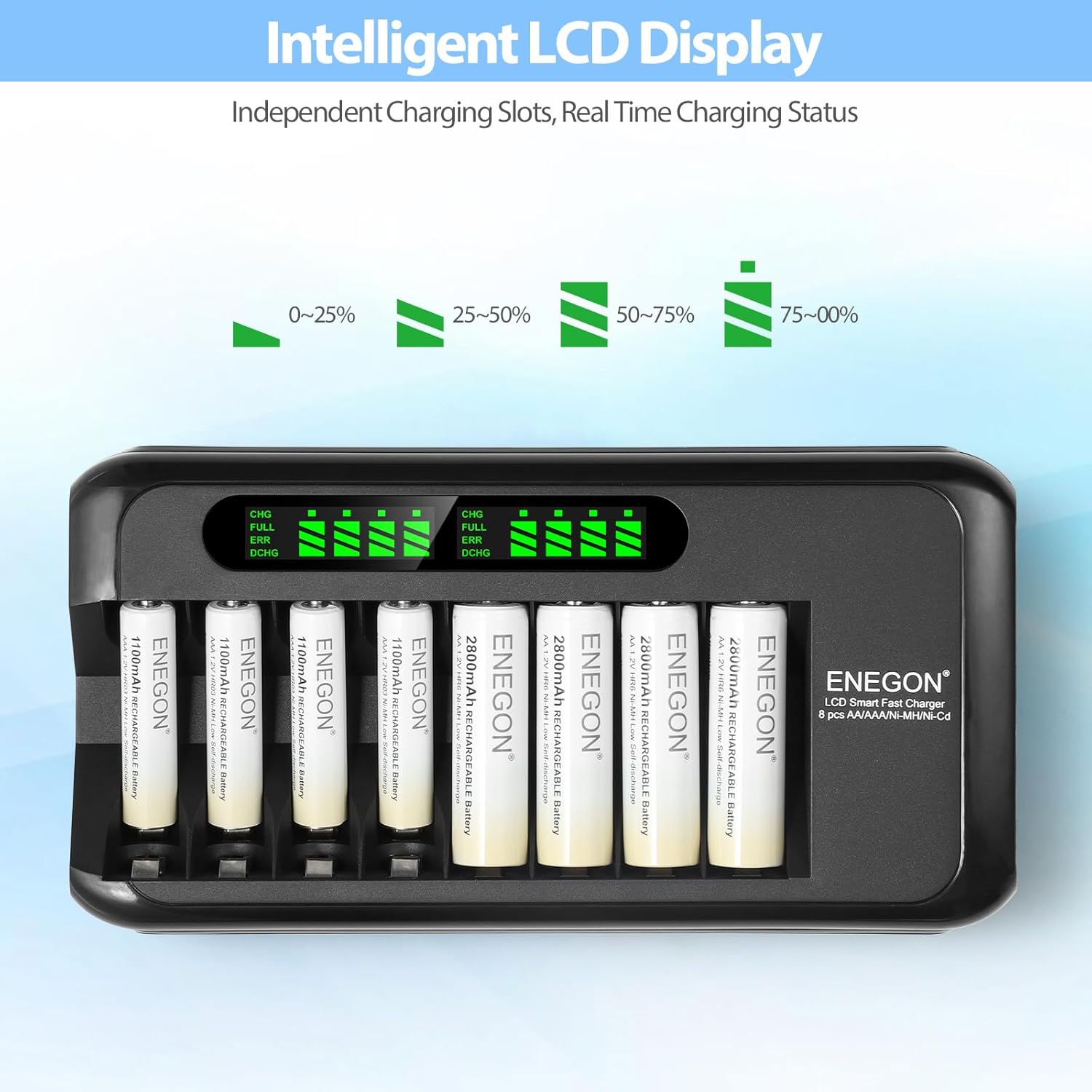
Image: The intelligent LCD display showing real-time charging status for each battery.
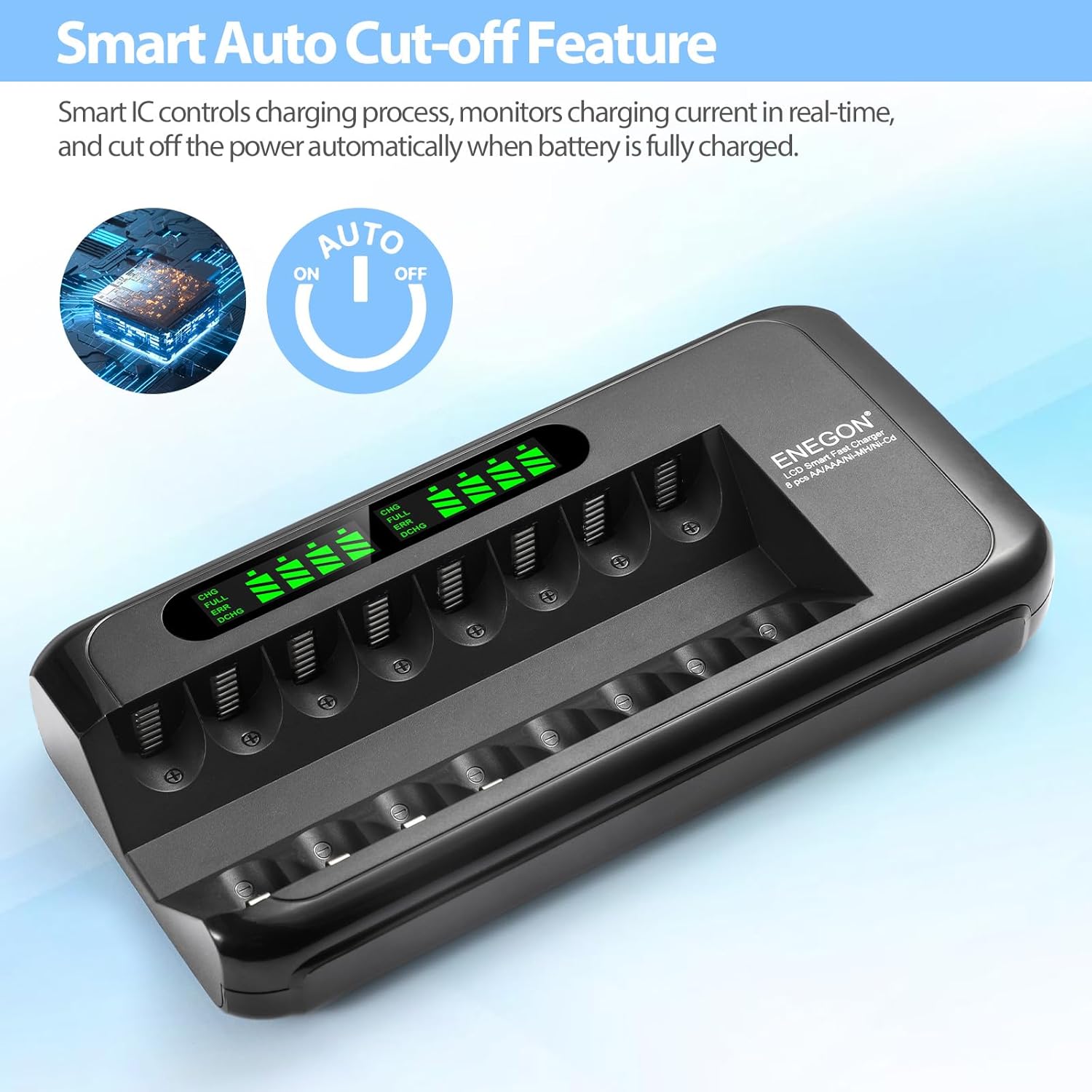
Image: Illustration of the smart auto cut-off feature, preventing overcharging.
คู่มือการติดตั้ง
- แกะกล่องเครื่องชาร์จ: Carefully remove the ENEGON battery charger and AC power adapter from its packaging.
- เชื่อมต่ออะแดปเตอร์ไฟ: Insert the small end of the AC power adapter cable into the power input port on the side of the charger.
- เสียบเข้ากับเต้ารับไฟฟ้า: Plug the other end of the AC power adapter into a standard AC100-240V 50/60Hz wall outlet. The LCD display on the charger will illuminate briefly, indicating it is ready for use.
Image: The charger and its power adapter, ready for connection to a power source.
คำแนะนำการใช้งาน
- ใส่แบตเตอรี่: Place 1 to 8 AA or AAA Ni-MH/Ni-CD rechargeable batteries into the charging slots. Ensure the positive (+) and negative (-) terminals of the batteries align correctly with the markings in the charger slots. Incorrect insertion can damage the battery or charger.
- ตรวจสอบสถานะการชาร์จ: The intelligent LCD display will show the charging status for each inserted battery.
- ซีเอชจี: แสดงว่าแบตเตอรี่กำลังชาร์จอยู่ ไอคอนแบตเตอรี่จะแสดงแถบแสดงระดับการชาร์จที่เพิ่มขึ้น
- เต็ม: Indicates the battery is fully charged. The battery icon will be completely filled.
- ข้อผิดพลาด: Indicates an error, such as a non-rechargeable battery, short-circuit, or damaged battery. Remove the battery immediately.
- DCHG: (If applicable, not explicitly mentioned for this model but common for smart chargers) Indicates discharge mode.
- ระบบตัดไฟอัตโนมัติ: The charger will automatically stop charging each battery once it reaches full capacity, indicated by "FULL" on the LCD.
- ถอดแบตเตอรี่ออก: Once charging is complete, carefully remove the batteries from the charger. Unplug the charger from the power outlet when not in use.
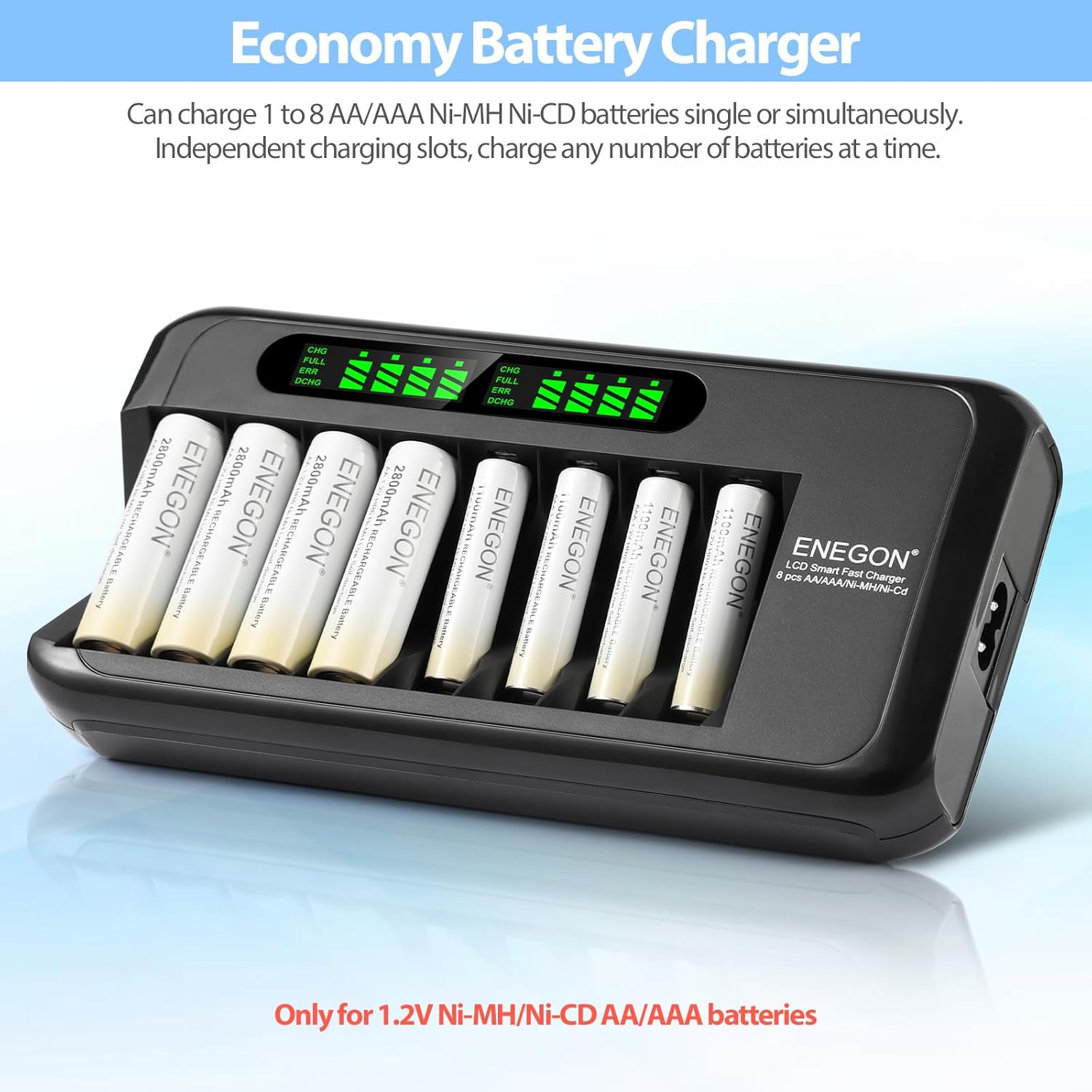
Image: The charger with multiple AA batteries inserted, demonstrating independent charging and LCD status display.
ข้อควรระวังเพื่อความปลอดภัย
เพื่อให้การใช้งานปลอดภัยและยืดอายุการใช้งานของเครื่องชาร์จและแบตเตอรี่ โปรดปฏิบัติตามข้อควรระวังต่อไปนี้:
- Only charge Ni-MH and Ni-CD rechargeable batteries. Do not attempt to charge alkaline, carbon-zinc, or other non-rechargeable battery types, as this may lead to leakage, rupture, or explosion.
- ตรวจสอบให้แน่ใจว่าขั้ว (+/-) ถูกต้องเมื่อใส่แบตเตอรี่
- ห้ามถอดประกอบหรือดัดแปลงเครื่องชาร์จ
- ควรหลีกเลี่ยงการนำที่ชาร์จไปสัมผัสกับน้ำ ความชื้นสูง หรืออุณหภูมิที่สูงหรือต่ำเกินไป
- ห้ามใช้งานอุปกรณ์ชาร์จหากพบว่ามีความเสียหาย
- เก็บที่ชาร์จให้ห่างจากเด็กและสัตว์เลี้ยง
- ถอดปลั๊กเครื่องชาร์จออกจากเต้ารับไฟฟ้าเมื่อไม่ใช้งานหรือขณะทำความสะอาด
- The charger is equipped with multiple safety features including over-voltage, over-current, short-circuit, high-temperature, and over-charge protection. If an error is detected, the charger will automatically cut off power to the affected slot.

Image: Visual representation of the multiple safety protections integrated into the charger, including over-voltage, over-current, short-circuit, high-temperature, and over-charge protection.
การซ่อมบำรุง
- การทำความสะอาด: Disconnect the charger from the power outlet before cleaning. Use a soft, dry cloth to wipe the surface of the charger. Do not use liquid cleaners or abrasive materials.
- พื้นที่จัดเก็บ: เก็บที่ชาร์จไว้ในที่เย็นและแห้ง ห่างจากแสงแดดโดยตรงและอุณหภูมิที่สูงหรือต่ำเกินไป
- ขั้วแบตเตอรี่: Periodically check the battery terminals in the charging slots for any dust or debris and clean them gently if necessary to ensure good contact.
การแก้ไขปัญหา
| ปัญหา | สาเหตุที่เป็นไปได้ | สารละลาย |
|---|---|---|
| เครื่องชาร์จไม่เปิดเครื่อง | No power from outlet; power adapter not connected properly; damaged power adapter. | Check wall outlet with another device. Ensure power adapter is securely connected to both charger and outlet. Try a different compatible power adapter if available. |
| Battery not charging (LCD shows "ERR"). | Incorrect battery type (non-rechargeable); battery inserted incorrectly (polarity); short-circuited or damaged battery. | Ensure only Ni-MH/Ni-CD batteries are used. Verify correct polarity. Remove and reinsert the battery. If "ERR" persists, the battery may be faulty and should be replaced. |
| การชาร์จใช้เวลานานเกินไป | High capacity batteries; charger operating in a very cold environment. | Charging time varies with battery capacity. Ensure charger is used within recommended temperature range (typically room temperature). |
| LCD display is dim or flickering. | Unstable power supply; charger malfunction. | Try plugging the charger into a different power outlet. If the issue persists, contact customer support. |
ข้อมูลจำเพาะทางเทคนิค
| คุณสมบัติ | รายละเอียด |
|---|---|
| ยี่ห้อ | เอเนกอน |
| แบบอย่าง | 8-Bay Ni-MH Ni-CD Battery Charger |
| ประเภทแบตเตอรี่ที่เข้ากันได้ | AA, AAA Ni-MH, Ni-CD Rechargeable Batteries |
| อินพุต Voltage | ไฟฟ้ากระแสสลับ 100-240 โวลต์, 50/60 เฮิรตซ์ |
| กระแสไฟชาร์จ | Up to 1000mA per slot |
| ประมาณ เวลาในการชาร์จ | Less than 5 hours (for full charge, depending on battery capacity) |
| ขนาดสินค้า | 14 x 19.3 x 3.7 ซม. |
| น้ำหนักสินค้า | 288 กรัม |
| การป้องกันความปลอดภัย | เกินปริมาณtage, Over-current, Short-circuit, High-temperature, Over-charge, Non-rechargeable battery detection |
การรับประกันและการสนับสนุนลูกค้า
ENEGON provides comprehensive support for its products:
- การรับประกัน: ผลิตภัณฑ์นี้อยู่ภายใต้การรับประกัน 12 เดือนนับจากวันที่ซื้อ
- นโยบายการคืนเงิน: A 3-month refund period is offered for eligible returns.
- การสนับสนุนลูกค้า: For any inquiries, technical assistance, or warranty claims, please contact ENEGON customer support. Our team is available 24 hours to ensure your satisfaction.
โปรดเก็บหลักฐานการซื้อไว้เพื่อรับบริการตามการรับประกัน


