การแนะนำ
This manual provides detailed instructions for the safe and efficient use of your LENRUE F13 Portable Bluetooth Speaker. Please read this manual thoroughly before operating the device and retain it for future reference.
สินค้าเกินview
เนื้อหาแพ็คเกจ
- LENRUE F13 Portable Bluetooth Speaker
- สายชาร์จ USB
- เชือกเส้นเล็กที่ถอดออกได้
- คู่มือการใช้งาน
ส่วนประกอบและการควบคุมลำโพง
Familiarize yourself with the various parts and controls of your LENRUE F13 speaker:

รูปที่ 1: ด้านหน้า view of the LENRUE F13 speaker, showcasing its compact design and metal grille.

รูปที่ 2: สูงสุด view of the speaker, highlighting the sound output grille.

รูปที่ 3: ด้านข้าง view showing the control buttons for volume, track navigation, and power.
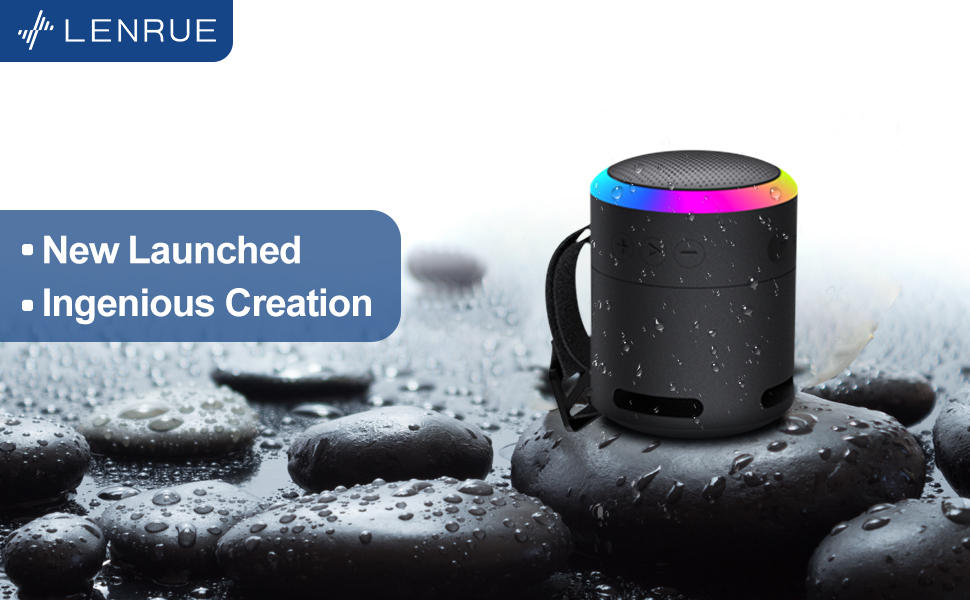
รูปที่ 4: ระเบิด view illustrating the internal 5W high-performance driver and passive subwoofer for clear sound.
The speaker features a sleek metal design with a stainless steel line around its body. The top surface is metal, where the sound is emitted. On the bottom, you will find the main control buttons:
- ปุ่มเปิด/ปิด: Located in the center, used to power the device on/off.
- ปุ่มเล่น/หยุดชั่วคราว: ควบคุมการเล่นเสียง
- ปุ่มเพิ่มระดับเสียง / ปุ่มเพลงถัดไป: เพิ่มระดับเสียงหรือข้ามไปยังเพลงถัดไป
- ปุ่มลดระดับเสียง / ปุ่มเพลงก่อนหน้า: ลดระดับเสียงหรือเล่นเพลงก่อนหน้า
- ปุ่มโหมดแสง: Changes the colorful LED light modes.
On the rear side of the speaker, you will find the charging input (USB-C) and an auxiliary input port. A small slot is also present for attaching the included lanyard, allowing for easy portability.
การตั้งค่า
การชาร์จลำโพง
- เชื่อมต่อสายชาร์จ USB ที่ให้มากับพอร์ต USB-C ของลำโพง
- เชื่อมต่อปลายอีกด้านหนึ่งของสาย USB เข้ากับอะแดปเตอร์ไฟ USB ที่ใช้งานร่วมกันได้ (ไม่รวมอยู่ด้วย) หรือพอร์ต USB ของคอมพิวเตอร์
- The LED indicator will show charging status. Allow sufficient time for a full charge before first use.
การเปิด/ปิดเครื่อง
- การเปิดเครื่อง: Press and hold the Power button (center button on the bottom) for a few seconds until the LED lights illuminate and an audible prompt is heard.
- วิธีปิดเครื่อง: Press and hold the Power button again for a few seconds until the LED lights turn off and an audible prompt is heard.
คำแนะนำการใช้งาน
จับคู่บลูทู ธ
The LENRUE F13 speaker uses Bluetooth 5.0 for stable wireless connection up to 33 feet (10 meters).
- Ensure the speaker is powered on and in pairing mode (LED lights will typically flash).
- บนสมาร์ทโฟนหรือแท็บเล็ตของคุณ ให้เปิดใช้งาน Bluetooth และค้นหาอุปกรณ์ที่มีอยู่
- Select "LENRUE F13" (or similar name) from the list of devices.
- Once paired, the speaker will indicate a successful connection, and the LED lights may change to a steady pattern.
การเล่นเสียง
- เล่น/หยุดชั่วคราว: กดปุ่มเล่น/หยุดชั่วคราวหนึ่งครั้ง
- ปรับระดับเสียงขึ้น: กดปุ่ม "+"
- ลดเสียงลง: กดปุ่ม "-"
- เพลงถัดไป: กดปุ่ม "+" ค้างไว้
- แทร็กก่อนหน้า: กดปุ่ม "-" ค้างไว้
โหมดแสงที่มีสีสัน
The speaker features colorful LED lights to enhance your listening experience.
- เปลี่ยนโหมด: Press the Light Mode button (located on the bottom, opposite the Power button) to cycle through different light patterns and colors.
- ปิดไฟ: Press and hold the Light Mode button to turn off the LED lights.
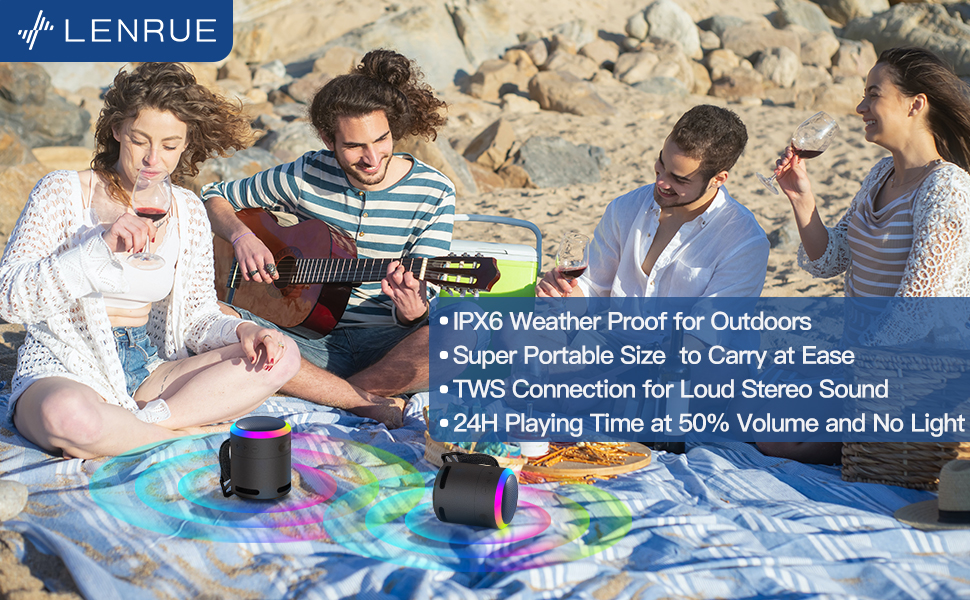
รูปที่ 5: The speaker's colorful lights create an ambient atmosphere, ideal for relaxation or social gatherings.
การจับคู่ True Wireless Stereo (TWS)
If you have two LENRUE F13 speakers, you can pair them together for a true wireless stereo experience.
- ตรวจสอบให้แน่ใจว่าลำโพงทั้งสองเปิดอยู่และไม่ได้เชื่อมต่อกับอุปกรณ์ Bluetooth อื่นใด
- On one speaker (the master speaker), press and hold the Light Mode button for 3 seconds to enter TWS pairing mode.
- ลำโพงจะเชื่อมต่อกันโดยอัตโนมัติ เมื่อเชื่อมต่อแล้ว จะทำงานในโหมดสเตอริโอ
- Connect your device to the master speaker via Bluetooth as described above.

รูปที่ 6: Two speakers connected via TWS for an enhanced stereo audio experience.
การซ่อมบำรุง
การทำความสะอาด
- เช็ดลำโพงด้วยผ้าแห้งนุ่มๆ
- ห้ามใช้น้ำยาทำความสะอาดที่มีฤทธิ์กัดกร่อนหรือตัวทำละลาย
ความต้านทานต่อน้ำ (IPX6)
The LENRUE F13 speaker is IPX6 waterproof, making it resistant to strong jets of water. It is suitable for use in environments like showers, by the pool, or during light rain.
- ตรวจสอบให้แน่ใจว่าฝาปิดช่องต่างๆ ปิดสนิท เพื่อรักษาคุณสมบัติกันน้ำ
- อย่าจุ่มลำโพงลงในน้ำ
- After exposure to water, wipe the speaker dry before charging.
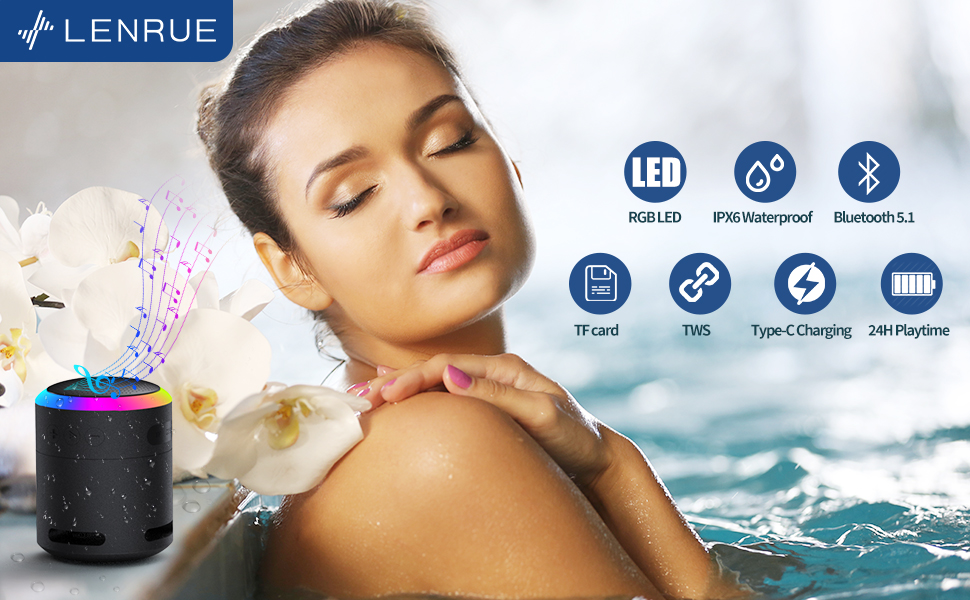
รูปที่ 7: The IPX6 water resistance allows for worry-free use in various wet environments.
การแก้ไขปัญหา
| ปัญหา | สาเหตุที่เป็นไปได้ | สารละลาย |
|---|---|---|
| ลำโพงไม่เปิด | แบตเตอรี่ต่ำ | ชาร์จลำโพงให้เต็ม |
| ไม่สามารถจับคู่ผ่านบลูทูธได้ | Speaker not in pairing mode / Device Bluetooth off / Too far from device | Ensure speaker is in pairing mode, Bluetooth is enabled on your device, and device is within 33 feet (10 meters). |
| ไม่มีเสียงในระหว่างการเล่น | Volume too low / Paused / Not connected | Increase volume on both speaker and device, check if playback is paused, ensure successful Bluetooth connection. |
| การจับคู่ TWS ล้มเหลว | Speakers already paired to other devices / Too far apart | Ensure both speakers are disconnected from other devices. Place them close together and retry TWS pairing. |
ข้อมูลจำเพาะ
- ชื่อรุ่น : เอฟ13
- ประเภทลำโพง: ลำโพงบลูทูธแบบพกพา
- ลำโพงกำลังขับสูงสุด: 5 วัตต์
- เทคโนโลยีการเชื่อมต่อ: บลูทูธ 5.0
- ช่วงบลูทู ธ : 10 เมตร (33 ฟุต)
- ระดับการกันน้ำ: IPX6
- เวลาเล่น: Up to 24 hours (at 50% volume, no LED light); 5 hours (typical use)
- พอร์ตชาร์จ: ยูเอสบี-ซี
- คุณสมบัติพิเศษ: Colorful LED Lights, Metal Construction, Detachable Lanyard, TWS Pairing
- ขนาดสินค้า : ลึก 2.8 นิ้ว x กว้าง 2.8 นิ้ว x สูง 3.6 นิ้ว
- น้ำหนักสินค้า: 10.5 ออนซ์
การรับประกันและการสนับสนุน
For any questions, concerns, or support needs regarding your LENRUE F13 Portable Bluetooth Speaker, please contact LENRUE customer service through the retailer where the product was purchased. Keep your purchase receipt for warranty claims.