การแนะนำ
This manual provides detailed instructions for the safe and effective use of your Retevis RT628S FRS Two-Way Radios. These portable radios are designed for clear communication in various outdoor and indoor settings, offering features like a unique Safe-M mode for privacy, intelligent noise reduction, and hands-free operation.
เนื้อหาแพ็คเกจ
- 3 x Retevis RT628S Walkie Talkies
- 3 x เข็มขัดคลิป
- 1 x คู่มือผู้ใช้
- 1 x Colorful packaging box (for storage)

Image: Contents of the Retevis RT628S package, including three radios, belt clips, and manual.
การตั้งค่า
1. การติดตั้งแบตเตอรี่
- หาช่องใส่แบตเตอรี่ที่ด้านหลังของวิทยุสื่อสาร
- ถอดฝาช่องใส่แบตเตอรี่ออก
- Insert 3 x AA batteries (not included) into each walkie talkie, ensuring correct polarity (+/-).
- ใส่ฝาปิดช่องใส่แบตเตอรี่กลับเข้าที่อย่างแน่นหนา

Image: Open battery compartment of the Retevis RT628S, showing AA battery slots.
2. การติดคลิปหนีบเข็มขัด
Align the belt clip with the designated slots on the back of the walkie talkie and slide it into place until it clicks securely.
คำแนะนำการใช้งาน
1. เปิด/ปิดเครื่อง
หมุนปุ่มปรับระดับเสียงตามเข็มนาฬิกาเพื่อเปิดวิทยุ หมุนทวนเข็มนาฬิกาจนได้ยินเสียงคลิกเพื่อปิดวิทยุ
2. การปรับระดับเสียง
Rotate the power/volume knob to adjust the listening volume (1-16 levels).
3. การเลือกช่อง
- กดปุ่ม เมนู button once. The channel number on the LCD screen will flash.
- ใช้ Up or ลง ปุ่มลูกศรเพื่อเลือกช่องที่คุณต้องการ (1-22)
- กด เมนู ทำซ้ำอีกครั้ง หรือรอสักครู่เพื่อให้การเลือกได้รับการยืนยัน

Image: Walkie talkies displaying channel selection and Safe Mode button.
4. ปุ่มกดเพื่อพูด (PTT)
หากต้องการส่งสัญญาณ ให้กดปุ่มค้างไว้ ปตท. กดปุ่มด้านข้างวิทยุ พูดให้ชัดเจนใส่ไมโครโฟน ปล่อยมือ ปตท. ปุ่มสำหรับฟัง
5. Safe-M Mode (Privacy Feature)
The unique Safe-M mode blocks signals from other models, ensuring private communication between RT628S units. To activate/deactivate:
- กดปุ่มค้างไว้ SAFE-M button for 3 seconds. A shield icon will appear on the display.
- When activated, only other RT628S radios on the same channel and with Safe-M mode enabled can communicate.
- To communicate with other FRS walkie-talkies, ensure Safe-M mode is off.
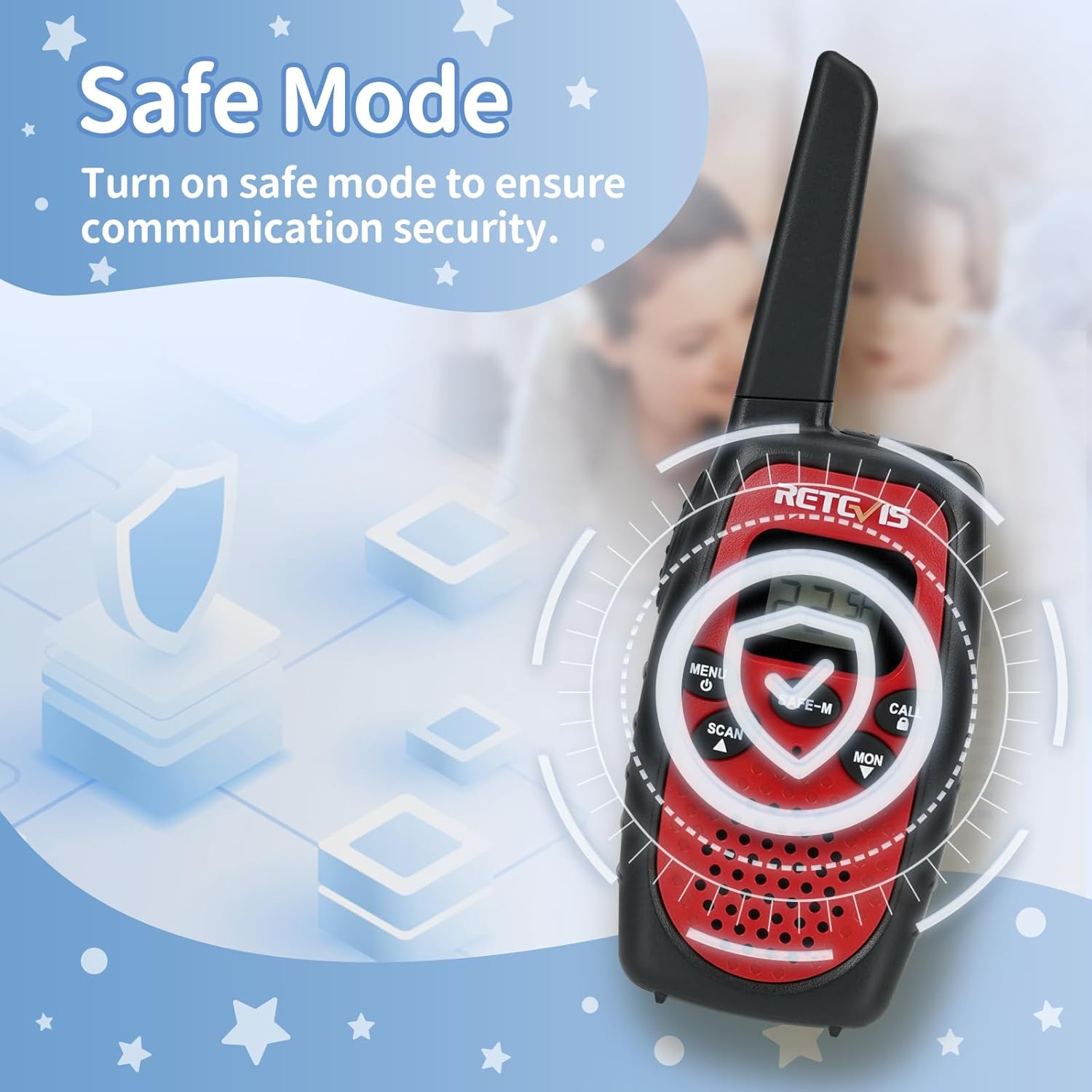
Image: Red walkie talkie highlighting the Safe Mode feature.
6. VOX (Voice Operated Exchange) Hands-Free
VOX allows you to transmit without pressing the PTT button. To activate/adjust:
- กด เมนู twice until "VOX" appears on the display.
- ใช้ Up or ลง arrow buttons to select the VOX sensitivity level (1-3, with 3 being most sensitive).
- กด เมนู again or wait a few seconds to confirm.
7. กุญแจล็อค
To prevent accidental button presses, activate the Key Lock:
- กดปุ่มค้างไว้ เมนู button for 3 seconds. A key icon will appear on the display.
- Repeat the action to unlock.

Image: Yellow walkie talkie demonstrating the Key Lock function.
8. เสียงเรียกเข้า
To send a call alert to other radios on the same channel, press the เรียก button. There are 10 different call tones available.
9. สแกนช่อง
To scan for active channels, press the สแกน button. The radio will cycle through channels and stop on an active one. Press สแกน อีกครั้งเพื่อหยุดการสแกน
การซ่อมบำรุง
- การดูแลแบตเตอรี่ Remove AA batteries from the walkie talkie if it will not be used for an extended period to prevent leakage.
- การทำความสะอาด: ใช้แบบนุ่มๆamp ผ้าสำหรับทำความสะอาดภายนอกวิทยุ ห้ามใช้สารเคมีรุนแรงหรือน้ำยาทำความสะอาดที่มีฤทธิ์กัดกร่อน
- พื้นที่จัดเก็บ: เก็บวิทยุสื่อสารไว้ในที่แห้งและเย็น หลีกเลี่ยงแสงแดดโดยตรงและอุณหภูมิที่สูงหรือต่ำเกินไป
การแก้ไขปัญหา
| ปัญหา | สารละลาย |
|---|---|
| ไม่มีไฟฟ้า | ตรวจสอบการติดตั้งแบตเตอรี่และให้แน่ใจว่าแบตเตอรี่ยังใหม่ |
| ไม่มีเสียงหรือคุณภาพเสียงไม่ดี | Adjust volume. Ensure all radios are on the same channel and CTCSS/DCS code (if applicable). Check for obstructions or distance. Disable Safe-M mode if communicating with non-RT628S radios. |
| ไม่สามารถส่งหรือรับได้ | Verify all radios are on the same channel. Check battery level. Ensure PTT button is fully pressed when transmitting. Disable Key Lock. |
| มีขอบเขตจำกัด | Obstructions (buildings, hills) can reduce range. Move to an open area. Ensure batteries are fully charged. |
ข้อมูลจำเพาะ
- หมายเลขรุ่น: RT628S
- ยี่ห้อ: เรเทวิส
- ขนาดสินค้า : 4.06 x 2.2 x 1.34 นิ้ว
- น้ำหนักสินค้า: 14.9 ออนซ์
- จำนวนช่องสัญญาณ: 22
- ช่วงความถี่: 400-470 เมกะเฮิรตซ์
- ระยะการพูดคุยสูงสุด: 1000 เมตร (ประมาณ 0.62 ไมล์)
- แหล่งพลังงาน: 3 x AA batteries (per unit, not included)
- คุณสมบัติพิเศษ: Keypad Lock, Lightweight, Safe Mode, VOX, Call Tone, Channel Scan
- ระดับการต้านทานน้ำ: ไม่ทนน้ำ
- รหัส FCC: 2A3OORT628S
การปฏิบัติตาม FCC
Please note that these walkie talkies comply with FCC rule part 95. The FCC ID is: 2A3OORT628S.
วิดีโอผลิตภัณฑ์อย่างเป็นทางการ
RT628S Safe-Mode Walkie Talkies for Kids and Family
Video: Demonstrates the Safe-Mode feature and general use of the RT628S walkie talkies for family communication.
RT628S Ideal Gifts for Kids, Call Tone to Remind Others
Video: Highlights the call tone feature and suitability of RT628S as a communication tool for children.
RT628S Safe Mode Walkie Talkies Unboxing
Video: An unboxing of the RT628S walkie talkies, showcasing ผลิตภัณฑ์และส่วนประกอบของผลิตภัณฑ์


