การแนะนำ
This manual provides detailed instructions for the setup, operation, and maintenance of your VTech CS1501 DECT Cordless Phone system. Please read this manual thoroughly to ensure proper use and to take full advantage ของคุณสมบัติทั้งหมด
เนื้อหาแพ็คเกจ
Your VTech CS1501 package includes the following items:
- หูฟังไร้สาย 2 เครื่อง
- 2 x Handset Chargers (Bases)
- 4 x NiMH Rechargeable Batteries (2 per handset)
- สายโทรศัพท์ 1 เส้น
- อะแดปเตอร์ไฟฟ้า 1 ตัวสำหรับฐานยูนิต
- 1 x คู่มือเริ่มต้นใช้งานฉบับย่อ (ไม่รวมอยู่ในคู่มือดิจิทัลนี้)

Image: Two VTech CS1501 cordless handsets with their respective charging bases.
การตั้งค่า
1. การติดตั้งแบตเตอรี่
- เปิดฝาช่องใส่แบตเตอรี่ที่ด้านหลังของโทรศัพท์มือถือแต่ละเครื่อง
- Insert the two supplied NiMH rechargeable batteries, observing the correct polarity (+ and -).
- ปิดฝาช่องใส่แบตเตอรี่ให้แน่น
2. การเชื่อมต่อหน่วยฐาน
- Connect the power adapter to the base unit and plug it into a standard electrical outlet.
- เชื่อมต่อปลายด้านหนึ่งของสายโทรศัพท์เข้ากับฐานยูนิต และปลายอีกด้านหนึ่งเข้ากับแจ็คโทรศัพท์ที่ผนัง
3. การชาร์จโทรศัพท์มือถือ
Place each handset on its respective charging base. The innovative dual-charging design allows you to place the handset face down or face up. Face-up orientation allows for easy screen viewing, while face-down is convenient for quick placement and maintaining the unit's sleek design.

Image: A VTech CS1501 handset being charged, illustrating the dual-charging capability (face up or face down).
ควรชาร์จแบตเตอรี่อย่างน้อย 16 ชั่วโมงก่อนใช้งานครั้งแรก เพื่อให้แบตเตอรี่ทำงานได้อย่างมีประสิทธิภาพสูงสุด
คำแนะนำการใช้งาน
การโทรออกและรับสาย
- ในการโทรออก: กดปุ่ม พูดคุย/แฟลช ปุ่มแล้วกดหมายเลข
- วิธีรับสาย: เมื่อโทรศัพท์ดัง ให้กดปุ่ม พูดคุย/แฟลช ปุ่ม.
- วิธีวางสาย: กดปุ่ม ปิด/ล้าง กดปุ่มหรือวางโทรศัพท์กลับลงบนแท่นชาร์จ
ลำโพงแฮนด์ฟรี
หากต้องการเปิดใช้งานลำโพงแฮนด์ฟรีระหว่างการโทร ให้กดปุ่ม ผู้พูด button. Press it again to return to handset mode.

Image: A VTech CS1501 handset in a kitchen, with an overlay indicating the speakerphone button for hands-free calling.
แสดงหมายเลขผู้โทร / รอสาย
The handset displays the name, number, time, and date of incoming calls. The phone stores up to 20 caller ID records. If you subscribe to Call Waiting service, the phone will alert you to a second incoming call.

Image: A VTech CS1501 handset showing a phone number on its display, with an adjacent graphic illustrating a list of stored caller ID entries.
Phonebook (Directory)
You can store up to 60 names and numbers in the phonebook for quick dialing. Refer to the on-screen menu for adding, editing, and deleting entries.

Image: A VTech CS1501 handset displaying a phone number on its screen, indicating the phonebook feature for storing up to 60 contacts.
การบล็อคการโทร
The nuisance call blocker allows you to block unwanted calls. You can add up to 60 numbers to the blacklist. Access this feature through the handset menu to manage blocked numbers.

Image: A close-up of the VTech CS1501 handset keypad, with a magnified view of the call blocker button, indicating its function.
การประชุมทางไกล 3 ทาง
The handset call transfer and intercom features enable multiple users to participate in a conversation simultaneously. This allows for a three-way conference call.

Image: A collage of three individuals engaged in phone conversations, representing the 3-way conferencing capability of the phone system.
โทรซ้ำ
The phone stores the last 10 numbers dialed. To redial a number, press the ซ้ำ กดปุ่มแล้วเลือกหมายเลขที่ต้องการจากรายการ
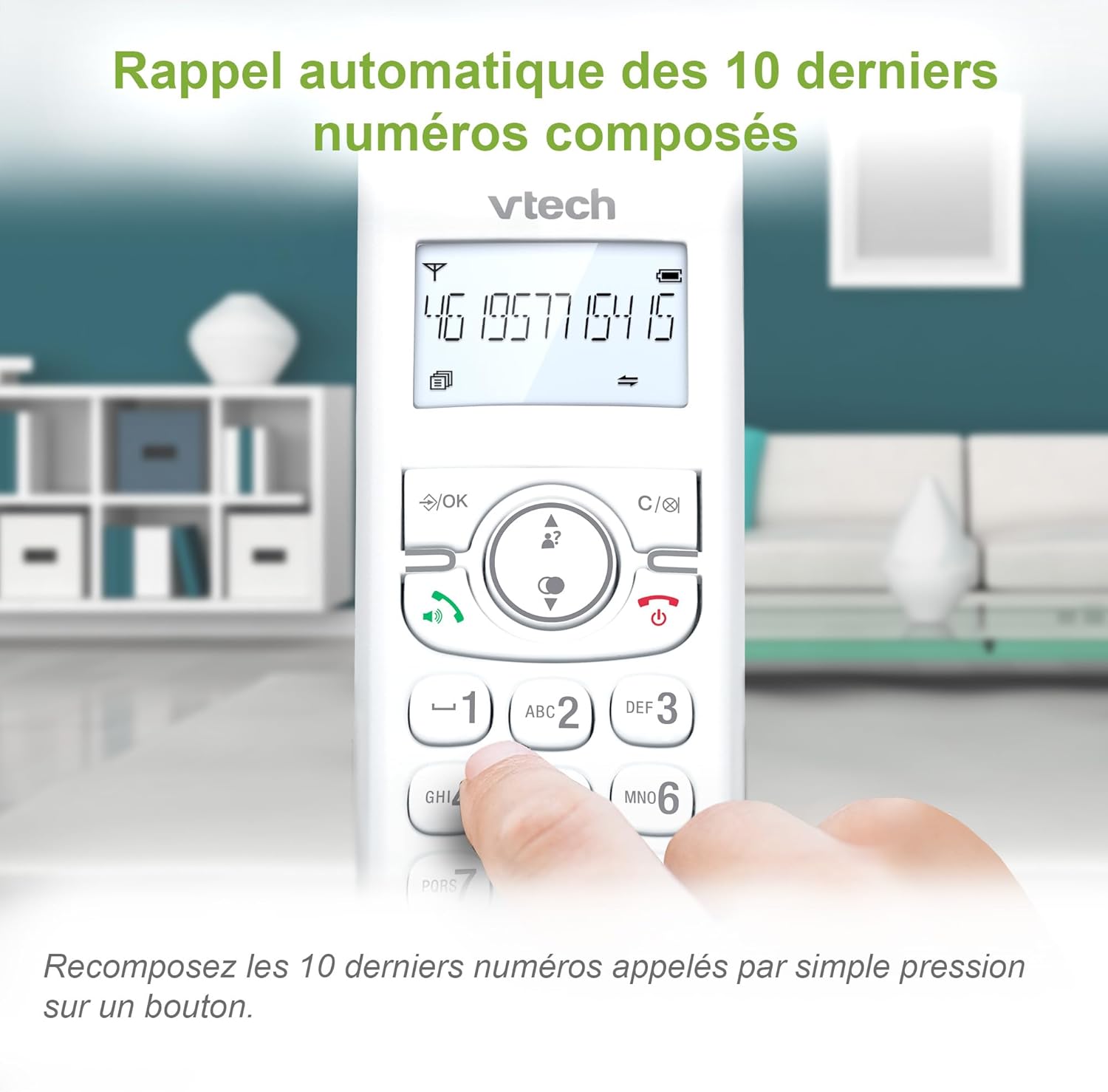
Image: A VTech CS1501 handset displaying a phone number, with an arrow pointing to the redial button, illustrating the 10-number redial feature.
ฟังก์ชั่นเพิ่มเติม
- ฟังก์ชั่นปลุก: Set practical alarms on the handset.
- ฟังก์ชั่นปิดเสียง: Mute your voice during calls when privacy is needed.
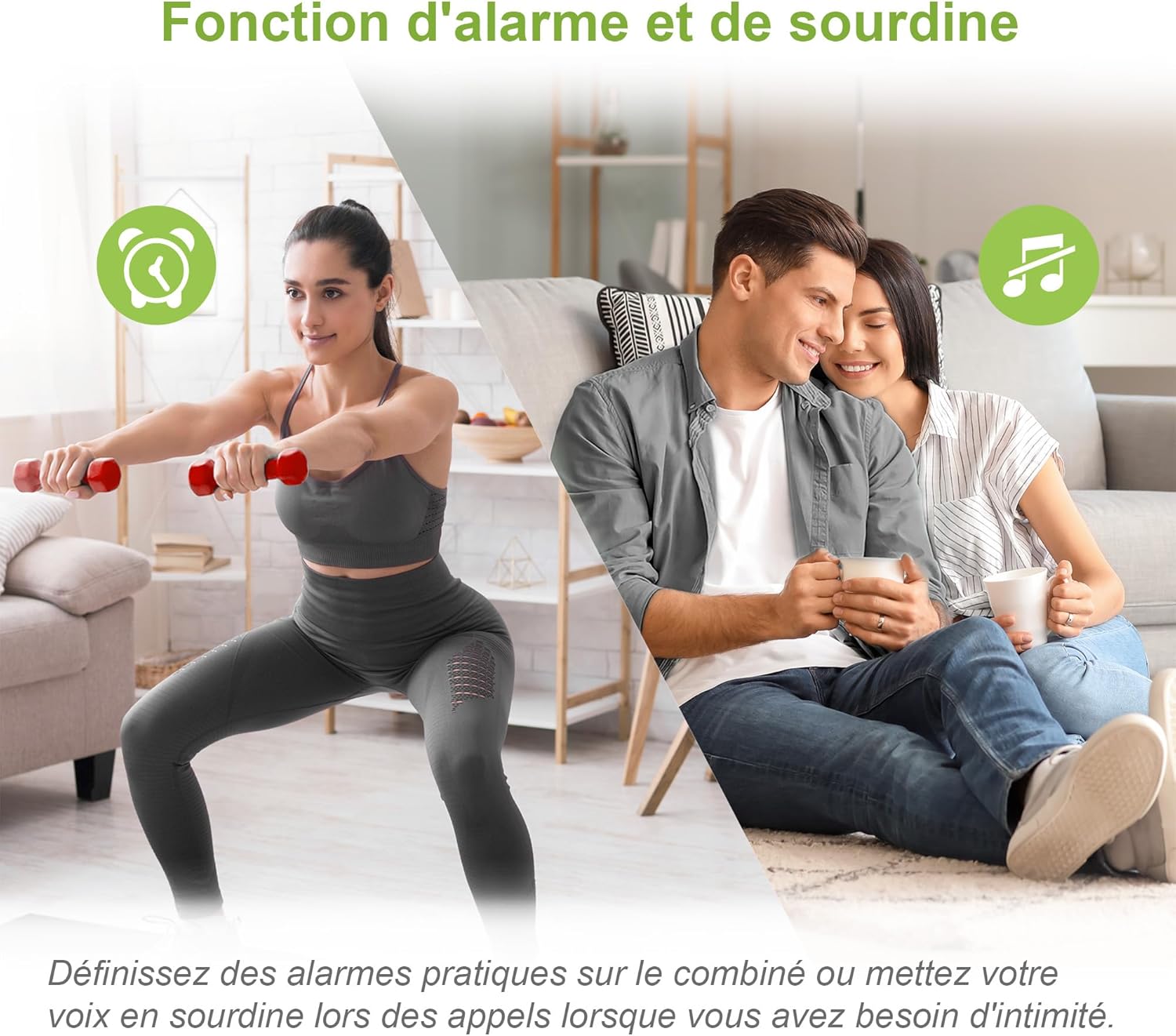
Image: A split image showing a person exercising (with an alarm clock icon) and a couple relaxing (with a mute icon), representing the alarm and mute functions of the phone.
โหมด ECO
The handset automatically adjusts and minimizes radio frequency power based on its distance from the base unit, promoting energy efficiency.

Image: A VTech CS1501 handset on its charging base in a home setting, with an ECO mode leaf icon, indicating its energy-saving feature.
จอแสดงผลพร้อมไฟแบ็คไลท์และแป้นพิมพ์
The backlit LCD screen and keypad illuminate, making dialing and reading information easy, even in low-light conditions.
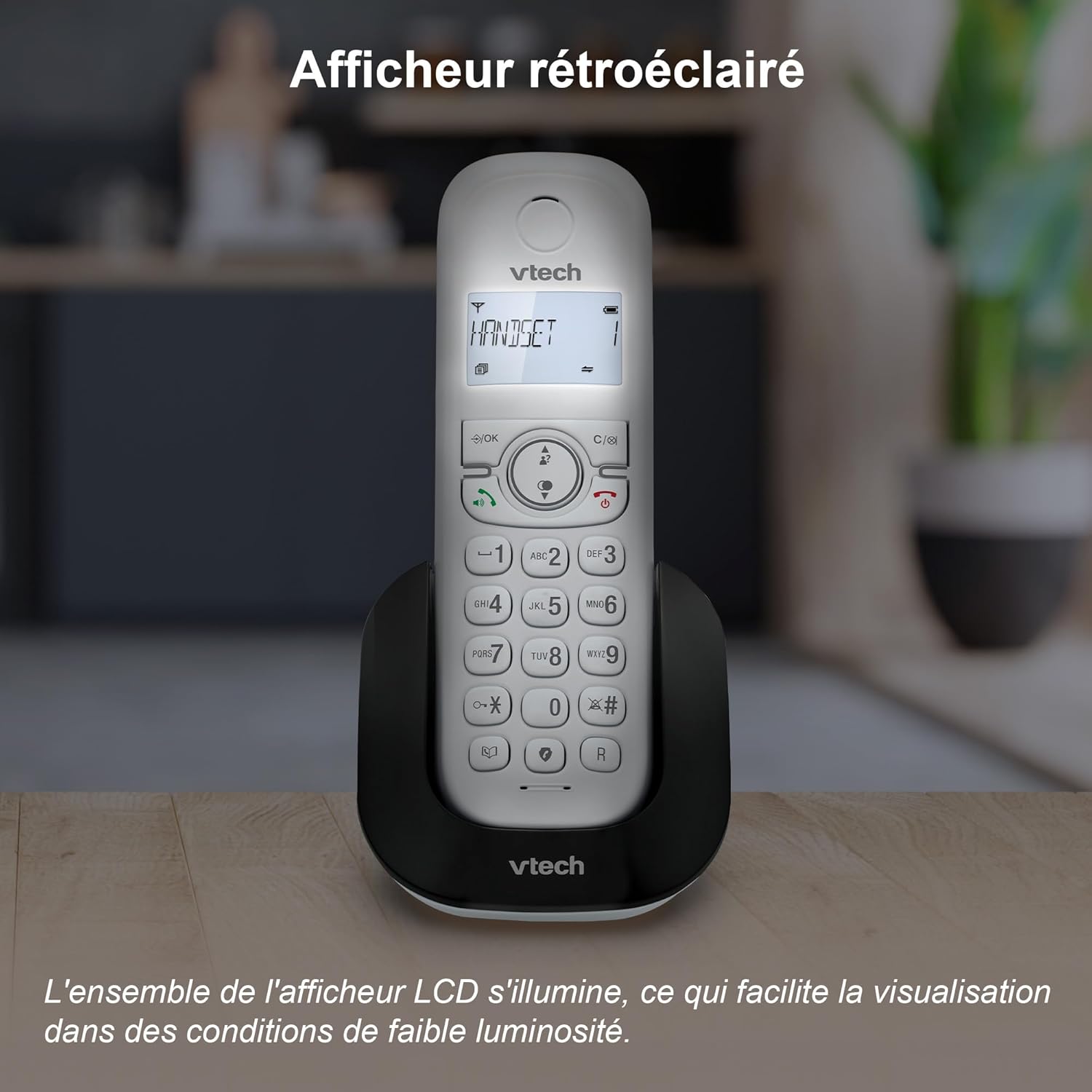
Image: A VTech CS1501 handset on its charging base, with its backlit display clearly visible in a dimly lit environment.
Adjustable Ringtone Volume and Melodies
Easily adjust the ringtone volume and select your preferred melody through the handset settings.

Image: A VTech CS1501 handset on its charging base, with musical notes emanating from it, symbolizing the adjustable ringtone volume and melody options.
Long Range Reliability
Benefit from reliable coverage and clear, long-range clarity throughout your home.

Image: A VTech CS1501 handset and its base unit placed in different areas of a spacious home, with signal waves indicating long-range coverage.
อายุการใช้งานแบตเตอรี่
The handset offers up to 13 hours of talk time and 200 hours of standby time on a full charge.

Image: A graphic highlighting '13 hours talk time' with a battery icon, illustrating the VTech CS1501's extended battery performance.
การซ่อมบำรุง
- การทำความสะอาด: เช็ดโทรศัพท์และฐานด้วยผ้านุ่มๆamp ใช้ผ้าเช็ดทำความสะอาดเท่านั้น ห้ามใช้สเปรย์ทำความสะอาดหรือสารเคมีรุนแรง
- การดูแลแบตเตอรี่ For optimal battery life, avoid fully discharging the batteries frequently. If the phone will be unused for an extended period, remove the batteries.
- สภาพแวดล้อม : เก็บโทรศัพท์ให้ห่างจากความร้อนสูง แสงแดดโดยตรง และความชื้น
การแก้ไขปัญหา
| ปัญหา | สารละลาย |
|---|---|
| ไม่มีเสียงสัญญาณโทรศัพท์ | ตรวจสอบให้แน่ใจว่าสายโทรศัพท์เชื่อมต่อกับทั้งตัวเครื่องและช่องเสียบที่ผนังอย่างแน่นหนา ตรวจสอบว่าอะแดปเตอร์ไฟฟ้าเชื่อมต่ออย่างถูกต้อง |
| ไม่สามารถโทรออก/รับสายได้ | Verify that the handset batteries are charged. Check the telephone line connection. Ensure the handset is registered to the base. |
| คุณภาพเสียงไม่ดี | ขยับเข้าใกล้ตัวเครื่องมากขึ้น ตรวจสอบว่ามีสัญญาณรบกวนจากอุปกรณ์อิเล็กทรอนิกส์อื่นๆ หรือไม่ ตรวจสอบให้แน่ใจว่าสายโทรศัพท์ไม่ได้รับความเสียหาย |
| โทรศัพท์ไม่ชาร์จ | Ensure the handset is correctly seated in the charging cradle. Clean the charging contacts on both the handset and the base with a dry cloth. |
| การแสดงผลว่างเปล่า | Charge the handset batteries. If the problem persists, try resetting the phone by unplugging the base unit's power adapter for a few minutes, then plugging it back in. |
ข้อมูลจำเพาะ
- ยี่ห้อ: VTech
- หมายเลขรุ่น: ซีเอส1501
- สี: สีขาว
- พิมพ์: โทรศัพท์ไร้สาย DECT
- จำนวนเครื่อง: 2
- อุปกรณ์ที่รองรับ: Fixed telephone networks only
- ประเภทแบตเตอรี่: NiMH rechargeable batteries (4 included)
- วัสดุ: พลาสติก
- แหล่งพลังงาน: Battery Powered (Handset), AC Adapter (Base)
- ประเภทผู้โทรออก: แป้นพิมพ์แบบเรียบง่าย
- น้ำหนักสินค้า: Approximately 499.2 Grams (total package)
- เวลาสนทนา: นานถึง 13 ชั่วโมง
- เวลาสแตนด์บาย: นานถึง 200 ชั่วโมง
- คุณสมบัติ: Call Blocking, Caller ID/Call Waiting, Hands-Free Speakerphone, Backlit LCD, 60-Name Directory, 3-Way Conferencing, ECO Mode, 10 Last Number Redial, Adjustable Ringtone, Alarm Function, Mute Function.
การรับประกันและการสนับสนุน
For warranty information and technical support, please refer to the documentation provided with your purchase or visit the official VTech webไซต์ เงื่อนไขการรับประกันเฉพาะอาจแตกต่างกันไปตามภูมิภาคและผู้ค้าปลีก


