การแนะนำ
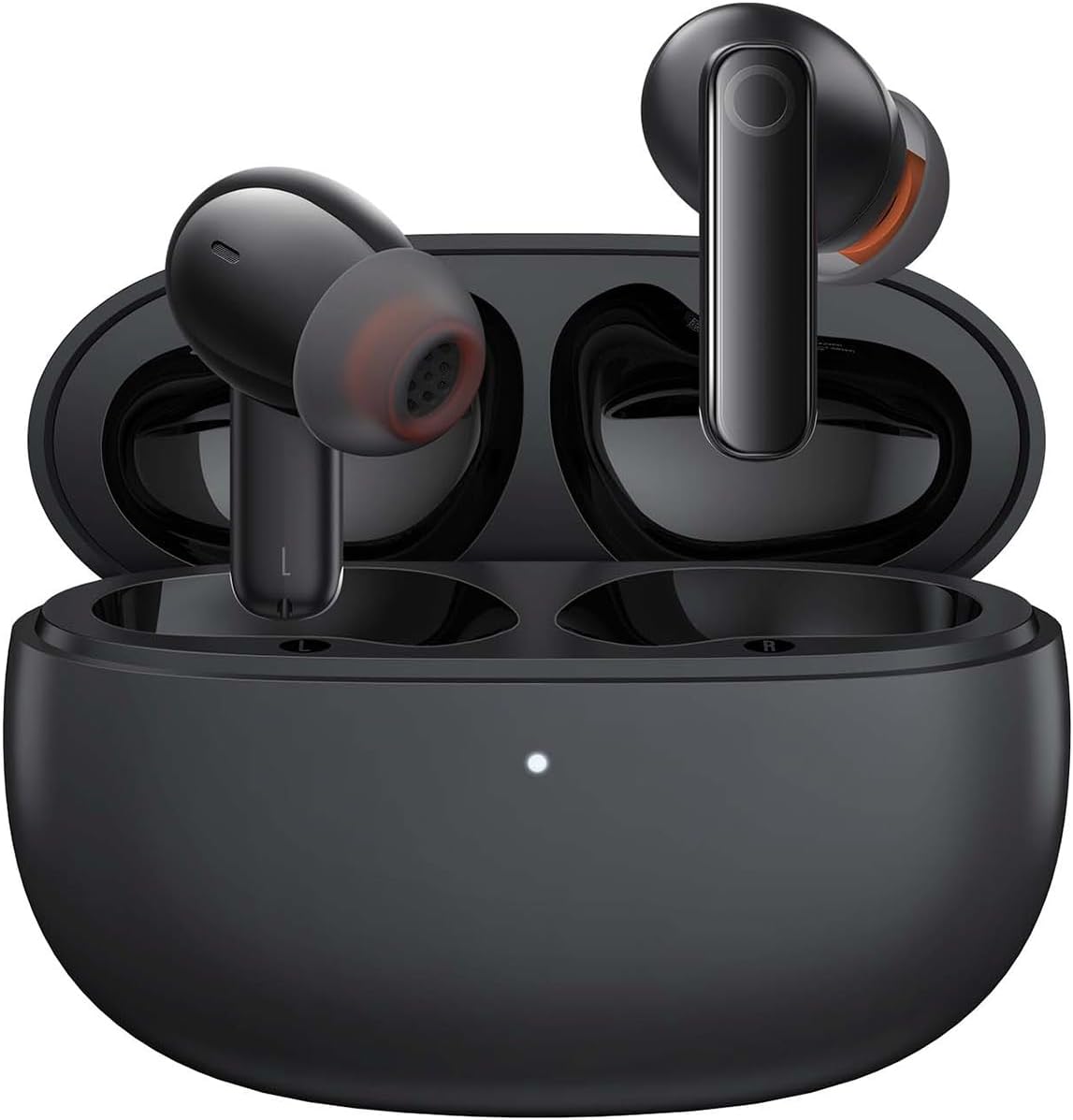
Image: The Baseus Bowie MZ10 True Wireless Stereo Earphones, shown in their open charging case, ready for use.
This manual provides detailed instructions for the operation, maintenance, and troubleshooting of your Baseus Bowie MZ10 TWS Earphones. Please read this manual thoroughly before using the product to ensure proper function and longevity.
มีอะไรอยู่ในกล่อง
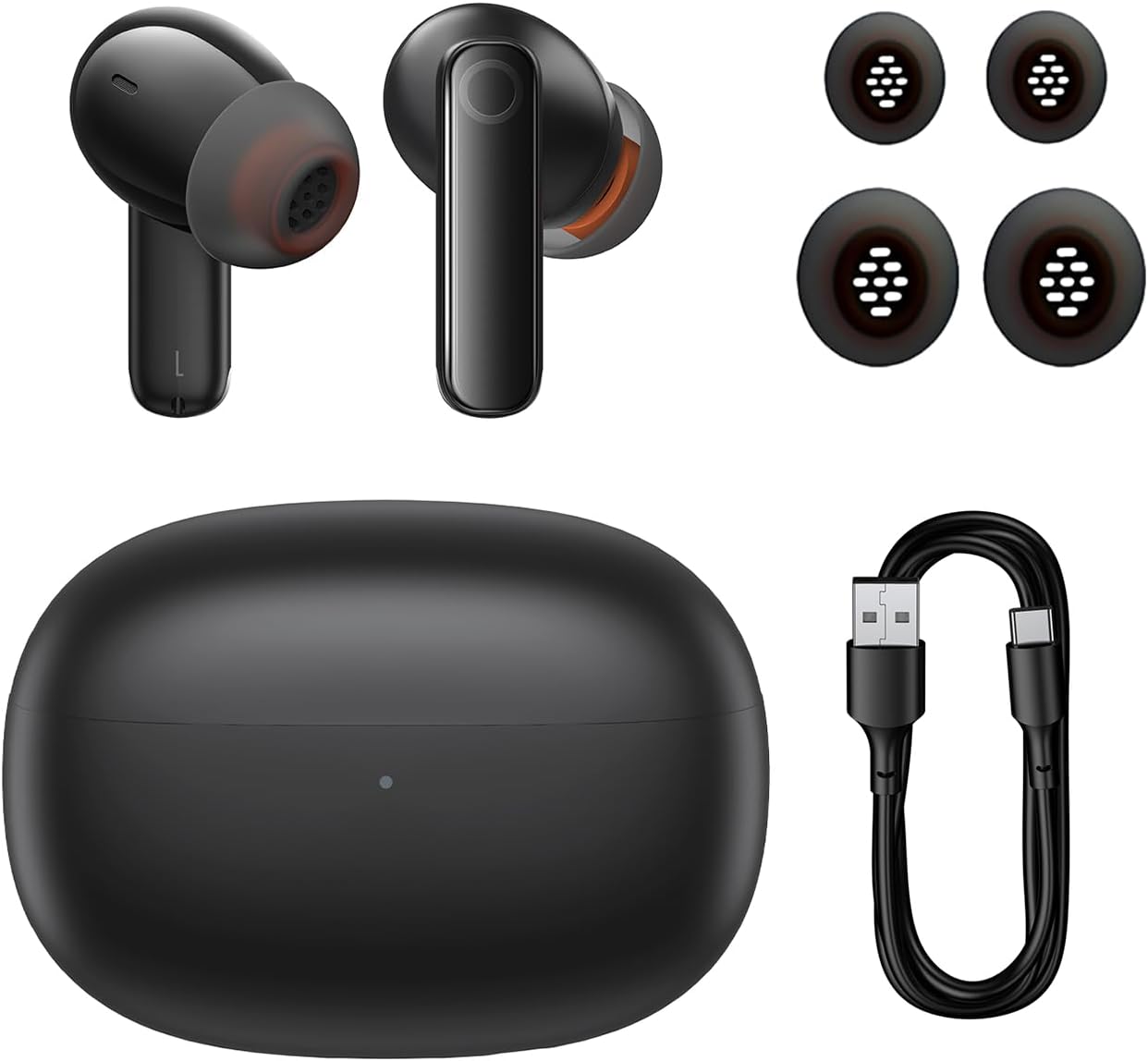
Image: The package contents of the Baseus Bowie MZ10 TWS Earphones, showing the two earbuds, the charging case, multiple sizes of ear tips, and a USB-C charging cable.
- Baseus Bowie MZ10 TWS Earbuds (Left and Right)
- เคสชาร์จไฟ
- สายชาร์จ USB-C
- จุกหูฟังซิลิโคน (หลายขนาด)
- คู่มือการใช้งาน (เอกสารนี้)
การตั้งค่า
1. การชาร์จหูฟังและเคส
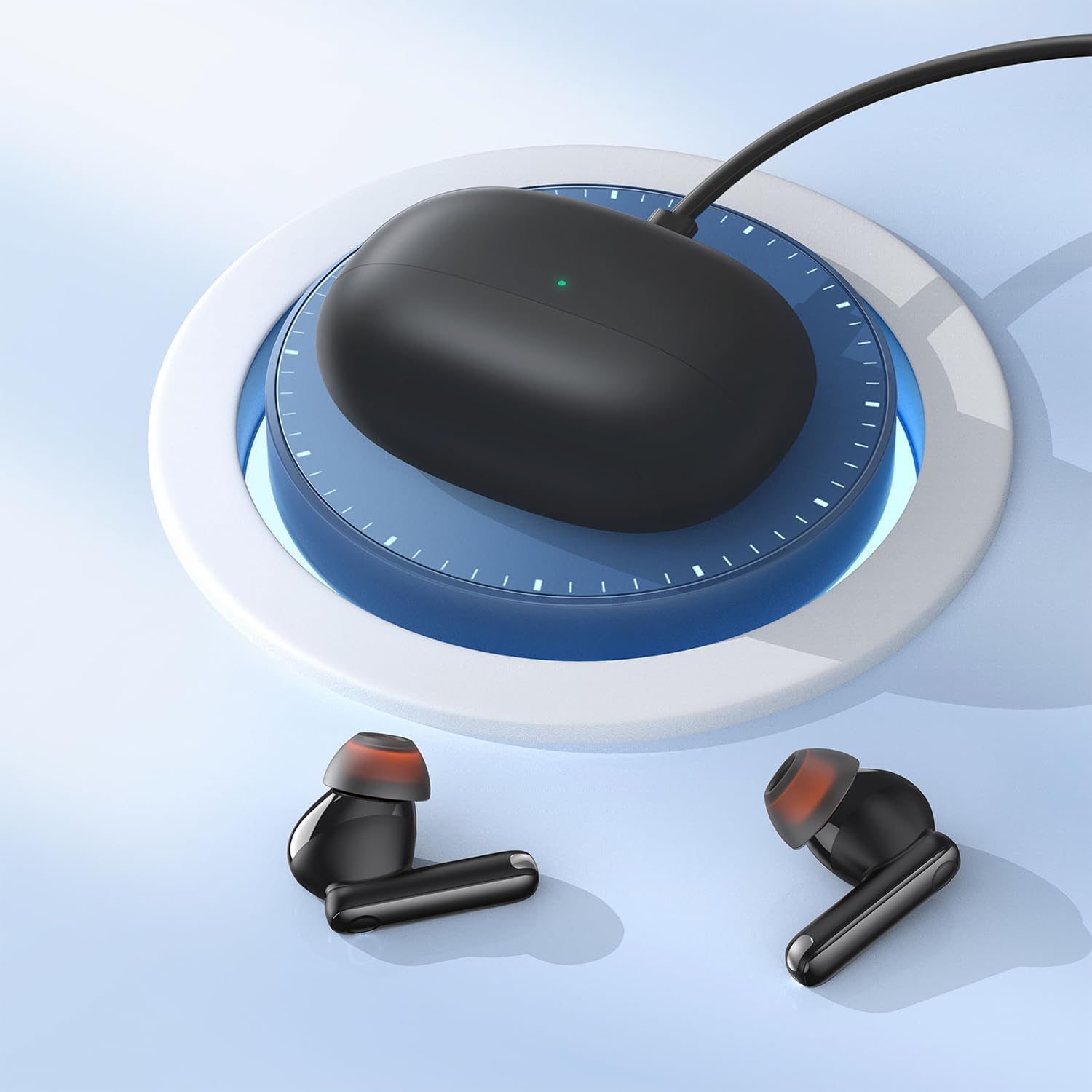
Image: The Baseus Bowie MZ10 charging case being charged via a USB-C cable, indicated by a green light on the case.
- ก่อนใช้งานครั้งแรก โปรดชาร์จเคสชาร์จและหูฟังให้เต็มก่อน
- เชื่อมต่อสายชาร์จ USB-C เข้ากับพอร์ตชาร์จบนเคสและแหล่งจ่ายไฟ
- The indicator light on the case will show charging status. A full charge is indicated when the light remains solid.
- วางหูฟังลงในเคสชาร์จเพื่อชาร์จ หูฟังจะชาร์จโดยอัตโนมัติเมื่อวางลงในเคสอย่างถูกต้อง
2. การจับคู่บลูทู ธ
- Open the charging case. The earbuds will automatically enter pairing mode, and the indicator light on the case will flash.
- เปิดใช้งาน Bluetooth บนอุปกรณ์ของคุณ (สมาร์ทโฟน แท็บเล็ต ฯลฯ)
- ค้นหา "Baseus Bowie MZ10" in the list of available Bluetooth devices.
- Select "Baseus Bowie MZ10" to connect. Once connected, the indicator light on the case will turn off or show a steady light.
- หากการจับคู่ล้มเหลว ให้ปิดเคส รอสองสามวินาที แล้วทำซ้ำขั้นตอนอีกครั้ง
คำแนะนำการใช้งาน
การควบคุมแบบสัมผัส
The Baseus Bowie MZ10 earphones feature touch-sensitive controls on each earbud. The specific functions may vary slightly depending on your device and application.
| การกระทำ | การทำงาน |
|---|---|
| แตะครั้งเดียว (ซ้าย/ขวา) | เล่น/หยุดเพลง, รับสาย/วางสาย |
| แตะสองครั้ง (ขวา) | เพลงถัดไป |
| แตะสองครั้ง (ซ้าย) | เพลงก่อนหน้า |
| กดยาว (ซ้าย/ขวา) | Switch between ANC/Transparency Mode (if applicable) |
| แตะสามครั้ง (ซ้าย/ขวา) | เปิดใช้งานผู้ช่วยเสียง |
การตัดเสียงรบกวนแบบแอคทีฟ (ANC)
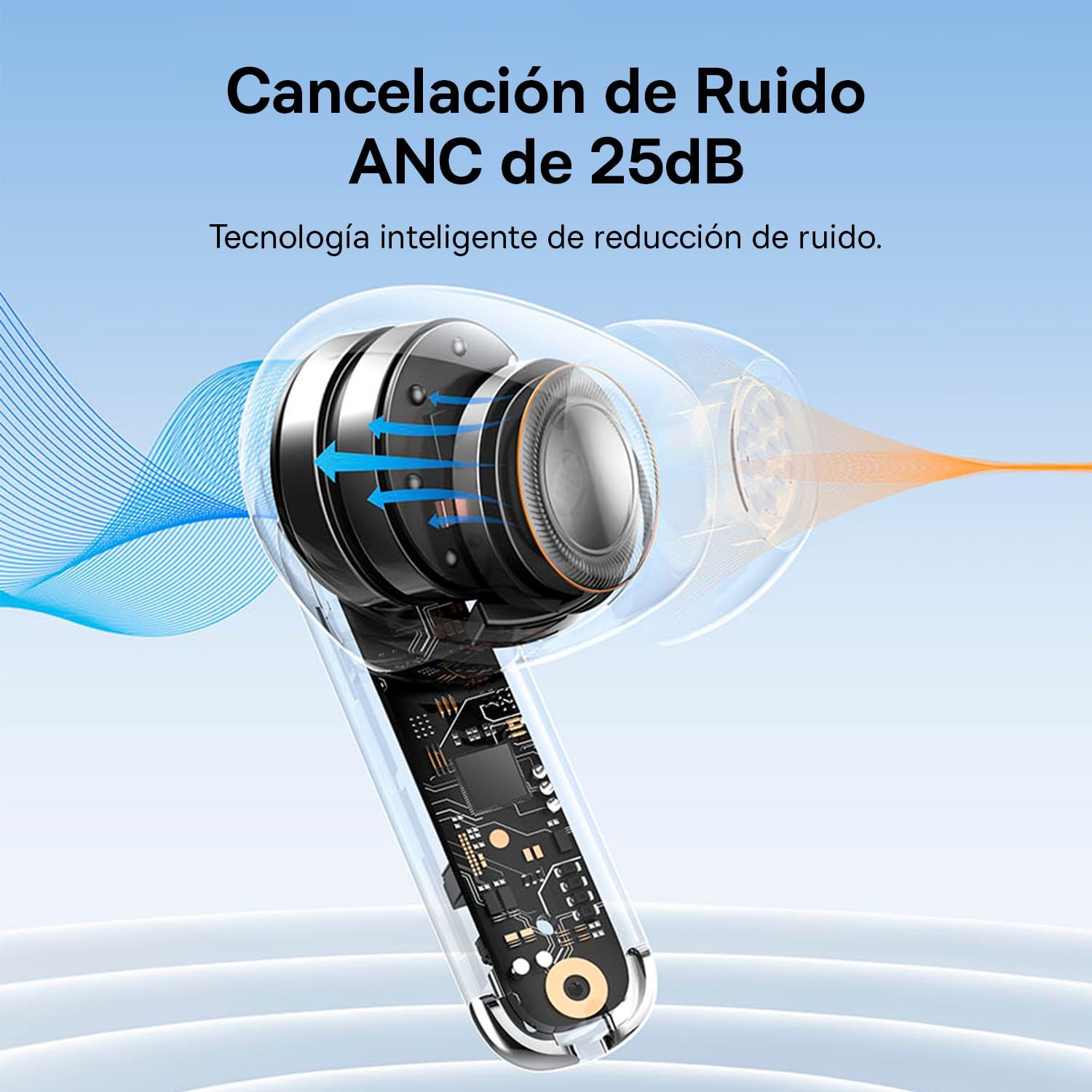
Image: A diagram showing how Active Noise Cancellation (ANC) works within the earbud, with sound waves being cancelled out.
The Baseus Bowie MZ10 earphones feature Active Noise Cancellation to reduce ambient noise. To activate or deactivate ANC, perform a long press on the touch area of either earbud. You may hear an audible prompt indicating the mode change.
Environmental Noise Cancellation (ENC) for Calls
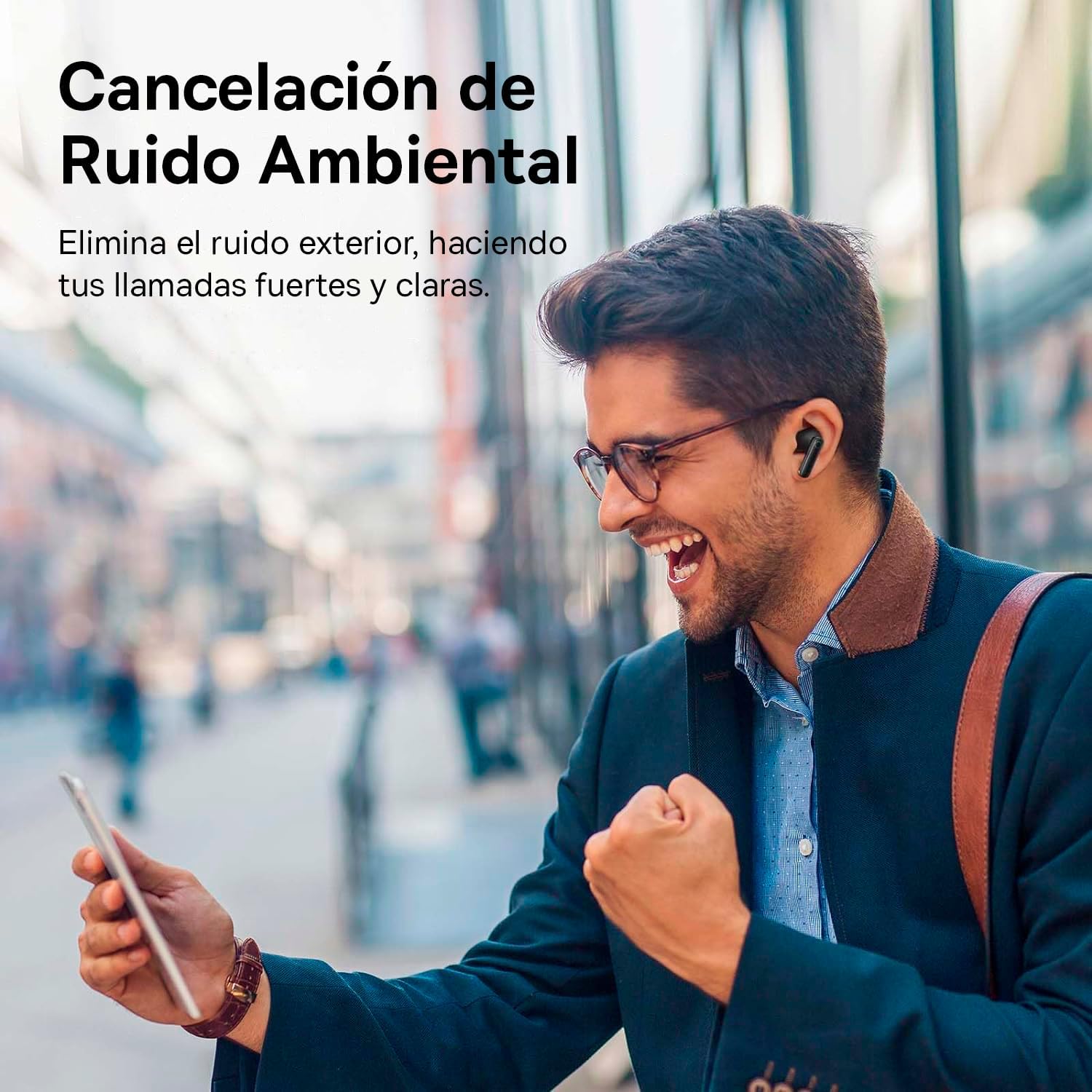
Image: A person smiling while using the Baseus Bowie MZ10 earphones in an outdoor setting, suggesting clear call quality despite ambient noise.
The earphones are equipped with Environmental Noise Cancellation (ENC) technology, which helps to suppress background noise during phone calls, ensuring your voice is transmitted clearly to the other party.
โหมดความหน่วงต่ำสำหรับการเล่นเกม

Image: The Baseus Bowie MZ10 earphones positioned near a smartphone displaying a video game, highlighting their low latency feature for an enhanced gaming experience.
For an optimized gaming experience, the Baseus Bowie MZ10 earphones offer a low latency mode. This mode reduces audio delay, ensuring that sound effects and dialogue are synchronized with on-screen actions. Refer to the Baseus app or specific earbud gestures (if available) to activate this mode.
การซ่อมบำรุง
- การทำความสะอาด: Regularly clean the earbuds and charging case with a soft, dry, lint-free cloth. Do not use abrasive cleaners or immerse the product in water.
- เคล็ดลับหู: ถอดจุกหูออกเป็นระยะและทำความสะอาดด้วยamp ผ้า ให้แน่ใจว่าแห้งสนิทก่อนติดกลับเข้าที่
- พื้นที่จัดเก็บ: เมื่อไม่ใช้งาน ให้เก็บหูฟังไว้ในกล่องชาร์จเพื่อปกป้องหูฟังและรักษาระดับพลังงาน เก็บในที่แห้งและเย็น หลีกเลี่ยงแสงแดดโดยตรงและอุณหภูมิที่สูงหรือต่ำเกินไป
- การดูแลแบตเตอรี่ To preserve battery life, avoid fully discharging the battery frequently. Charge the earphones regularly, even if not in constant use.
การแก้ไขปัญหา
| ปัญหา | วิธีแก้ปัญหาที่เป็นไปได้ |
|---|---|
| หูฟังไม่จับคู่กับอุปกรณ์ |
|
| มีเสียงเล่นที่หูฟังข้างเดียว |
|
| ระดับเสียงต่ำหรือคุณภาพเสียงไม่ดี |
|
| เคสชาร์จไม่ชาร์จ |
|
ข้อมูลจำเพาะ
- ยี่ห้อ: เบสอุส
- หมายเลขรุ่น: NGTW340001
- ประเภทสินค้า : True Wireless Stereo (TWS) Earphones
- สี: สีดำ
- แบตเตอรี่: ลิเธียมไอออน (ชาร์จใหม่ได้)
- คุณสมบัติ: Active Noise Cancellation (ANC), Environmental Noise Cancellation (ENC), Low Latency Mode
- การเชื่อมต่อ: Bluetooth (version not specified, but typically 5.0 or higher for TWS)
- อินเทอร์เฟซการชาร์จ: ยูเอสบี-ซี
การรับประกันและการสนับสนุน
Baseus products are designed and manufactured to the highest quality standards. For information regarding warranty coverage, technical support, or service, please refer to the warranty card included with your purchase or visit the official Baseus webไซต์นี้ โปรดเก็บหลักฐานการซื้อไว้เพื่อใช้ยืนยันการรับประกัน
หากต้องการความช่วยเหลือเพิ่มเติม คุณสามารถติดต่อฝ่ายบริการลูกค้าของ Baseus ผ่านช่องทางอย่างเป็นทางการของพวกเขาได้


