1. บทนำและเรื่องอื่นๆview
The Lexar Professional CFexpress Type B / SD USB 3.2 Gen 2 Reader is designed for efficient data offloading from CFexpress Type B and SD cards. It features dual card slots, allowing simultaneous transfers and leveraging USB 3.2 Gen 2 speeds for a dramatically accelerated workflow. This reader is ideal for professionals requiring fast and reliable media management.
คุณสมบัติหลัก:
- Quickly transfer high-resolution images and 8K RAW videos with transfer speeds up to 10Gbps.
- Two slots—one for CFexpress Type B cards and one for SD cards—for simultaneous offloads.
- Supports USB 3.2 Gen 2 speeds to dramatically accelerate your workflow.
- Includes a single 2-in-1 USB Type-C to Type-C cable and a USB Type-C to Type-A adapter for broad compatibility.
- Compact and portable design for use on location and in the studio.
2. การตั้งค่า
Connecting the Reader to Your Computer:
- Locate the included 2-in-1 USB Type-C to Type-C cable.
- Connect one end of the USB Type-C cable to the USB-C port on the Lexar Professional Reader.
- Connect the other end of the USB Type-C cable to an available USB Type-C port on your computer.
- If your computer only has USB Type-A ports, attach the included USB Type-C to Type-A adapter to the USB Type-C cable before connecting it to your computer.

Figure 2.1: Lexar Professional Reader with included cables for versatile connectivity.
Inserting Memory Cards:
- Identify the CFexpress Type B slot and the SD card slot on the reader. The slots are clearly labeled.
- For CFexpress Type B cards, gently insert the card into the CFexpress Type B slot until it clicks into place. Ensure the card is oriented correctly to avoid damage.
- For SD cards, gently insert the card into the SD slot until it clicks into place. Ensure the card is oriented correctly.
- The reader supports simultaneous insertion and offloading from both card types.

Figure 2.2: The reader features dedicated slots for CFexpress Type B and SD cards.
3. คู่มือการใช้งาน
การถ่ายโอนข้อมูล:
- Once the reader is connected and cards are inserted, your computer should recognize them as removable drives.
- Navigate to the card drives using your computer's file นักสำรวจ (เช่น File Explorer บน Windows, Finder บน macOS)
- ลากและวาง files or folders from the memory cards to your desired location on the computer.
- The USB 3.2 Gen 2 interface enables transfer speeds up to 10Gbps, significantly reducing offload times for large files like 8K RAW videos and high-resolution images.
- The reader supports simultaneous offloading from both CFexpress Type B and SD cards, further optimizing your workflow.

Figure 3.1: High-speed data transfer from the reader to a laptop.

Figure 3.2: Offload high-resolution media with ease.

Figure 3.3: Optimize your workflow with exceptional transfer speeds.
4. การบูรณาการสื่อ
รูปภาพสินค้า:
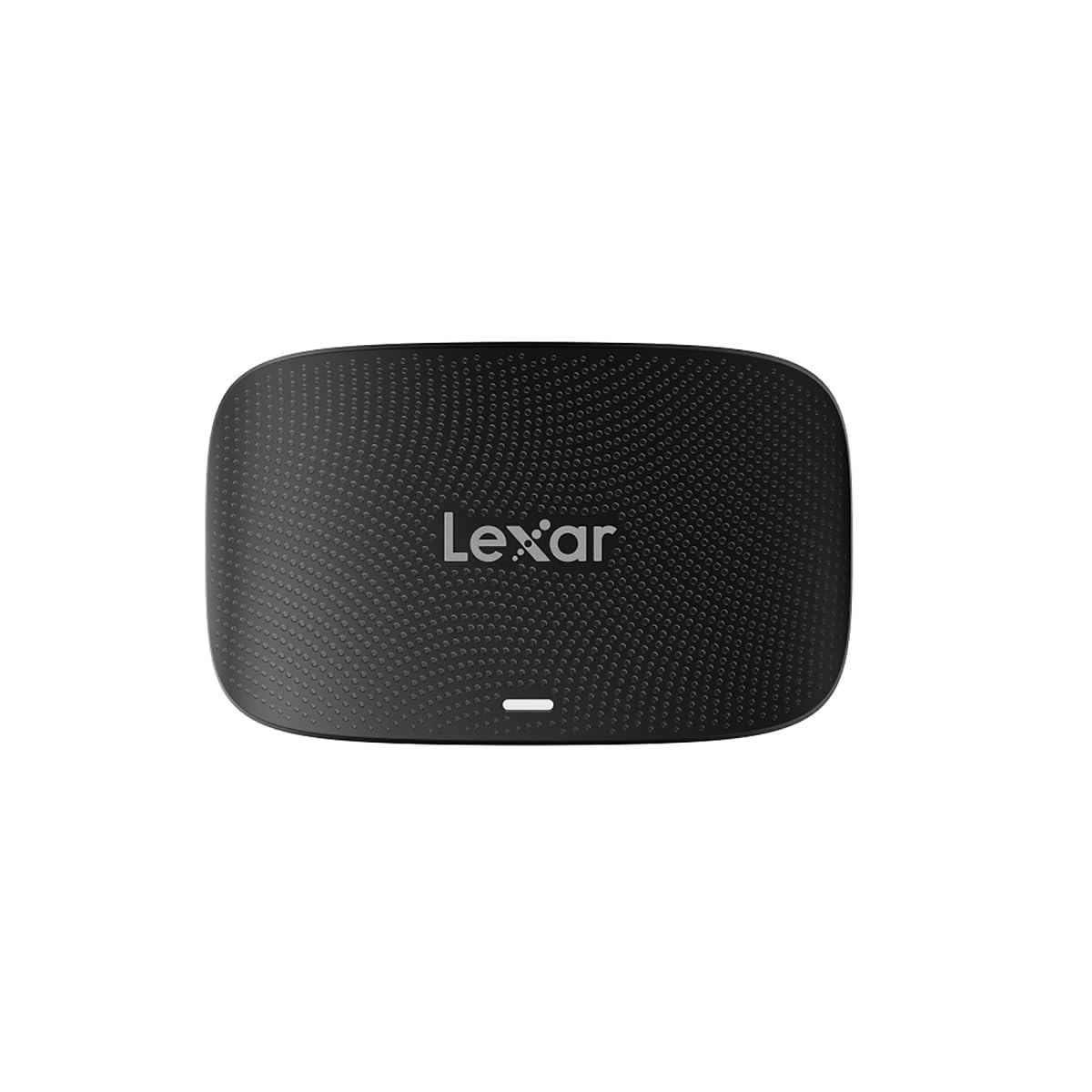
The Lexar Professional CFexpress Type B / SD USB 3.2 Gen 2 Reader in a sleek black finish, showcasing การออกแบบที่กะทัดรัด

The reader with both CFexpress Type B and SD cards inserted, ready for simultaneous data transfer.

The reader connected to a laptop, highlighting its capability for simultaneous offloads from both card types.

A visual representation of the speed advantage, comparing 5Gbps to the reader's 10Gbps capability.
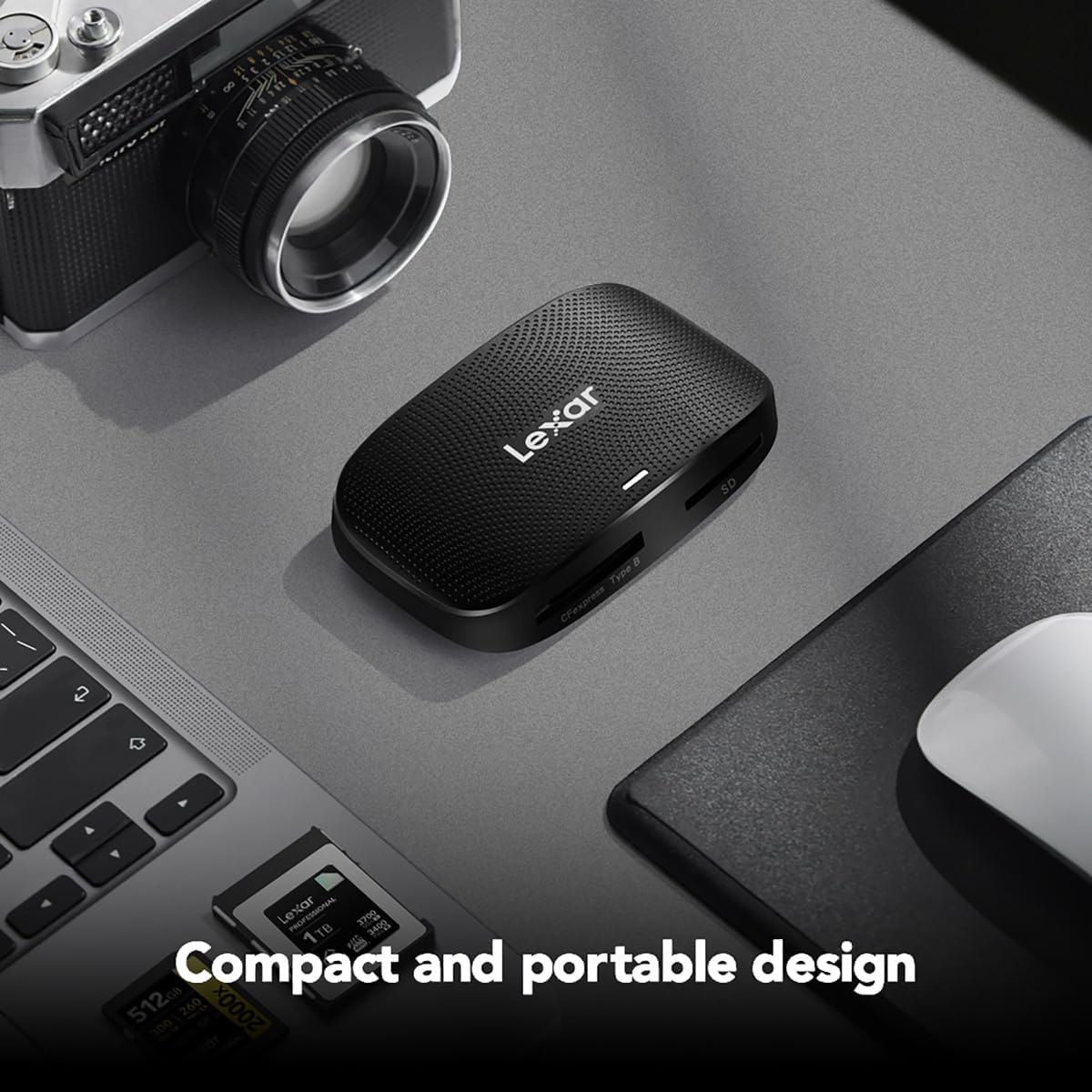
The compact and portable design of the reader, suitable for both on-location and studio use.
วิดีโอผลิตภัณฑ์อย่างเป็นทางการ:
Lexar Professional CFexpress Type B / SD USB 3.2 Gen 2 Reader
วิดีโอนี้ให้ข้อมูลอย่างเป็นทางการเกี่ยวกับเรื่องนี้view of the Lexar Professional CFexpress Type B / SD USB 3.2 Gen 2 Reader, highlighting its features and benefits for professional users.
สินค้าเกินview วีดีโอ
A concise product overview วิดีโอโชว์asing the Lexar Professional CFexpress Type B / SD USB 3.2 Gen 2 Reader's design and functionality.
5. ข้อมูลจำเพาะ
| คุณสมบัติ | รายละเอียด |
|---|---|
| ยี่ห้อ | เล็กซาร์ |
| หมายเลขรุ่น | LRW520U-RNBNG |
| ชุด | อาร์ดับบลิว520 |
| ประเภทสื่อที่รองรับ | CFexpress Type B, การ์ด SD |
| เทคโนโลยีการเชื่อมต่อ | USB 3.2 Gen 2 (USB Type-C, USB Type-A via adapter) |
| ความเร็วในการโอน | สูงสุดถึง 10Gbps |
| ความเข้ากันได้ของระบบปฏิบัติการ | Mac OS 10.8+, Windows 11/10/8/7/Vista/XP |
| น้ำหนักสินค้า | 4.5 ออนซ์ |
| ขนาดสินค้า (กxยxส) | 6.29 x 4.52 x 0.98 นิ้ว |
| สี | สีดำ |
6 การแก้ไขปัญหา
ปัญหาทั่วไปและวิธีแก้ไข:
- Reader not recognized by computer: Ensure the USB cable is securely connected to both the reader and the computer. Try a different USB port or cable. Verify your operating system is up to date.
- ไม่ตรวจพบการ์ดหน่วยความจำ: Ensure the card is fully and correctly inserted into its respective slot. Remove and reinsert the card. Check if the card is damaged or corrupted by testing it in another device if possible.
- ความเร็วในการถ่ายโอนช้า: Ensure you are using a USB 3.2 Gen 2 compatible port on your computer. Older USB 2.0 or 3.0 ports will result in slower speeds. The performance of the memory card itself can also affect transfer rates.
- Files ไม่โอนย้าย: Check for sufficient storage space on your computer. Ensure the memory card is not write-protected. Restart your computer and try again.
7. การบำรุงรักษา
การดูแลและการเก็บรักษา:
- Keep the reader clean by wiping it with a soft, dry cloth. Avoid using liquid cleaners.
- เก็บเครื่องอ่านไว้ในที่แห้งและเย็น หลีกเลี่ยงแสงแดดโดยตรงและอุณหภูมิที่สูงหรือต่ำเกินไป
- หลีกเลี่ยงการกระแทกทางกายภาพหรือทำอุปกรณ์หล่น
- Always safely eject memory cards from your computer before removing them from the reader to prevent data corruption.
8. การรับประกันและการสนับสนุน
ข้อมูลการรับประกัน:
The Lexar Professional CFexpress Type B / SD USB 3.2 Gen 2 Reader comes with a การรับประกันแบบ จำกัด สองปีโปรดเก็บหลักฐานการซื้อไว้เพื่อใช้เรียกร้องการรับประกัน
การสนับสนุนลูกค้า:
For technical assistance, warranty inquiries, or further information, please visit the official Lexar website or contact Lexar customer support through their provided channels.


