การแนะนำ
This manual provides detailed instructions for the Razer BlackWidow V4 X mechanical gaming keyboard. It covers setup, operation, maintenance, and troubleshooting to ensure optimal performance and longevity of your device. Please read this manual thoroughly before using the keyboard.
เนื้อหาแพ็คเกจ
- Razer BlackWidow V4 X Mechanical Gaming Keyboard
- สาย USB
- คู่มือข้อมูลผลิตภัณฑ์ที่สำคัญ (ไม่รวมอยู่ในคู่มือดิจิทัลฉบับนี้)
การตั้งค่า
การเชื่อมต่อคีย์บอร์ด
- ค้นหาพอร์ต USB-A ที่พร้อมใช้งานบนคอมพิวเตอร์ของคุณ
- Connect the USB cable from the Razer BlackWidow V4 X keyboard to the USB-A port on your computer.
- The keyboard will automatically install necessary drivers. Allow a few moments for the installation to complete.
- For full functionality and customization, download and install the Razer Synapse software from the official Razer webเว็บไซต์.

Image: The Razer BlackWidow V4 X keyboard, showcasing its full layout and RGB lighting, connected via USB cable.
คำแนะนำการใช้งาน
Razer Yellow Mechanical Switches
The Razer BlackWidow V4 X is equipped with Razer Yellow Mechanical Switches. These switches are designed for rapid and silent keystrokes, featuring a low actuation distance of 1.2 mm and a light actuation force of 45g. Integrated sound dampeners contribute to a quiet typing experience.

ภาพ: ภาพระยะใกล้ view of Razer mechanical switches, highlighting the yellow linear switches for quick and precise execution.
Dedicated Macro Buttons
The keyboard features 6 dedicated macro buttons (M1-M6) located on the left side. These buttons can be programmed using Razer Synapse software to execute complex commands or sequences of actions with a single press, enhancing gameplay or productivity.

ภาพ: ก. view of the left side of the keyboard, showing the 6 dedicated macro buttons (M1-M6) with customizable RGB lighting.
ลูกกลิ้งมัลติฟังก์ชันและคีย์มีเดีย
A multi-function roller and secondary media keys are positioned on the top right of the keyboard. These controls allow for convenient adjustment of settings such as volume and brightness, as well as media playback functions (play, pause, skip).

Image: Close-up of the multi-function roller and media keys located on the upper right side of the keyboard, used for practical control.
แสงไฟ Razer Chroma RGB
The keyboard features Razer Chroma RGB technology, allowing for per-key backlighting customization. With over 16.8 million colors and various effects, you can personalize the keyboard's appearance. Dynamic lighting effects are also integrated with hundreds of supported games. Customization is managed through Razer Synapse software.
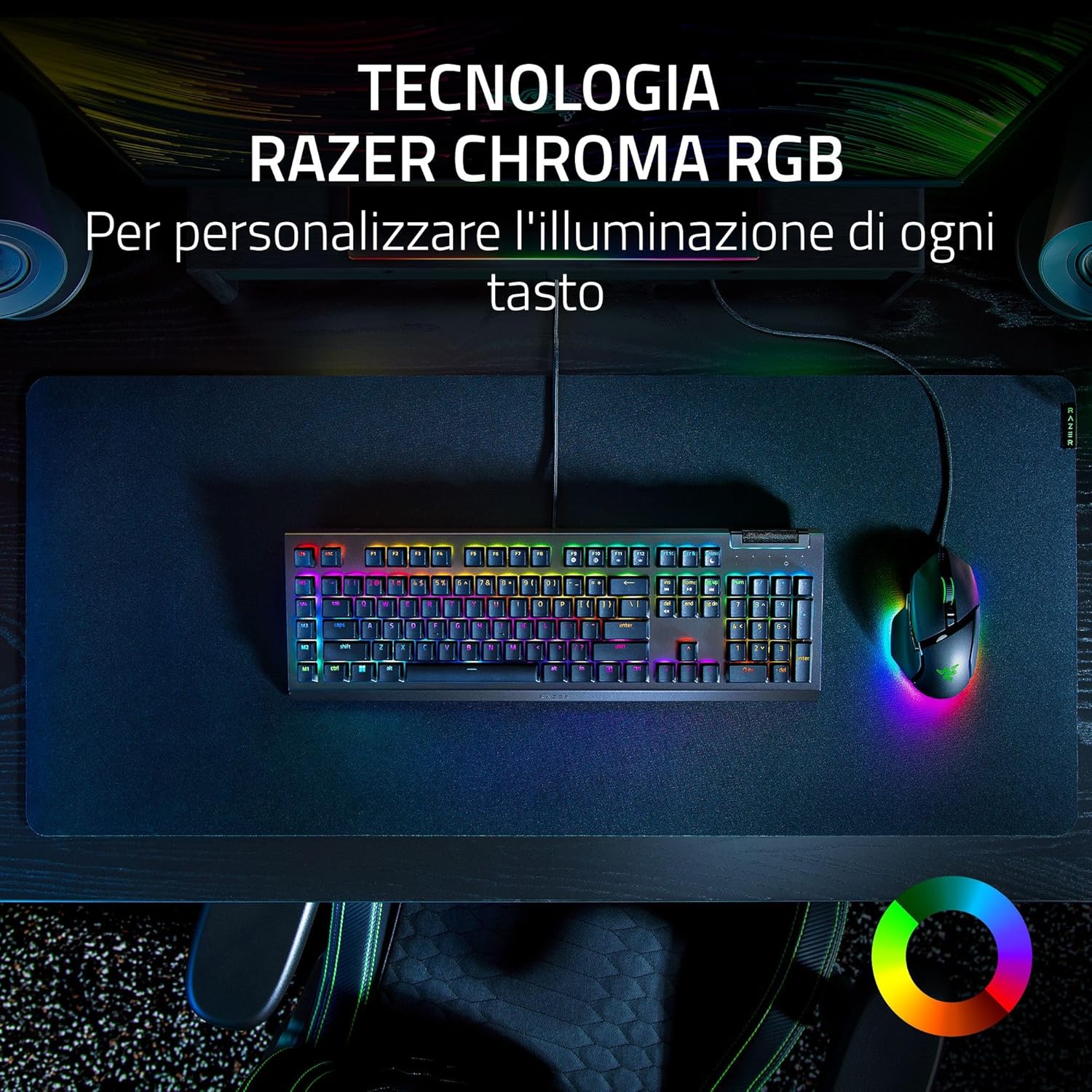
Image: The Razer BlackWidow V4 X keyboard on a desk, showcasing its vibrant Razer Chroma RGB lighting across all keys, alongside a matching mouse.
ABS Double-Shot Keycaps
The keycaps are constructed from ABS material using a double-shot injection process. This manufacturing method ensures durability and prevents legends from fading or wearing out even with intensive use.
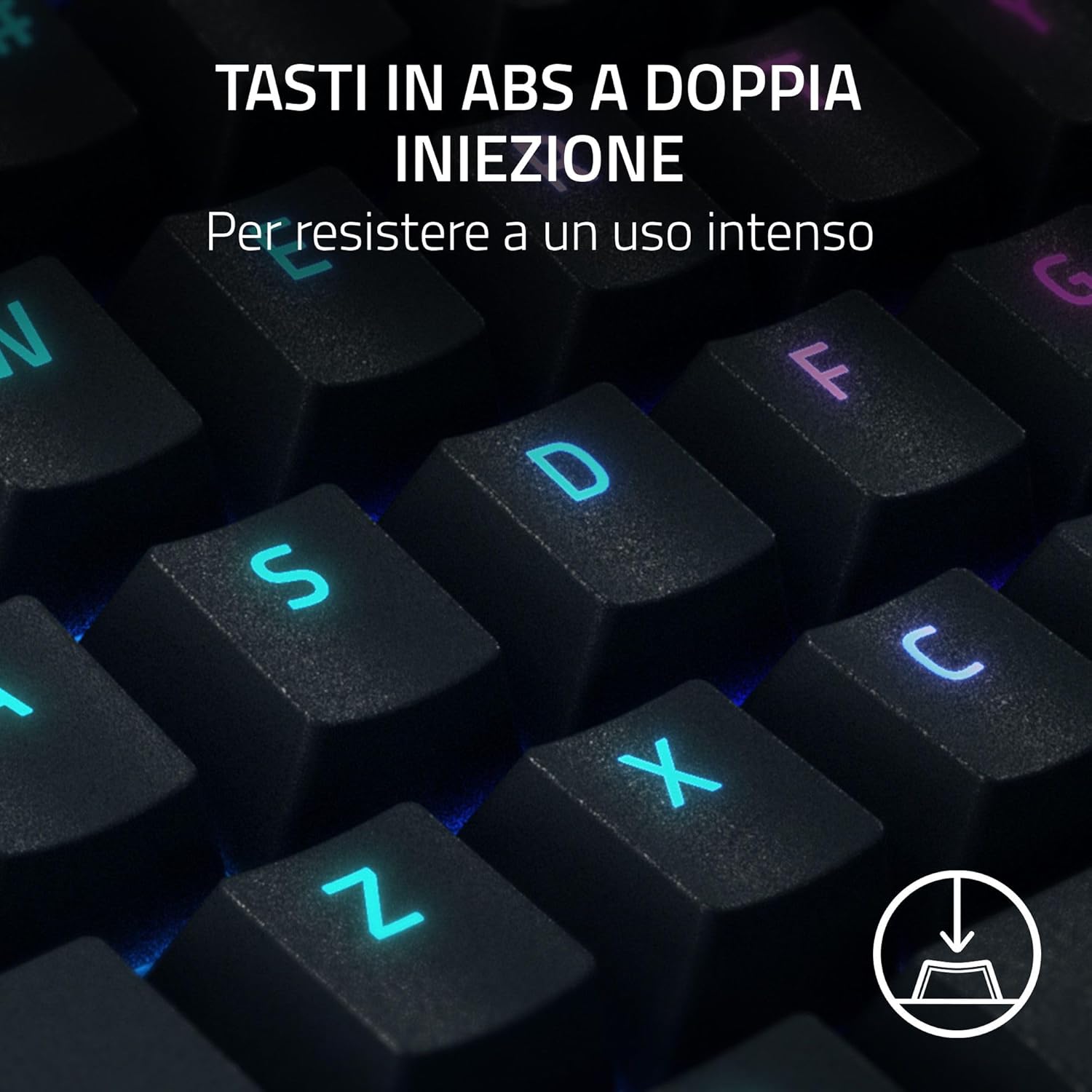
Image: A close-up of the keyboard's ABS double-shot keycaps, illustrating their robust construction designed for intense use.
Acoustic Enhancements
The keyboard incorporates sound-dampening foam beneath the PCB and lubricated stabilizers. These features are designed to minimize noise and provide a more satisfying typing sound and feel.

Image: The Razer BlackWidow V4 X keyboard, highlighting its internal acoustic enhancements like sound-dampening foam and lubricated stabilizers for improved sound.
เรเซอร์ สแนปแท็ป
Razer Snap Tap prioritizes the latest input between two selected keys without requiring the release of the previous key. This feature provides more responsive inputs, particularly useful for near-instantaneous directional changes in FPS games. This functionality requires the latest firmware update.
การซ่อมบำรุง
ทำความสะอาดคีย์บอร์ด
- ถอดแป้นพิมพ์ออกจากคอมพิวเตอร์ของคุณก่อนทำความสะอาด
- ใช้ผ้านุ่มไม่เป็นขุยเช็ดเล็กน้อยampชุบน้ำหรือน้ำยาทำความสะอาดอ่อนๆ เพื่อเช็ดพื้นผิวของแป้นพิมพ์
- สำหรับการทำความสะอาดระหว่างปุ่มกด ให้ใช้ลมเป่าเพื่อกำจัดฝุ่นและเศษสิ่งสกปรก
- Avoid using harsh chemicals, abrasive cleaners, or solvents, as these can damage the keyboard's finish or keycap legends.
การดูแลทั่วไป
- ควรหลีกเลี่ยงการวางแป้นพิมพ์ไว้ในที่ที่มีอุณหภูมิสูงหรือต่ำเกินไป ความชื้นสูง หรือแสงแดดโดยตรง
- Do not spill liquids on the keyboard. In case of accidental spills, immediately disconnect the keyboard and allow it to dry completely before reconnecting.
- Handle the USB cable carefully to prevent damage to the connector or cable insulation.
การแก้ไขปัญหา
แป้นพิมพ์ไม่ตอบสนอง
- ตรวจสอบให้แน่ใจว่าสาย USB เชื่อมต่อกับคีย์บอร์ดและคอมพิวเตอร์อย่างแน่นหนา
- ลองเชื่อมต่อคีย์บอร์ดกับพอร์ต USB อื่นบนคอมพิวเตอร์ของคุณ
- ทดสอบแป้นพิมพ์บนคอมพิวเตอร์เครื่องอื่นเพื่อตรวจสอบว่าปัญหาอยู่ที่แป้นพิมพ์หรือคอมพิวเตอร์เครื่องเดิม
- รีสตาร์ทเครื่องคอมพิวเตอร์ของคุณ
ไฟ RGB ไม่ทำงานหรือไม่ถูกต้อง
- Ensure Razer Synapse software is installed and running.
- Check the lighting settings within Razer Synapse to confirm desired effects are selected.
- Update Razer Synapse to the latest version.
- หากมีเวอร์ชันเฟิร์มแวร์สำหรับคีย์บอร์ด ให้ทำการอัปเดต
Macro Keys Not Functioning
- Verify that Razer Synapse software is installed and active.
- Check the macro assignments within Razer Synapse to ensure they are correctly configured.
- ตรวจสอบให้แน่ใจว่าไม่มีซอฟต์แวร์อื่นใดขัดแย้งกับการทำงานของมาโคร
ข้อมูลจำเพาะ
| คุณสมบัติ | รายละเอียด |
|---|---|
| ชื่อรุ่น | เรเซอร์ แบล็ควิโดว์ วี4 เอ็กซ์ |
| หมายเลขรุ่น | RZ03-04702400-R3H1 |
| ประเภทสวิตซ์ | Razer Yellow Mechanical Switches |
| ระยะการกระตุ้น | 1.2 มม. |
| แรงขับเคลื่อน | 45 กรัม |
| ปุ่มกด | ABS ดับเบิ้ลช็อต |
| แสงสว่าง | Razer Chroma RGB (Per-key backlighting) |
| ปุ่มมาโคร | 6 Dedicated Macro Buttons |
| การควบคุมมัลติมีเดีย | Multi-function Roller, Secondary Media Keys |
| การเชื่อมต่อ | แบบมีสาย (USB-A) |
| ขนาด (กว้าง x ยาว x สูง) | 46.4 x 15.2 x 2.5 ซม. |
| น้ำหนัก | 1.2 กก. |
| อุปกรณ์ที่รองรับ | พีซี, แล็ปท็อป |
การรับประกันและการสนับสนุน
ข้อมูลการรับประกัน
Razer products are covered by a limited manufacturer's warranty. For detailed information regarding warranty periods, terms, and conditions, please refer to the Important Product Information Guide included with your keyboard or visit the official Razer webเว็บไซต์.
การสนับสนุนด้านเทคนิค
For technical assistance, driver downloads, firmware updates, or further product information, please visit the official Razer Support webเว็บไซต์:
You can also find FAQs and community forums on the support portal.


