การแนะนำ
The DYMO LabelManager 160 is a portable label maker designed for creating high-quality, professional labels. With its intuitive QWERTY keyboard and one-touch fast-formatting keys, you can easily customize labels with various font sizes, text styles, symbols, and clip art. This manual provides essential information for setting up, operating, maintaining, and troubleshooting your device, ensuring optimal performance and longevity.
การตั้งค่า
1. การติดตั้งแบตเตอรี่
The LabelManager 160 requires 6 AAA batteries (not included). To install:
- เปิดฝาปิดช่องใส่แบตเตอรี่ที่ด้านหลังของอุปกรณ์
- ใส่แบตเตอรี่ AAA จำนวน 6 ก้อน โดยตรวจสอบให้แน่ใจว่าขั้วถูกต้อง (+/-)
- ปิดฝาช่องใส่แบตเตอรี่ให้แน่น
2. Label Cassette Installation
The device uses DYMO D1 label cassettes. To install a new cassette:
- Open the label compartment cover on the back of the device.
- Insert the label cassette with the label tape facing the print head. Ensure the cassette clicks into place.
- ปิดฝาช่องใส่ป้ายชื่อให้สนิท
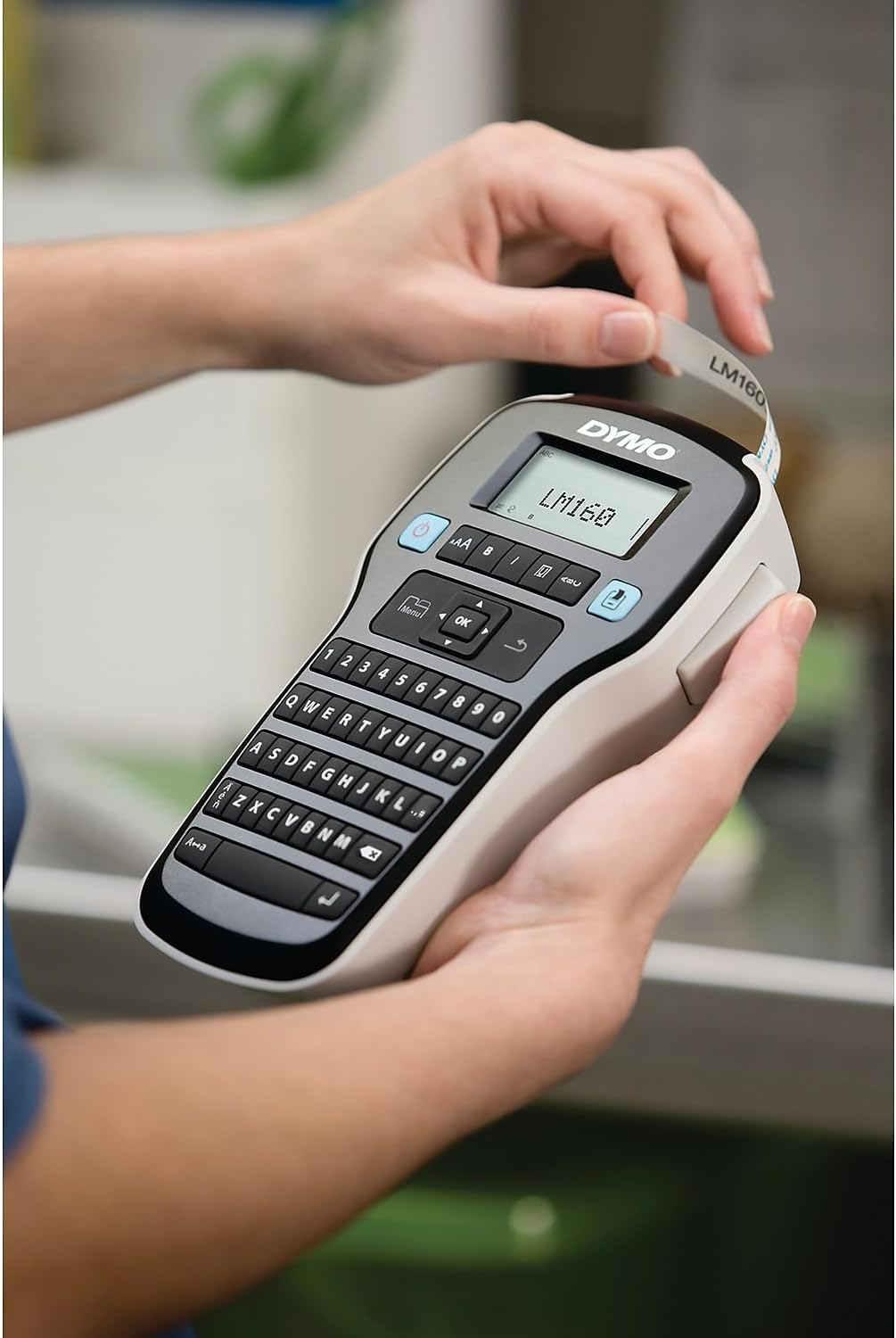
Figure 1: Inserting a label cassette into the LabelManager 160.
3. การเปิด/ปิดเครื่อง
Press the blue power button located on the top left of the keyboard to turn the device on or off. The device features an auto power-off function to conserve battery life when not in use.
คำแนะนำการใช้งาน
1. Typing Text
Use the QWERTY keyboard to type your desired text. The display screen will show your input.
2. Formatting Text
The LabelManager 160 offers various formatting options:
- ขนาดตัวอักษร: Press the 'Aa' button to cycle through 6 available font sizes.
- รูปแบบตัวอักษร: Use the 'B' (Bold), 'I' (Italic), 'U' (Underline), and 'Box' buttons to apply different styles. You can also select vertical text.
- Symbols & Clip Art: Access over 200 symbols and clip art by pressing the 'Symbol' button.
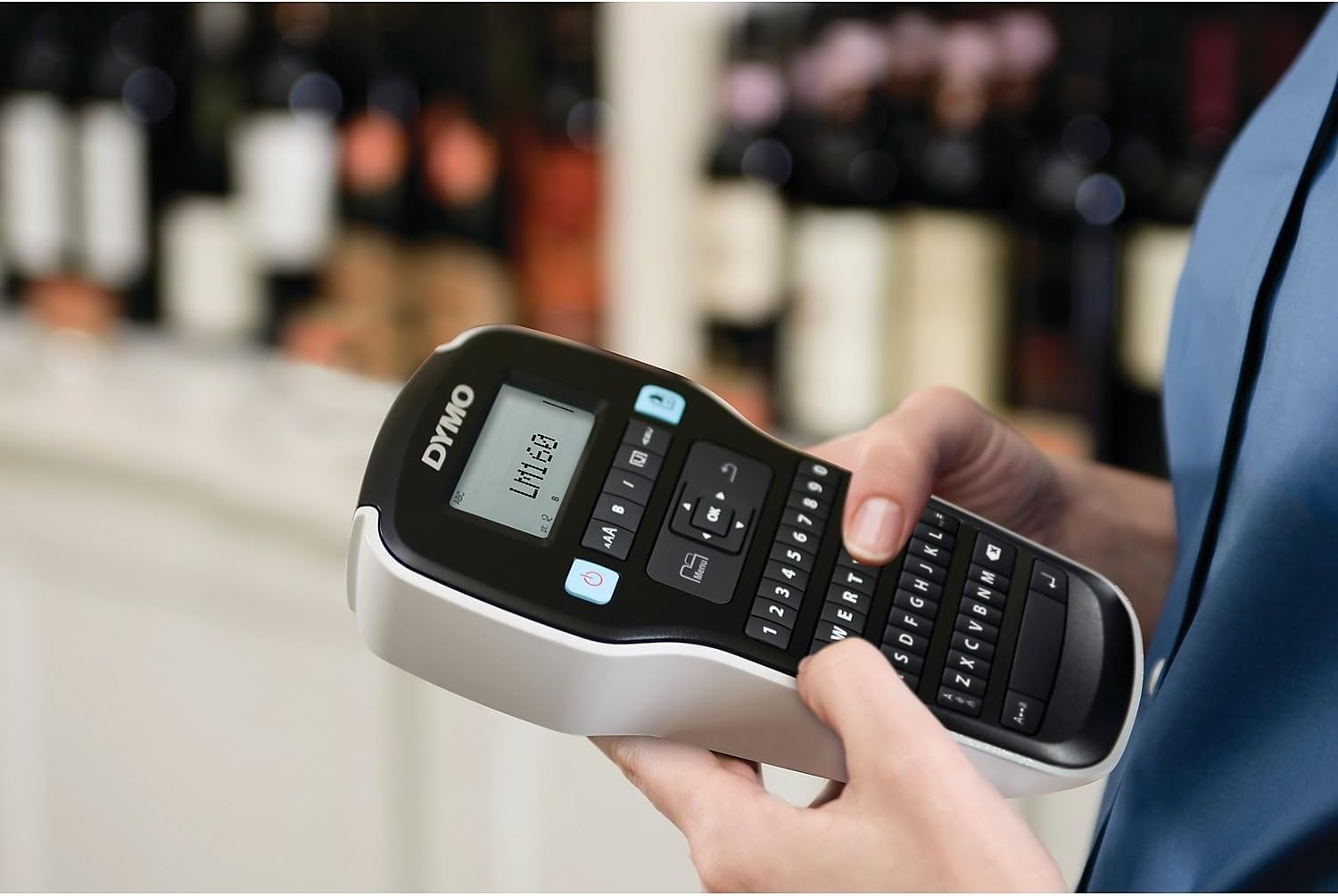
Figure 2: Typing and formatting text on the LabelManager 160.
3. การพิมพ์ฉลาก
Once your text is formatted as desired, press the blue 'Print' button (printer icon) to print the label.

Figure 3: A label being printed from the LabelManager 160.
4. Cutting the Label
After printing, push the cutter button located on the left side of the device to cleanly cut the label.
5. Applying the Label
Peel the backing from the printed label to expose the adhesive, then firmly apply the label to your desired surface.
การซ่อมบำรุง
1. Cleaning the Print Head and Cutter Blade
Regular cleaning ensures optimal print quality and extends the life of your device. Use a soft, lint-free cloth to gently wipe the print head and cutter blade. Do not use abrasive cleaners or sharp objects.
2. Replacing Label Cassettes
When the label tape runs out or you wish to change tape types, follow the label cassette installation steps to replace the cassette.
3. การดูแลแบตเตอรี่
To maximize battery life, ensure the device is turned off when not in use. The auto power-off feature helps with this. If storing the device for an extended period, remove the batteries to prevent leakage.
การแก้ไขปัญหา
- No Print/Faint Print: Check if the label cassette is installed correctly and if there is enough tape. Clean the print head.
- Label Jamming: Open the label compartment, carefully remove any jammed tape, and ensure the cassette is properly seated.
- "Low Battery" Message: เปลี่ยนแบตเตอรี่ AAA
- อุปกรณ์ไม่เปิด: ตรวจสอบให้แน่ใจว่าได้ติดตั้งและชาร์จแบตเตอรี่อย่างถูกต้องแล้ว ลองใช้แบตเตอรี่ใหม่ดู
ข้อมูลจำเพาะ
| คุณสมบัติ | รายละเอียด |
|---|---|
| ขนาดสินค้า | ลึก 4.65 นิ้ว x กว้าง 10 นิ้ว x สูง 1.93 นิ้ว |
| ขนาดสื่อสูงสุด | 1 x 10 นิ้ว (2.54 x 25.4 ซม.) |
| สื่อสิ่งพิมพ์ | ฉลาก |
| ความจุแผ่นอินพุตสูงสุด | 6 |
| Max Print Speed (Black & White) | 1 หน้าต่อนาที |
| อุปกรณ์ที่รองรับ | Keyboard, Printer |
| ความละเอียดการพิมพ์สูงสุด | 200-300 dpi |
| เทคโนโลยีการพิมพ์ | Dot Matrix (Thermal) |
| เทคโนโลยีการเชื่อมต่อ | ยูเอสบี |
| สีหมึก | สีดำ |
| น้ำหนักสินค้า | 13.7 ออนซ์ (0.39 กิโลกรัม) |
| หมายเลขรุ่น | 2175086 |
| ยูพีซี | 071701063427 |
การรับประกันและการสนับสนุน
For warranty information and technical support, please refer to the documentation included with your product or visit the official DYMO webไซต์ โปรดเก็บใบเสร็จรับเงินของคุณไว้เป็นหลักฐานการซื้อสำหรับการเรียกร้องการรับประกันใดๆ