การแนะนำ
This manual provides essential information for setting up, operating, maintaining, and troubleshooting your Vodafone 4G Mobile Broadband Hotspot R228t. Please read this manual carefully before using the device to ensure optimal performance and safety.

ภาพ: ด้านหน้า view of the Vodafone 4G Mobile Broadband Hotspot R228t, showing the indicator lights for signal, Wi-Fi, messages, and battery.
คู่มือการติดตั้ง
1. เนื้อหาบรรจุภัณฑ์
ก่อนที่คุณจะเริ่มต้น โปรดตรวจสอบให้แน่ใจว่ามีรายการทั้งหมดอยู่ในแพ็คเกจ:
- Vodafone 4G Mobile Broadband Hotspot R228t Device
- แบตเตอรี่แบบชาร์จไฟได้
- สายชาร์จ USB
2. การใส่ซิมการ์ดและแบตเตอรี่
The device requires a standard SIM card (not included). Follow these steps:
- Carefully remove the back cover of the hotspot.
- Locate the SIM card slot. Insert your activated SIM card into the slot with the gold contacts facing down, ensuring it clicks into place.
- Insert the provided battery into its compartment, aligning the contacts.
- ใส่ฝาหลังกลับคืนให้แน่น
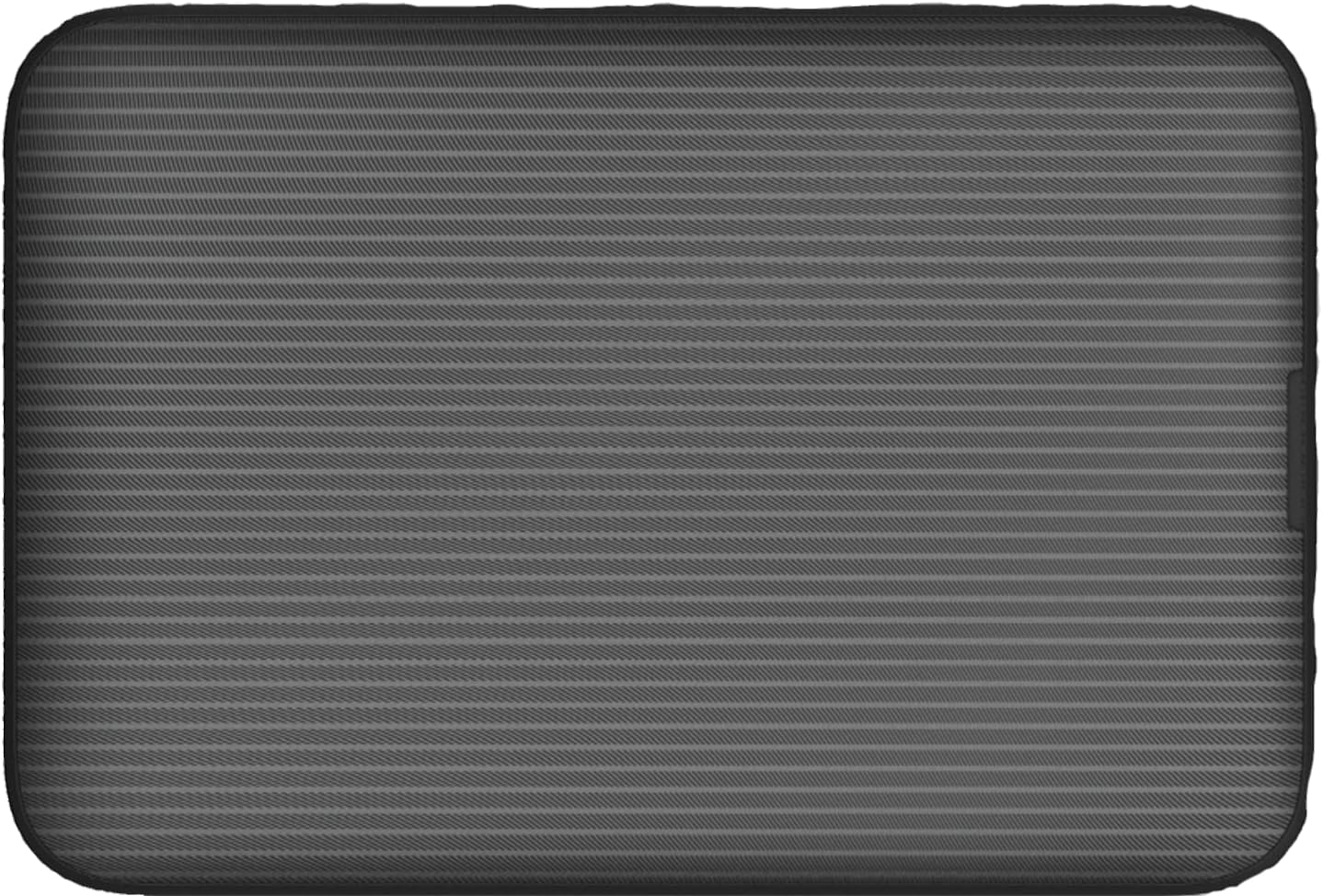
ภาพ: ด้านหลัง view of the Vodafone R228t hotspot with the back cover removed, illustrating the placement of the SIM card and battery.
3. การชาร์จอุปกรณ์
ก่อนใช้งานครั้งแรก ควรชาร์จอุปกรณ์ให้เต็ม
- Connect the USB charging cable to the hotspot's charging port.
- เชื่อมต่อปลายสายอีกด้านหนึ่งเข้ากับอะแดปเตอร์ไฟ USB (ไม่รวมอยู่ด้วย) หรือพอร์ต USB ของคอมพิวเตอร์
- The battery indicator light will show charging status. A full charge typically takes a few hours.

ภาพ: ระยะใกล้ view of the Vodafone R228t hotspot's charging port, located on the side of the device.
คำแนะนำการใช้งาน
1. การเปิด/ปิดเครื่อง
- To power on: Press and hold the power button (located on the side) until the indicator lights illuminate.
- To power off: Press and hold the power button until the indicator lights turn off.
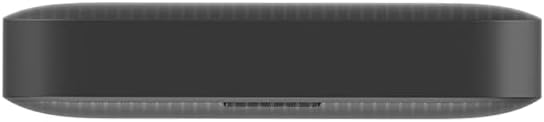
ภาพ: ด้านข้าง view of the Vodafone R228t hotspot, highlighting the power button.
2 การเชื่อมต่อกับเครือข่าย Wi-Fi
Once powered on, the hotspot will broadcast a Wi-Fi network. You can connect up to 32 devices simultaneously.
- On your device (laptop, smartphone, tablet), open your Wi-Fi settings.
- ค้นหา available networks. The network name (SSID) and password (Wi-Fi Key) are typically found on a sticker inside the battery compartment or on the device packaging.
- Select the hotspot's SSID and enter the Wi-Fi Key when prompted.
- เมื่อเชื่อมต่อเสร็จแล้ว คุณจะสามารถใช้งานอินเทอร์เน็ตได้
3. ไฟแสดงสถานะ
The front panel features several indicator lights:
- ความแรงของสัญญาณ: Indicates the strength of the 4G mobile signal. More bars mean better signal.
- สถานะ Wi-Fi: Shows if Wi-Fi is active and if devices are connected.
- ข้อความ: Indicates new SMS messages received on the SIM card.
- สถานะแบตเตอรี่: Displays the current battery level and charging status.
4. Web อินเตอร์เฟซการจัดการ
For advanced settings, such as changing Wi-Fi name/password, checking data usage, or managing SMS, access the web อินเทอร์เฟซการจัดการ:
- Connect your device to the hotspot's Wi-Fi network.
- เปิด web เบราว์เซอร์และป้อนที่อยู่ IP เริ่มต้น (เช่น http://192.168.0.1 or http://vodafonemobile.wifi). Refer to your device's sticker for the exact address.
- Enter the default login password (usually "admin" or found on the device sticker).
การซ่อมบำรุง
- การทำความสะอาด: ใช้ผ้านุ่มและแห้งเช็ดทำความสะอาดอุปกรณ์ หลีกเลี่ยงการใช้น้ำยาทำความสะอาดหรือวัสดุที่มีฤทธิ์กัดกร่อน
- พื้นที่จัดเก็บ: เก็บอุปกรณ์ไว้ในที่แห้งและเย็น หลีกเลี่ยงแสงแดดโดยตรงและอุณหภูมิที่สูงหรือต่ำเกินไป
- การดูแลแบตเตอรี่ เพื่อยืดอายุการใช้งานแบตเตอรี่ ควรหลีกเลี่ยงการใช้แบตเตอรี่จนหมดบ่อยๆ หากเก็บไว้เป็นเวลานาน ควรชาร์จแบตเตอรี่ให้เหลือประมาณ 50% และชาร์จใหม่ทุกๆ สองสามเดือน
- การอัปเดตซอฟต์แวร์: ตรวจสอบเป็นระยะๆ web management interface for available firmware updates to ensure optimal performance and security.
การแก้ไขปัญหา
| ปัญหา | วิธีแก้ปัญหาที่เป็นไปได้ |
|---|---|
| ไม่มีการเชื่อมต่ออินเตอร์เน็ต |
|
| ไม่สามารถเชื่อมต่อ Wi-Fi ได้ |
|
| ความเร็วอินเตอร์เน็ตช้า |
|
| อุปกรณ์ไม่ได้เปิด |
|
ข้อมูลจำเพาะ
| คุณสมบัติ | รายละเอียด |
|---|---|
| ชื่อรุ่น | R228t (Vodafone MW40) |
| เทคโนโลยีการเชื่อมต่อ | 4G LTE, Wi-Fi |
| ความเร็วในการดาวน์โหลดสูงสุด | สูงสุดถึง 300 Mbps |
| บริการ Wi-Fi มาตรฐาน | 802.11a (Single-Band) |
| ความปลอดภัย | WPA + WPA2 |
| จำนวนผู้ใช้ Wi-Fi สูงสุด | สูงถึง 32 |
| ประเภทแบตเตอรี่ | ลิเธียมไอออน (รวม 1 อัน) |
| เวลาสแตนด์บาย | นานถึง 300 ชั่วโมง |
| ขนาด (กว้าง x ยาว x สูง) | 9.5 x 6.5 x 1.5 ซม. |
| น้ำหนัก | 87 กรัม |
| ส่วนประกอบที่รวมอยู่ | Device, Battery, USB charging cable |
การรับประกันและการสนับสนุน
For warranty information and technical support, please refer to the official Vodafone website or contact Vodafone customer service. Keep your purchase receipt as proof of purchase.
Official Vodafone Store: Vodafone Amazon Store

Image: The official Vodafone logo, a red circle with a white teardrop shape and the word "vodafone" in lowercase below it.


