1. สินค้าหมดview
This manual provides comprehensive instructions for the VINABTY replacement voice search remote control, designed for seamless compatibility with Google Chromecast 4K TV streaming media players. This remote offers intuitive control over your device, including dedicated buttons for popular streaming services and integrated voice search functionality.

รูปที่ 1: ด้านหน้า view of the VINABTY Replacement Voice Search Remote. This image displays the remote's layout, including the circular navigation pad, dedicated buttons for YouTube and Netflix, power, input, back, home, and voice search buttons.
2. การตั้งค่า
2.1. การติดตั้งแบตเตอรี่
- ค้นหาช่องใส่แบตเตอรี่ที่ด้านหลังของรีโมทคอนโทรล
- เลื่อนฝาครอบแบตเตอรี่ลงเพื่อเปิด
- Insert two (2) 1.5V AAA batteries, ensuring the positive (+) and negative (-) terminals align correctly with the markings inside the compartment.
- ปิดฝาครอบแบตเตอรี่กลับเข้าที่โดยเลื่อนกลับเข้าที่จนกระทั่งล็อคเข้าที่อย่างแน่นหนา
2.2. Pairing with Google Chromecast 4K TV
For initial setup or if the remote is not responding, it may need to be paired with your Google Chromecast 4K TV device. Follow these general steps:
- Ensure your Google Chromecast 4K TV is powered on and connected to your television.
- Point the remote towards your Chromecast device.
- กดปุ่มค้างไว้ กลับ ปุ่มและ บ้าน button simultaneously for approximately 3-5 seconds.
- Release the buttons when you see an on-screen prompt indicating that the remote is pairing or has successfully paired.
- If pairing is unsuccessful, try moving closer to the Chromecast device or replacing the batteries.
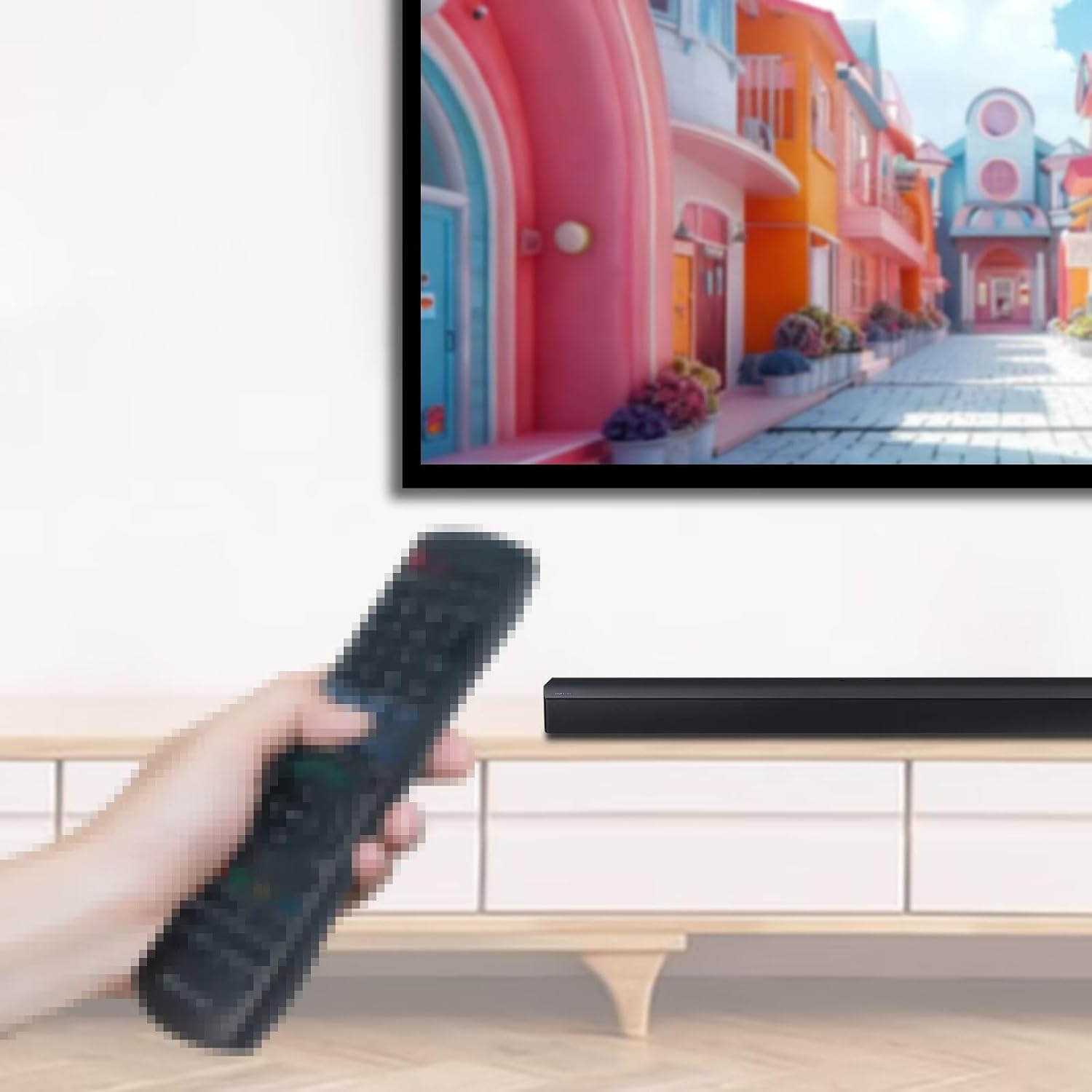
รูปที่ 2: Illustrative image of a hand holding a remote control, demonstrating typical usage while pointing towards a television screen and a soundbar. This depicts the remote in an operational context.
3. การใช้งานรีโมทคอนโทรล
The VINABTY remote control provides access to various functions of your Google Chromecast 4K TV. Familiarize yourself with the button layout and their corresponding actions:
- ปุ่มเพาเวอร์ (⏻): Turns your TV or Chromecast device on/off.
- Input Button (⎜): Switches the input source on your television.
- Voice Search Button (●●●): Press and hold to activate voice commands for searching content, controlling playback, or asking questions. Speak clearly into the remote's microphone.
- ปุ่มย้อนกลับ (←): กลับไปที่หน้าจอหรือเมนูก่อนหน้า
- ปุ่มโฮม (⌂): Navigates to the main home screen of your Chromecast device.
- แป้นควบคุมการนำทาง (ทรงกลม): Use the directional arrows (Up, Down, Left, Right) to navigate through menus and content. The center button acts as a เลือก / ตกลง ปุ่ม.
- ปุ่มปรับระดับเสียงขึ้น / ลง: Adjusts the volume of your television or connected audio device.
- ปุ่มปิดเสียง (🔇): ปิดเสียงหรือเปิดเสียง
- ปุ่ม YouTube: Direct access to the YouTube application.
- ปุ่ม Netflix: เข้าถึงแอปพลิเคชั่น Netflix ได้โดยตรง
4. การบำรุงรักษา
4.1. การเปลี่ยนแบตเตอรี่
When the remote's performance degrades or it stops responding, it is likely time to replace the batteries. Follow the battery installation steps outlined in Section 2.1. Always replace both AAA batteries simultaneously with new ones.
4.2. การทำความสะอาด
To clean the remote control, gently wipe its surface with a soft, dry, or slightly damp cloth. Avoid using abrasive cleaners, solvents, or excessive moisture, as these can damage the remote's electronics or finish.
5 การแก้ไขปัญหา
- รีโมตไม่ตอบสนอง:
- ตรวจสอบให้แน่ใจว่าใส่แบตเตอรี่ถูกต้องและแบตเตอรี่ไม่หมด หากจำเป็นให้เปลี่ยนเป็นแบตเตอรี่ AAA ใหม่
- Verify the remote is paired with your Google Chromecast 4K TV (refer to Section 2.2).
- ตรวจสอบให้แน่ใจว่าไม่มีสิ่งกีดขวางระหว่างรีโมทและอุปกรณ์ Chromecast
- Voice search not working:
- Make sure you are pressing and holding the Voice Search button while speaking.
- พูดให้ชัดเจนและระดับเสียงปกติ
- Check your Chromecast device's internet connection, as voice search requires online processing.
- Intermittent functionality:
- This can sometimes be resolved by re-pairing the remote (Section 2.2) or replacing the batteries.
- Ensure the remote is within effective range of the Chromecast device.
6. ข้อมูลจำเพาะ
| ยี่ห้อ | Vinabty |
| หมายเลขรุ่น | G9N9N, GA01919-US, GA04317-US, GA01920-US, GA01923-US, GA03131-US |
| อุปกรณ์ที่รองรับ | Google Chromecast 4K TV Streaming Media Player |
| แหล่งพลังงาน | แบตเตอรี่ AAA 2 x 1.5V (ไม่รวม) |
| ขนาดสินค้า | 5.6 x 2 x 0.7 นิ้ว |
| น้ำหนักสินค้า | 2.3 ออนซ์ |
| คุณสมบัติพิเศษ | Voice Search, Ergonomic Design |
7. การรับประกันและการสนับสนุน
For warranty information or technical support regarding your VINABTY replacement remote control, please refer to the documentation provided with your purchase or contact the seller directly. Keep your purchase receipt as proof of purchase.
For general information about your Google Chromecast 4K TV, please visit the official Google support webเว็บไซต์: support.google.com/chromecast


