1. บทนำ
Thank you for choosing the Taiahiro Typewriter Style Mechanical Gaming Keyboard and Mouse Combo. This set is designed to provide a unique blend of retro aesthetics and modern gaming performance. Featuring durable mechanical blue switches, vibrant RGB backlighting, and an ergonomic design, this combo is perfect for both intensive gaming sessions and comfortable typing.
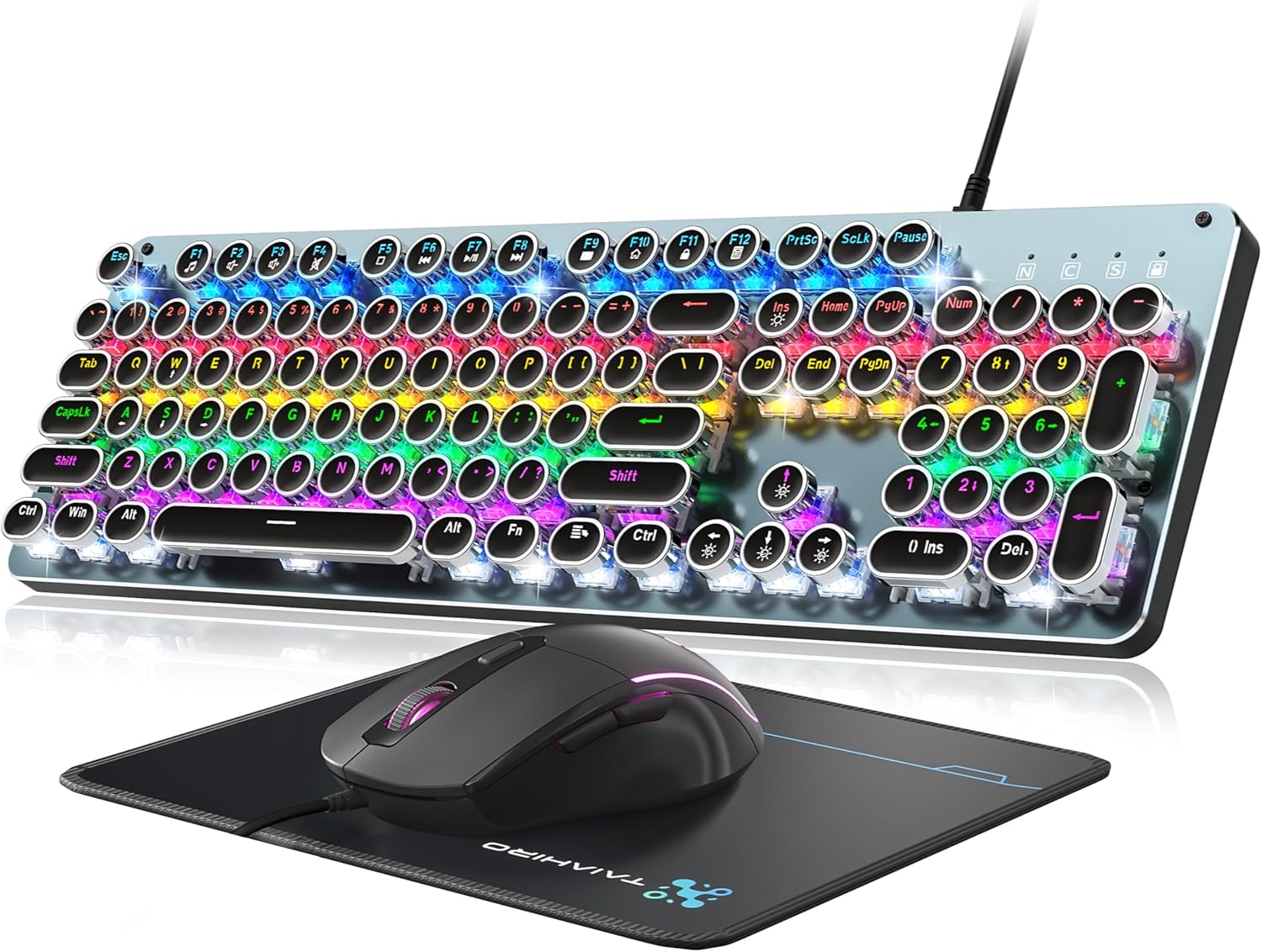
Image: The Taiahiro Typewriter Style Mechanical Gaming Keyboard, Mouse, and Mouse Pad.
2. อะไรอยู่ในกล่อง
- 1x Mechanical Gaming Keyboard
- 1x เมาส์สำหรับเล่นเกม
- แผ่นรองเมาส์ 1 ชิ้น

Image: Visual representation of the BK820 keyboard and mouse highlighting key features like Rainbow LED Backlit, Punk Round Keycaps, and Metal Panel.
3. การตั้งค่า
The Taiahiro keyboard and mouse combo features a simple USB 2.0 plug-and-play connection, requiring no additional drivers for basic functionality.
- เชื่อมต่อคีย์บอร์ด: Locate an available USB port on your PC or laptop. Insert the keyboard's USB cable into the port.
- เชื่อมต่อเมาส์: Insert the mouse's USB cable into another available USB port on your PC or laptop.
- การจัดวาง: Place the mouse pad on a flat surface. Position the keyboard and mouse comfortably for optimal use.
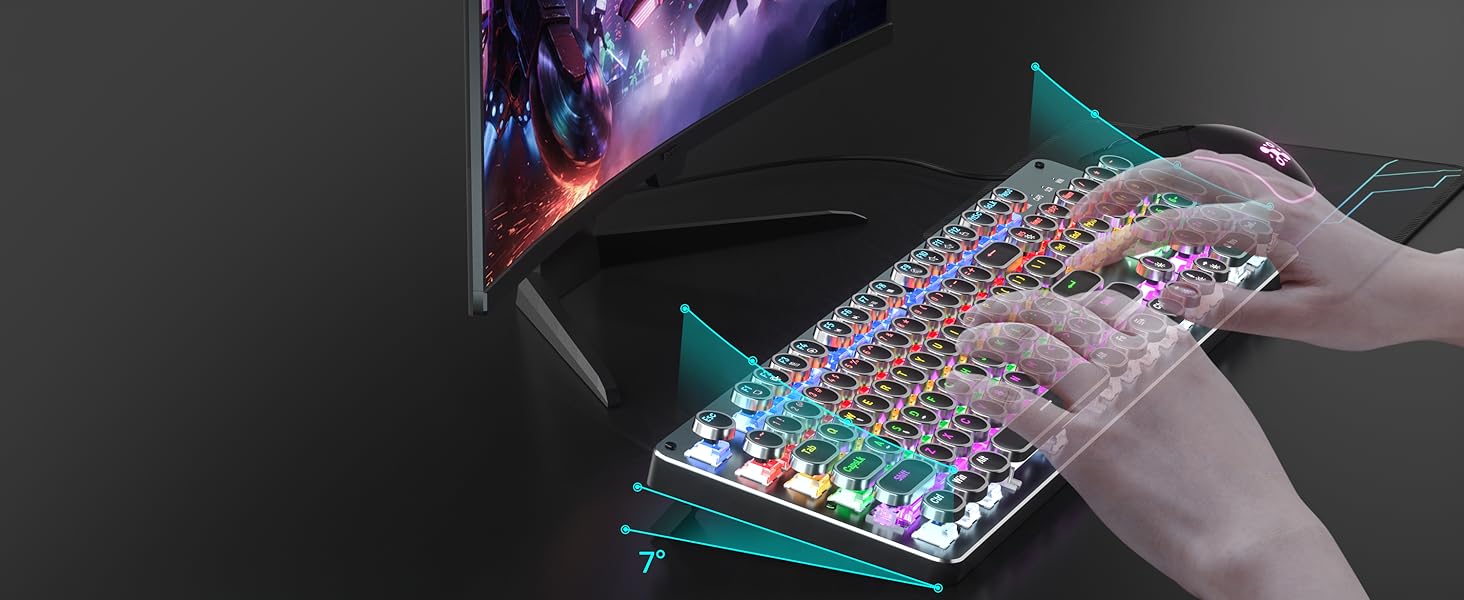
Image: The keyboard and mouse set up on a desk, ready for use.
4. คู่มือการใช้งาน
4.1 คุณสมบัติของแป้นพิมพ์
- สวิตช์สีน้ำเงินแบบกลไก: Experience satisfying tactile and audible feedback with each keystroke, ideal for typing and gaming.
- ระบบป้องกันการกดซ้ำ 104 ปุ่ม: Ensures all your key presses are registered accurately, even during intense gaming sequences.
- คีย์มัลติมีเดีย: Access 12 dedicated multimedia functions (F1-F12) by pressing the Fn กดปุ่มนี้ร่วมกับปุ่ม F ที่เกี่ยวข้อง
- การออกแบบตามหลักสรีรศาสตร์: Features a high-low key layout, suspended round keycaps, and adjustable double kickstand feet to reduce hand fatigue during prolonged use.

ภาพ: รายละเอียด view of the mechanical blue switch mechanism, showing key force, stroke travel, and key life.
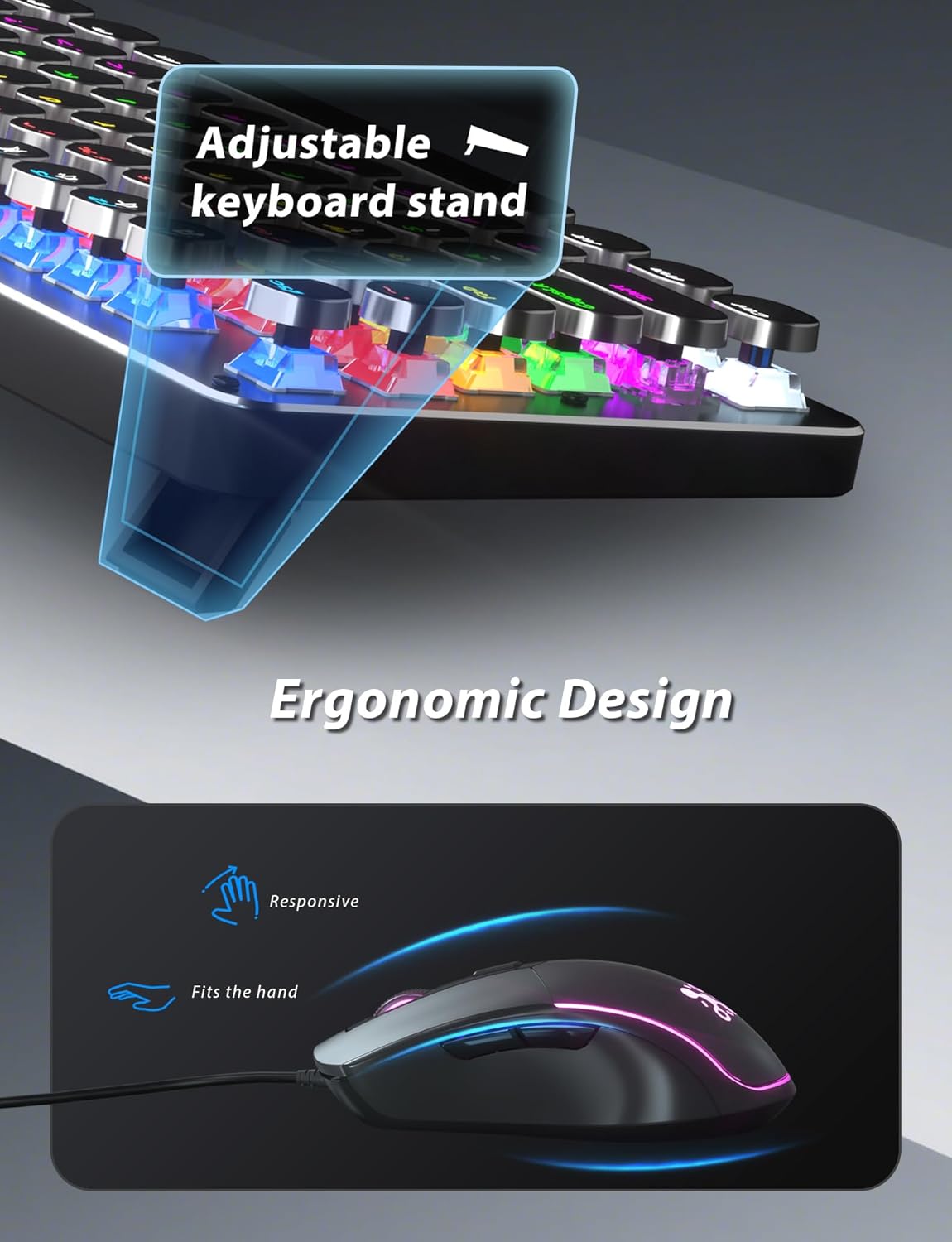
Image: The keyboard with its adjustable stand extended, illustrating the ergonomic design for comfortable typing.
4.2 คุณสมบัติของเมาส์
- DPI ที่ปรับได้: Cycle through 4 DPI levels (800/1600/2400/3200) to adjust cursor sensitivity for different tasks or games.
- 7-Color Breathing RGB Backlighting: The mouse features dynamic 7-color lighting that constantly breathes and cycles.
- รูปทรงตามหลักสรีรศาสตร์: Contoured shape designed to fit comfortably in your hand for extended use.

Image: The gaming mouse showcasing its RGB backlighting and ergonomic design.
4.3 Keyboard Lighting Modes
The keyboard offers 11 different RGB backlighting modes. You can adjust the brightness and breathing speed to suit your preferences.
- เปลี่ยนโหมดแสงสว่าง: กด Fn + อิน to cycle through the 11 available lighting modes.
- ปรับความสว่าง: กด Fn + ↑ (ลูกศรขึ้น) เพื่อเพิ่มความสว่าง และ Fn + ↓ (Down Arrow) to decrease brightness (4 adjustable levels).
- ปรับความเร็ว: กด เอฟเอ็น + ← (Left Arrow) to decrease breathing speed, and Fn + → (Right Arrow) to increase breathing speed (4 adjustable levels).
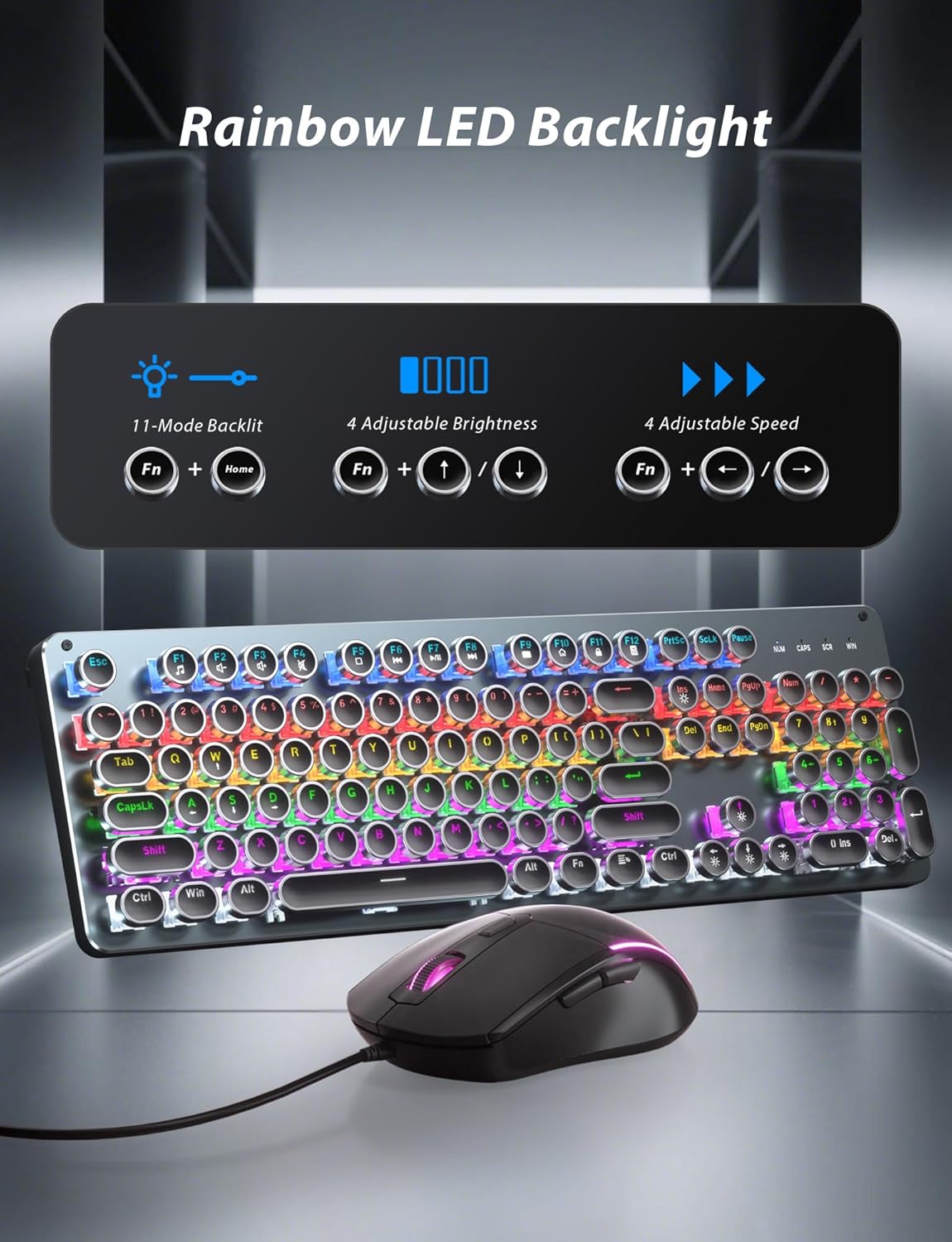
Image: Diagram showing the Fn key combinations for adjusting keyboard backlight modes, brightness, and speed.
4.4 วิดีโอผลิตภัณฑ์อย่างเป็นทางการ
Video: An official product video from Taiahiro Tech showcasing the features and functionality of the Typewriter Mechanical Keyboard and Mouse Pad Combo.
5. การบำรุงรักษา
- การทำความสะอาด: The double-shot-molded ABS keycaps are wear-resistant and non-fading, and are removable for easy cleaning and maintenance. Gently pull keycaps upwards to remove. Use a soft brush or compressed air to clean dust and debris from under the keycaps.
- การดูแลทั่วไป: Avoid spilling liquids on the keyboard and mouse. Keep the devices away from extreme temperatures and direct sunlight.
6 การแก้ไขปัญหา
- อุปกรณ์ไม่ตอบสนอง: Ensure both USB cables are securely plugged into your computer's USB ports. Try connecting to different USB ports.
- ปัญหาเรื่องแสงสว่าง: If the backlighting is not working or is stuck, try cycling through the lighting modes using Fn + อิน. Ensure the brightness is not set to the lowest level.
- กุญแจไม่ลงทะเบียน: Verify the keyboard is properly connected. If specific keys are not working, ensure they are clean and free of debris.
- Mouse Inaccuracy: Adjust the DPI settings using the DPI button on the mouse. Ensure the mouse sensor is clean and free from obstructions.
7. ข้อมูลจำเพาะ
| คุณสมบัติ | รายละเอียด |
|---|---|
| ขนาดสินค้า | 17.25 x 5.35 x 1.3 นิ้ว |
| น้ำหนักสินค้า | 2.48 ปอนด์ |
| ผู้ผลิต | ไทอาฮิโระเทค |
| หมายเลขรุ่นสินค้า | 820 |
| สี | เงินเมทัลลิก |
| เทคโนโลยีการเชื่อมต่อ | ยูเอสบี |
| คุณสมบัติพิเศษ | RGB Backlighting Light Up Computer Keyboard, Blue Switches Mechanical Gaming Keyboard |
| อุปกรณ์ที่รองรับ | แล็ปท็อป, คอมพิวเตอร์ส่วนบุคคล |
8. การรับประกันและการสนับสนุน
For warranty information and customer support, please refer to the product packaging or contact Taiahiro customer service directly. Keep your purchase receipt for warranty claims.


