1. บทนำ
This manual provides detailed instructions for the setup, operation, and maintenance of your VTech CS2001 Cordless DECT Phone Duo. Please read this manual thoroughly before using your new phone to ensure proper functionality and to take full advantage ของคุณสมบัติของมัน
The VTech CS2001 is a DECT 2-handset cordless phone system designed for home use, featuring call blocking, a reliable long range, caller ID, call waiting, a 1.8-inch backlit screen, hands-free speakerphone, large keys, and an ECO mode for energy efficiency.
2. เนื้อหาบรรจุภัณฑ์
ตรวจสอบให้แน่ใจว่ามีสินค้าทั้งหมดอยู่ในแพ็คเกจของคุณ:
- 1 x ยูนิตฐาน
- หูฟังไร้สาย 2 เครื่อง
- 1 x Handset Charger
- 2 x NiMH Rechargeable Battery Packs
- อะแดปเตอร์ไฟฟ้า 1 ตัวสำหรับฐานยูนิต
- 1 x Power Adapter for Handset Charger
- สายโทรศัพท์ 1 เส้น
- 1 x คู่มือผู้ใช้ (เอกสารนี้)

Image: The VTech CS2001 Cordless DECT Phone Duo, showing the main base unit with one handset and a separate charger with the second handset.
3. การตั้งค่า
3.1. การติดตั้งแบตเตอรี่
- เปิดฝาช่องใส่แบตเตอรี่ที่ด้านหลังของโทรศัพท์มือถือแต่ละเครื่อง
- เสียบขั้วต่อแบตเตอรี่เข้ากับช่องเสียบภายในช่องใส่แบตเตอรี่ให้แน่นสนิท
- วางชุดแบตเตอรี่ลงในช่องใส่แบตเตอรี่
- ปิดฝาช่องใส่แบตเตอรี่
Note: Use only the supplied rechargeable NiMH battery packs. Non-rechargeable batteries may damage the phone.
3.2. การเชื่อมต่อหน่วยฐาน
- เสียบปลายด้านหนึ่งของสายโทรศัพท์เข้ากับแจ็ค TEL LINE ที่ด้านหลังของฐานยูนิต
- เสียบปลายอีกด้านหนึ่งของสายโทรศัพท์เข้ากับช่องเสียบโทรศัพท์ที่ผนัง
- Plug the small end of the base unit power adapter into the POWER jack on the back of the base unit.
- Plug the large end of the base unit power adapter into an electrical outlet.
3.3. Connecting the Handset Charger
- Plug the small end of the handset charger power adapter into the POWER jack on the back of the charger.
- Plug the large end of the handset charger power adapter into an electrical outlet.
3.4. การชาร์จโทรศัพท์มือถือ
Place each handset face forward in its respective base unit or charger. The charge indicator light on the handset will illuminate, indicating proper charging. Allow the handsets to charge for at least 16 hours before initial use to ensure optimal battery performance.
4. คู่มือการใช้งาน
4.1. การโทรออกและรับสาย
- ในการโทรออก: กดปุ่ม พูดคุย button, then dial the number. Alternatively, dial the number first (pre-dialing), then press พูดคุย.
- เพื่อรับสาย: เมื่อโทรศัพท์ดัง ให้กดปุ่ม พูดคุย ปุ่ม.
- วิธีวางสาย: กดปุ่ม จบ button or place the handset back on the base unit/charger.
4.2. Hands-Free Speakerphone
หากต้องการเปิดใช้งานลำโพงแฮนด์ฟรีระหว่างการโทร ให้กดปุ่ม ผู้พูด ปุ่ม กดอีกครั้งเพื่อสลับกลับไปที่หูฟัง
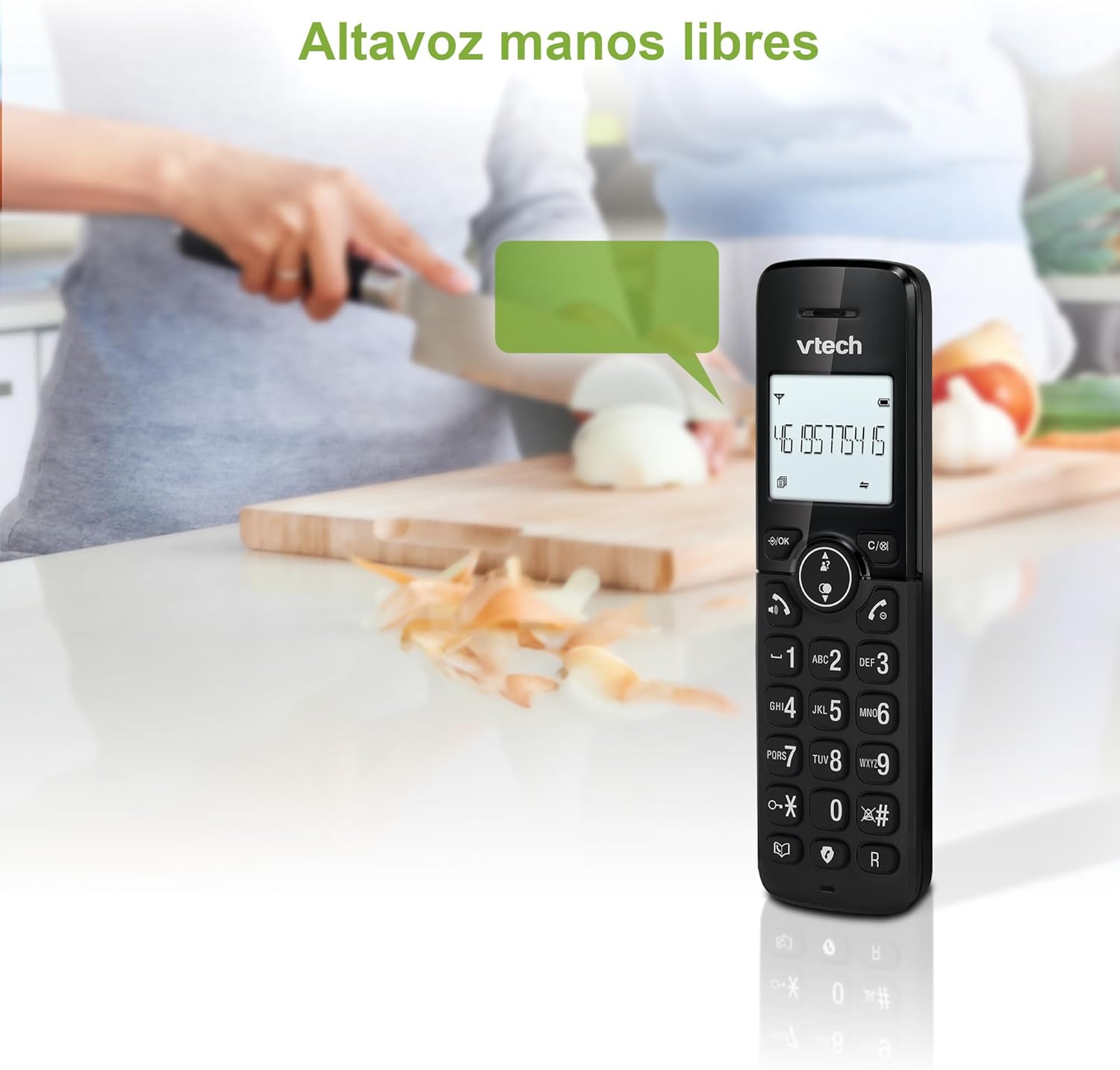
Image: A VTech CS2001 handset on a kitchen counter, illustrating the hands-free speakerphone function.
4.3 การบล็อคการโทร
The call blocking feature allows you to prevent unwanted calls. You can block up to 30 numbers. Calls from unknown numbers can also be blocked.
- วิธีบล็อกหมายเลขจากประวัติการโทร: ในขณะที่ viewing a number in the Caller ID list, press the ปิดกั้น button (usually indicated by a specific icon or menu option). Follow the on-screen prompts to confirm.
- To Manually Add a Number to the Block List: Navigate to the Call Blocking menu in the handset settings. Select "Add New" and enter the number you wish to block.
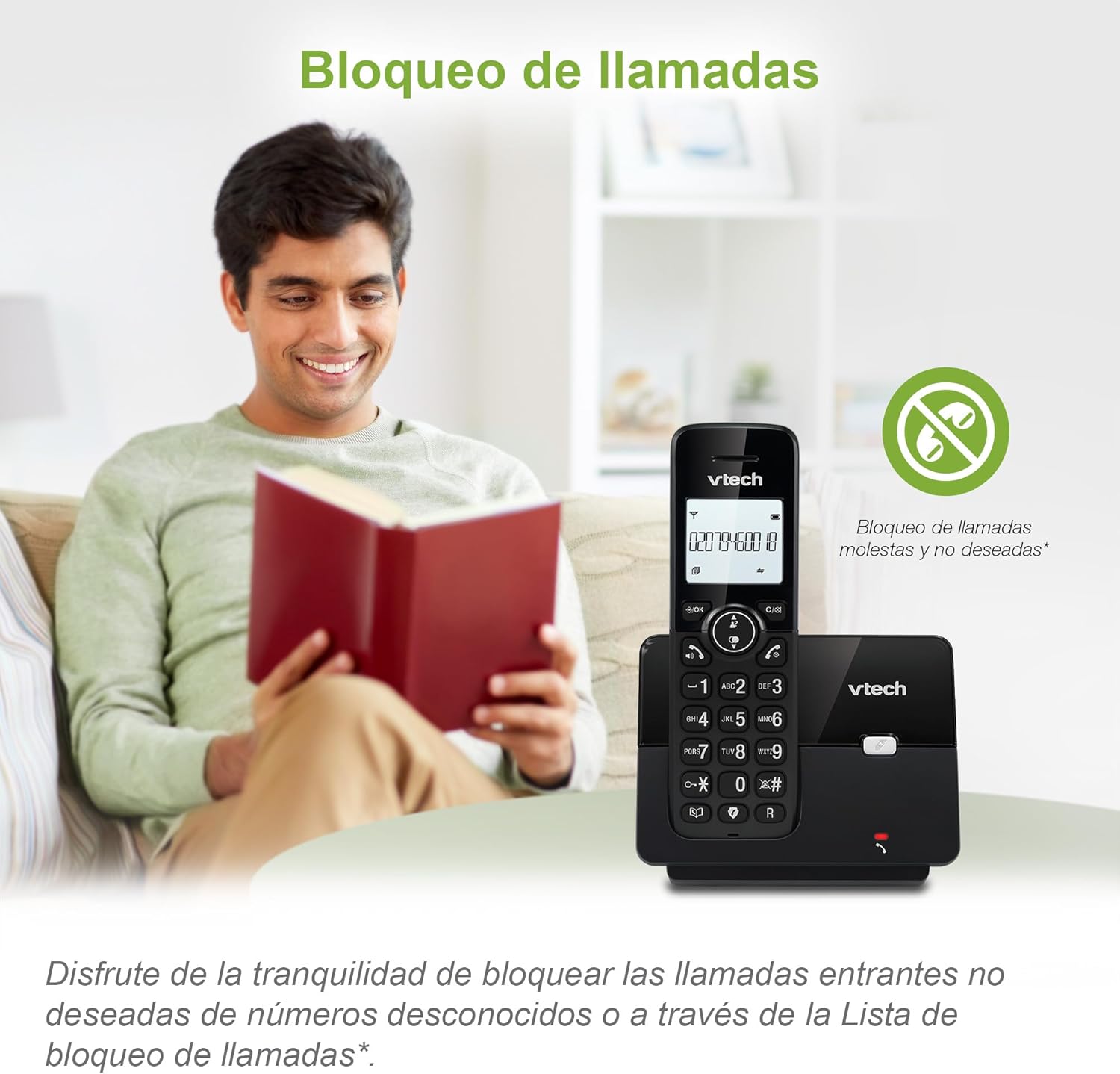
Image: A VTech CS2001 phone on its base, with an icon representing the call blocking feature, emphasizing peace of mind.
4.4. สมุดโทรศัพท์
บันทึกชื่อและหมายเลขได้สูงสุด 30 หมายเลขในสมุดโทรศัพท์เพื่อการโทรออกอย่างรวดเร็ว
- วิธีการเพิ่มรายการ: Go to the Phonebook menu, select "Add New Entry," enter the name and number, then save.
- วิธีโทรออกโดยใช้สมุดโทรศัพท์: กดปุ่ม สมุดโทรศัพท์ กดปุ่ม เลื่อนไปยังรายการที่ต้องการ แล้วกด พูดคุย.

Image: A VTech CS2001 phone on a desk, with a graphical representation of its 30-entry phonebook feature.
4.5. การแสดงหมายเลขผู้โทรและการรอสาย
The phone stores up to 20 caller ID records with name and number (service subscription required). If you subscribe to call waiting, the phone will alert you to an incoming call while you are already on a call.
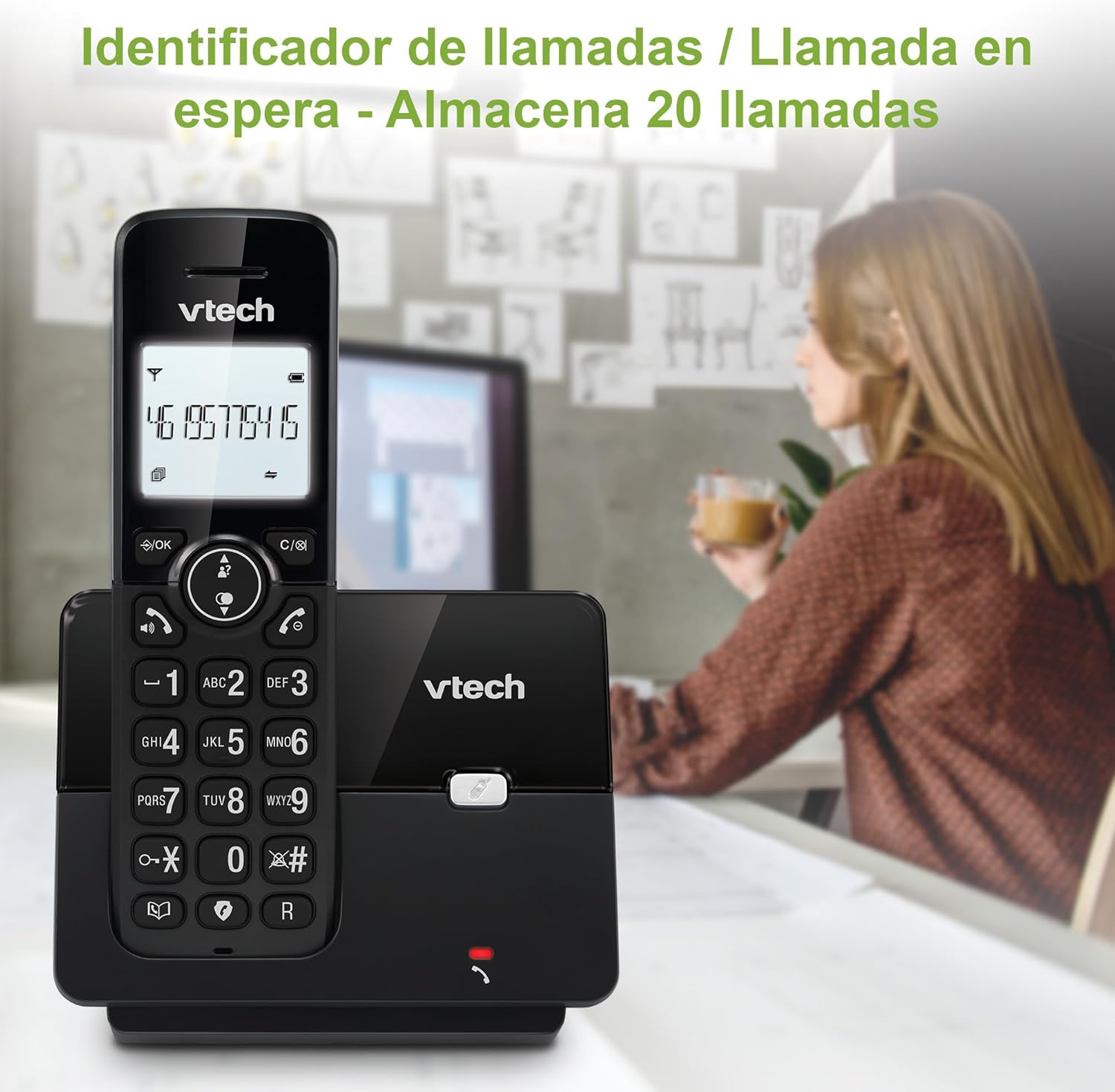
Image: A VTech CS2001 phone on its base, showing a number on its screen, indicating the Caller ID feature.
4.6. โทรซ้ำ
The phone stores the last 10 dialed numbers for quick redialing.
- โทรซ้ำ: กดปุ่ม ซ้ำ กดปุ่ม เลื่อนไปยังหมายเลขที่ต้องการ แล้วกด พูดคุย.

Image: A VTech CS2001 phone on a table, displaying a list of the last 10 dialed numbers for easy redialing.
4.7. โหมด ECO
ECO mode automatically adjusts the radio frequency strength based on the distance between the handset and the base unit, helping to conserve energy.
4.8. Backlit Screen
The 1.8-inch backlit screen provides improved visibility in low-light conditions.

ภาพ: ภาพระยะใกล้ view of the VTech CS2001 phone's 1.8-inch backlit screen, showing its clear display in dim lighting.
4.9. Adjustable Ring Volume and Melodies
You can customize the ring volume and select from various melodies through the handset's menu settings.
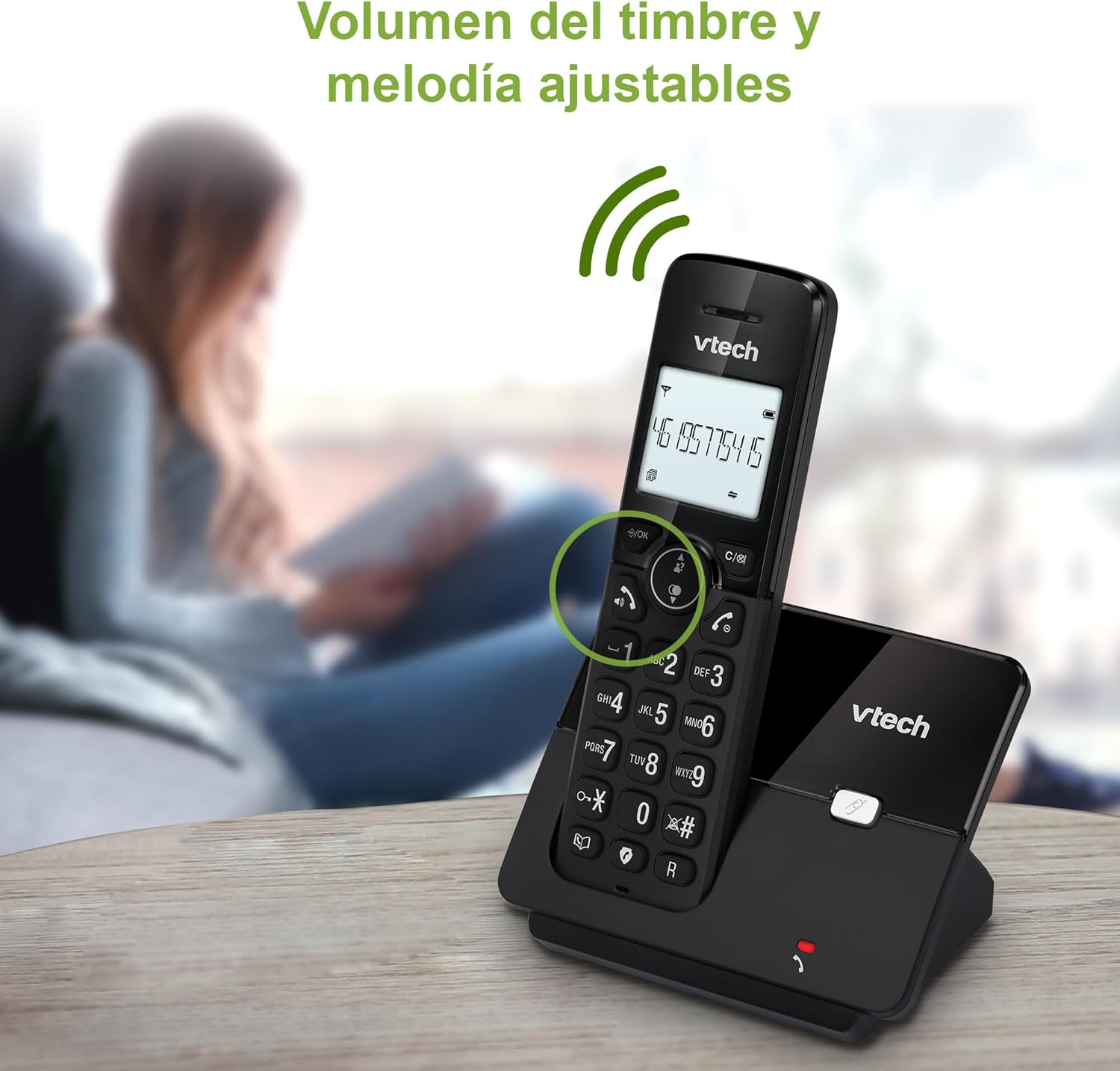
Image: A VTech CS2001 phone on a table, with a graphic indicating adjustable ring volume and melody options.
4.10. Alarm and Silence Function
The handset includes an alarm function for reminders and a silence function to temporarily disable ringing.

Image: A split image illustrating the alarm function (left) and silence/do-not-disturb function (right) of the VTech CS2001 phone.
5. การบำรุงรักษา
- การทำความสะอาด: ทำความสะอาดโทรศัพท์และฐานด้วยผ้านุ่มๆamp ใช้ผ้าเช็ดทำความสะอาด ห้ามใช้สเปรย์ทำความสะอาดหรือน้ำยาทำความสะอาดชนิดเหลว
- การดูแลแบตเตอรี่ To maintain battery life, fully charge the handsets for 16 hours before first use. If the phone will not be used for an extended period, remove the batteries.
- สภาพแวดล้อม : ควรหลีกเลี่ยงการวางโทรศัพท์ไว้ในที่ที่มีแสงแดดส่องโดยตรง ใกล้แหล่งความร้อน หรือในบริเวณที่มีความชื้นสูง
6 การแก้ไขปัญหา
| ปัญหา | สารละลาย |
|---|---|
| ไม่มีเสียงสัญญาณโทรศัพท์ |
|
| โทรศัพท์ไม่ชาร์จ |
|
| คุณภาพเสียงไม่ดี / สัญญาณรบกวน |
|
| ไม่สามารถบล็อคการโทรได้ |
|
7. ข้อมูลจำเพาะ
| คุณสมบัติ | รายละเอียด |
|---|---|
| หมายเลขรุ่น | ซีเอส2001 |
| ยี่ห้อ | VTech |
| สี | สีดำ |
| ขนาดหน้าจอ | 1.8 นิ้ว |
| คุณสมบัติพิเศษ | Cordless, Call Blocking, Hands-Free, Backlit Screen, ECO Mode |
| อุปกรณ์ที่รองรับ | PSTN Network |
| ประเภทแบตเตอรี่ | NiMH ชาร์จใหม่ได้ |
| จำนวนแบตเตอรี่ | 2 (รวม) |
| วัสดุ | พลาสติก |
| แหล่งพลังงาน | ใช้พลังงานจากแบตเตอรี่ |
| น้ำหนักสินค้า | 660 กรัม |
| ผู้ผลิต | บริษัท วีเทค เทเลคอมมิวนิเคชั่นส์ จำกัด |
| ประเทศต้นกำเนิด | จีน |
8. ข้อมูลการรับประกัน
VTech products are manufactured to high-quality standards. For specific warranty details, including duration and coverage, please refer to the warranty card included in your product packaging or visit the official VTech webไซต์ โปรดเก็บใบเสร็จรับเงินของคุณไว้เป็นหลักฐานการซื้อสำหรับการเรียกร้องการรับประกันใดๆ
9. การสนับสนุนลูกค้า
If you encounter any issues not covered in this manual or require further assistance, please contact VTech customer support. Contact information can typically be found on the VTech webไซต์หรือบนบรรจุภัณฑ์ผลิตภัณฑ์
For online support and FAQs, please visit: www.vtechphones.com/support


