การแนะนำ
This manual provides detailed instructions for the setup, operation, and maintenance of your VTech CS2000 DECT Cordless Home Phone. Please read this manual thoroughly before using your new phone to ensure proper functionality and to take full advantage ของคุณสมบัติของมัน
The VTech CS2000 is designed for home use, offering reliable long-range communication, essential call management features, and user-friendly design.

Figure 1: VTech CS2000 DECT Cordless Home Phone, showing the handset docked in its base unit.
การตั้งค่า
เนื้อหาแพ็คเกจ
ตรวจสอบให้แน่ใจว่ามีสินค้าทั้งหมดอยู่ในแพ็คเกจของคุณ:
- โทรศัพท์มือถือ VTech CS2000
- VTech CS2000 Base Unit
- อะแดปเตอร์ไฟฟ้าสำหรับฐาน
- สายโทรศัพท์
- Rechargeable NiMH Battery (1 included)
การติดตั้งและการชาร์จแบตเตอรี่
The VTech CS2000 uses a rechargeable NiMH battery. Proper installation and initial charging are crucial for optimal performance.
- ค้นหาช่องใส่แบตเตอรี่ที่ด้านหลังของโทรศัพท์
- Insert the supplied NiMH battery, ensuring the polarity matches the diagram inside the compartment.
- ปิดฝาช่องใส่แบตเตอรี่ให้แน่น
- วางหูฟังลงบนฐาน ไฟแสดงสถานะการชาร์จบนหูฟังควรสว่างขึ้น
- Allow the handset to charge for at least 16 hours before initial use, even if the display indicates a full charge sooner. This ensures maximum battery capacity.
การเชื่อมต่อหน่วยฐาน
- ต่อปลายด้านหนึ่งของสายโทรศัพท์เข้ากับช่องเสียบ TEL LINE ที่ด้านหลังของตัวเครื่องหลัก
- ต่อปลายอีกด้านของสายโทรศัพท์เข้ากับเต้ารับโทรศัพท์ที่ผนัง
- Connect the small end of the power adapter to the POWER jack on the back of the base unit.
- เสียบปลั๊กอะแดปเตอร์ไฟฟ้าด้านใหญ่เข้ากับเต้ารับไฟฟ้ามาตรฐาน
- ตรวจสอบให้แน่ใจว่าการเชื่อมต่อทั้งหมดมีความปลอดภัย
การใช้งานโทรศัพท์ของคุณ
การโทรออกและรับสาย
การโทร:
- กดปุ่ม พูดคุย button (green receiver icon) or lift the handset from the base.
- กดหมายเลขโทรศัพท์ที่ต้องการ
- กดปุ่ม จบ button (red receiver icon) or place the handset back on the base to end the call.
รับสาย:
เมื่อโทรศัพท์ดัง ให้กดปุ่ม พูดคุย button or lift the handset from the base to answer.
Hands-Free Speakerphone
The VTech CS2000 features a hands-free speakerphone function, allowing you to talk without holding the handset.
- ระหว่างการโทร ให้กด ผู้พูด button (speaker icon).
- To switch back to the handset, press the พูดคุย ปุ่มอีกครั้ง
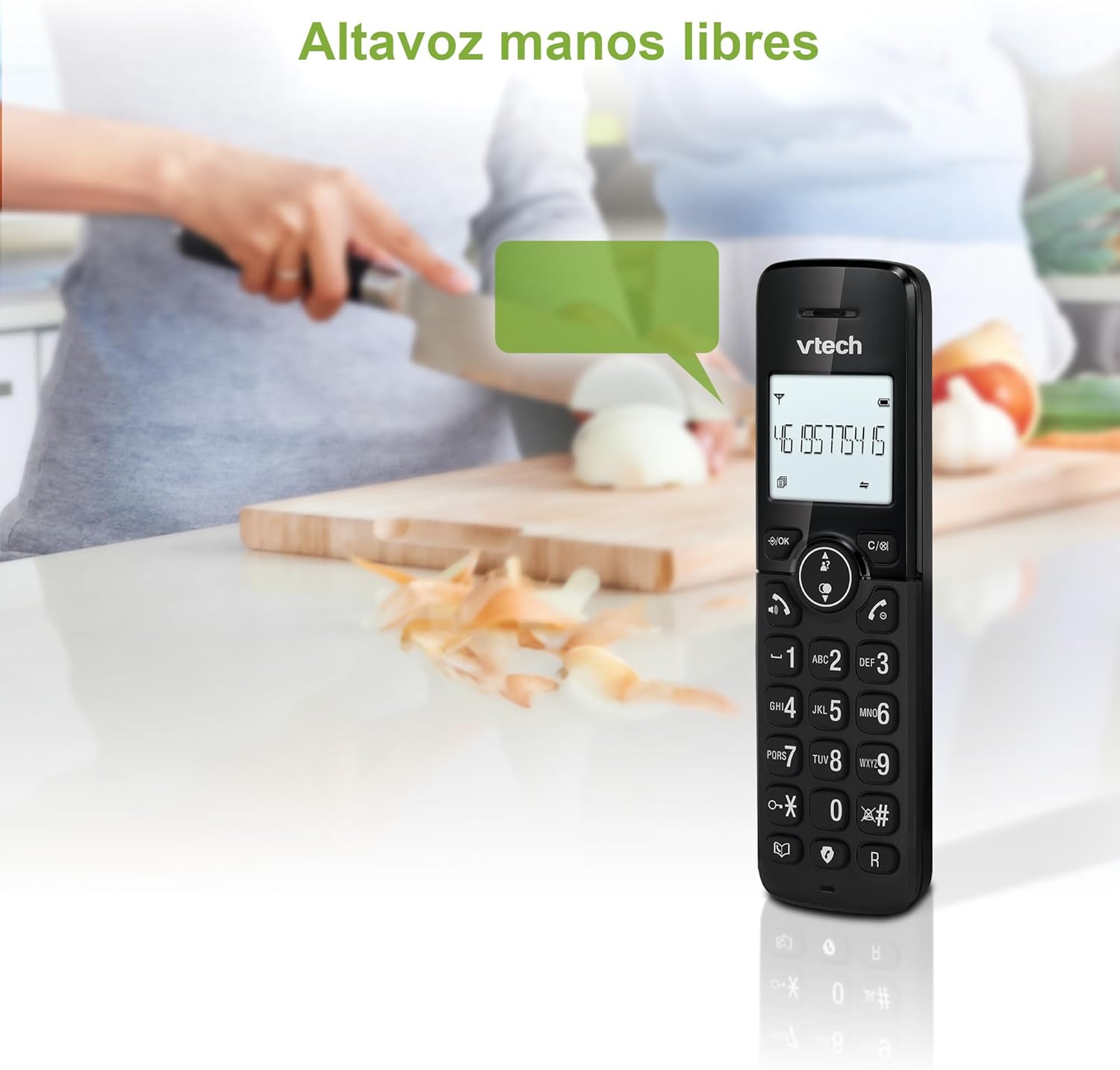
Figure 2: Using the hands-free speakerphone function.
การบล็อกการโทร
The call blocking feature allows you to prevent unwanted calls. You can block up to 30 numbers.
- To block a number during a call, press the บล็อกการโทร ปุ่ม.
- To add a number to the block list manually, navigate to the Call Block menu in the phone settings.
- Follow the on-screen prompts to add or remove numbers from the block list.
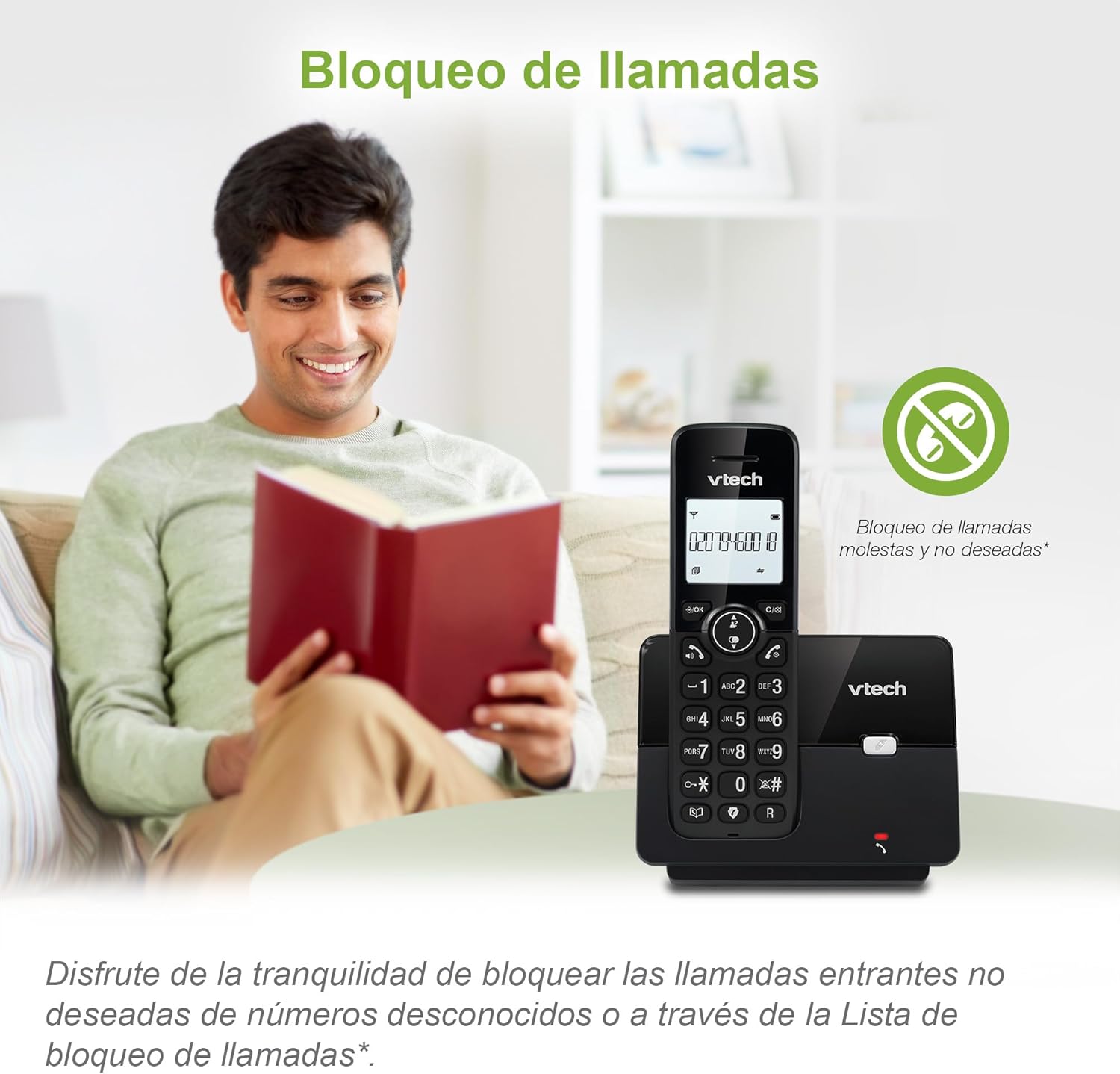
Figure 3: The call blocking feature helps manage unwanted calls.
Phonebook (Directory)
บันทึกชื่อและหมายเลขได้สูงสุด 30 หมายเลขในสมุดโทรศัพท์เพื่อการโทรออกอย่างรวดเร็ว
- กดปุ่ม เมนู/ตกลง ปุ่ม.
- Navigate to the "Phonebook" or "Directory" option.
- Select "Add New Entry" and follow the prompts to enter the name and number.
- To dial from the phonebook, press the ไดเรกทอรี button and scroll to the desired entry, then press พูดคุย.

Figure 4: Managing contacts in the phonebook.
ID ผู้โทรและสายเรียกซ้อน
The phone stores up to 20 caller ID records with name and number (service subscription may be required).
When a new call comes in while you are on another call, the call waiting feature alerts you (service subscription may be required).
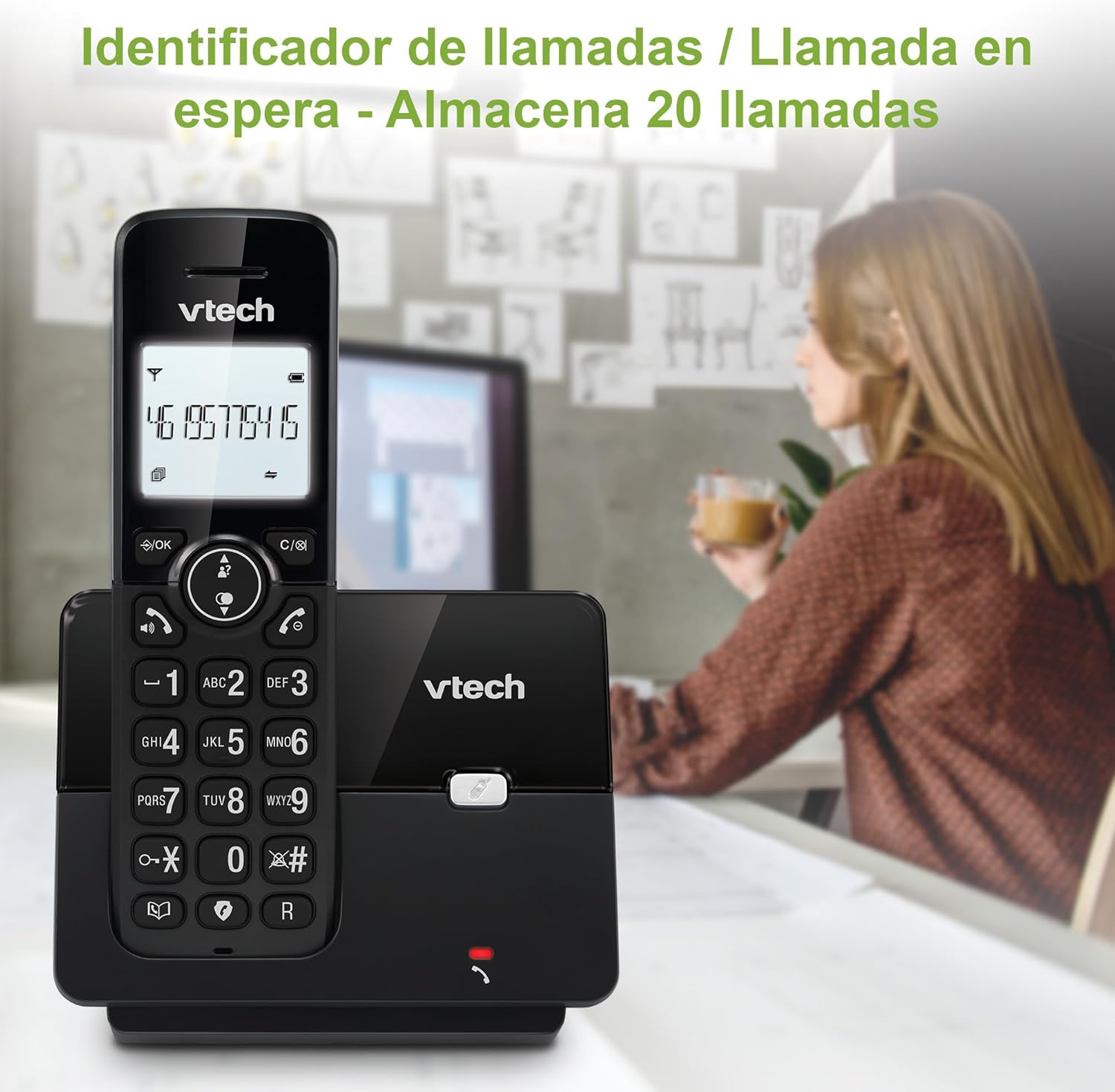
Figure 5: Caller ID display on the handset.
รายการโทรซ้ำ
The phone stores the last 10 dialed numbers for quick redialing.
- กดปุ่ม ซ้ำ ปุ่ม.
- Scroll through the list using the navigation keys.
- กด พูดคุย to redial the selected number.

Figure 6: Accessing the redial list.
โหมด ECO
The ECO mode automatically adjusts the radio frequency power based on the distance between the handset and the base unit, helping to conserve energy.
Adjusting Ring Volume and Melody
You can customize the ring volume and melody of your handset.
- กดปุ่ม เมนู/ตกลง ปุ่ม.
- Navigate to "Settings" or "Ring Settings".
- Select "Ring Volume" or "Ring Melody" and choose your preference.
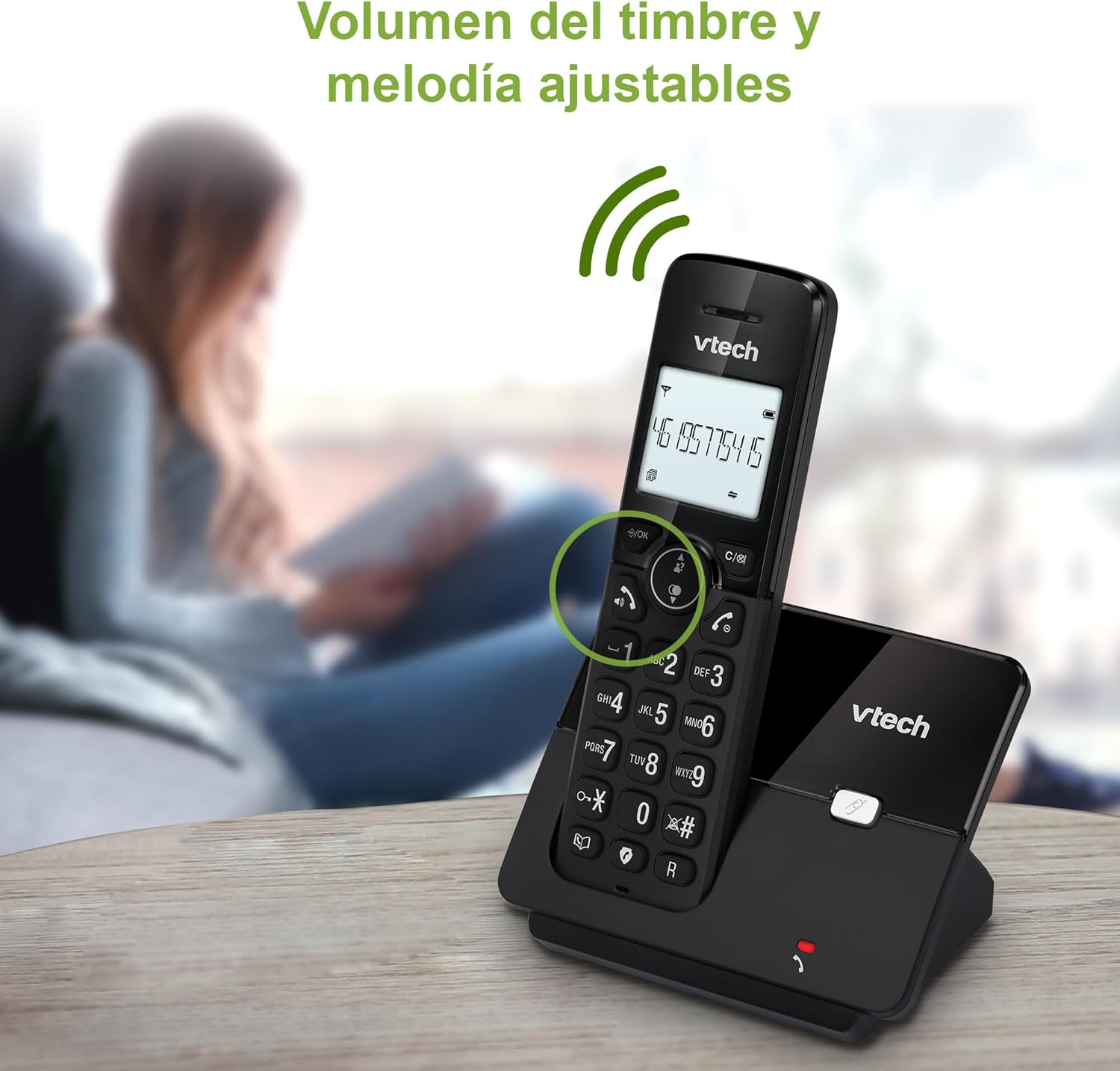
Figure 7: Adjusting ring volume and melody.
Alarm and Silence Function
The phone includes an alarm function and a silence mode for convenience.
- To set an alarm, navigate to the "Alarm" option in the menu and follow the prompts.
- To activate silence mode, typically press and hold the MUTE button or access the "Silence" option in the settings.

Figure 8: Alarm and silence functions.
backlit Display
The 1.8-inch backlit display provides clear visibility, especially in low-light conditions.

Figure 9: The 1.8-inch backlit display for clear viewการไอเอ็นจี
Long Range Capability
The VTech CS2000 utilizes DECT technology to provide a stable operating range of up to 300 meters outdoors, ensuring clear communication throughout your home and property.

Figure 10: The phone offers reliable long-range coverage.
การซ่อมบำรุง
การทำความสะอาด
ทำความสะอาดโทรศัพท์และฐานด้วยผ้านุ่มๆamp cloth. Do not use cleaning sprays or abrasive cleaners, as they can damage the finish or electrical components.
การดูแลแบตเตอรี่
- Only use the supplied rechargeable NiMH battery or an approved replacement.
- หากจะไม่ใช้โทรศัพท์เป็นเวลานาน ควรถอดแบตเตอรี่ออกเพื่อป้องกันการรั่วไหล
- กำจัดแบตเตอรี่อย่างมีความรับผิดชอบตามกฎระเบียบท้องถิ่น
การแก้ไขปัญหา
If you experience issues with your VTech CS2000 phone, try the following solutions:
| ปัญหา | สารละลาย |
|---|---|
| ไม่มีเสียงโทรออก | Ensure the telephone line cord is securely connected to both the base unit and the wall jack. Check if the power adapter is properly connected and plugged into a working outlet. |
| โทรศัพท์มือถือไม่ชาร์จ | Ensure the handset is correctly placed on the base unit. Clean the charging contacts on both the handset and base unit with a dry cloth. Verify the power adapter is connected. |
| คุณภาพเสียงไม่ดีหรือมีสัญญาณรบกวน | Move closer to the base unit. Ensure there are no large metal objects or other electronic devices interfering with the signal. Check for loose telephone line connections. |
| ไม่สามารถโทรออกหรือรับสายได้ | Check if the phone line is active. Ensure the handset is registered to the base unit (refer to the full manual for registration steps if needed). Temporarily unplug the base unit's power adapter, wait a few seconds, then plug it back in. |
| Caller ID not displaying. | ตรวจสอบให้แน่ใจว่าคุณได้สมัครใช้บริการ Caller ID จากผู้ให้บริการโทรศัพท์ของคุณแล้ว |
ข้อมูลจำเพาะ
| ยี่ห้อ | VTech |
| หมายเลขรุ่น | ซีเอส2000 |
| สี | สีดำ |
| ประเภทโทรศัพท์ | โทรศัพท์ DECT ไร้สาย |
| ขนาดหน้าจอ | 1.8 นิ้ว |
| องค์ประกอบของแบตเตอรี่ | นิเกิลเอ็มเอช |
| จำนวนแบตเตอรี่ | 1 (เฉพาะผลิตภัณฑ์ - รวมอยู่ด้วย) |
| วัสดุ | พลาสติก |
| แหล่งพลังงาน | ใช้พลังงานจากแบตเตอรี่ |
| ประเภทผู้โทรออก | ปุ่มกดเดียว |
| ประเภทของระบบตอบรับ | ไร้สาย |
| น้ำหนักสินค้า | 300 กรัม |
| การทำงานแบบหลายบรรทัด | การดำเนินงานบรรทัดเดียว |
| คุณสมบัติพิเศษ | Cordless, Call Blocking, Hands-Free Speakerphone, Backlit Display, ECO Mode, Caller ID, Phonebook, Redial |
การรับประกันและการสนับสนุน
สำหรับข้อมูลการรับประกันและการสนับสนุนทางเทคนิค โปรดดูเอกสารที่แนบมากับสินค้าที่ซื้อ หรือเยี่ยมชมเว็บไซต์อย่างเป็นทางการของ VTech webไซต์ โปรดเก็บใบเสร็จรับเงินไว้เป็นหลักฐานการซื้อ
ผู้ผลิต: บริษัท วีเทค เทเลคอมมิวนิเคชั่นส์ จำกัด
ประเทศต้นกำเนิด: จีน


