
1. สูงกว่าview
The Lutron Sunnata On/Off Accessory Switch (model ST-AS-IV) is designed to expand the functionality of your existing Sunnata LED+ dimmers (STCL-153MH-xx only). This accessory switch enables 3-way and multi-location lighting control, allowing you to manage a single light from two or more locations. It provides on/off switching control, while the main Sunnata dimmer (sold separately) handles dimming. The switch features a smooth fade on and fade off for comfortable light adjustment and a 30-second delayed fade-to-off function.
คุณสมบัติหลัก:
- Accessory Switch: For use exclusively with Sunnata LED+ dimmers (STCL-153M-WH, sold separately). Not for standalone use.
- 3-Way Control: Control lights from two locations when paired with a Sunnata LED+ dimmer.
- การควบคุมจากหลายสถานที่: Expand control to up to 10 locations by adding up to nine additional Sunnata accessory switches with one Sunnata dimmer.
- ใช้งานง่าย: Single tap for a preset favorite light level, double tap for full brightness, and push-and-hold for a 30-second delayed fade-to-off.
- ไม่จำเป็นต้องใช้สายกลาง: Compatible with existing wiring in homes of any age.
- Aesthetic Match: Designed to match the look and feel of Sunnata LED+ dimmers.
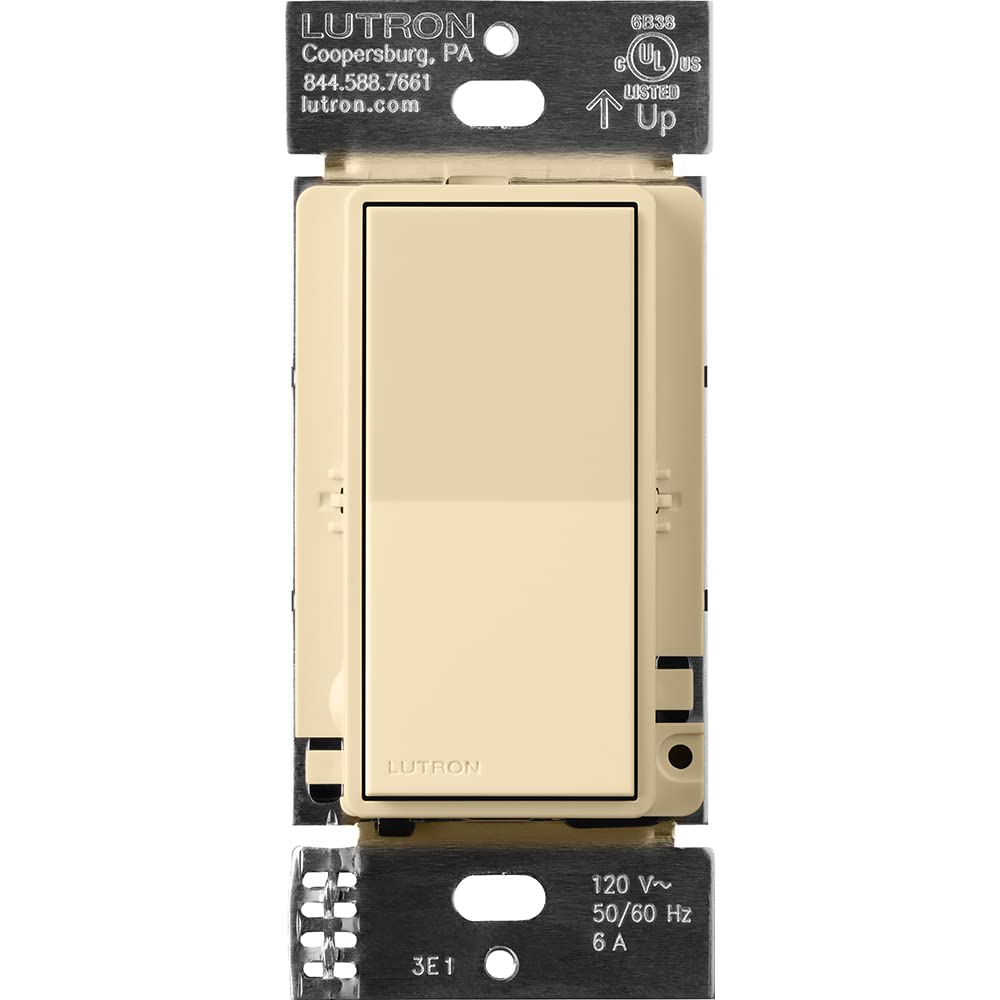
Figure 1: Lutron Sunnata On/Off Accessory Switch in Ivory.

Figure 2: The Ivory Sunnata Accessory Switch and available color options.
2. ข้อมูลด้านความปลอดภัยที่สำคัญ
Please read and understand all instructions before installing or using this product. Improper installation can result in serious injury or death. Always consult a qualified electrician if you are unsure about any part of the installation process.
ข้อควรระวังเพื่อความปลอดภัยทั่วไป:
- คำเตือน: อันตรายจากการกระแทก May result in serious injury or death. Turn off power at the circuit breaker or fuse box before installation.
- ติดตั้งตามรหัสไฟฟ้าในประเทศและท้องถิ่นทั้งหมด
- Use only with compatible Lutron Sunnata LED+ dimmers (STCL-153MH-xx).
- Do not use with standard on/off switches or other dimmer types.
- Ensure the wiring connections are secure and properly insulated.
- ช่วงอุณหภูมิการทำงาน: 32°F ถึง 104°F (0°C ถึง 40°C)
3. การติดตั้งและการตั้งค่า
The Sunnata accessory switch is designed for easy installation and works with existing wiring, requiring no neutral wire. It must be used in conjunction with a compatible Sunnata LED+ dimmer.
การเดินสายไฟเกินview:
The accessory switch connects to the main dimmer using traveler wires. Ensure power is off at the circuit breaker before beginning any wiring. Follow the detailed wiring instructions provided in the product packaging or consult the Lutron Wiring Wizard online.
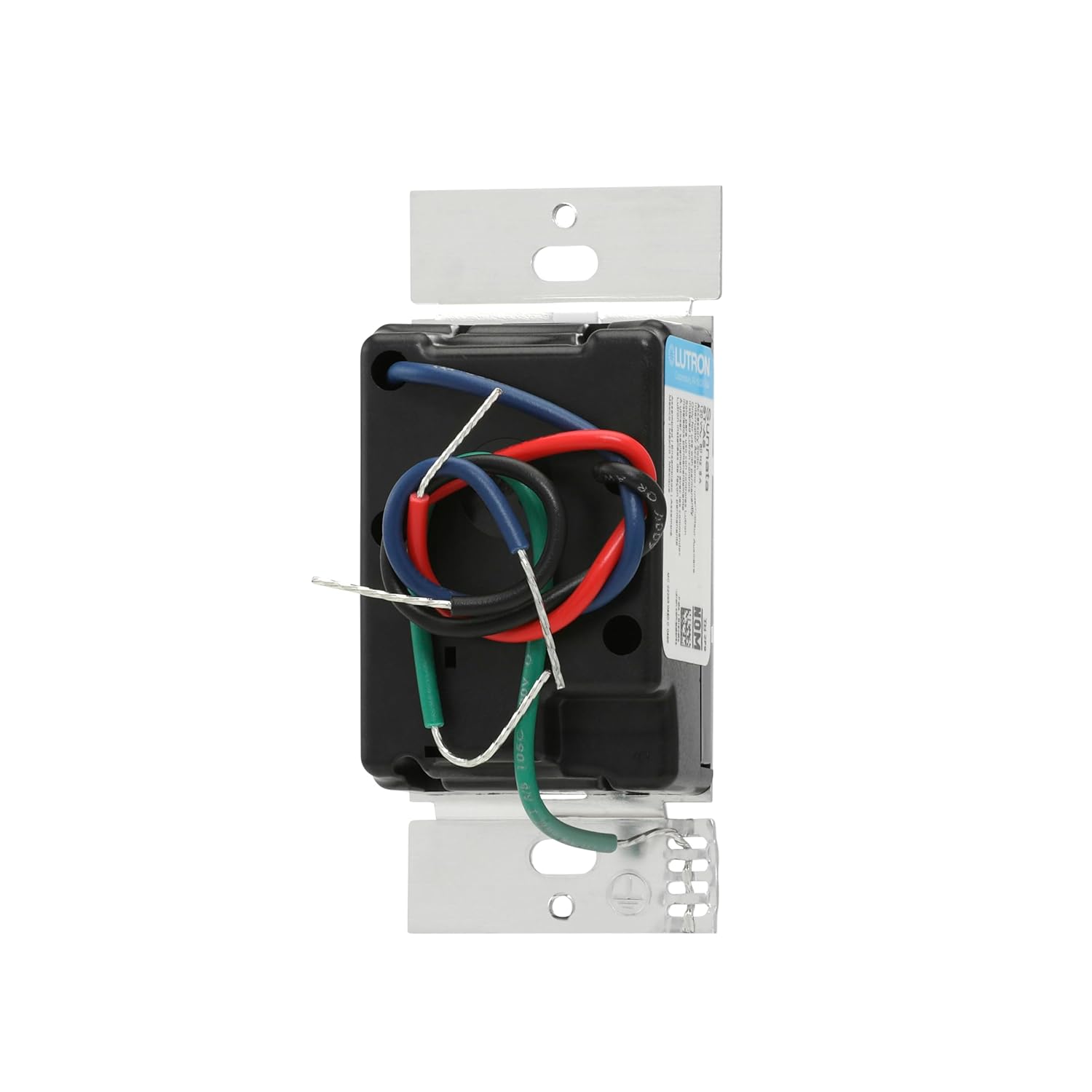
รูปที่ 3: ด้านหลัง view of the accessory switch with wiring terminals.
3-Way and Multi-Location Applications:
This accessory switch allows for control of a single light from multiple points. In a 3-way setup, one dimmer and one accessory switch control the light. For multi-location control, up to nine accessory switches can be added to a single dimmer.

รูปที่ 4: อดีตample of a 3-way wiring configuration.

รูปที่ 5: อดีตample of a multi-location wiring configuration.
วิดีโอการติดตั้ง:
Video 1: A closer look at the light switch, including its components and basic wiring considerations.
Video 2: Additional information on the light switch, including wiring details for installation.
Video 3: Important considerations before purchasing and installing the switch, including wiring.
4. คู่มือการใช้งาน
The Sunnata accessory switch provides intuitive control for your lighting system when paired with a Sunnata LED+ dimmer.
การใช้งานพื้นฐาน:
- เปิด/ปิด: Tap the top or bottom of the switch to turn lights on or off.
- Favorite Light Level: Tap the switch once to recall your favorite preset light level, which is set on the main Sunnata dimmer.
- ความสว่างเต็มที่: Double tap the switch to bring lights to full brightness.
- Delayed Fade-to-Off: Push and hold the switch for 30 seconds to activate a delayed fade-to-off, allowing you time to exit the room before lights extinguish.
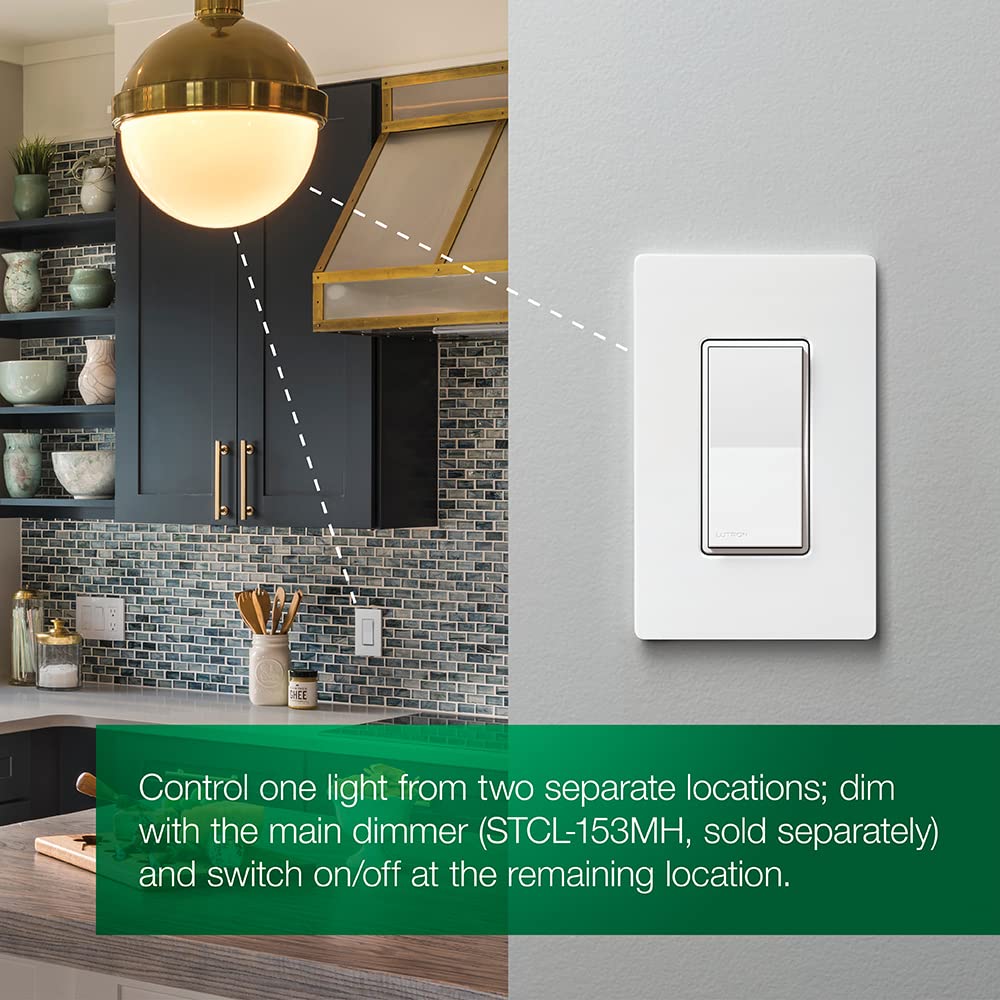
Figure 6: Touch controls on the Sunnata Accessory Switch.
วีดีโอปฏิบัติการ:
Video 4: Demonstration of the touch dimmer's basic on/off and dimming functions.
วิดีโอ 5: รายละเอียดเพิ่มเติมview and demonstration of the Lutron Sunnata Touch Dimmer Switch, showcasinก. คุณสมบัติของมัน
Video 6: A demonstration and review of the Sunnata Dimmer Switch, highlighting its operational aspects.
5. การดูแลรักษา
To ensure the longevity and proper functioning of your Lutron Sunnata On/Off Accessory Switch, follow these simple care and maintenance guidelines:
- การทำความสะอาด: ทำความสะอาดสวิตช์ด้วยความนุ่มนวลงamp ใช้ผ้าเช็ดทำความสะอาดเท่านั้น ห้ามใช้สารทำความสะอาดที่มีฤทธิ์กัดกร่อน ตัวทำละลาย หรือสารเคมีรุนแรง เพราะอาจทำให้พื้นผิวหรือชิ้นส่วนภายในเสียหายได้
- หลีกเลี่ยงการขันแน่นเกินไป: When installing or re-installing the wallplate, do not overtighten screws, which can cause cracking or damage.
- สภาพแวดล้อม : ตรวจสอบให้แน่ใจว่าได้ติดตั้งสวิตช์ในสภาพแวดล้อมที่มีอุณหภูมิและความชื้นอยู่ในช่วงที่กำหนด
6 การแก้ไขปัญหา
If you experience issues with your Sunnata On/Off Accessory Switch, refer to the following common troubleshooting steps:
- ไฟไม่ตอบสนอง: Ensure power is supplied to the circuit. Verify that the accessory switch is correctly wired to a compatible Sunnata LED+ dimmer.
- การทำงานเป็นระยะ: Check all wiring connections for tightness and proper insulation. Ensure no wires are pinched or damaged.
- Accessory Switch Not Controlling Lights: Confirm that the main Sunnata LED+ dimmer is functioning correctly. The accessory switch relies on the dimmer for primary control.
- ไฟกระพริบ: This may indicate an incompatibility with the connected LED bulbs or an issue with the main dimmer. Refer to the dimmer's manual or Lutron's LED compatibility tool.
หากต้องการความช่วยเหลือเพิ่มเติม โปรดติดต่อฝ่ายบริการลูกค้าของ Lutron
7. ข้อมูลจำเพาะทางเทคนิค
| ข้อมูลจำเพาะ | ค่า |
|---|---|
| โหมดการทำงาน | เปิด-ปิด-เปิด |
| คะแนนปัจจุบัน | 1.25 Amps |
| ปฏิบัติการฉบับที่tage | 120 โวลต์ |
| ประเภทการติดต่อ | เปิดปกติ |
| ประเภทขั้วต่อ | Clamp |
| ยี่ห้อ | ลูตรอน |
| ประเภทสวิตซ์ | พาย |
| เทอร์มินัล | รูทะลุ |
| วัสดุ | โลหะ, พลาสติก |
| ขนาดสินค้า กว้าง x ยาว x สูง | 1.5 x 2.25 x 4.13 นิ้ว |
| ประเภทวงจร | 3 ทาง |
| ประเภทการติดตั้ง | ติดผนัง |
| ประเภทตัวกระตุ้น | ปุ่มกด |
| จำนวนตำแหน่ง | 1 |
| คะแนนอุณหภูมิต่ำกว่า | 32 องศาฟาเรนไฮต์ |
| คะแนนอุณหภูมิบน | 104 องศาฟาเรนไฮต์ |
| วิธีการควบคุม | สัมผัส |
| โปรโตคอลการเชื่อมต่อ | ไวไฟ |
| วัดtage | 996 วัตต์ |
| สี | งาช้าง |
| จำนวนหน่วย | 1.0 จำนวน |
| จำนวนรายการ | 1 |
| วัสดุติดต่อ | ทองแดง |
| การให้คะแนนการคุ้มครองระหว่างประเทศ | IP54 |
| ตรงตามข้อกำหนด | UL |
| แบบอย่าง | ST-AS-IV |
| ผู้ผลิต | ลูตรอน |
| ยูพีซี | 784276811040 |
| ส่วนประกอบที่รวมอยู่ | (1) Sunnata accessory switch (not for standalone use) |
8. ข้อมูลการรับประกัน
The Lutron Sunnata On/Off Accessory Switch (ST-AS-IV) comes with a รับประกันจำกัด 1 ปี. For specific terms and conditions, please refer to the warranty documentation included with your product or visit the official Lutron webเว็บไซต์.
9. การสนับสนุนลูกค้า
Lutron is committed to providing excellent customer service. We offer 24/7, U.S.-based lifetime technical support for any troubleshooting issues or questions you may have regarding your Sunnata On/Off Accessory Switch.
ข้อมูลติดต่อ:
- โทรศัพท์: 844-588-7661 (24/7 Support)
- Webเว็บไซต์: www.lutron.com
Video 7: Lutron's commitment to 24/7 customer support for all your needs.