การแนะนำ
This manual provides comprehensive instructions for setting up, operating, and maintaining your ARENTI P2Q 4MP Indoor Security Camera. This camera offers advanced features such as 4MP resolution, dual-band WiFi connectivity (2.4GHz and 5GHz), AI human motion/sound detection, auto tracking, enhanced infrared night vision, and two-way audio communication. It is designed for indoor use to monitor pets, babies, or general home security.
มีอะไรอยู่ในกล่อง
The ARENTI P2Q camera package includes the following items:
- ARENTI P2Q 4MP Indoor Security Camera (1)
- อะแดปเตอร์ไฟ (1)
- สายไฟ (1)
- Mounting Accessory (1)
- คู่มือฉบับย่อ (1)

This image displays all components included in the ARENTI P2Q product packaging: one camera unit, one power adapter, one power cable, one mounting bracket, three screws, and one quick guide.
ข้อมูลจำเพาะ
| คุณสมบัติ | รายละเอียด |
|---|---|
| ชื่อสินค้า | P2Q |
| ขนาด (มม.) | 76x73x117 |
| มุมของ View | 100° |
| แพน/เอียง | 0°-355° / -15°-78° |
| พลัง | DC 5V, 1A |
| การบริโภค | สูงสุดถึง 4.5W |
| ระบบปฏิบัติการโทรศัพท์ที่รองรับ | iOS 9 / Android 5.0 and above |
| การจัดเก็บข้อมูลภายในเครื่อง | การ์ด Micro SD (สูงสุด 256GB) |
| การเชื่อมต่อแบบไร้สาย | IEEE802.11 a/b/g/n, 2.4GHz & 5GHz |
| ความละเอียดในการจับภาพวิดีโอ | 4 MP |
| ช่วงการมองเห็นตอนกลางคืน | 32 ฟุต |
| การสนทนาสองทาง | ใช่ |
| การตรวจจับการเคลื่อนไหว/เสียง | ใช่ |
| ติดตามอัตโนมัติ | ใช่ |
| โหมดความเป็นส่วนตัว | ใช่ |
| อุปกรณ์ที่รองรับ | Amazon Alexa, Google Assistant |
คู่มือการติดตั้ง
1. เปิดเครื่อง
Connect the provided power cable to the camera's micro USB port and plug the power adapter into a wall outlet. The camera will automatically power on.

The camera is powered via a micro USB cable connected to its rear port. Ensure the power adapter is plugged into a wall outlet.
2. การดาวน์โหลดและติดตั้งแอป
Download the 'Arenti' app from your device's app store. Scan the QR codes below or search for 'Arenti' in the App Store (iOS) or Google Play Store (Android).

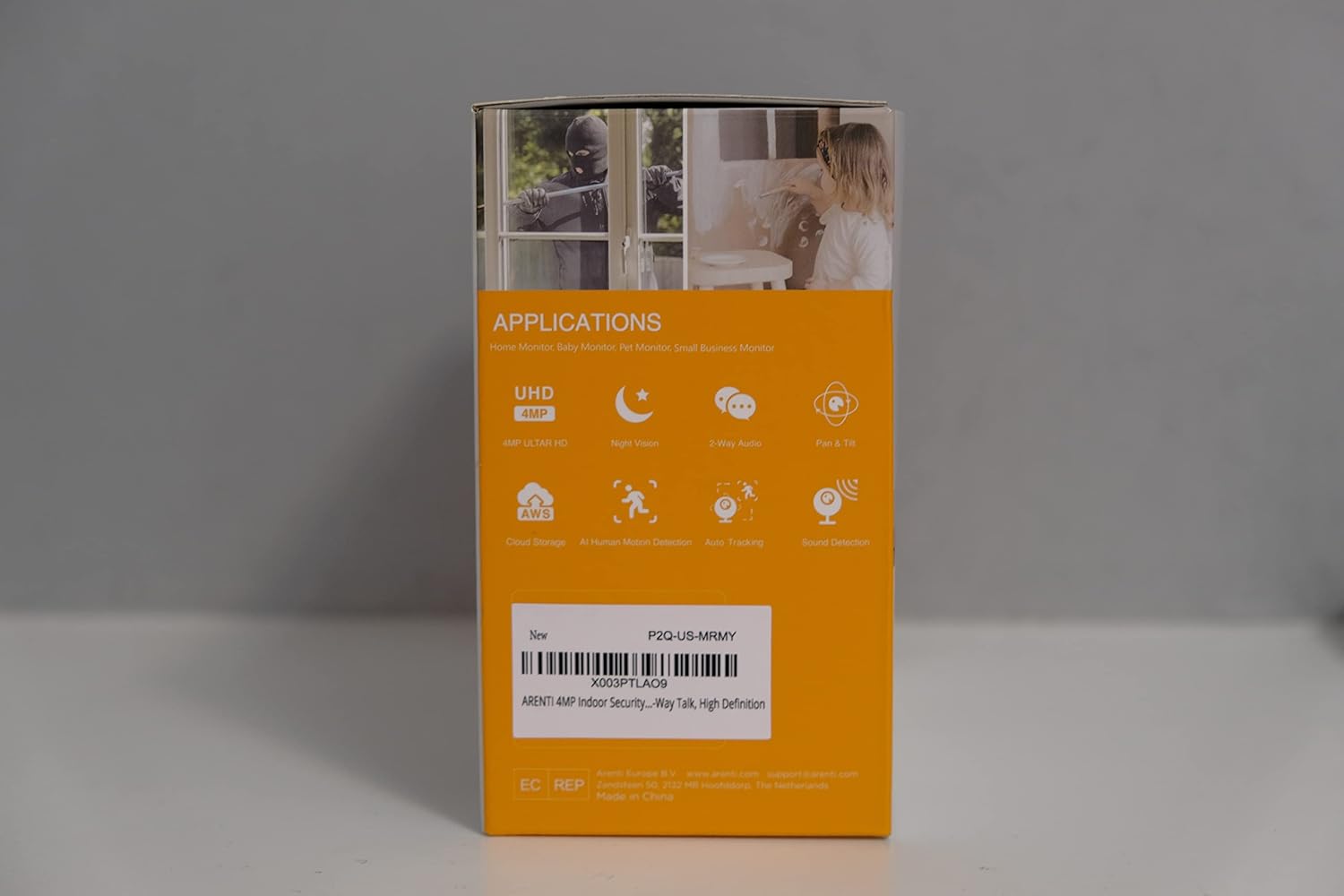
This image displays the side of the ARENTI P2Q product box, featuring QR codes for easy download of the Arenti app from both the Apple App Store and Google Play Store.
3. การเชื่อมต่อกับ Wi-Fi
Open the Arenti app and create an account if you don't have one. Follow the in-app instructions to add your camera. Ensure your phone is close to the camera and your Wi-Fi router for the best signal. The camera supports both 2.4GHz and 5GHz Wi-Fi bands.
Official ARENTI video demonstrating the setup process for the 5GHz 4MP indoor pet camera, including app connection and basic functionalities.
4. การติดตั้งกล้อง (ไม่บังคับ)
The camera can be placed on any flat surface or mounted on a wall or ceiling using the provided mounting accessories. If mounting upside down, the picture can be flipped in the app settings.

This image illustrates the flexible installation options for the ARENTI P2Q camera, showing it placed upright on a surface, mounted on a wall, and inverted on a ceiling for comprehensive coverage.
การใช้งานกล้องของคุณ
1. สด View และการควบคุมแพน/เอียง
Once connected, access the live feed through the Arenti app. Use the on-screen controls to pan (horizontal rotation up to 355°) and tilt (vertical movement up to 78°) the camera lens to view พื้นที่ต่างๆ ในห้องของคุณ

This image highlights the camera's extensive pan (355°) and tilt (93°) capabilities, allowing users to remotely control the viewing angle through the live feed on their smartphone.
รายละเอียดview video of the Arenti P2Q 4MP UHD Pan-Tilt Indoor Camera, showcasing its features, app interface, and live view การควบคุม
2. เสียงสองทาง
The camera features a built-in microphone and speaker, enabling two-way communication. Tap the microphone icon in the app to speak, and listen through the speaker to hear sounds from the camera's location.
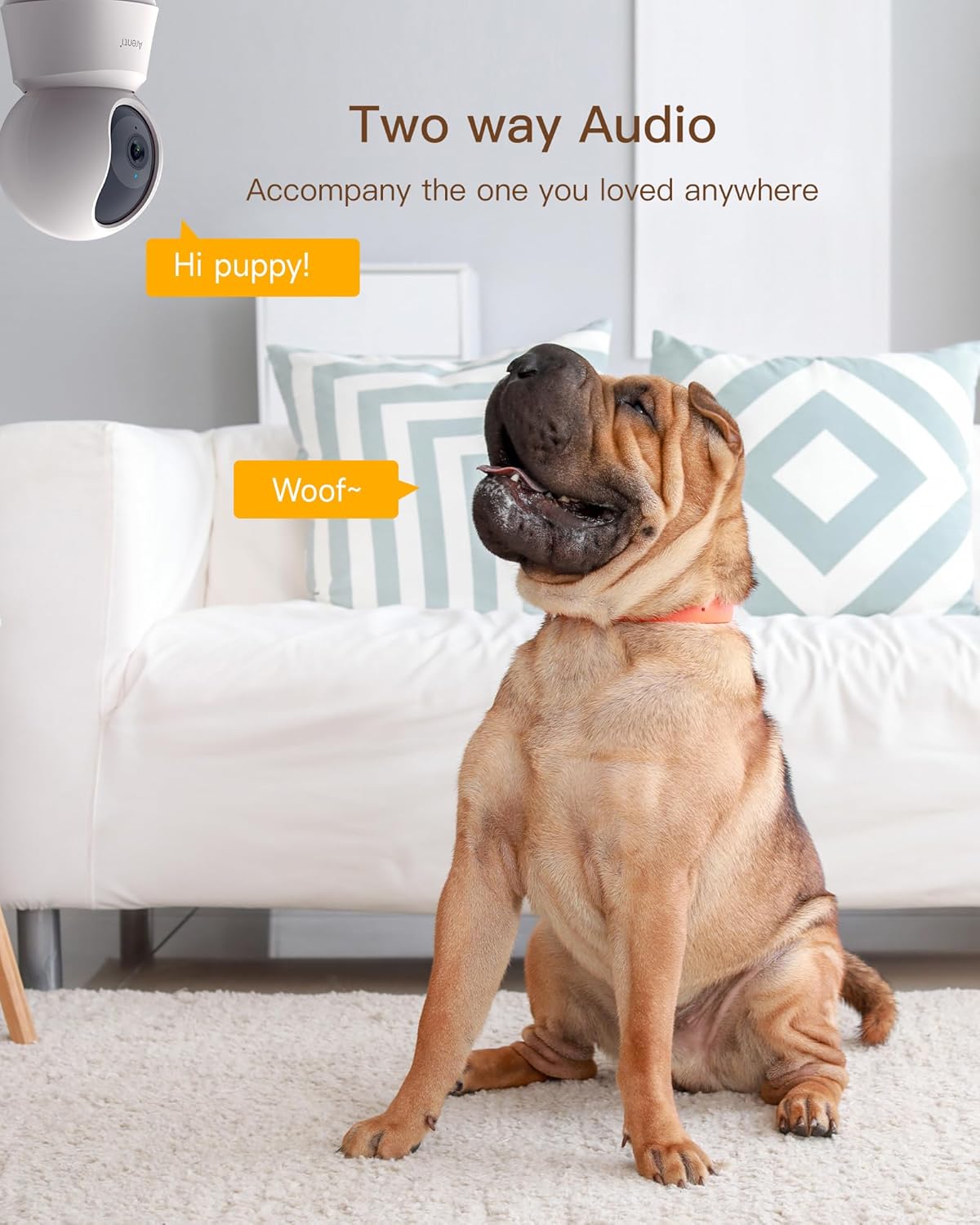
This image illustrates the two-way audio feature, showing a dog interacting with the camera, with speech bubbles representing communication between the user and the pet through the camera's built-in microphone and speaker.
3. Motion and Sound Detection with Auto Tracking
Utilizing an artificial intelligence algorithm, the camera can differentiate between human and other objects. It sends real-time motion and sound-triggered notifications to your phone. With auto tracking enabled, the camera will automatically rotate to follow detected movement.

This image demonstrates the AI motion detection and auto-tracking feature, showing a child and a dog, with a smartphone alert indicating that the pet camera has detected movement.
วิดีโอสั้นๆ แสดงให้เห็นasing the ARENTI 5GHz security camera's features, including dual-band WiFi, auto-tracking, and two-way talk, as demonstrated by an influencer.
4. Enhanced Infrared Night Vision
Equipped with a high-sensitivity CMOS image sensor, F2.0 large aperture, and 8pcs 840nm infrared lights, the camera provides clear images in low-light conditions up to 32 feet.

This image illustrates the enhanced HD night vision capability, showing a user monitoring a sleeping dog through the camera's live feed on a smartphone in a dimly lit room.
5. โหมดความเป็นส่วนตัว
Activate Privacy Mode in the app to temporarily disable live streaming and recording, ensuring your privacy when needed. You can also customize a privacy schedule.

This image demonstrates the Privacy Mode feature, where the camera lens is physically rotated down for privacy, and the app allows users to customize a privacy schedule.
6. ตัวเลือกการจัดเก็บ
The camera supports local storage via a Micro SD card (up to 256GB, not included) for 24/7 continuous recording. Cloud storage options are also available for storing photos and videos with bank-level encryption.

This image highlights the camera's features available without a subscription, such as motion detection, sound detection, activity zones, auto tracking, instant alerts, two-way audio, unlimited sharing, and Alexa live streaming. It also notes support for up to 128GB SD card (sold separately) for all-day recording and event playback.
การซ่อมบำรุง
To ensure optimal performance and longevity of your ARENTI P2Q camera, follow these maintenance guidelines:
- การทำความสะอาด: Gently wipe the camera lens and body with a soft, dry cloth. Avoid using harsh chemicals or abrasive materials that could scratch the lens or surface.
- การจัดวาง: Ensure the camera is placed in a stable location to prevent accidental falls. Avoid placing it directly facing bright lights or windows, as this can affect image clarity and motion tracking.
- พลัง: Use only the provided power adapter and cable. Disconnect power during electrical storms or when the camera will be unused for extended periods.
- การอัปเดตซอฟต์แวร์: Regularly check the Arenti app for firmware updates to ensure your camera has the latest features and security enhancements.
This image provides visual guidance on optimal camera placement, showing correct installations on ceilings, walls, and tables, and warns against placing the camera directly facing bright light sources like windows, which can impair performance.
การแก้ไขปัญหา
If you encounter issues with your ARENTI P2Q camera, refer to the following common problems and solutions:
| ปัญหา | สาเหตุที่เป็นไปได้และวิธีแก้ไข |
|---|---|
| กล้องไม่เปิดขึ้น | Ensure the power adapter is securely plugged into the camera and a working electrical outlet. Try a different outlet or power adapter if available. |
| ไม่สามารถเชื่อมต่อกับ Wi-Fi |
|
| Poor image quality (Day/Night) |
|
| Motion/Sound detection not working |
|
| ปัญหาเสียงสองทาง |
|
A customer video demonstrating a sound echo issue with the camera's two-way audio feature.
การรับประกันและการสนับสนุน
ARENTI products typically come with a one-year warranty. For detailed warranty information and support, please refer to the official ARENTI webเว็บไซต์หรือติดต่อฝ่ายบริการลูกค้าของพวกเขา
- ผู้ผลิต: อาเรนติ
- ติดต่อ: Refer to the Arenti app's 'Contact Us' section or the official Arenti webเว็บไซต์สำหรับการสนับสนุน
- ความโปร่งใส: Each item has a unique code that ARENTI verifies before shipping, ensuring product authenticity.

The official logo of the ARENTI brand, emphasizing their commitment to smart living solutions.


