การแนะนำ
The Belkin SoundForm Bolt True Wireless Earbuds provide a high-quality audio experience with convenient features designed for everyday use. These earbuds feature 6mm dynamic drivers for clear sound, intuitive touch controls, and a comfortable, ergonomic fit. They are built with IPX4-rated sweat and water-resistant materials, making them suitable for various activities. Enjoy extended listening with up to 28 hours of combined battery life.
มีอะไรอยู่ในกล่อง
- 1 x SoundForm Bolt True Wireless Earbuds
- 1 x เคสชาร์จ
- 1 x สาย USB-A เป็น USB-C
การตั้งค่า
การชาร์จหูฟังเอียร์บัดและเคส
Before first use, fully charge the earbuds and charging case. Connect the provided USB-A to USB-C cable to the charging case and a power source. The LED indicators on the case will show the charging status. A full charge provides up to 9 hours of playtime for the earbuds and an additional 19 hours from the charging case, totaling 28 hours.

Image: Earbuds in charging case, illustrating battery life.
จับคู่กับอุปกรณ์
- เปิดกล่องชาร์จ หูฟังจะเข้าสู่โหมดจับคู่โดยอัตโนมัติ
- บนอุปกรณ์ของคุณ (สมาร์ทโฟน แท็บเล็ต ฯลฯ) ไปที่การตั้งค่าบลูทูธ
- Select "SoundForm Bolt" from the list of available devices.
- เมื่อเชื่อมต่อแล้ว คุณจะได้ยินเสียงยืนยัน และหูฟังจะพร้อมใช้งาน
The earbuds utilize Bluetooth 5.2 for a stable connection up to 10 meters (33 feet).
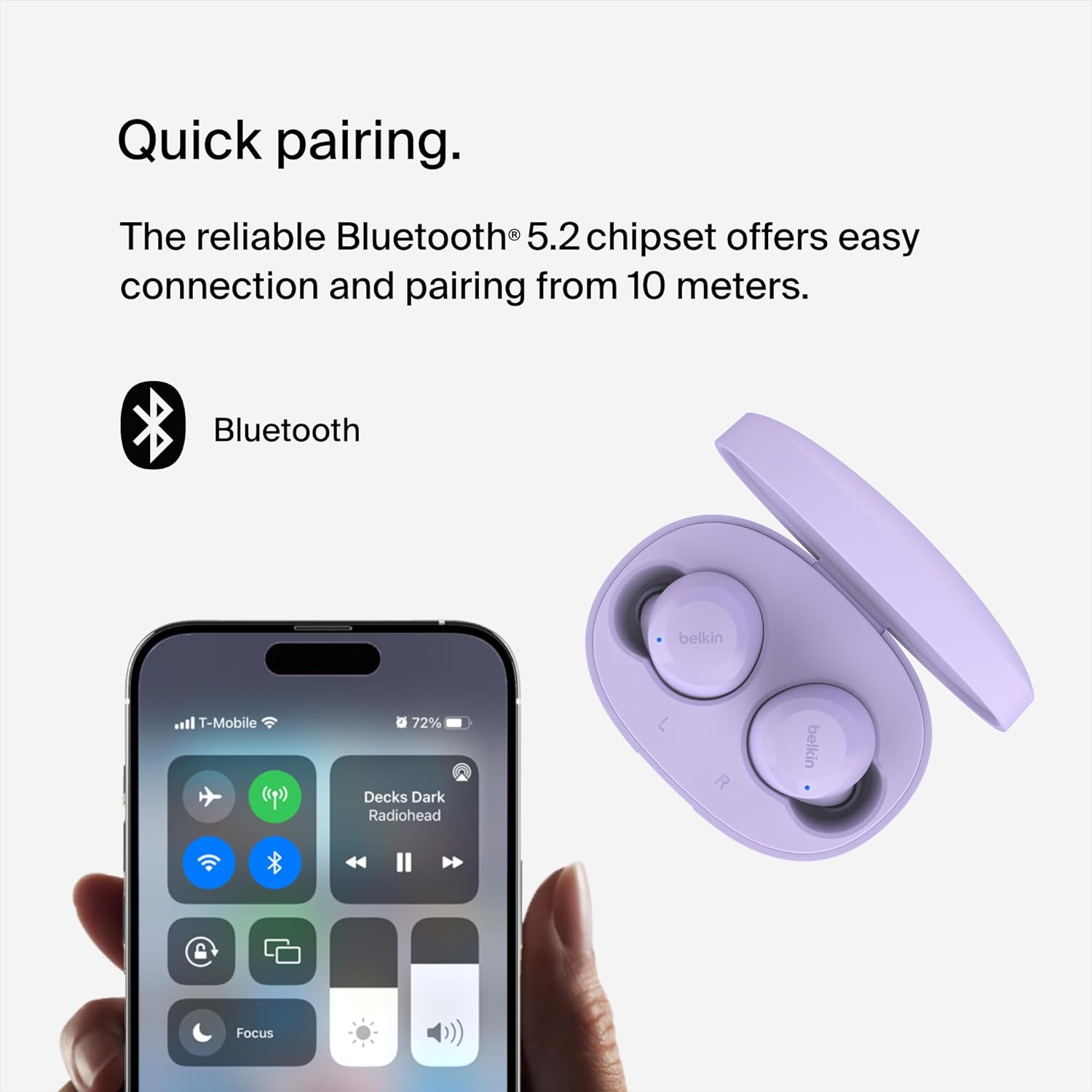
Image: Earbuds and phone screen showing Bluetooth pairing.
คำแนะนำการใช้งาน
การควบคุมแบบสัมผัส
The SoundForm Bolt earbuds feature intuitive touch controls on each earbud for easy management of audio and calls:
- เล่น/หยุดชั่วคราว: แตะหนึ่งครั้งที่หูฟังเอียร์บัดข้างใดข้างหนึ่ง
- ข้ามแทร็กไปข้างหน้า: แตะสองครั้งที่หูฟังเอียร์บัดด้านขวา
- ข้ามไปยังแทร็กก่อนหน้า: แตะสองครั้งที่หูฟังข้างซ้าย
- รับ/วางสาย: แตะหนึ่งครั้งที่หูฟังเอียร์บัดข้างใดข้างหนึ่ง
- ปฏิเสธสาย: กดและค้างไว้ที่หูฟังข้างใดข้างหนึ่ง
- การปรับระดับเสียง: Specific gestures may vary; refer to the full product guide for detailed volume control instructions.

Image: Earbud with touch control indicator.
โหมดโมโน
You can use a single earbud independently in Mono Mode. This feature allows you to extend battery life and remain aware of your surroundings while still enjoying calls or music. Simply remove one earbud from the case and leave the other in the case, or place one back in the case during use.
สวมใส่สบาย
The earbuds are designed to be light and ergonomic, ensuring a comfortable and secure fit in your ears for extended listening periods.

Image: Earbud in ear, demonstrating comfortable fit.
คุณภาพเสียง
Equipped with 6mm dynamic drivers, these earbuds deliver consistently smooth and crisp audio, providing a balanced sound profile for music and calls.

ภาพ: ระเบิด view of an earbud, showing internal components.
การซ่อมบำรุง
ความต้านทานต่อน้ำ
The SoundForm Bolt True Wireless Earbuds are IPX4-rated for sweat and water resistance. This means they are protected against splashing water from any direction, making them suitable for workouts and light rain. Do not submerge the earbuds in water.

Image: Earbuds with water droplets, demonstrating water resistance.
การทำความสะอาด
To maintain optimal performance and hygiene, regularly clean your earbuds and charging case. Use a soft, dry, lint-free cloth. Avoid using abrasive materials or harsh chemicals. Ensure the charging contacts on both the earbuds and the case are clean and dry.
การแก้ไขปัญหา
- หูฟังไม่จับคู่: Ensure both earbuds are charged and in the case. Open the case to initiate pairing mode. If issues persist, try forgetting the device in your phone's Bluetooth settings and re-pairing.
- ไม่มีเสียงจากหูฟังข้างหนึ่ง: ใส่หูฟังทั้งสองข้างกลับเข้าไปในกล่องชาร์จ ปิดฝา รอสักครู่ แล้วเปิดฝาอีกครั้ง วิธีนี้จะช่วยรีเซ็ตการเชื่อมต่อได้
- ปัญหาการชาร์จ: Verify that the USB-C cable is securely connected to both the case and the power source. Ensure the charging contacts on the earbuds and inside the case are clean.
- ปริมาณต่ำ: Adjust the volume on both your connected device and via the earbud touch controls. Ensure the earbuds are properly seated in your ears for optimal sound delivery.
ข้อมูลจำเพาะ
| คุณสมบัติ | รายละเอียด |
|---|---|
| ชื่อรุ่น | SoundForm Bolt True Wireless Earbuds |
| หมายเลขรุ่น | AUC009btLV |
| เทคโนโลยีการเชื่อมต่อ | ไร้สาย (บลูทูธ 5.2) |
| ประเภทไดร์เวอร์เสียง | ไดรเวอร์ไดนามิกขนาด 6 มม. |
| อายุการใช้งานแบตเตอรี่ (หูฟัง) | นานถึง 9 ชั่วโมง |
| อายุการใช้งานแบตเตอรี่ (พร้อมเคส) | นานถึง 28 ชั่วโมง |
| พอร์ตชาร์จ | ยูเอสบี-ซี |
| ความต้านทานต่อน้ำ | IPX4 (Sweat and Water-Resistant) |
| วิธีการควบคุม | สัมผัส |
| น้ำหนักเอียร์บัด | 5 กรัมต่อเอียร์บัด |
| น้ำหนักเคส | 33.8กรัม |
การรับประกันและการสนับสนุน
ข้อมูลการรับประกัน
The Belkin SoundForm Bolt True Wireless Earbuds come with a 2-year limited warranty. Please retain your proof of purchase for warranty claims.

Image: Belkin 2-year product coverage.
การสนับสนุนลูกค้า
หากต้องการความช่วยเหลือเพิ่มเติม การสนับสนุนด้านเทคนิค หรือ view the full product manual, please visit the official Belkin support webไซต์หรือดูข้อมูลการติดต่อที่ให้มาพร้อมกับบรรจุภัณฑ์ผลิตภัณฑ์ของคุณ
คุณยังสามารถเยี่ยมชม Belkin Store on Amazon สำหรับข้อมูลผลิตภัณฑ์และอุปกรณ์เสริมเพิ่มเติม


