การแนะนำ
This manual provides comprehensive instructions for the iFLYTEK Translator 2.0 easytrans 800. It covers device setup, operation, maintenance, and troubleshooting to ensure optimal performance and user experience. The iFLYTEK Translator 2.0 is designed for seamless communication across language barriers, offering advanced voice and camera translation capabilities.
เนื้อหาแพ็คเกจ
ตรวจสอบว่ามีรายการทั้งหมดอยู่ในแพ็คเกจ:
- iFLYTEK Translator 2.0 easytrans 800 Device
- สายชาร์จ USB
- คู่มือแนะนำ
- คู่มือการใช้งาน (เอกสารนี้)
- Lanyard/Strap

Image: The iFLYTEK Translator 2.0 easytrans 800 device, its charging cable, and documentation laid out next to the product box.
สินค้าเกินview
The iFLYTEK Translator 2.0 easytrans 800 features a compact design with a user-friendly interface.

ภาพ: ด้านหน้า view of the iFLYTEK Translator 2.0 easytrans 800 showing the screen, navigation buttons, and speaker. Rear view shows the camera lens and SOS button.
ส่วนประกอบอุปกรณ์:
- แผงด้านหน้า: Touchscreen display, navigation buttons (ABC, O, 中文), speaker.
- แผงด้านหลัง: Camera lens, SOS button.
- ปุ่มด้านข้าง: Power button, volume controls.
- พอร์ต: USB charging port, 3.5mm headphone jack.
การตั้งค่า
1. การชาร์จอุปกรณ์
Before first use, fully charge the translator. Connect the provided USB cable to the device's charging port and a compatible USB power adapter (not included).
- โดยทั่วไปการชาร์จเต็มจะใช้เวลาประมาณ 2-3 ชั่วโมง
- ตัวแสดงสถานะแบตเตอรี่บนหน้าจอจะแสดงสถานะการชาร์จ
2. การเปิด/ปิดเครื่อง
- การเปิดเครื่อง: Press and hold the Power button (usually on the side) until the screen illuminates.
- วิธีปิดเครื่อง: Press and hold the Power button, then select "Power Off" on the screen.
3. Initial Language Selection
Upon first power-on, you will be prompted to select the device's interface language. Follow the on-screen instructions.
4. การเชื่อมต่อเครือข่าย
The iFLYTEK Translator requires an internet connection for optimal translation accuracy. Connect to a Wi-Fi network or utilize the built-in global communication feature.
- ไวไฟ : Navigate to Settings > Wi-Fi, select your network, and enter the password.
- Global Communication: The device includes 2 years of global communication coverage in 98 countries. This feature activates automatically when a Wi-Fi connection is not available.
คำแนะนำการใช้งาน
The iFLYTEK Translator 2.0 easytrans 800 offers two primary translation modes: Voice Translation and Camera Translation.
1. Voice Translation (59 Languages)
This mode allows for real-time spoken language translation.
- Select the source and target languages on the device screen.
- Press and hold the designated voice input button (e.g., "ABC" for language A, "中文" for language B).
- Speak clearly into the device's microphone.
- Release the button. The device will process your speech and provide the translation audibly and on-screen.
The device features advanced noise reduction technology and four microphones for high accuracy even in noisy environments, with a response time of approximately 0.5 seconds.

Image: The iFLYTEK Translator 2.0 device screen showing a Japanese phrase and its translation, demonstrating voice translation functionality.
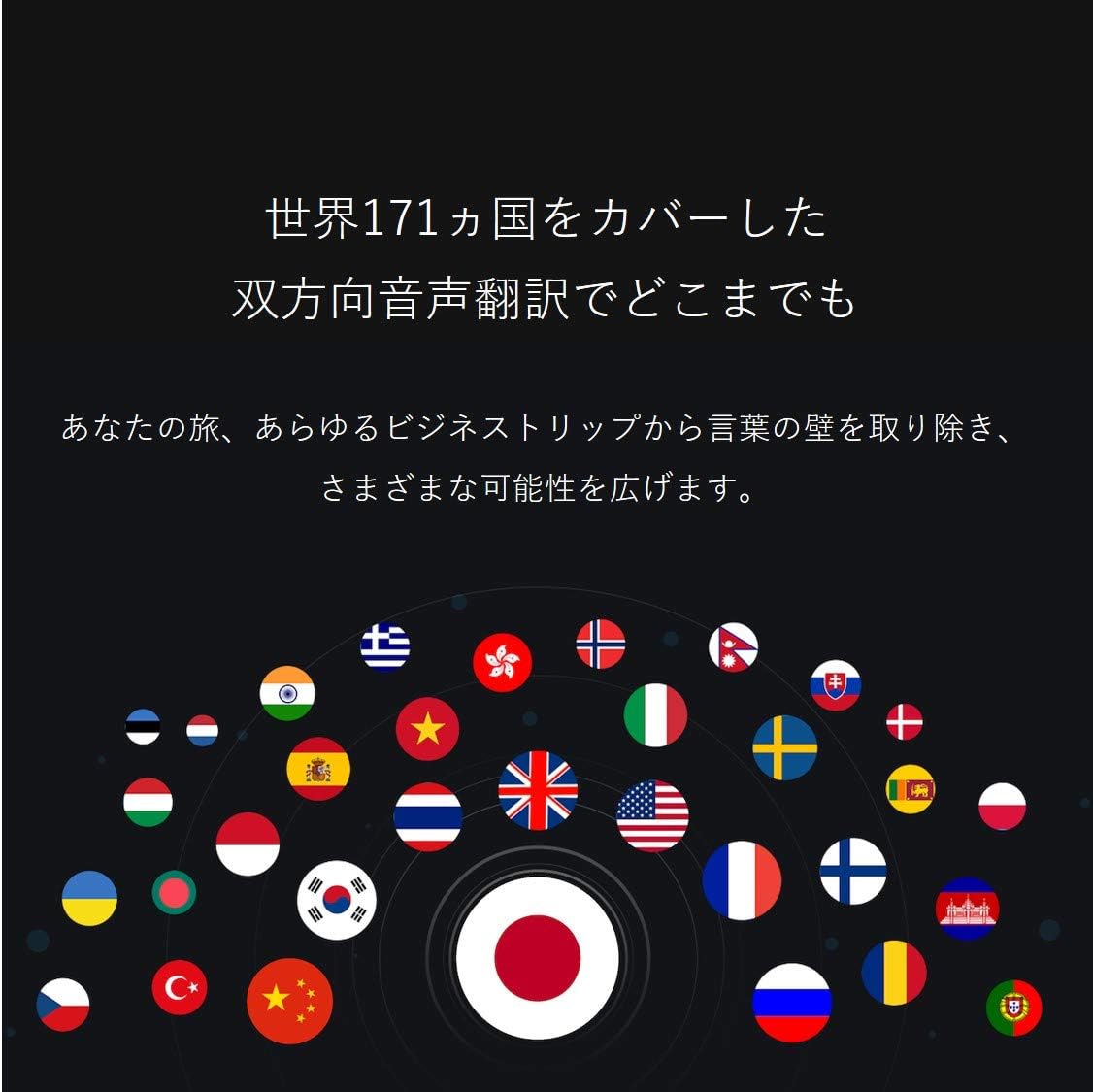
Image: A collection of national flags, symbolizing the extensive language support of the iFLYTEK Translator 2.0 across 171 countries.
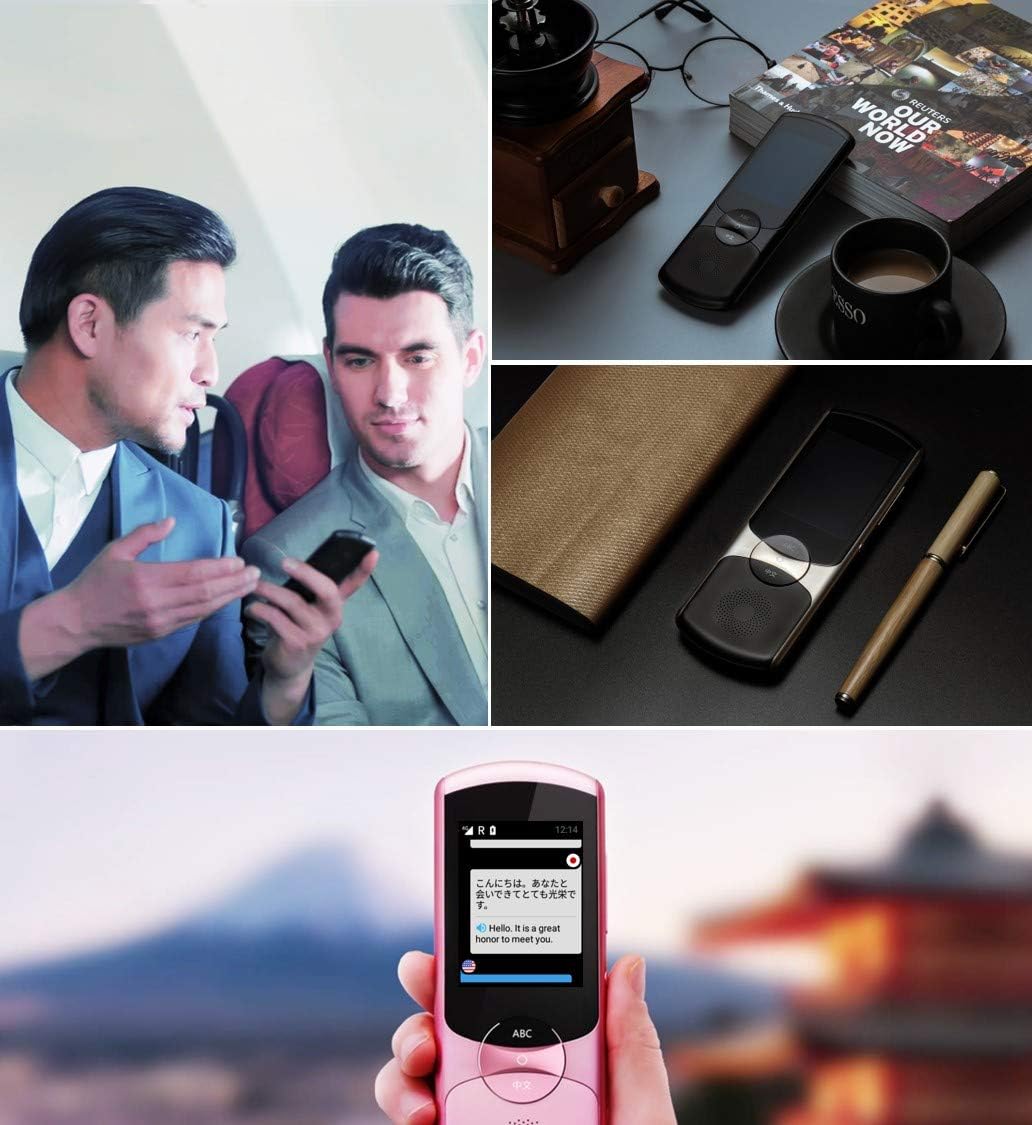
Image: A collage showing the iFLYTEK Translator 2.0 being used in different scenarios, including a business meeting and a travel setting, highlighting its versatility.
2. Camera Translation (11 Languages)
This mode translates text captured by the device's camera.
- Select Camera Translation mode from the main menu.
- Point the device's camera at the text you wish to translate (e.g., signs, menus, documents).
- Ensure the text is well-lit and within the camera's frame.
- Tap the capture button on the screen. The device will process the image and display the translated text.

Image: A user holding the iFLYTEK Translator 2.0 to translate text on a map, demonstrating the camera translation feature.
3. Pronunciation Scoring and Accent Check
The device includes an AI-powered feature to help users improve their pronunciation and check accents.
- Access the Pronunciation Scoring feature from the menu.
- Select the language for practice.
- Speak the displayed phrases or words into the microphone.
- The device will provide feedback on your pronunciation and accent.

Image: An adult and a child interacting with the iFLYTEK Translator 2.0, illustrating its use for pronunciation scoring and language learning.
การซ่อมบำรุง
- การทำความสะอาด: ใช้ผ้านุ่มและแห้งเช็ดทำความสะอาดอุปกรณ์ ห้ามใช้น้ำยาทำความสะอาดหรือสเปรย์
- พื้นที่จัดเก็บ: เก็บอุปกรณ์ไว้ในที่แห้งและเย็น หลีกเลี่ยงแสงแดดโดยตรงและอุณหภูมิที่สูงหรือต่ำเกินไป
- การดูแลแบตเตอรี่ เพื่อยืดอายุการใช้งานแบตเตอรี่ ควรหลีกเลี่ยงการคายประจุแบตเตอรี่จนหมดบ่อยๆ ควรชาร์จอุปกรณ์เป็นประจำ แม้ว่าจะไม่ได้ใช้งานเป็นเวลานานก็ตาม
- การอัปเดตซอฟต์แวร์: ตรวจสอบและติดตั้งการอัปเดตซอฟต์แวร์เป็นระยะ เพื่อให้มั่นใจได้ถึงประสิทธิภาพสูงสุดและการเข้าถึงคุณสมบัติใหม่ๆ
การแก้ไขปัญหา
| ปัญหา | สาเหตุที่เป็นไปได้ | สารละลาย |
|---|---|---|
| อุปกรณ์ไม่เปิดเครื่อง | แบตเตอรี่อ่อน อุปกรณ์ค้าง | Charge the device for at least 30 minutes. Perform a force restart by holding the power button for 10-15 seconds. |
| การแปลไม่ถูกต้องหรือช้าเกินไป | Poor internet connection; unclear speech; incorrect language selection. | Ensure a stable Wi-Fi or cellular connection. Speak clearly and directly into the microphone. Verify that the correct source and target languages are selected. |
| Camera translation not working. | Insufficient lighting; blurry image; text too small. | Ensure adequate lighting. Hold the device steady to avoid blur. Position the device closer to the text if it's too small. |
| ไม่มีเสียงจากลำโพง | Volume too low; speaker obstructed. | Increase the volume using the side buttons. Check if the speaker is blocked by debris. |
ข้อมูลจำเพาะ
| คุณสมบัติ | รายละเอียด |
|---|---|
| ยี่ห้อ | ไอฟลายเทค |
| หมายเลขรุ่น | EASYTRANS 800 |
| Voice Translation Support | 59 ภาษา |
| Camera Translation Support | 11 ภาษา |
| เทคโนโลยีลดเสียงรบกวน | Yes, with 4 microphones |
| การสื่อสารระดับโลก | 2 years coverage in 98 countries |
| เวลาตอบสนอง | ประมาณ 0.5 วินาที |
| อุปกรณ์ที่รองรับ | Laptop, Personal Computer (for data transfer/updates) |
| ฮาร์ดแวร์อินเตอร์เฟซ | 802.11 b/g/n (Wi-Fi) |
| รูปแบบเสียง | วาฟ |
| แจ็คหูฟัง | 3.5 มิลลิเมตร |
| ประเภทแบตเตอรี่ | แบตเตอรี่ลิเธียมไอออน 1 ก้อน (รวมอยู่ด้วย) |
| น้ำหนักสินค้า | 120 กรัม |
| ขนาดหน้าจอ | 5.8 นิ้ว |
| อายุการใช้งานแบตเตอรี่ | นานถึง 6 ชั่วโมง |
| เวลาในการบันทึกแบบดิจิตอล | 120 นาที |
การรับประกันและการสนับสนุน
For warranty information and technical support, please refer to the official iFLYTEK webหรือติดต่อฝ่ายบริการลูกค้า เก็บใบเสร็จรับเงินไว้เป็นหลักฐานการซื้อสำหรับการเรียกร้องการรับประกัน
The device includes 2 years of global communication, which is a service feature rather than a warranty.


