1. บทนำ
Thank you for choosing the LORELEI B-C6 Wireless Over Ear Headphones. These headphones are designed to provide a superior audio experience with deep bass, comfortable memory foam earmuffs, and versatile connectivity options. This manual will guide you through the setup, operation, and maintenance of your new headphones.

Image: LORELEI B-C6 Wireless Over Ear Headphones in Beige White.
2. อะไรอยู่ในกล่อง
Your LORELEI B-C6 package includes the following items:
- LORELEI B-C6 Wireless Headphones
- Black leather bundle pocket (carrying case)
- 3.5mm non-wound Braided audio cable
- สายชาร์จ Type-C
- คู่มือการใช้งาน (เอกสารนี้)
3. การตั้งค่าและการเชื่อมต่อ
3.1. การชาร์จหูฟัง
Before first use, fully charge your LORELEI B-C6 headphones. A full charge provides up to 50 hours of music enjoyment.
- Connect the Type-C charging cable to the charging port on the headphone.
- เชื่อมต่อปลายสายอีกด้านหนึ่งเข้ากับแหล่งพลังงาน USB (เช่น พอร์ต USB ของคอมพิวเตอร์ อะแดปเตอร์ติดผนัง USB)
- ไฟแสดงสถานะ LED จะแสดงสถานะการชาร์จและดับลงเมื่อชาร์จเต็มแล้ว
3.2. การจับคู่บลูทู ธ
The LORELEI B-C6 headphones feature Bluetooth 5.3 for stable and low-latency audio transmission.
- ตรวจสอบให้แน่ใจว่าได้ชาร์จหูฟังแล้ว
- Slide the power switch to the ON position. The headphones will enter pairing mode, indicated by a flashing LED light.
- On your device (smartphone, tablet, laptop), enable Bluetooth and search for "LORELEI B-C6" in the list of available devices.
- Select "LORELEI B-C6" to connect. Once connected, the LED indicator will stop flashing and remain solid.
3.3. Wired Connection (Auxiliary Mode)
You can use the headphones in wired mode with the included 3.5mm audio cable, even if the battery is low or depleted.
- Plug one end of the 3.5mm audio cable into the audio jack on the headphone.
- เสียบปลายอีกด้านเข้ากับเอาต์พุตเสียงขนาด 3.5 มม. ของอุปกรณ์ของคุณ
- หูฟังจะเปลี่ยนเป็นโหมดสายโดยอัตโนมัติ
4. การใช้งานหูฟังของคุณ
The right earcup features intuitive controls for managing your audio and calls.

ภาพ: รายละเอียด view of the audio controls on the right earcup.
4.1. เปิด/ปิดเครื่อง
- To Power On: Slide the power switch to the ON position.
- To Power Off: Slide the power switch to the OFF position.
4.2. การเล่นเพลง
- เล่น/หยุดชั่วคราว: Press the Multi-function Button (center button).
- ปรับระดับเสียงขึ้น: กดปุ่ม "+"
- ลดเสียงลง: กดปุ่ม "-"
- เพลงถัดไป: กดปุ่ม "+" ค้างไว้
- แทร็กก่อนหน้า: กดปุ่ม "-" ค้างไว้
4.3. การจัดการการโทร
- รับสาย: Press the Multi-function Button.
- วางสาย: Press the Multi-function Button during a call.
- ปฏิเสธสาย: Long press the Multi-function Button.
5. การบำรุงรักษาและการดูแล
To ensure the longevity and optimal performance of your LORELEI B-C6 headphones, follow these care guidelines:
- การทำความสะอาด: Use a soft, dry cloth to clean the headphones. For the protein ear pads, gently wipe with a slightly damp cloth if necessary, then dry immediately. Avoid harsh chemicals or abrasive materials.
- พื้นที่จัดเก็บ: When not in use, store the headphones in the provided black leather bundle pocket to protect them from dust and scratches. The foldable design allows for compact storage.
- อุณหภูมิ: ควรหลีกเลี่ยงการนำหูฟังไปวางไว้ในที่ที่มีอุณหภูมิสูงหรือต่ำเกินไป หรือมีความชื้นสูง
- การสัมผัสน้ำ: หูฟังรุ่นนี้ไม่กันน้ำ โปรดหลีกเลี่ยงการสัมผัสกับน้ำหรือของเหลวอื่นๆ
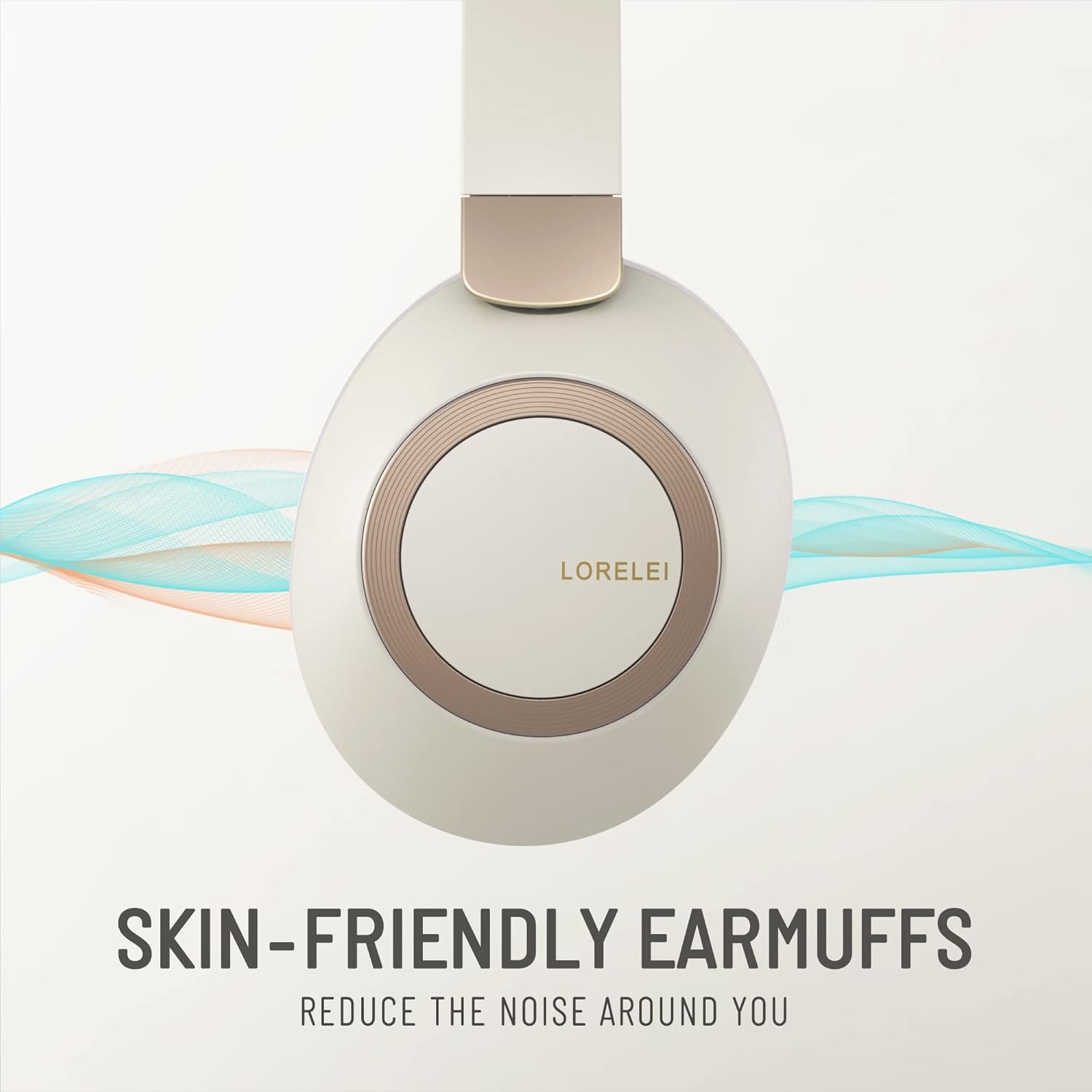
Image: Close-up of the skin-friendly memory foam earmuffs.
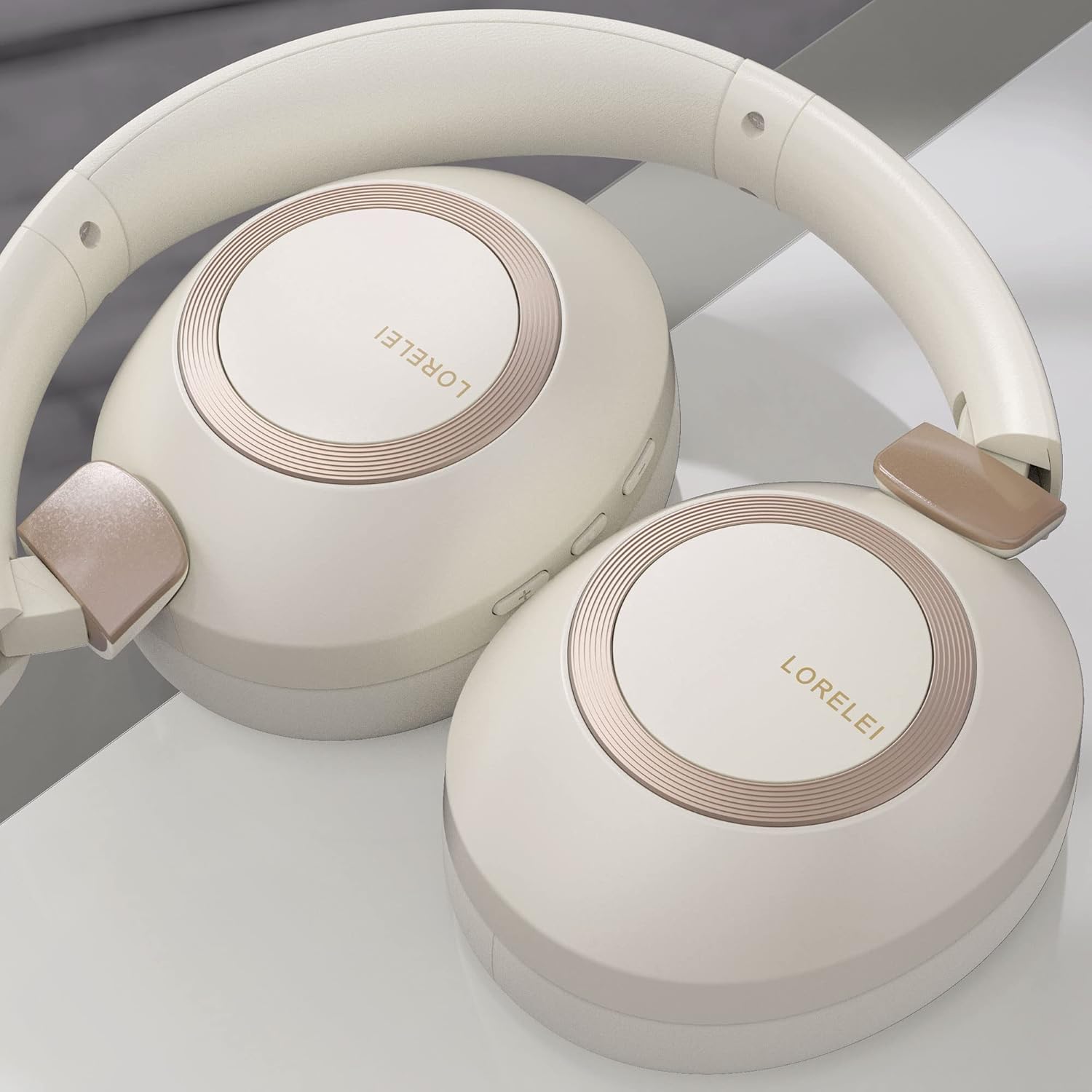
Image: LORELEI B-C6 headphones in their folded, compact state.
6 การแก้ไขปัญหา
If you encounter any issues with your LORELEI B-C6 headphones, please refer to the following common solutions:
| ปัญหา | วิธีแก้ปัญหาที่เป็นไปได้ |
|---|---|
| หูฟังไม่สามารถเปิดได้ | ตรวจสอบให้แน่ใจว่าหูฟังชาร์จเต็มแล้ว เสียบหูฟังเข้ากับแหล่งจ่ายไฟโดยใช้สาย Type-C |
| ไม่สามารถจับคู่ผ่านบลูทูธได้ | Make sure Bluetooth is enabled on your device and the headphones are in pairing mode (flashing LED). Try turning both devices off and on again. Ensure no other devices are currently connected to the headphones. |
| ไม่มีเสียงในโหมดบลูทูธ | ตรวจสอบระดับเสียงของทั้งหูฟังและอุปกรณ์ที่เชื่อมต่อ ตรวจสอบให้แน่ใจว่าหูฟังได้รับการจับคู่อย่างถูกต้อง |
| ไม่มีเสียงในโหมดใช้สาย | Ensure the 3.5mm audio cable is fully inserted into both the headphone and your device. Check the volume levels on your device. |
| คุณภาพเสียงไม่ดี | For Bluetooth, ensure you are within the 10-meter range of your device. Check the audio source quality. |
| อายุการใช้งานแบตเตอรี่สั้นกว่าที่คาดไว้ | Ensure the headphones are fully charged before use. High volume levels can reduce battery life. |
7. ข้อมูลจำเพาะ
| คุณสมบัติ | รายละเอียด |
|---|---|
| ชื่อรุ่น | B-C6 |
| ยี่ห้อ | ลอเรไล |
| เทคโนโลยีการเชื่อมต่อ | ไร้สาย (บลูทูธ), มีสาย (แจ็ค 3.5 มม.) |
| เทคโนโลยีการสื่อสารไร้สาย | บลูทูธ 5.3 |
| ช่วงบลูทูธ | 10 เมตร |
| อายุการใช้งานแบตเตอรี่ | 50 ชั่วโมง |
| ขนาดไดร์เวอร์เสียง | 40 มิลลิเมตร |
| ประเภทไดร์เวอร์เสียง | ไดร์เวอร์แบบไดนามิก |
| การควบคุมเสียงรบกวน | การแยกเสียง |
| การวางตำแหน่งหู | ครอบหู |
| ฟอร์มแฟกเตอร์ | ครอบหู |
| วัสดุ | Plastic (body), Leather (carrying case) |
| น้ำหนักสินค้า | 11.2 ออนซ์ |
| ช่วงความถี่ | 20 เฮิรตซ์ - 20,000 เฮิรตซ์ |
| อิมพีแดนซ์ | 32 โอห์ม |
| ประเภทการควบคุม | ปุ่มควบคุมระดับเสียง |
| อุปกรณ์ที่รองรับ | Laptops, Tablets, Telephones, Smart Speaker, Television, Cellphones |
| สี | Beige white |
8. การรับประกันและการสนับสนุน
LORELEI is committed to providing reliable quality products and the best user experience. If you have any questions, concerns, or require assistance with your LORELEI B-C6 headphones, please do not hesitate to contact our customer service team. We aim to solve your problem within 24 hours.
For support, please visit the official LORELEI store or contact us through the platform where you purchased the product.
Note: Specific warranty details may vary. Please refer to your purchase documentation for complete warranty information.


