1. คำแนะนำด้านความปลอดภัยที่สำคัญ
โปรดอ่านคำแนะนำทั้งหมดอย่างละเอียดก่อนใช้งานเครื่องใช้ไฟฟ้าและเก็บไว้เพื่อใช้อ้างอิงในอนาคต การไม่ปฏิบัติตามคำแนะนำเหล่านี้อาจส่งผลให้เกิดไฟฟ้าช็อต ไฟไหม้ หรือบาดเจ็บสาหัสได้
- ความปลอดภัยทางไฟฟ้า: ให้แน่ใจว่าปริมาตรtage indicated on the appliance matches your local power supply. Do not operate with a damaged cord or plug. Unplug the appliance during thunderstorms or when not in use for long periods.
- การจัดวาง: Place the mini-refrigerator on a stable, flat surface. Ensure adequate ventilation around the unit. Do not block ventilation openings. Keep away from direct sunlight, heat sources, and moisture.
- การใช้งาน: This appliance is designed for household and similar applications. Do not use it for commercial purposes. Do not store explosive substances such as aerosol cans with a flammable propellant in this appliance.
- การทำความสะอาด: Always unplug the appliance before cleaning. Do not immerse the appliance in water or other liquids.
- เด็ก: Keep the appliance out of reach of children. Supervision is necessary when the appliance is used by or near children.
2. สินค้าหมดview
The Cecotec Bolero MiniColing 20L is a versatile mini-refrigerator designed for portability and convenience. It features a 20-liter capacity, dual cooling and heating functions, and compatibility with both 12V DC (car/caravan) and 220V AC (home) power sources. Its compact design and quiet operation make it ideal for various settings.

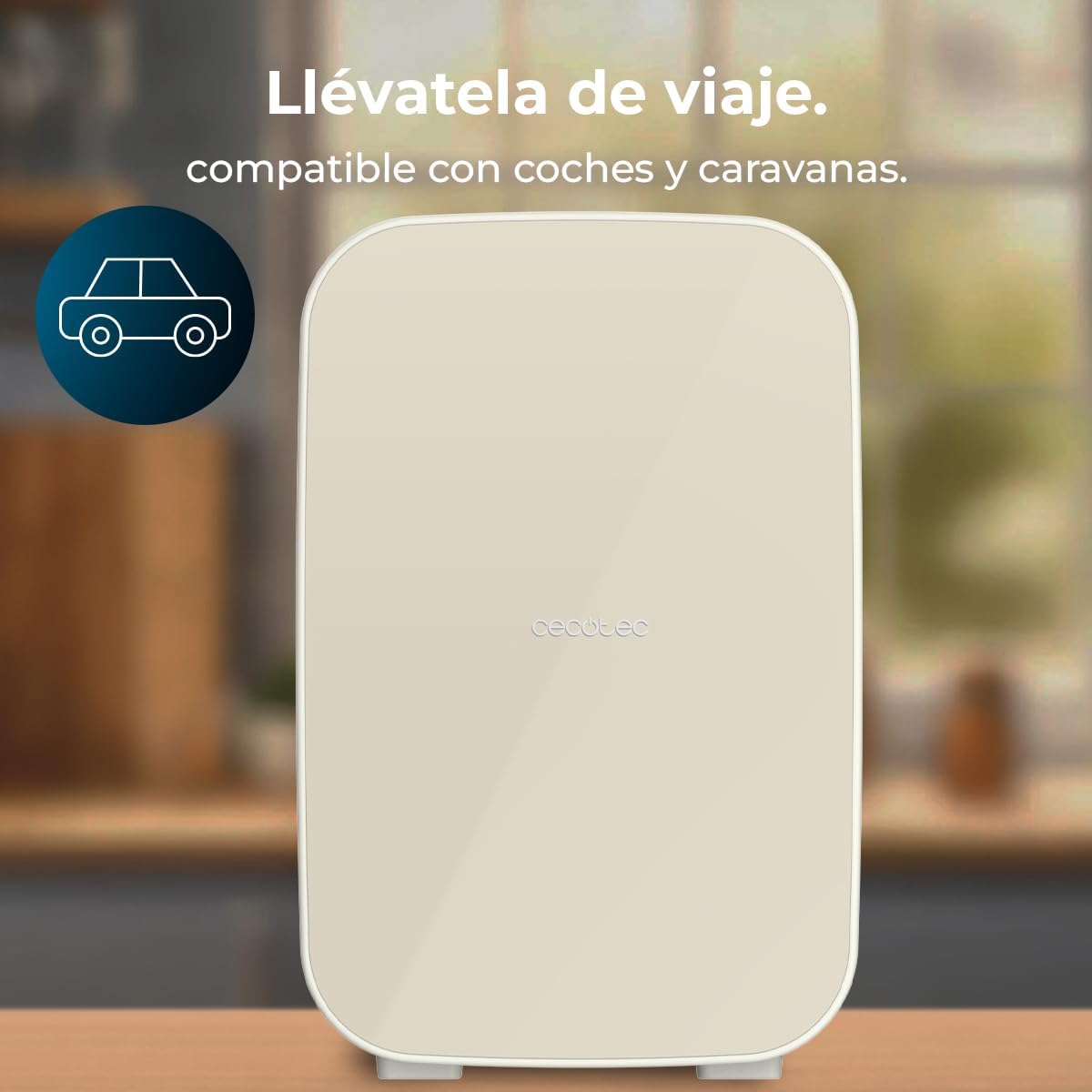
รูปที่ 2.1 : ด้านหน้า view of the Cecotec Bolero MiniColing 20L Mini Refrigerator. This image displays the compact and sleek design of the appliance, highlighting its 20L capacity, 12V and 220-240V compatibility, and cooling/heating functions.
รูปที่ 2.2 : ภายใน view แสดงasing the 20-liter capacity. The image illustrates the spacious interior, capable of holding various items like beverages and cosmetics, emphasizing its practical storage volume.
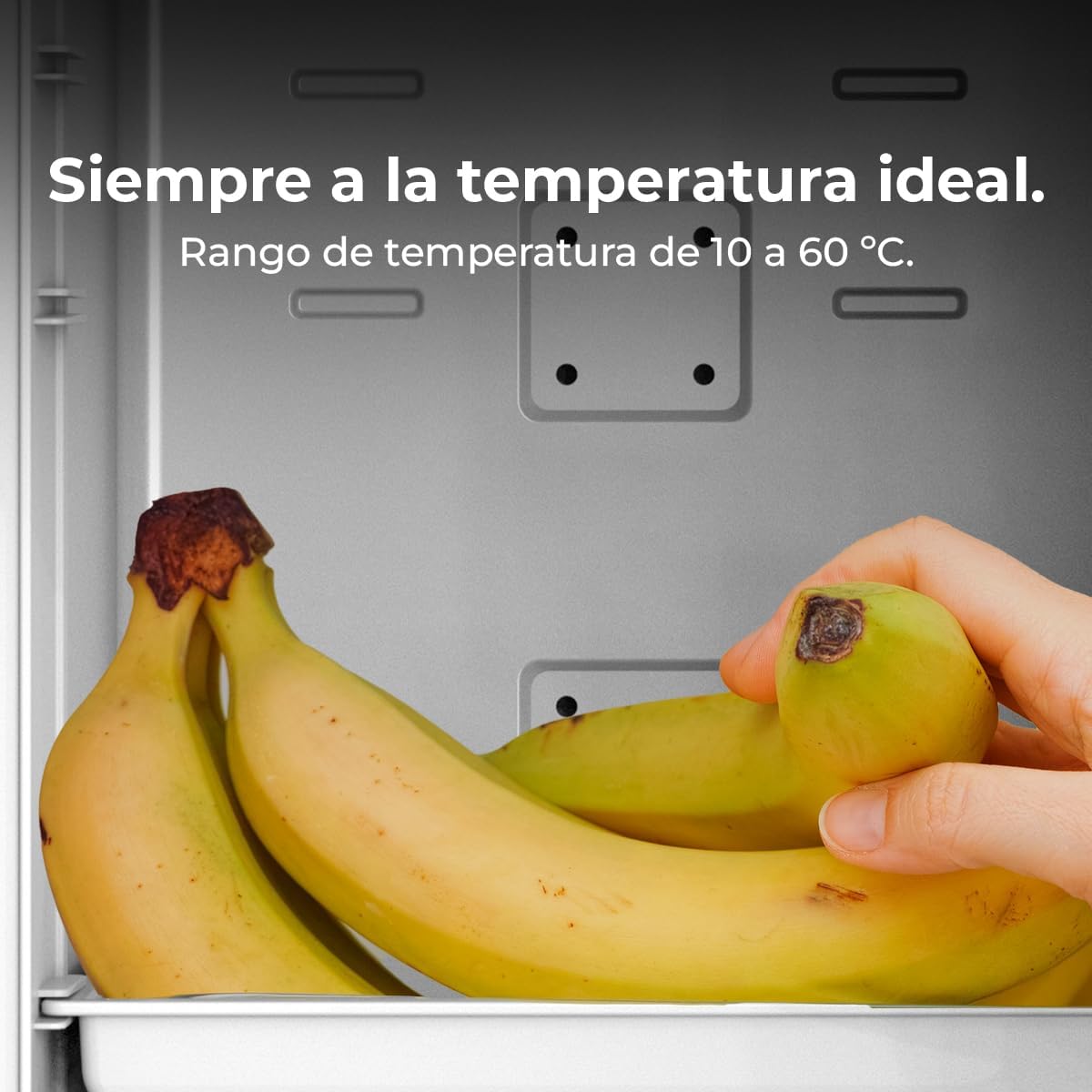
Figure 2.3: The mini refrigerator operating silently in a bedroom setting. This image highlights the appliance's quiet operation, making it suitable for use in personal spaces without causing disturbance.
3. การตั้งค่า
Follow these steps to set up your mini-refrigerator for the first time.
- การแกะกล่อง: Carefully remove the appliance from its packaging. Retain the packaging materials for future transport or storage if needed.
- การจัดวาง: Place the mini-refrigerator on a firm, level surface. Ensure there is at least 10 cm (4 inches) of space around all sides for proper ventilation. Avoid placing it near direct heat sources or in direct sunlight.
- การเชื่อมต่อไฟฟ้า:
- For home use (AC 220V): Connect the AC power cord to the appliance's AC input port and then plug it into a standard wall outlet.
- For car/caravan use (DC 12V): Connect the DC power cord to the appliance's DC input port and then plug it into your vehicle's 12V cigarette lighter socket.
- การใช้งานเบื้องต้น: After connecting to power, allow the unit to stand for at least 30 minutes before turning it on to allow refrigerants to settle.

Figure 3.1: Close-up of the power input panel. This image shows the 12V DC and 220V AC input ports, illustrating how to connect the mini-refrigerator to different power sources for home or vehicle use.

Figure 3.2: The mini refrigerator placed in a car, demonstrating its compatibility with vehicles. This image emphasizes the portability and convenience for travel, allowing users to keep items cool or warm on the go.
4. คู่มือการใช้งาน
Your Cecotec MiniColing 20L offers both cooling and heating functions. Follow these instructions to operate the unit.
- เปิด/ปิดเครื่อง: Locate the power switch on the control panel. Flip it to the 'ON' position to power on the unit. Flip to 'OFF' to power off.
- Selecting Mode (Cooling/Heating):
- To activate cooling: Set the mode switch to the 'COOL' position. The internal temperature can be regulated from 7°C.
- To activate heating: Set the mode switch to the 'HEAT' position. The internal temperature can be regulated up to 65°C.
- การปรับอุณหภูมิ: Use the temperature control dial or buttons (if present) to set your desired temperature within the operating range (7°C to 65°C). Allow time for the unit to reach the set temperature.
- Switching Between AC/DC: Ensure the correct power cord is connected for your desired power source (AC for home, DC for vehicle). The unit automatically detects the connected power source.
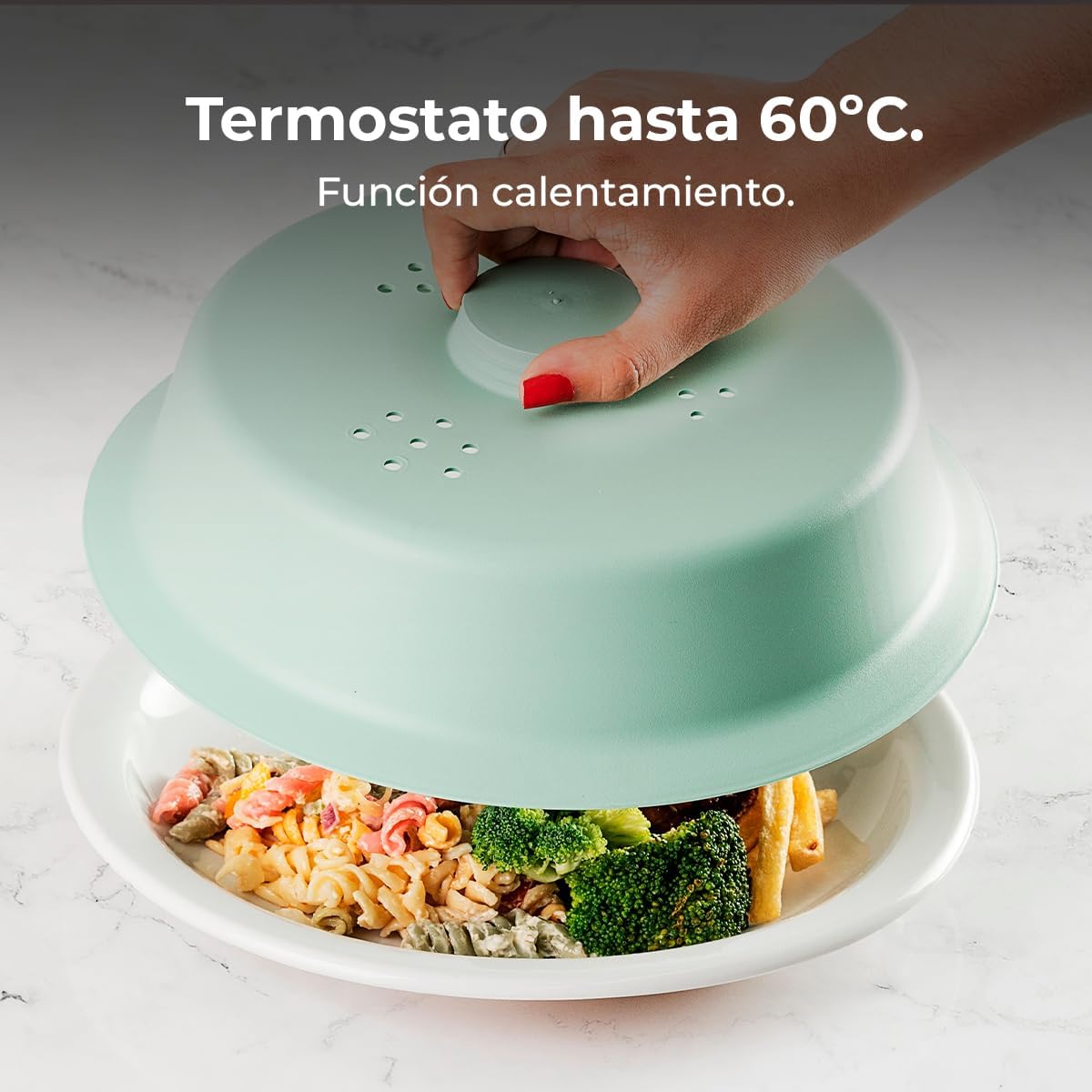
Figure 4.1: Demonstration of the cooling function, capable of cooling items down to 10°C. This image visually represents the refrigerator's ability to keep drinks and other perishables chilled.

Figure 4.2: Demonstration of the heating function, maintaining temperatures up to 60°C. This image shows the versatility of the appliance, allowing it to keep food warm.
Figure 4.3: The internal temperature range of 10°C to 60°C. This image highlights the precise temperature control feature, ensuring items are kept at their ideal temperature, whether hot or cold.
5. การบำรุงรักษาและการทำความสะอาด
Regular maintenance ensures optimal performance and longevity of your mini-refrigerator.
- ทำความสะอาดภายใน:
- ถอดปลั๊กเครื่องก่อนทำความสะอาด
- Wipe the interior with a soft cloth dampเติมด้วยสบู่อ่อนและน้ำ
- ห้ามใช้น้ำยาทำความสะอาดที่มีฤทธิ์กัดกร่อนหรือตัวทำละลาย
- Dry thoroughly before plugging back in.
- การทำความสะอาดภายนอก: เช็ดพื้นผิวภายนอกด้วยผ้านุ่ม damp ผ้า.
- การระบายอากาศ : Periodically check and clean the ventilation openings to ensure they are free from dust and debris. This helps maintain efficient operation.
- ละลายน้ำแข็ง: While the unit features automatic defrosting, if ice buildup occurs, unplug the unit and allow the ice to melt naturally. Do not use sharp objects to remove ice.
- พื้นที่จัดเก็บ: If storing the appliance for an extended period, ensure it is clean and dry. Leave the door slightly ajar to prevent odors and mold growth.
Figure 5.1: The interior of the mini refrigerator with shelves, illustrating areas for cleaning. This image provides a clear view of the internal compartments, useful for understanding how to access and clean the storage areas.
6 การแก้ไขปัญหา
If you encounter any issues with your mini-refrigerator, refer to the following common problems and their solutions.
| ปัญหา | สาเหตุที่เป็นไปได้ | สารละลาย |
|---|---|---|
| เครื่องไม่เปิดขึ้น | ไม่มีแหล่งจ่ายไฟ สายไฟไม่ได้เชื่อมต่ออย่างถูกต้อง | Check if the power cord is securely plugged into both the appliance and the power outlet. Ensure the outlet is functional. |
| การทำความเย็น/ทำความร้อนไม่เพียงพอ | Ventilation blocked; door not closed properly; ambient temperature too high/low. | Ensure ventilation openings are clear. Check that the door is fully closed. Avoid placing the unit in extreme temperatures. |
| เสียงดังเกินไป | หน่วยไม่เสมอกัน พัดลมอุดตัน | Place the unit on a level surface. Check for any obstructions around the fan. |
| น้ำขังอยู่ภายใน | Condensation; door left open too long. | This is normal condensation. Wipe with a cloth. Ensure the door is closed promptly after opening. |
หากปัญหายังคงมีอยู่หลังจากลองวิธีแก้ไขเหล่านี้แล้ว โปรดติดต่อฝ่ายสนับสนุนลูกค้า
7. ข้อมูลจำเพาะ
| คุณสมบัติ | รายละเอียด |
|---|---|
| ยี่ห้อ | เซโคเทค |
| หมายเลขรุ่น | 00142 |
| ความจุ | 20 ลิตร |
| เล่มที่tage | กระแสตรง 12V / กระแสสลับ 220V |
| ขนาด (สูง x ลึก x กว้าง) | 52 ซม. x 33.8 ซม. x 28.5 ซม. |
| น้ำหนัก | 1 กิโลกรัม |
| วัสดุ | สแตนเลส |
| คุณสมบัติพิเศษ | Cooling and Heating Function, DC and AC Power Compatibility, Portable |
| ช่วงอุณหภูมิ | 7°C ถึง 65°C |

รูปที่ 7.1: ด้านข้าง view of the mini refrigerator with indicated dimensions. This image provides a visual reference for the appliance's height (52 cm), depth (33.8 cm), and width (28.5 cm), useful for planning placement.
8. การรับประกันและการสนับสนุน
Cecotec is committed to providing high-quality products and customer satisfaction.
- ข้อมูลการรับประกัน: This product comes with a standard manufacturer's warranty. Please refer to the warranty card included in your product packaging for specific terms and conditions.
- ความพร้อมของอะไหล่: Spare parts for this model are available for up to 10 years from the date of purchase.
- การสนับสนุนลูกค้า: For technical assistance, troubleshooting beyond this manual, or warranty claims, please contact Cecotec customer support through their official webไซต์หรือข้อมูลการติดต่อที่ระบุไว้ในเอกสารผลิตภัณฑ์ของคุณ


