1. บทนำ
Thank you for choosing the POCOCO Galaxy Star Projector. This device is designed to transform your space with stunning celestial projections, offering an immersive experience for relaxation, study, meditation, or simply enjoying the beauty of the cosmos. This manual provides essential information for setting up, operating, and maintaining your projector.
2. ข้อมูลด้านความปลอดภัย
- เก็บอุปกรณ์ให้ห่างจากน้ำและความชื้น
- อย่าถอดแยกชิ้นส่วนหรือพยายามซ่อมแซมอุปกรณ์ด้วยตนเอง ติดต่อฝ่ายสนับสนุนลูกค้าเพื่อขอความช่วยเหลือ
- Avoid direct eye exposure to the projection lens.
- ใช้เฉพาะสายชาร์จ USB-C ที่ให้มาเท่านั้น
- ตรวจสอบให้แน่ใจว่ามีการระบายอากาศที่เหมาะสมรอบ ๆ อุปกรณ์ในระหว่างการทำงาน
3. เนื้อหาบรรจุภัณฑ์
ตรวจสอบว่ามีรายการทั้งหมดอยู่ในแพ็คเกจของคุณ:
- POCOCO Galaxy Projector × 1
- Disc (Diamond Stars) × 1
- USB-C Charging Cable × 1 (Charger not included)
- Blank Postcards and User Manual Posters × 1
- Extra Disc (Westerlund2) × 1

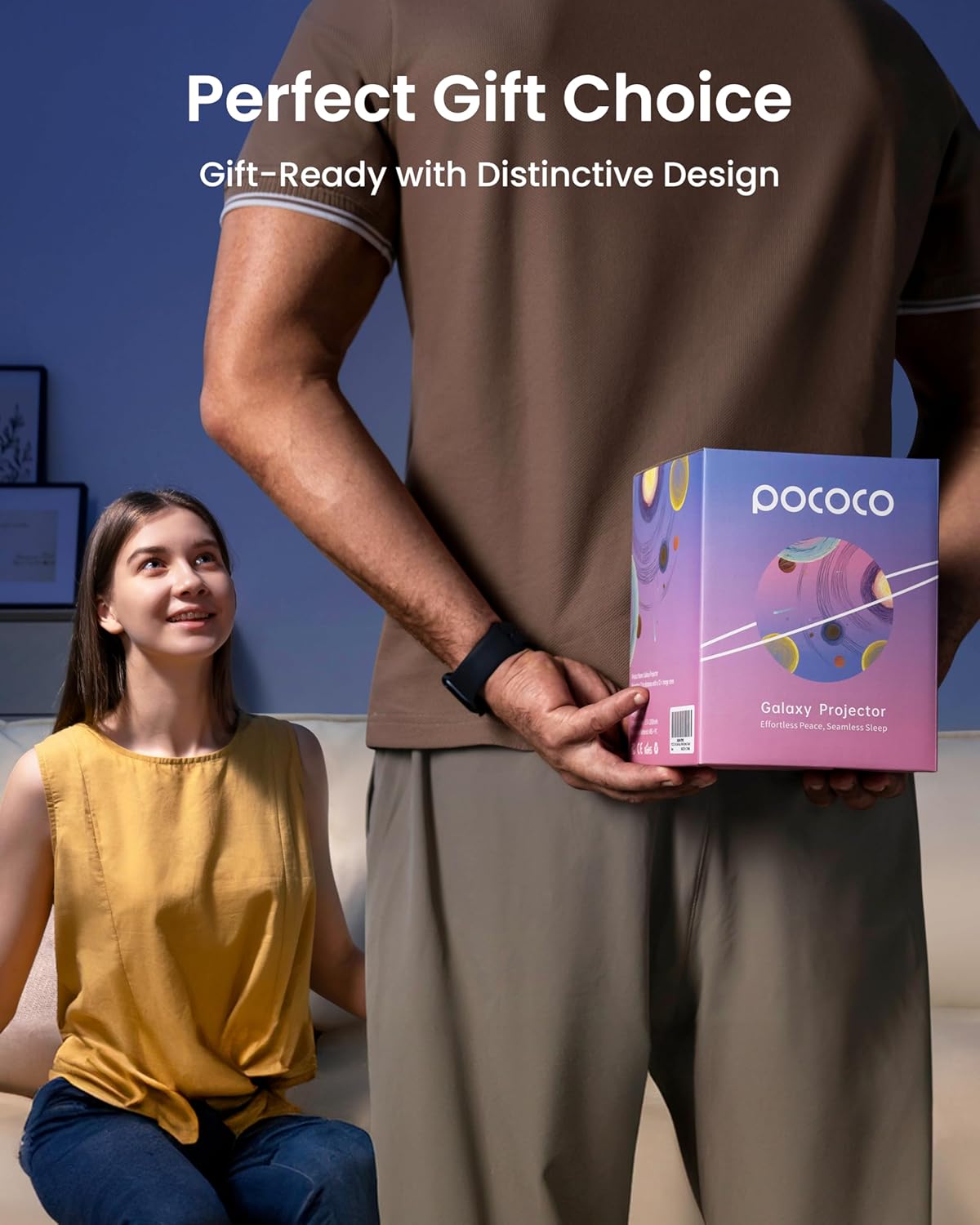
Image: POCOCO Galaxy Star Projector with its retail packaging.
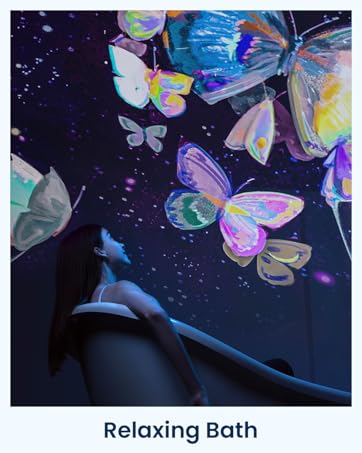
ภาพ: รายละเอียด view of the projector and included accessories.
4. การตั้งค่าและการติดตั้ง
4.1 การเปิดเครื่องอุปกรณ์
The POCOCO Galaxy Star Projector offers two power options:
- กำลังไฟ USB-C: Connect the provided USB-C cable to the projector and a compatible USB power adapter (not included).
- พลังงานแบตเตอรี่: The projector includes a built-in Lithium Ion battery for cordless operation. Ensure it is charged before use.
4.2 Inserting and Changing Optical Film Discs
- Pull out the projection disc tray from the side of the projector.
- Carefully fit the desired optical film disc into the slot, ensuring the straight edge of the disc aligns correctly within the card slot.
- Push the tray back into the projector horizontally until it clicks into place.

Image: Step-by-step guide for inserting an optical film disc.
Video: Visual demonstration of inserting a disc into the POCOCO Galaxy Projector.
4.3 Adjusting Projection Angle and Focus
- The projector features a 30-degree adjustable angle, allowing you to direct the projection onto walls or ceilings as desired.
- To adjust the focus, gently rotate the focus wheel located around the lens until the projected image appears clear and sharp.

Image: Illustrates the 30-degree adjustable angle for versatile projection.
5. คู่มือการใช้งาน
5.1 การควบคุมขั้นพื้นฐาน
The projector features intuitive controls on its base:
- ปุ่มเปิด/ปิด: Press to turn the projector On or Off.
- ปุ่มหมุน: Activates or deactivates the disc rotation function, adding dynamic movement to your projections.
- ปุ่มตั้งเวลา: Cycles through the available timer settings (15, 30, or 60 minutes) for automatic shut-off.
5.2 ฟังก์ชั่นจับเวลา
The built-in timer allows you to set the projector to automatically turn off after a specified duration:
- Press the Timer button to select 15, 30, or 60 minutes.
- The projector also has a default 2-hour auto-off timer for promoting restful sleep.

Image: The projector displaying its 3-stage timer options.
6. คุณสมบัติของผลิตภัณฑ์
- Ultra-Clear Projection: Equipped with a high-transparency optical lens (2 million pixels, 95% light transmission) and 5K Ultra HD discs etched using photolithography for sharp, detailed images.
- แสงสว่างที่อ่อนโยน: Features a super-low-power 1-watt LED light source that minimizes eye strain, ideal for relaxation and sleep.
- Diverse Disc Selection: Explore various disc series including constellations, starry skies, the Milky Way, planetary discs, and kid-friendly educational sets.
- ตำแหน่งที่หลากหลาย: Cordless design and 30-degree adjustable angle allow for flexible positioning in any room.
- การทำงานที่เงียบ: Designed to operate below 20dB, ensuring a consistently quiet ambiance.
- อายุการใช้งานแบตเตอรี่ยาวนาน: Provides up to 6 hours of operation on a full charge.

Image: Demonstrates the ultra-clear projection quality of the POCOCO projector.

Image: A realistic galaxy projection from the POCOCO projector.
ภาพ: เหนือview of key features: eye-friendly light, image rotation, 30-degree angle adjustment, 6-hour battery life, and large projection area.
7. ข้อมูลจำเพาะ
| คุณสมบัติ | ข้อมูลจำเพาะ |
|---|---|
| ชื่อรุ่น | POLT01 |
| ยี่ห้อ | โปโคโค่ |
| สี | สีขาว |
| วัสดุ | พลาสติก |
| ขนาดสินค้า | ลึก 7 นิ้ว x กว้าง 6 นิ้ว x สูง 5 นิ้ว (ลึก 17.78 ซม. x กว้าง 15.24 ซม. x สูง 12.7 ซม.) |
| น้ำหนักสินค้า | 1.63 ปอนด์ (0.74 กก.) |
| ประเภทแหล่งกำเนิดแสง | นำ |
| วัดtage | 1.5 วัตต์ |
| เล่มที่tage | 5 โวลต์ |
| แหล่งพลังงาน | ใช้พลังงานจากแบตเตอรี่ (รวมแบตเตอรี่ลิเธียมไอออน 1 ก้อน) |
| คุณสมบัติพิเศษ | Cordless, Adjustable Timer, Image Rotation |
| วิธีการควบคุม | Remote (functionality mentioned, remote details not specified) |
| การใช้งานภายใน/ภายนอกอาคาร | ในร่ม |
8. การบำรุงรักษา
- To clean the projector, gently wipe the exterior with a soft, dry cloth.
- หลีกเลี่ยงการใช้น้ำยาทำความสะอาดหรือตัวทำละลายที่มีฤทธิ์กัดกร่อน
- Keep the lens free from dust and fingerprints for optimal projection clarity. Use a lens cleaning cloth if necessary.
- Store the optical film discs in their protective cases when not in use.
9 การแก้ไขปัญหา
- ไม่มีการฉายภาพ: Ensure the device is powered on and the disc is correctly inserted. Check battery level or USB-C connection.
- ภาพเบลอ: Rotate the focus wheel around the lens until the image becomes clear. Ensure the projection surface is within the optimal distance.
- Dim Projection: Ensure the room is sufficiently dark. The projector is designed for optimal performance in low-light environments.
- Disc Not Rotating: Press the rotation button to activate the feature. If the issue persists, ensure the disc is properly seated.
10. การรับประกันและการสนับสนุน
For warranty information, technical support, or any questions regarding your POCOCO Galaxy Star Projector, please refer to the contact details provided in your product packaging or visit the official POCOCO webเว็บไซต์.


