การแนะนำ
This manual provides comprehensive instructions for the ENDORFY Omnis Pudding Onyx White Red mechanical keyboard (Model EY5A036). This full-size keyboard features Kailh Red mechanical switches, durable PBT Pudding keycaps, and customizable ARGB backlighting. It is designed for various applications, including gaming, creative work, and general office use, offering a responsive and comfortable typing experience. Key features include a reinforced chassis, a detachable magnetic wrist rest, and a metal volume wheel for convenient audio control.
เนื้อหาแพ็คเกจ
- ENDORFY Omnis Pudding Onyx White Red Mechanical Keyboard
- Detachable USB-A Cable
- ที่วางข้อมือแบบแม่เหล็ก
- คู่มือการใช้งาน (เอกสารนี้)
การตั้งค่า
1. การเชื่อมต่อคีย์บอร์ด
Connect the detachable USB-A cable to the USB-C port on the keyboard and then to an available USB-A port on your computer. The keyboard is plug-and-play and should be recognized automatically by your operating system.
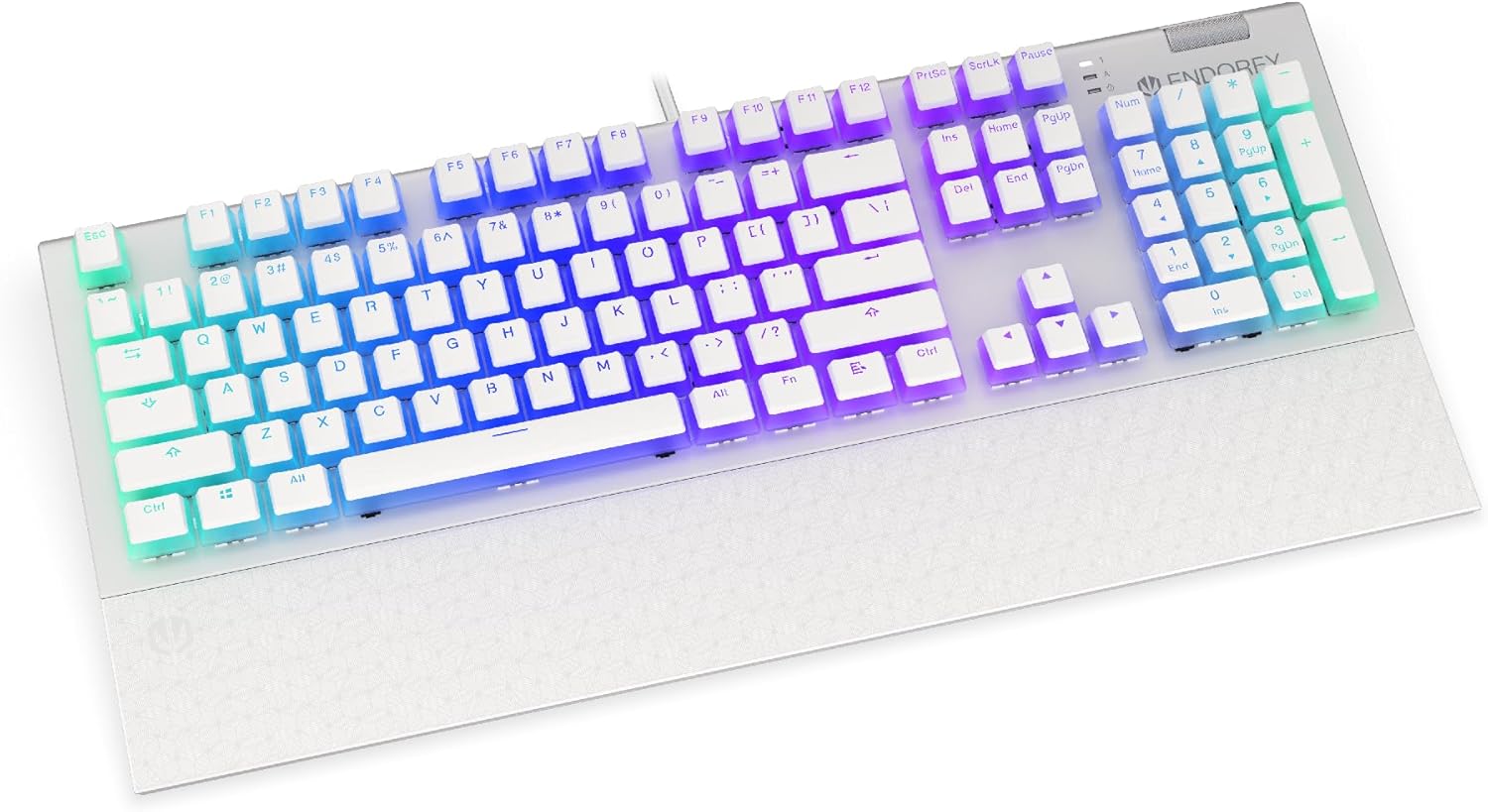
ภาพ: ด้านหน้า view of the ENDORFY Omnis Pudding Onyx White Red mechanical keyboard, showcasing its full layout and connected cable.
2. การติดตั้งที่พักข้อมือ
Align the magnetic wrist rest with the front edge of the keyboard. The magnets will automatically secure it in place, providing ergonomic support during use.

ภาพ: มุมเอียง view of the ENDORFY Omnis Pudding Onyx White Red mechanical keyboard with the magnetic wrist rest attached, highlighting the seamless integration.
3. การติดตั้งซอฟต์แวร์ (ทางเลือก)
For advanced customization of lighting effects, key assignments, and macros, download the official ENDORFY software from the manufacturer's webไซต์ ทำตามคำแนะนำบนหน้าจอเพื่อการติดตั้ง
คำแนะนำการใช้งาน
ฟังก์ชันพื้นฐานของแป้นพิมพ์
The keyboard features a standard full-size layout with a dedicated numpad, function keys (F1-F12), and navigation keys. All keys operate as standard input devices for your computer.
Volume Wheel Operation
The metal volume wheel located on the top right of the keyboard allows for quick audio adjustments:
- หมุนขึ้น: เพิ่มปริมาณ
- หมุนลง: ลดระดับเสียง.
- กดลง: ปิด/เปิดเสียง
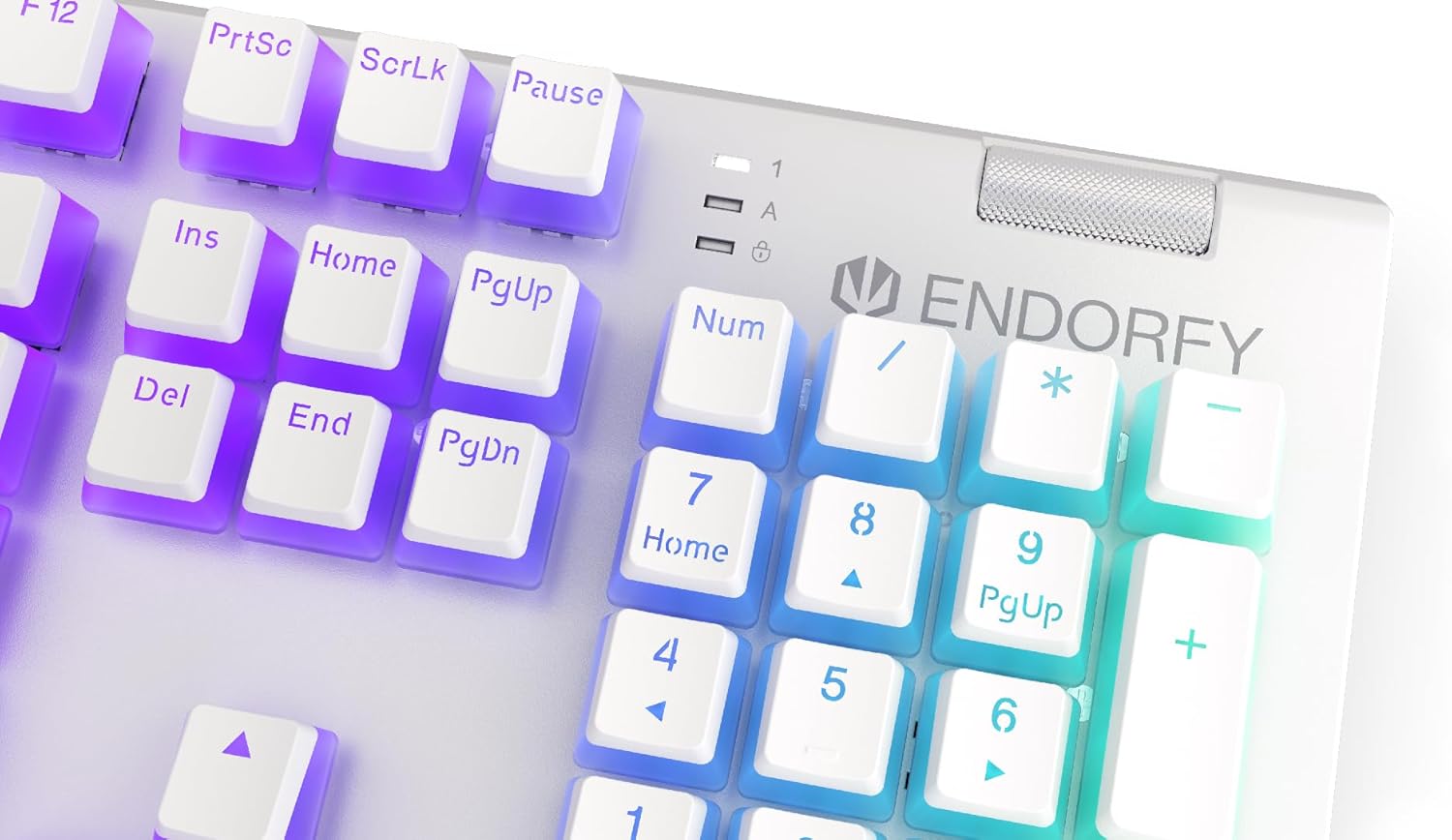
ภาพ: ระยะใกล้ view of the keyboard's numpad and the prominent metal volume wheel, indicating its position for easy access.
การควบคุมไฟแบ็คไลท์ RGB
The keyboard features customizable ARGB backlighting. Lighting effects and brightness can be adjusted using the dedicated ENDORFY software. Some basic lighting modes and brightness levels may also be accessible via keyboard shortcuts (e.g., Fn + arrow keys or specific function keys), though advanced customization is recommended through the software.

Image: The ENDORFY Omnis Pudding Onyx White Red mechanical keyboard illuminated with vibrant RGB backlighting, showcasing the Pudding keycaps.
การพลิกแป้น N-Key (NKRO)
The keyboard supports N-Key Rollover, which means every key press is registered independently, regardless of how many other keys are being pressed simultaneously. This feature is particularly beneficial for fast typists and gamers, preventing ghosting or missed inputs.
การทำงานของซอฟต์แวร์
The ENDORFY software allows users to:
- Customize ARGB lighting effects and colors.
- กำหนดค่าปุ่มแต่ละปุ่มใหม่ได้
- สร้างและกำหนดแมโครสำหรับลำดับคำสั่งที่ซับซ้อน
- จัดการโปรหลายโปรfileสำหรับแอปพลิเคชันหรือเกมที่แตกต่างกัน
การซ่อมบำรุง
ทำความสะอาดคีย์บอร์ด
เพื่อรักษาประสิทธิภาพและรูปลักษณ์ที่เหมาะสมที่สุด:
- ถอดแป้นพิมพ์ออกจากคอมพิวเตอร์ของคุณก่อนทำความสะอาด
- ใช้ผ้านุ่มไม่เป็นขุยเช็ดเล็กน้อยampชุบน้ำหรือน้ำยาทำความสะอาดอ่อนๆ เพื่อเช็ดปุ่มและตัวเครื่อง
- สำหรับฝุ่นละอองและเศษต่างๆ ระหว่างคีย์แคป ให้ใช้ลมอัด
- หลีกเลี่ยงการใช้สารเคมีรุนแรงหรือวัสดุที่มีฤทธิ์กัดกร่อน
การถอดและเปลี่ยนปุ่มกด
The PBT Pudding keycaps can be removed for thorough cleaning or replacement. Use a keycap puller (not included) to gently lift keycaps straight up. When replacing, align the keycap with the switch stem and press down firmly until it clicks into place.

ภาพ: ระยะใกล้ view of the Kailh Red mechanical switches, visible when keycaps are removed, illustrating the switch mechanism.
การแก้ไขปัญหา
- แป้นพิมพ์ไม่ตอบสนอง:
Ensure the USB cable is securely connected to both the keyboard and the computer. Try connecting the keyboard to a different USB port or a different computer to rule out port or system issues. Restart your computer. - ไฟแบ็คไลท์ไม่ทำงานหรือไม่ถูกต้อง:
Check the brightness settings via the ENDORFY software or any onboard shortcuts. Ensure the software is up to date. If specific keys have incorrect lighting, reset the lighting profile ในซอฟต์แวร์ - กุญแจไม่ลงทะเบียน:
Clean under the affected keycaps to remove any debris that might be obstructing the switch. If the issue persists, it may indicate a hardware fault; refer to the Warranty and Support section. - Wrist Rest Not Attaching Securely:
Ensure there is no debris between the keyboard and the wrist rest that might interfere with the magnetic connection.
ข้อมูลจำเพาะ
| คุณสมบัติ | รายละเอียด |
|---|---|
| ยี่ห้อ | รับรอง |
| หมายเลขรุ่น | EY5A036 |
| สี | สีขาว |
| สวิตช์กุญแจ | Kailh Red Mechanical |
| ปุ่มกด | PBT Pudding |
| เค้าโครง | Full-size (US Layout) |
| การแบ็คไลท์ | ARGB (Configurable RGB) |
| การเชื่อมต่อ | USB-A (Detachable Cable) |
| ที่วางข้อมือ | แม่เหล็ก ถอดได้ |
| การควบคุมระดับเสียง | Metal Volume Wheel |
| การพลิกแป้น N | ใช่ |
| ระบบปฏิบัติการที่รองรับ | Linux, Mac OS X 10.12 Sierra, Windows 7, Windows 8, Windows 10 |
| ข้อแนะนำการใช้ | เกม, มัลติมีเดีย |
| วัสดุ | โพลีบิวทิลีนเทเรฟทาเลต (PBT) |
การรับประกันและการสนับสนุน
ENDORFY products are covered by a manufacturer's warranty. For detailed warranty terms, technical support, or service inquiries, please refer to the official ENDORFY webหรือติดต่อตัวแทนจำหน่ายในพื้นที่ของคุณ เก็บหลักฐานการซื้อไว้เพื่อใช้ในการเคลมประกัน


