1. บทนำ
This manual provides comprehensive instructions for the installation, operation, and maintenance of your Weiser SmartCode Keypad Door Lock and Handle Set. This electronic deadbolt and handleset combination offers enhanced security and convenience for your home's entry door.
2. ข้อมูลด้านความปลอดภัย
Please read all instructions carefully before installation and use. Keep this manual for future reference. Do not attempt to disassemble or modify the lock beyond the instructions provided. Use only the specified battery type (4 AA batteries). Avoid exposing the lock to extreme temperatures or moisture.
3. เนื้อหาบรรจุภัณฑ์
ตรวจสอบว่าส่วนประกอบทั้งหมดมีอยู่ก่อนเริ่มการติดตั้ง:
- Exterior Handle (Handleset)
- คันโยกภายใน
- SmartCode Electronic Deadbolt (Keypad and Interior Unit)
- สลัก
- การนัดหยุดงาน
- สกรูและโบลต์
- 2 คีย์
- เครื่องมือสมาร์ทคีย์
- คู่มือการติดตั้ง (เอกสารนี้)

Figure 1: All components included in the Weiser SmartCode Keypad Door Lock and Handle Set, showing the exterior keypad, interior deadbolt unit, exterior handleset, and interior lever.
4. การตั้งค่าและการติดตั้ง
The Weiser SmartCode Keypad Door Lock and Handle Set is designed for straightforward installation. For detailed, interactive 3D instructions with voice and video guidance, it is highly recommended to use the free BILT app.
4.1 ความเข้ากันได้กับประตู
This lock set fits standard doors 1-3/8" to 1-3/4" (35mm to 44mm) thick with an adjustable backset (2-3/8" or 2-3/4"). It is suitable for most exterior residential doors.
4.2 ขั้นตอนการติดตั้ง (มากกว่าview)
- Prepare the door and frame, ensuring proper drilling and alignment.
- ติดตั้งกลอนและแผ่นรับกลอน
- Install the exterior handleset and interior lever.
- Install the exterior keypad and interior deadbolt unit.
- Connect the cable between the exterior keypad and interior unit.
- ยึดส่วนประกอบทั้งหมดด้วยสกรูที่ให้มา
- ใส่แบตเตอรี่ AA 4 ก้อนลงในตัวเครื่องด้านใน
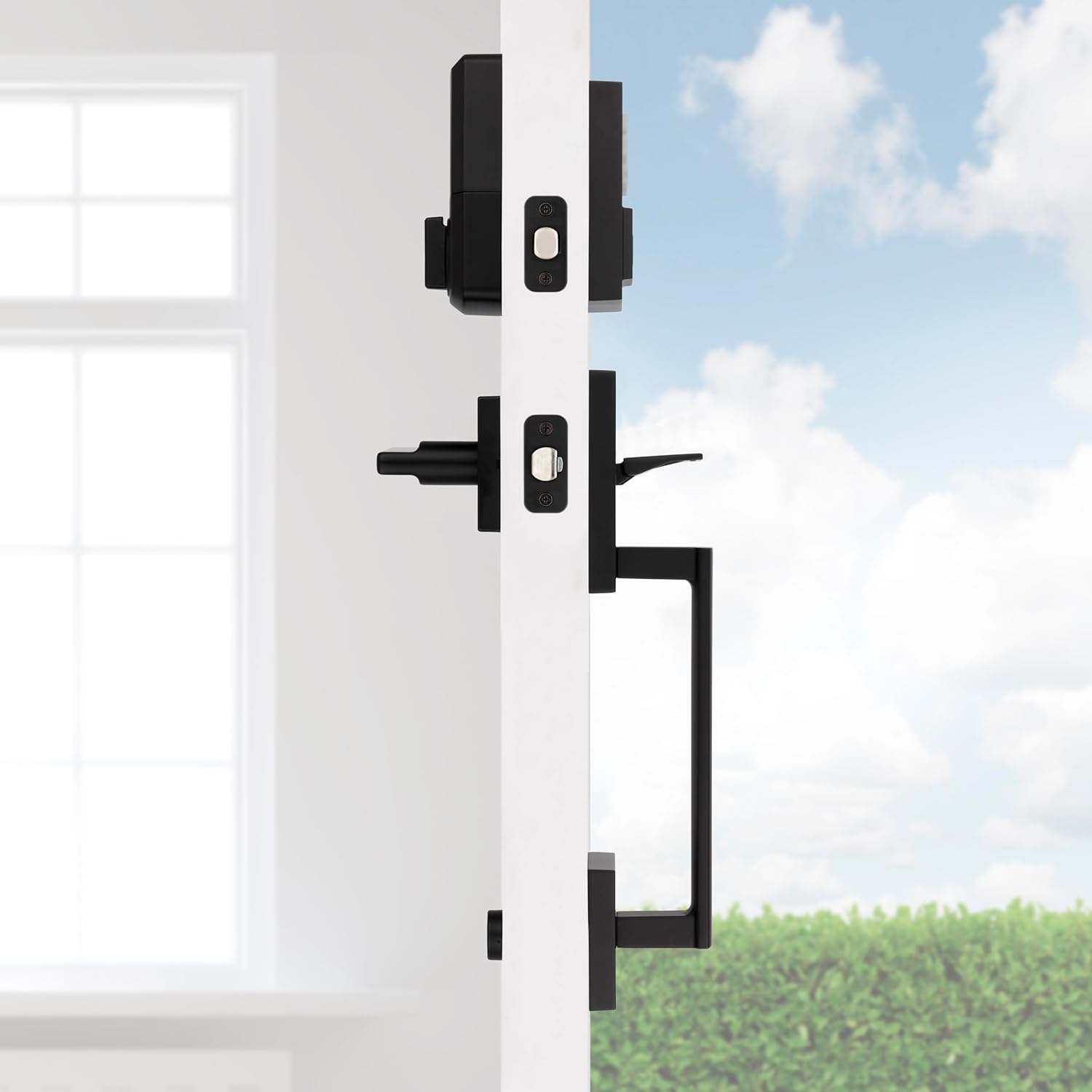
รูปที่ 2: ด้านข้าง view of the handleset and interior lever installed on a door, demonstrating how the components fit together.

Figure 3: The exterior handleset and keypad assembly, designed for use on entry doors.
5. คู่มือการใช้งาน
5.1 รายการแบบไม่ใช้กุญแจ
To unlock the door using the keypad, simply enter your personalized 4-8 digit user code. The deadbolt will retract, allowing you to open the door. To lock the door, press the 'Lock' button on the keypad.

Figure 4: A hand interacting with the keypad for keyless entry, highlighting the convenience and security.
5.2 Multiple User Access Codes
The SmartCode lock supports up to 50 unique user access codes, allowing you to provide personalized access to family members, friends, or service providers. It also features a master code option for enhanced security and programming control.
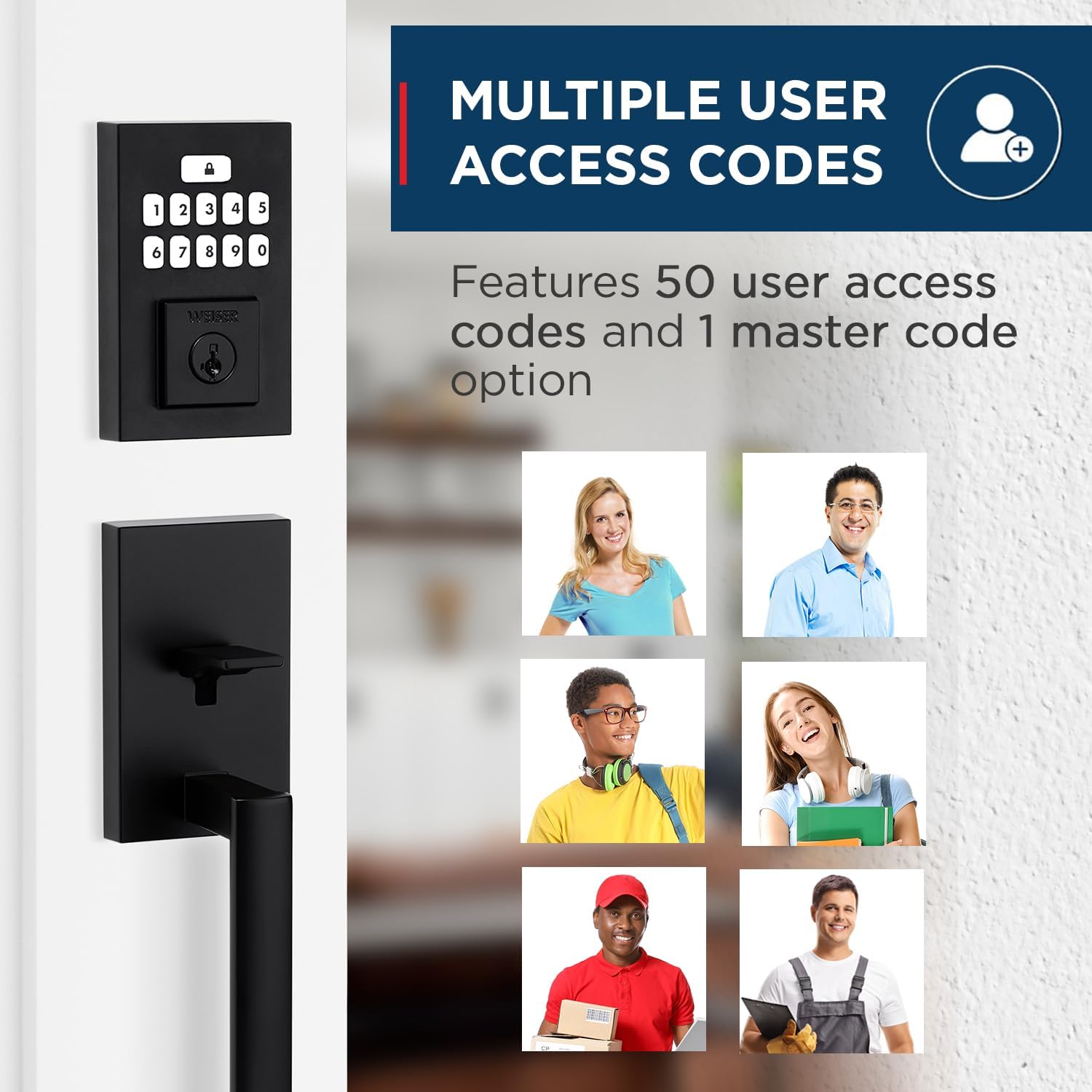
Figure 5: Visual representation of the multiple user access code feature, illustrating the ability to assign unique codes to various individuals.
5.3 คุณสมบัติล็อคอัตโนมัติ
For added peace of mind, the auto-lock feature can be enabled. When activated, the deadbolt will automatically re-lock itself after a set period (typically 30 seconds) once it has been unlocked. This ensures your door is always secured, even if you forget to lock it manually.
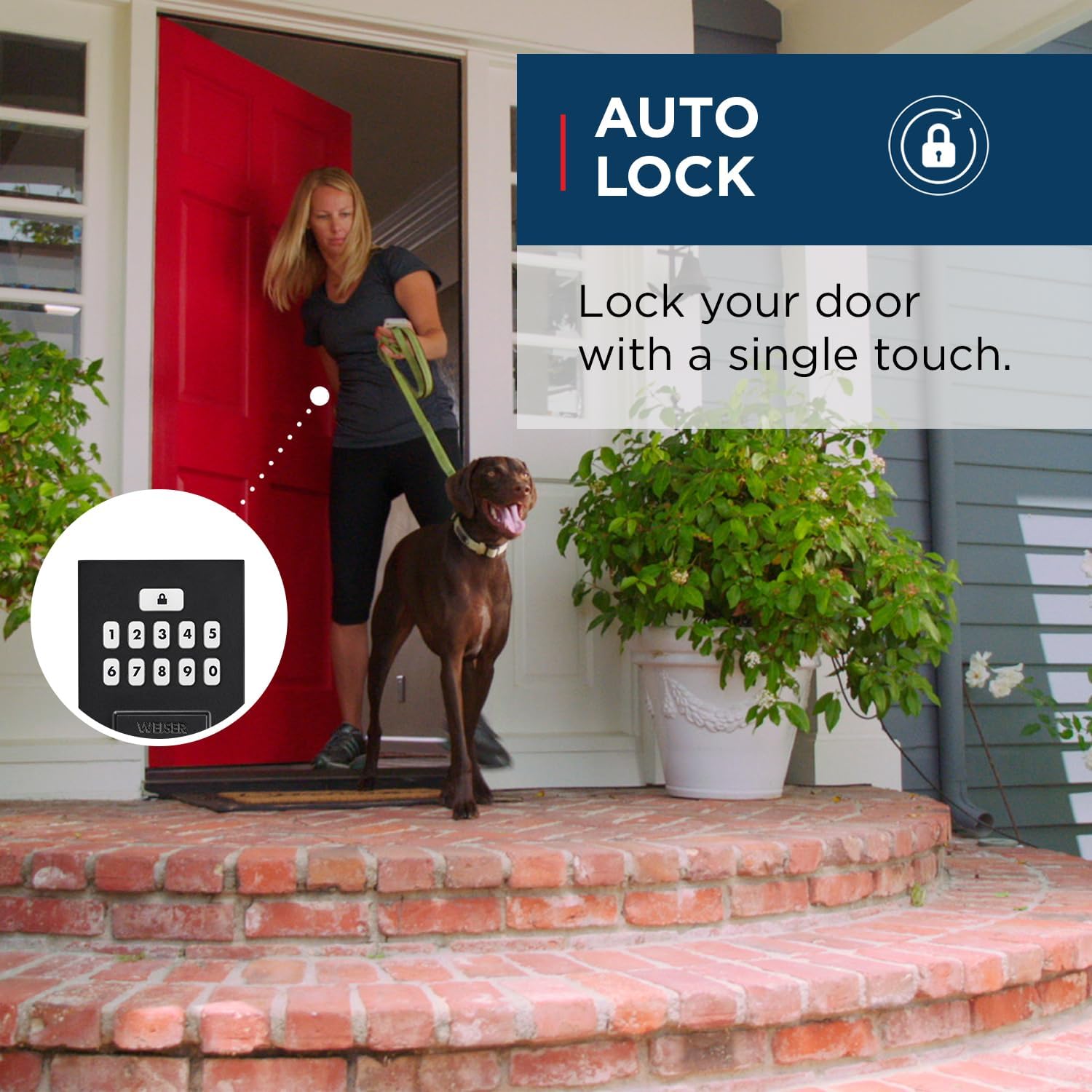
Figure 6: An illustration of the auto-lock feature, showing the convenience of the lock automatically securing the door after entry.
5.4 เทคโนโลยีสมาร์ทคีย์
The SmartCode lock incorporates Weiser's SmartKey re-key technology. This feature allows you to re-key your lock in seconds, providing control over who has access and protecting against lost, stolen, or unauthorized keys. This is particularly useful if you move, lose a key, or wish to have all your Weiser locks operate with a single key.

Figure 7: A diagram explaining the SmartKey Security feature, demonstrating how to easily re-key the lock using the provided tool.
6. การบำรุงรักษา
6.1 การทำความสะอาด
ในการทำความสะอาดภายนอกล็อค ให้ใช้ผ้านุ่มๆamp ผ้า หลีกเลี่ยงน้ำยาทำความสะอาดที่มีฤทธิ์กัดกร่อน ตัวทำละลาย หรือสารเคมีรุนแรง เพราะอาจทำให้พื้นผิวและชิ้นส่วนอิเล็กทรอนิกส์เสียหายได้
6.2 การเปลี่ยนแบตเตอรี่
The lock operates on 4 AA batteries. When the batteries are low, the lock will provide an audible and/or visual low battery warning. Replace all four batteries simultaneously with new, high-quality alkaline AA batteries. Ensure correct polarity during installation.
7 การแก้ไขปัญหา
If you encounter issues with your Weiser SmartCode lock, refer to the following common problems and solutions:
| ปัญหา | สาเหตุที่เป็นไปได้ | สารละลาย |
|---|---|---|
| ล็อคไม่ตอบสนองต่อการกดแป้นพิมพ์ | Low or dead batteries. Incorrect code entered. | Replace batteries. Verify the user code. |
| Lock makes a sound but does not lock/unlock. | Deadbolt is jammed or misaligned. | Check for obstructions in the door frame or strike plate. Ensure the deadbolt extends and retracts smoothly. |
| Cannot program new user codes. | Incorrect programming sequence. Master code not used. | Refer to the programming section of the full manual (or BILT app) for correct steps. Ensure you are using the master code if required. A factory reset may be necessary if programming issues persist. |
| คุณสมบัติล็อคอัตโนมัติไม่ทำงาน | Feature is disabled. | Enable the auto-lock feature through the programming steps outlined in the full manual. |
For more complex issues or if troubleshooting steps do not resolve the problem, please contact Weiser customer support.
8. ข้อมูลจำเพาะ
| คุณสมบัติ | รายละเอียด |
|---|---|
| หมายเลขรุ่น | 9GLA92600-004 |
| ขนาดสินค้า | 11.5 x 7 x 7 ซม.; 454 กรัม |
| สี | สีดำด้าน |
| สไตล์ | ซาน เคลเมนเต x สมาร์ทโค้ด |
| วัสดุ | โลหะ |
| แหล่งพลังงาน | แบตเตอรี่ AA 4 ก้อน (ไม่รวม) |
| การออกแบบแป้นพิมพ์ | 10 ปุ่ม |
| รหัสการเข้าถึงของผู้ใช้ | สูงถึง 50 |
| คุณสมบัติพิเศษ | SmartKey Security, Mastercode feature, Motorized Lock/Unlock |
| ความเข้ากันได้ของความหนาของประตู | 1-3/8" to 1-3/4" |
| เจาะตลับกุญแจ | ปรับได้ (2-3/8" หรือ 2-3/4") |
| ประเทศต้นกำเนิด | จีน |
9. การรับประกันและการสนับสนุน
9.1 ข้อมูลการรับประกัน
This Weiser SmartCode Keypad Door Lock and Handle Set comes with a 1-year warranty. Please retain your proof of purchase for warranty claims. The warranty covers defects in material and workmanship under normal use.
9.2 การสนับสนุนลูกค้า
For technical assistance, warranty claims, or additional information, please visit the official Weiser website or contact their customer service department. Contact details can typically be found on the Weiser brand store page or included documentation.


