1. บทนำ
The 4smarts Solar Powerbank Rugged TitanPack UltiMag 20000mAh is a robust and versatile portable charging solution designed for outdoor enthusiasts and everyday use. Featuring a high-capacity 20000mAh battery, integrated solar panel, and MagSafe-compatible wireless charging, this power bank ensures your devices stay powered in various environments. Its rugged, water-resistant, and dust-resistant design provides durability and reliability. This manual provides essential information on how to set up, operate, maintain, and troubleshoot your power bank.

รูปที่ 1.1: The 4smarts Solar Powerbank, showcasing its rugged design and solar panel. This device is built for durability and portable power.
2. สินค้าหมดview และส่วนประกอบ
Familiarize yourself with the various components and features of your 4smarts Solar Powerbank.

รูปที่ 2.1: Labeled diagram of the power bank's ports and indicators.
- แผงโซล่าเซลล์: Located on the front, for emergency trickle charging.
- ไฟแสดงสถานะแบตเตอรี่: LED lights showing remaining battery percentage (25, 50, 75, 100%).
- แอลอีดีแอลamp: ไฟฉายในตัวสำหรับให้แสงสว่าง
- Magnetic Fast Charging Pad: For MagSafe-compatible wireless charging.
- USB 3.0 Output Ports: Two standard USB-A ports for wired charging.
- Type-C Input & Output Port: Versatile port for charging the power bank or other devices.
- MicroUSB Input Port: Alternative input for charging the power bank.
- Lightning Input Port: Another alternative input for charging the power bank.
- Switch/Power Button: Controls power and LED lamp.
- ตัวบ่งชี้การชาร์จอย่างรวดเร็ว: Indicates when fast charging is active.
3. การตั้งค่าและการใช้งานเบื้องต้น
3.1 การชาร์จเริ่มต้น
Before first use, fully charge your power bank using a wall adapter.
- Connect a compatible charging cable (USB-C, MicroUSB, or Lightning) to the corresponding input port on the power bank.
- ต่อปลายอีกด้านของสายเคเบิลเข้ากับอะแดปเตอร์ USB ติดผนัง (ไม่ได้รวมอยู่ในชุด) หรือพอร์ต USB ของคอมพิวเตอร์
- The battery indicator LEDs will illuminate, showing the charging progress. All four LEDs will be solid when fully charged.
3.2 Understanding Battery Indicators
The four LED lights indicate the remaining battery capacity:
- ไฟ LED หนึ่งดวง: 0-25%
- ไฟ LED สองดวง: 25-50%
- ไฟ LED สามดวง: 50-75%
- ไฟ LED สี่ดวง: 75-100%
3.3 การชาร์จพลังงานแสงอาทิตย์
The integrated solar panel is designed for emergency charging and maintaining the battery level in outdoor conditions. It is not intended as the primary charging method due to its slower charging speed.
- วางพาวเวอร์แบงค์โดยให้แผงโซลาร์เซลล์หันเข้าหาแสงแดดโดยตรง
- A small green sun icon will illuminate on the display when solar charging is active.
- For optimal solar charging, ensure no obstructions block the panel.
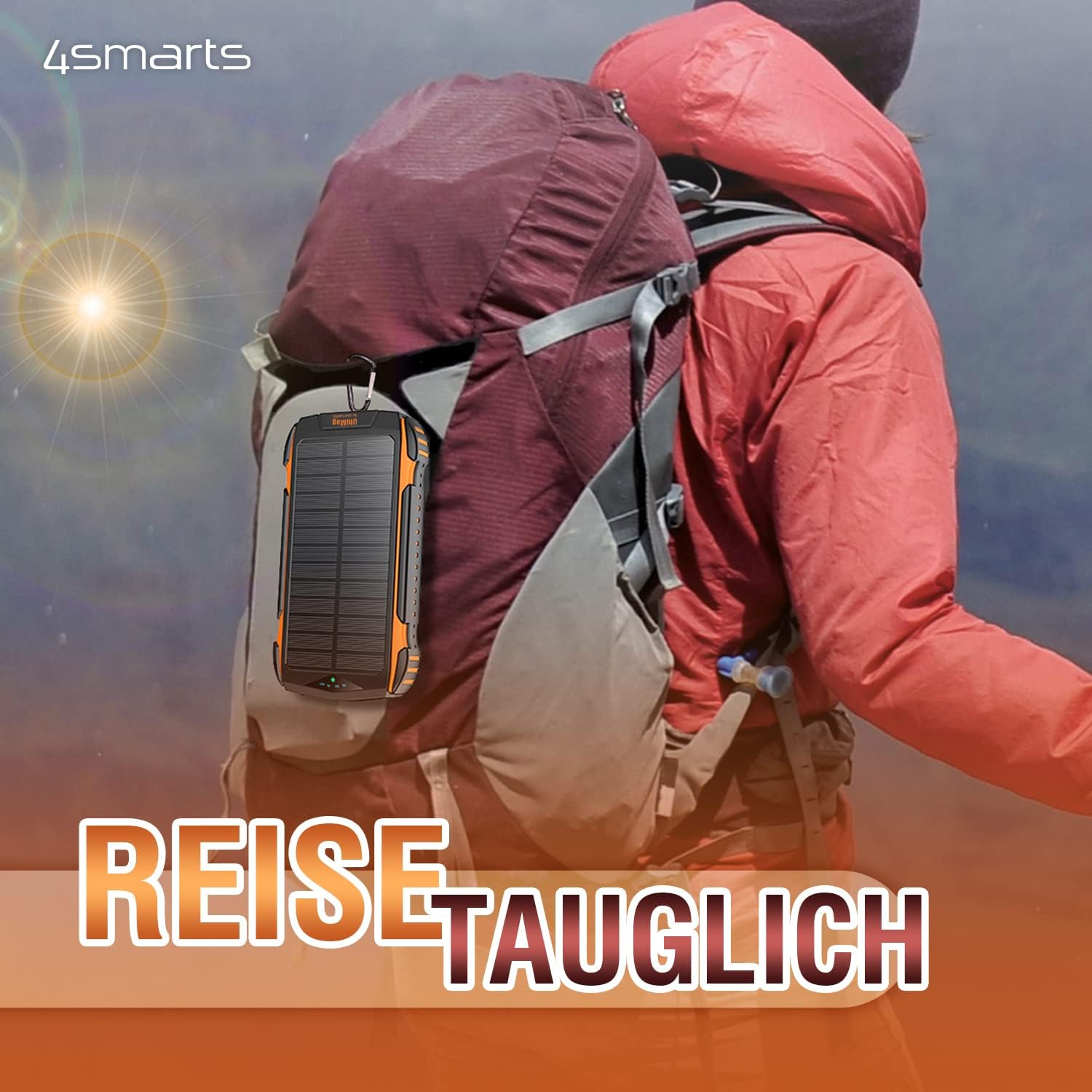
รูปที่ 3.1: The power bank can be attached to a backpack for solar charging during outdoor activities.
4. คู่มือการใช้งาน
4.1 การเปิด/ปิดเครื่องและการตรวจสอบระดับแบตเตอรี่
Press the power button once to turn on the power bank and check the current battery level. The power bank will automatically turn off after a few seconds if no device is connected.
4.2 Wired Charging Devices
You can charge up to three devices simultaneously using the wired ports.
- Connect your device's charging cable to one of the USB 3.0 Output ports or the Type-C Input & Output port on the power bank.
- เชื่อมต่อปลายสายอีกด้านเข้ากับอุปกรณ์ของคุณ
- พาวเวอร์แบงค์จะเริ่มชาร์จอุปกรณ์ของคุณโดยอัตโนมัติ

รูปที่ 4.1: The power bank can charge multiple devices simultaneously via its various ports.
4.3 Wireless Charging (UltiMag / MagSafe Compatible)
The power bank supports 15W Qi wireless charging and is compatible with MagSafe-enabled devices.
- โปรดตรวจสอบให้แน่ใจว่าได้เปิดใช้งานพาวเวอร์แบงค์แล้ว
- Place your MagSafe-compatible smartphone directly onto the magnetic wireless charging pad on the back of the power bank. The magnets will align the phone correctly.
- For non-MagSafe Qi-enabled devices, simply place them centrally on the charging pad.
- การชาร์จแบบไร้สายจะเริ่มโดยอัตโนมัติ

รูปที่ 4.2: A smartphone being charged wirelessly on the MagSafe-compatible pad.
4.4 การใช้งาน LED Lamp
The power bank includes a built-in LED lamp เพื่อการส่องสว่าง
- หากต้องการเปิดไฟ LED lamp on or off, press and hold the power button for approximately 3 seconds.
5. การบำรุงรักษาและการดูแล
Proper care will extend the lifespan of your 4smarts Solar Powerbank.
- การทำความสะอาด: Wipe the power bank with a soft, dry cloth. Do not use harsh chemicals or abrasive cleaners. Ensure the solar panel is clean for efficient charging.
- พื้นที่จัดเก็บ: Store the power bank in a cool, dry place away from direct sunlight and extreme temperatures. For long-term storage, charge the power bank to about 50-75% every 3-6 months to maintain battery health.
- ความต้านทานน้ำและฝุ่น: The power bank is designed to be water and dust resistant. However, avoid prolonged submersion in water or exposure to heavy dust, and ensure all port covers are securely closed when not in use.
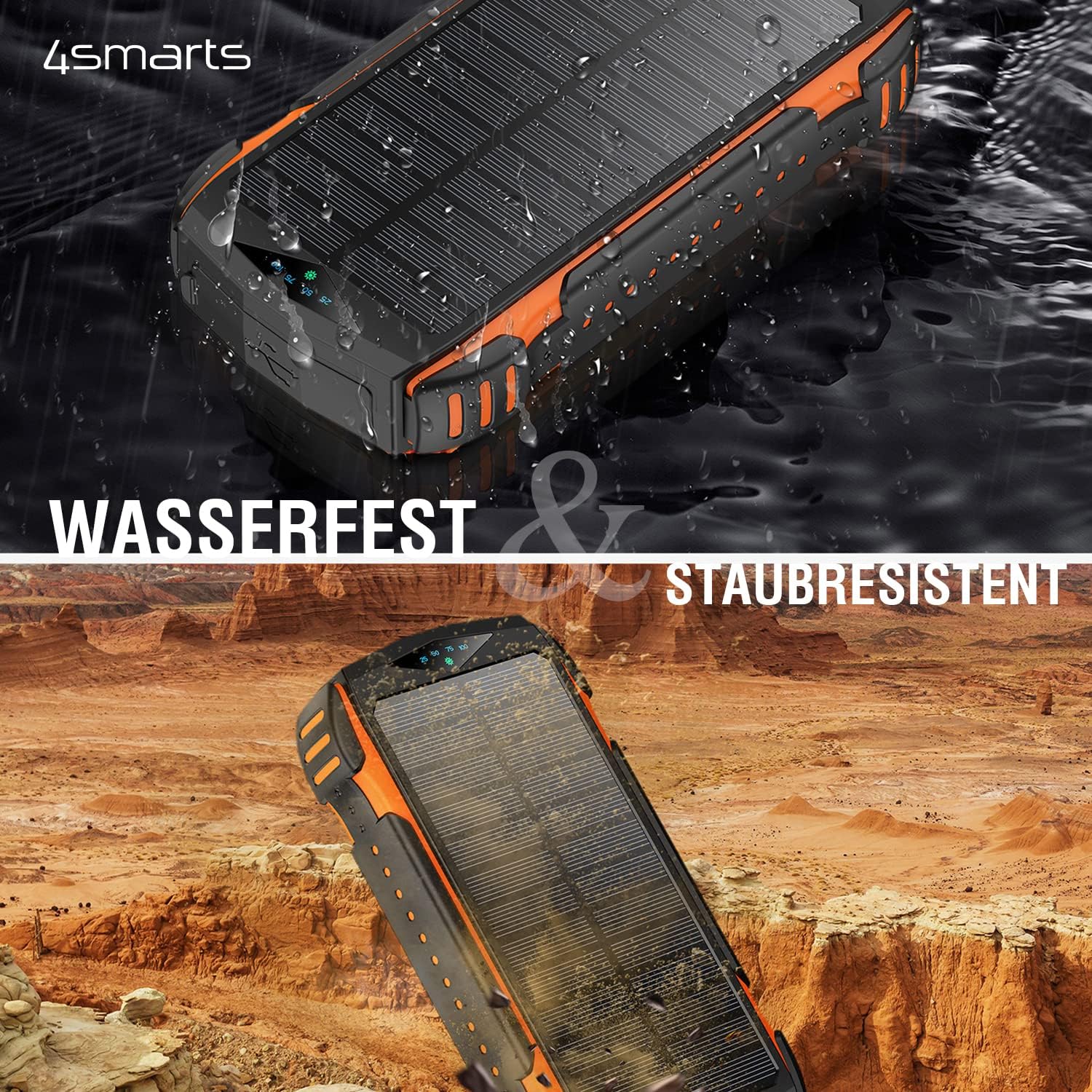
รูปที่ 5.1: The power bank is water and dust resistant, making it suitable for rugged environments.
6 การแก้ไขปัญหา
หากคุณพบปัญหาเกี่ยวกับพาวเวอร์แบงค์ โปรดดูปัญหาและวิธีแก้ไขที่พบบ่อยต่อไปนี้:
| ปัญหา | สาเหตุที่เป็นไปได้ | สารละลาย |
|---|---|---|
| พาวเวอร์แบงค์ไม่ชาร์จ | Cable issue, adapter issue, or port damage. | Try a different charging cable and/or wall adapter. Ensure the cable is fully inserted into the port. Try a different input port (USB-C, MicroUSB, Lightning). |
| อุปกรณ์ไม่ชาร์จจากพาวเวอร์แบงค์ | Power bank low on charge, incorrect cable, or device not properly connected. | Ensure the power bank is sufficiently charged. Press the power button to activate output. Try a different output port or charging cable. For wireless charging, ensure proper alignment. |
| Solar charging is very slow or ineffective. | Insufficient sunlight, dirty solar panel, or misunderstanding of solar panel's purpose. | Ensure the power bank is in direct, strong sunlight. Clean the solar panel surface. Remember that the solar panel is for emergency/trickle charging, not fast primary charging. It will take a very long time to fully charge via solar. |
| LED ลamp ไม่เปิด | Incorrect button press or low battery. | Press and hold the power button for 3 seconds. Ensure the power bank has sufficient charge. |
7. ข้อมูลจำเพาะ
Detailed technical specifications for the 4smarts Solar Powerbank Rugged TitanPack UltiMag 20000mAh.
- แบบอย่าง: TitanPack UltiMag
- ความจุแบตเตอรี่: 20000 มิลลิแอมป์
- พอร์ตอินพุต:
- ยูเอสบี ไทป์ ซี
- ไมโครยูเอสบี
- ฟ้าผ่า
- พอร์ตเอาท์พุต:
- พอร์ต USB Type-A 2 ช่อง
- 1 x USB Type-C (shared input/output)
- การชาร์จแบบไร้สาย: 15W Qi (MagSafe compatible)
- เอาต์พุตแผงโซลาร์เซลล์: Max. 1.3W (for trickle charging)
- เล่มที่tage: 5 Volts (typical output)
- คุณสมบัติพิเศษ: Rugged, Water-resistant, Dust-resistant, Integrated LED Lamp, Fast Charge Indicator
- ขนาด (ยาว x กว้าง x สูง): ขนาดประมาณ 177มม. x 95มม. x 33มม.
- น้ำหนัก: ประมาณ 534กรัม
- สี: สีดำตัดกับสีส้ม

รูปที่ 7.1: Detailed dimensions of the power bank.
8. การรับประกันและการสนับสนุน
For warranty information or technical support, please refer to the official 4smarts webหรือติดต่อฝ่ายบริการลูกค้าโดยตรง โปรดเก็บหลักฐานการซื้อไว้เพื่อใช้ในกรณีที่ต้องการเคลมประกัน
เป็นทางการ Webเว็บไซต์: www.4smarts.com (Please note: This is a placeholder link. Refer to your product packaging or official documentation for the precise support contact information.)


