1. สินค้าหมดview
The Zyxel NWA90AX is a WiFi 6 AX1800 Wireless Gigabit Access Point designed to provide high-speed, reliable wireless connectivity. It supports advanced features such as Smart Mesh, seamless roaming, captive portal, and WPA3 security, making it suitable for various environments including small to medium-sized businesses, home offices, and public spaces.

รูปที่ 1: ด้านบน view of the Zyxel NWA90AX WiFi 6 Access Point.
คุณสมบัติหลัก:
- Super Fast WiFi 6: Enjoy up to 1.8Gbps (AX1800) speeds with dual 2x2 MU-MIMO technology.
- คุณสมบัติขั้นสูง: Supports Smart Mesh, seamless roaming, captive portal, and WPA3 security.
- ตัวเลือกพลังงานที่ยืดหยุ่น: Can be powered using PoE+ or the included AC power adapter.
- ตั้งค่าได้ง่าย: Supports both local web interface and Nebula Cloud networking management.
- ความจุอุปกรณ์สูง: Simultaneously connect up to 256 devices.
2. อะไรอยู่ในกล่อง
The Zyxel NWA90AX package includes the following components:
- 802.11ax (WiFi 6) จุดเชื่อมต่อ PoE แบบวิทยุคู่
- อะแดปเตอร์แปลงไฟ
- แผ่นยึด
- สกรูยึด
3. การตั้งค่าและการติดตั้ง
3.1 การเชื่อมต่อทางกายภาพ
Before configuring your Zyxel NWA90AX, ensure it is properly connected to your network and power source. The device supports Power over Ethernet (PoE+) or can be powered by the included AC adapter.

รูปที่ 2: ด้านหลัง view of the Zyxel NWA90AX, highlighting the UPLINK (Ethernet) port and DC 12V power input.
- Connect an Ethernet cable from your router or PoE+ switch to the UPLINK port on the NWA90AX.
- If not using PoE+, connect the included AC power adapter to the DC 12V port and plug it into a power outlet.
- Allow a few minutes for the device to boot up. The LED indicator will blink green and amber during booting. Once ready for configuration, it will blink green.
3.2 Configuration via Nebula App
The Zyxel NWA90AX can be easily set up using the Nebula Mobile App. This method is recommended for quick and simple deployment.
Video 1: This video demonstrates the step-by-step process of installing and configuring the Zyxel NWA50AX (similar to NWA90AX) using the Nebula mobile application, including scanning the QR code, registering the device, and setting up the WiFi network.
- Download and launch the Nebula Mobile App on your smartphone or tablet.
- Create a Nebula account if you don't have one, then sign in.
- Create a new site within the app.
- Scan the QR code located on the device label of your NWA90AX to add it to your site.
- Follow the on-screen prompts to register the device and create your WiFi network name (SSID) and password.
- Once configured, the device will boot and apply settings. The LED light will turn steady blue when the device is online and ready.
3.3 Configuration via Local Web อินเทอร์เฟซ
For more detailed configuration options, you can access the NWA90AX's local web อินเทอร์เฟซ
Video 2: This video provides instructions on how to configure the Zyxel Access Point using its local web interface, covering initial login, time zone settings, password changes, radio settings, and SSID setup.
- Connect your computer to the NWA90AX's default WiFi network (e.g., "Zyxel-XXXX", where XXXX are the last 4 characters of the AP's MAC address).
- เปิด web browser and enter the default IP address (usually 192.168.1.1 or 1.1.1.1 for initial setup, then check the device's assigned IP).
- Log in using the default username (admin) and password (1234). You will be prompted to change the password for security.
- Follow the setup wizard to configure time zone, radio settings (2.4GHz and 5GHz bands), and create your desired WiFi network(s) (SSID and password).
- Review the settings and save your configuration.
- Note down the IP address assigned to the device for future access to the local web อินเทอร์เฟซ
4. การใช้งานจุดเชื่อมต่อ
The Zyxel NWA90AX is designed for optimal wireless performance and secure networking.
4.1 การเชื่อมต่อแบบไร้สาย

Figure 3: Illustration of the NWA90AX's core features: Dual-Band WiFi 6 for smooth connections, Gigabit Ethernet PoE+ for high-speed uplink, and Interference Immunity against 4G/5G signals.
- WiFi 6 แบบดูอัลแบนด์: The NWA90AX operates on both 2.4 GHz and 5 GHz frequencies, providing faster speeds and reduced congestion.
- เทคโนโลยี MU-MIMO: Enhances efficiency by allowing the access point to communicate with multiple devices simultaneously.
- Smart Mesh: Creates a unified wireless network with seamless roaming, ensuring devices automatically connect to the strongest signal as you move.
- High Client Capacity: Capable of simultaneously connecting up to 256 devices, ideal for busy environments.
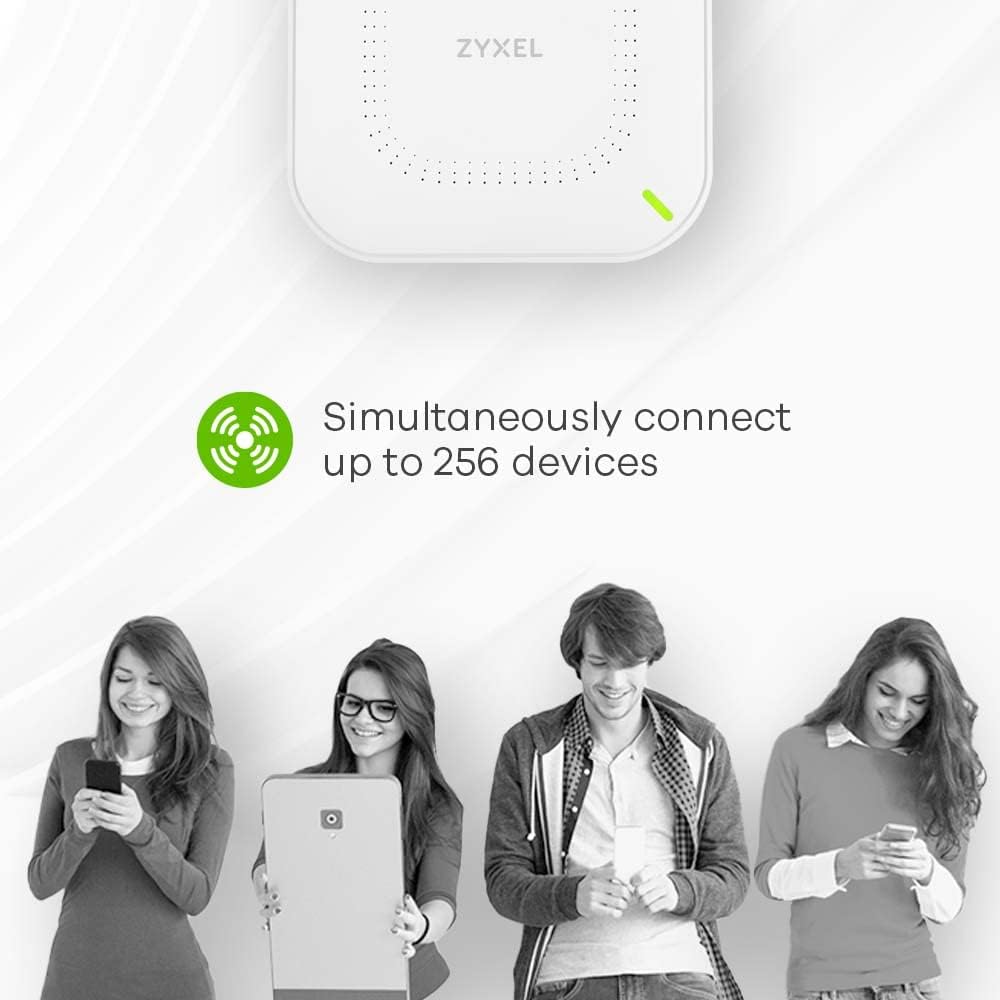
Figure 4: The NWA90AX supports simultaneous connections for up to 256 devices.
4.2 คุณสมบัติด้านความปลอดภัย

Figure 5: Secure authentication is provided through features like captive portal and IEEE802.1x.
- ความปลอดภัย WPA3: Provides enhanced encryption and protection for your wireless network.
- พอร์ทัลเชลย: Allows for guest access management, requiring users to authenticate before gaining network access.
4.3 ทางเลือกในการจัดการ
The NWA90AX offers flexible management options to suit your needs.

Figure 6: The Nebula app allows for quick configuration and monitoring of network devices.
- การจัดการระบบคลาวด์เนบิวลา: Manage your access point remotely from anywhere via the Nebula cloud platform or mobile app. This provides centralized control and monitoring for multiple devices.
- ท้องถิ่น Web อินเทอร์เฟซ: เข้าถึงอุปกรณ์ได้ web-based interface for direct configuration and monitoring.
- NebulaFlex: Easily switch between traditional standalone mode and the license-free Nebula cloud management platform.

Figure 7: NebulaFlex offers flexibility to choose between standalone and cloud management.

Figure 8: Nebula cloud networking enables unified management of a wide range of Zyxel products.
5. การบำรุงรักษา
To ensure optimal performance and security of your Zyxel NWA90AX, regular maintenance is recommended.
- อัพเดตเฟิร์มแวร์: Regularly check for and apply the latest firmware updates. These updates often include performance improvements, new features, and security patches.
- การตรวจสอบเครือข่าย: Utilize the Nebula cloud management platform or local web interface to monitor network traffic, connected clients, and device health.
- การตรวจร่างกาย: Periodically inspect the device for any physical damage or obstructions to ventilation.
6 การแก้ไขปัญหา
If you encounter issues with your Zyxel NWA90AX, consider the following troubleshooting steps:
- สถานะไฟ LED แสดงสถานะ:
- Blinking Green & Amber: อุปกรณ์กำลังบูท
- กะพริบเป็นสีเขียว: Device is ready for configuration.
- ของแข็งสีฟ้า: Device is online and connected to the network.
- สีเขียวทึบ: Device is connected to the network and operating.
- ปัญหาการเชื่อมต่อ:
- Ensure the Ethernet cable is securely connected to the UPLINK port.
- Verify that your router or PoE+ switch is functioning correctly and providing internet access.
- If using the AC adapter, ensure it is properly connected and the power outlet is active.
- Access Point Not Visible:
- Check if the device is powered on and the LED indicator is active.
- Confirm that your mobile device or computer is within range of the access point.
- If using the Nebula app, ensure the device is registered and online in your Nebula site.
- การรีเซ็ตอุปกรณ์: If issues persist, you may need to reset the device to factory default settings. Refer to the full product manual for instructions on performing a factory reset.
7. ข้อมูลจำเพาะ
| คุณสมบัติ | รายละเอียด |
|---|---|
| ยี่ห้อ | ZYXEL |
| ชื่อรุ่น | 802.11ax (WiFi 6) จุดเชื่อมต่อ PoE แบบวิทยุคู่ |
| หมายเลขรุ่นสินค้า | NWA90AX |
| ประเภทไร้สาย | ความถี่วิทยุ 2.4 GHz, ความถี่วิทยุ 5 GHz |
| ระดับย่านความถี่ | ดูอัลแบนด์ |
| มาตรฐานการสื่อสารไร้สาย | ความถี่วิทยุ 2.4 GHz, ความถี่วิทยุ 5 GHz |
| เทคโนโลยีการเชื่อมต่อ | อีเธอร์เน็ต |
| ระบบปฏิบัติการ | ไซโนส |
| คุณสมบัติพิเศษ | ดับบลิวพีเอส |
| อุปกรณ์ที่รองรับ | Smartphone, Tablet, computers, network gear |
| การใช้งานที่แนะนำสำหรับผลิตภัณฑ์ | small to medium-sized business (SMB) environments, home offices, and public spaces |
| น้ำหนักสินค้า | 1.3 ปอนด์ |
| ขนาดสินค้า | 6.2 x 9.2 x 2.4 นิ้ว |
| ขนาดสินค้า กxยxส | 6.2 x 9.2 x 2.4 นิ้ว |
| สี | สีขาว |
| เล่มที่tage | 12 โวลต์ |
| ผู้ผลิต | ไซเซล |
| วันที่พร้อมใช้งานครั้งแรก | 4 มีนาคม 2022 |
8. การรับประกันและการสนับสนุน
The Zyxel NWA90AX comes with a รับประกัน 2 ปี. For technical assistance or support, please contact the US-based support team. Additional resources and documentation may be available on the official Zyxel webเว็บไซต์.
9. แหล่งข้อมูลเพิ่มเติม
For more information on Zyxel WiFi 6 Access Points and their deployment in various environments, you may find the following case study helpful:
Video 3: This video presents a case study on deploying Zyxel WiFi 6 Access Points in a challenging environment, such as the Battleship Iowa, highlighting benefits like increased range, reduced channel overlap, and improved reliability through cloud management.


