การแนะนำ
This manual provides essential information for setting up, operating, maintaining, and troubleshooting your TomTom GO Expert Truck Sat Nav. Please read it carefully to ensure optimal performance and safe use of your device.
The TomTom GO Expert is designed for professional large vehicle navigation, offering custom routing and POIs for buses, trucks, and coaches, along with live alerts for various road restrictions.
มีอะไรอยู่ในกล่อง
เมื่อเปิดบรรจุภัณฑ์ ตรวจสอบว่ามีส่วนประกอบทั้งหมดอยู่ครบ:
- TomTom GO Expert Device
- ที่ชาร์จในรถยนต์
- Click-and-Drive Mount
- คู่มือเริ่มต้นอย่างรวดเร็ว

ภาพ: ด้านหน้า view of the TomTom GO Expert Sat Nav device, showing its 5-inch capacitive screen and the TomTom logo at the bottom.
การตั้งค่า
1. การติดตั้งอุปกรณ์
- ทำความสะอาดกระจกหน้ารถ: Ensure the area where you intend to mount the device is clean and dry.
- ติดตั้งขาตั้ง: Securely attach the Click-and-Drive mount to your windshield or dashboard. Press the suction cup firmly against the surface and flip the lever to lock it in place.
- เชื่อมต่ออุปกรณ์: Slide the TomTom GO Expert device onto the mount until it clicks securely.
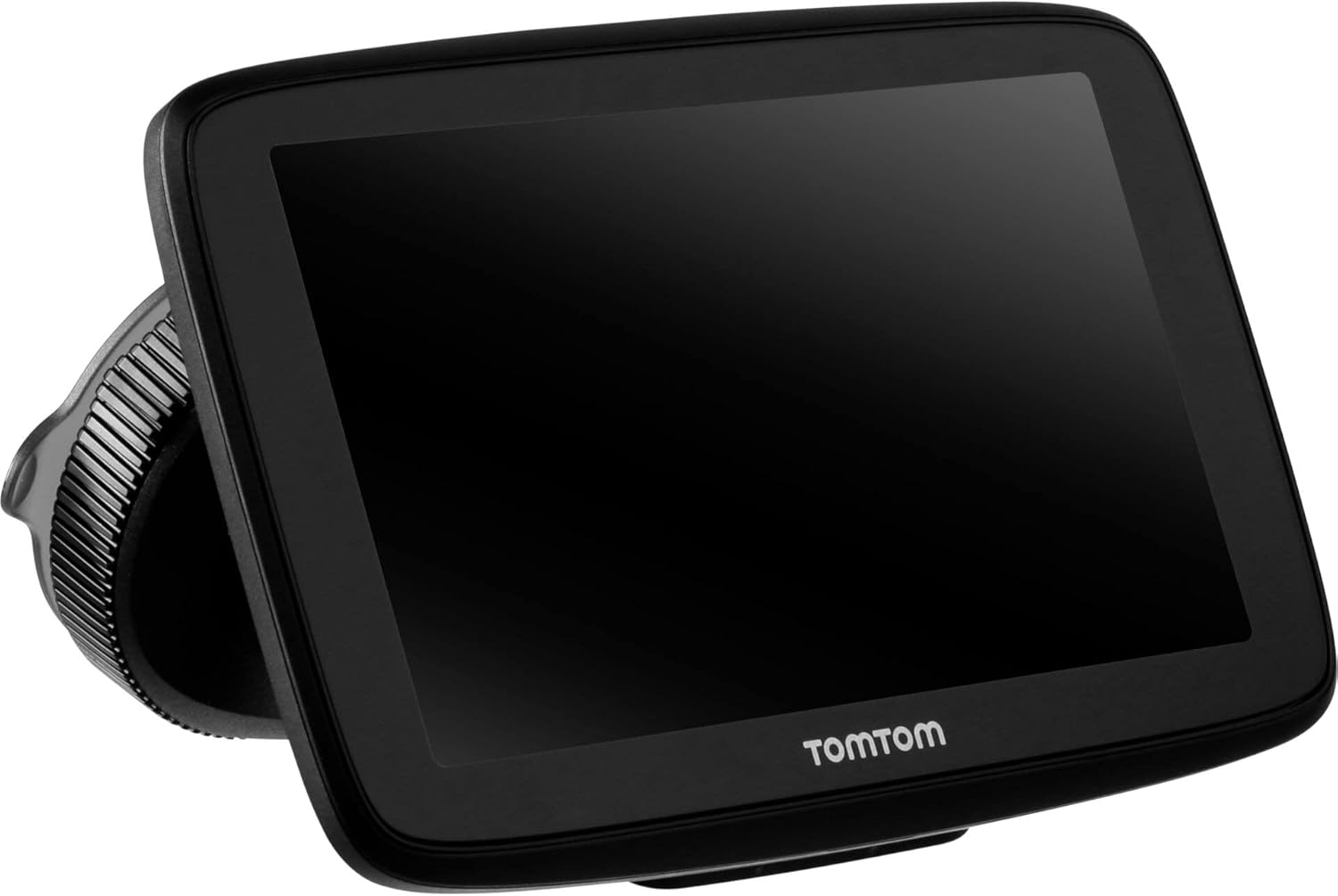
Image: The TomTom GO Expert Sat Nav device attached to its Click-and-Drive mount, viewed from an angle, showing the suction cup base.
2. การเปิดเครื่องและการชาร์จ
- Connect the Car Charger: เสียบที่ชาร์จในรถยนต์เข้ากับเต้ารับไฟ 12V ของรถของคุณ
- เชื่อมต่อกับอุปกรณ์: Connect the other end of the charger to the TomTom GO Expert device.
- ค่าใช้จ่ายเริ่มต้น: Allow the device to charge for at least 30 minutes before first use, or until the battery indicator shows sufficient charge.

ภาพ: ไซด์โปรfile of the TomTom GO Expert Sat Nav device, showing its slim design and how it connects to the Click-and-Drive mount.
3. การตั้งค่าเริ่มต้นและการเชื่อมต่อ Wi-Fi
- ทำตามคำแนะนำบนหน้าจอเพื่อเลือกภาษาและภูมิภาคของคุณ
- Connect to a Wi-Fi network for quick map updates and traffic information. Navigate to การตั้งค่า > Wi-Fi และเลือกเครือข่ายของคุณ
- Configure your vehicle profile (truck, bus, coach) by entering dimensions, weight, and other relevant details. This is crucial for custom routing.
การใช้งานอุปกรณ์ของคุณ
พื้นฐานการนำทาง
- การป้อนจุดหมายปลายทาง: Tap the search icon on the main menu and enter an address, POI, or coordinates.
- การกำหนดเส้นทางแบบกำหนดเอง: The device will automatically calculate routes based on your configured vehicle profile, avoiding unsuitable roads for large vehicles.
- Live Traffic Updates: With an active Wi-Fi connection, the device provides real-time traffic information to help you avoid delays.
- Lane Guidance: The device displays clear lane guidance to help you prepare for exits and turns.
- การควบคุมด้วยเสียง: Use voice commands for hands-free operation. Refer to the on-screen guide for available commands.
Map Updates and Services
Your TomTom GO Expert receives 3X faster updates via Wi-Fi. Ensure your device is connected to a stable Wi-Fi network to download the latest maps and software updates conveniently and at no extra cost.
- อัปเดตแผนที่: นำทางไปที่ ตั้งค่า > อัพเดท & รายการใหม่ to check for and install map updates.
- การแจ้งเตือนกล้องจับความเร็ว: The device includes 1 year of speed camera alerts. Ensure this service is active for safer driving.
การซ่อมบำรุง
- การทำความสะอาด: Use a soft, lint-free cloth to clean the screen and device casinก. ห้ามใช้น้ำยาทำความสะอาดที่มีฤทธิ์กัดกร่อนหรือตัวทำละลาย
- การอัปเดตซอฟต์แวร์: Regularly check for and install software updates via Wi-Fi to ensure optimal performance and access to new features.
- การดูแลแบตเตอรี่ เพื่อยืดอายุการใช้งานแบตเตอรี่ ควรหลีกเลี่ยงการวางอุปกรณ์ไว้ในที่ที่มีอุณหภูมิสูงหรือต่ำเกินไป หากเก็บรักษาไว้เป็นเวลานาน ควรตรวจสอบให้แน่ใจว่าแบตเตอรี่มีประจุอยู่บ้าง
- พื้นที่จัดเก็บ: When not in use, store the device in a cool, dry place, away from direct sunlight.
การแก้ไขปัญหา
ปัญหาทั่วไปและแนวทางแก้ไข
- อุปกรณ์ไม่ได้เปิดเครื่อง:
- Ensure the car charger is securely connected to both the device and the vehicle's power outlet.
- ตรวจสอบว่าปลั๊กไฟในรถใช้งานได้หรือไม่
- Try resetting the device by holding the power button for 15-20 seconds.
- ไม่มีสัญญาณ GPS:
- ตรวจสอบให้แน่ใจว่าอุปกรณ์มีความชัดเจน view of the sky. Obstructions like tall buildings or tunnels can block the signal.
- Move to an open area and allow the device a few minutes to acquire satellites.
- Check for any pending software updates that might improve GPS performance.
- Map Not Updating:
- Verify that the device is connected to a stable Wi-Fi network.
- Ensure there is sufficient storage space on the device for the new map data.
- รีสตาร์ทอุปกรณ์แล้วลองทำการอัปเดตอีกครั้ง
- หน้าจอสัมผัสไม่ตอบสนอง:
- ดำเนินการรีเซ็ตแบบซอฟต์แวร์โดยกดปุ่มเปิด/ปิดค้างไว้จนกว่าอุปกรณ์จะรีสตาร์ท
- ตรวจสอบให้แน่ใจว่าหน้าจอสะอาดและไม่มีเศษขยะ
ข้อมูลจำเพาะ
| คุณสมบัติ | รายละเอียด |
|---|---|
| ขนาดสินค้า | 5.51 x 0.79 x 3.54 นิ้ว |
| น้ำหนักสินค้า | 12.7 ออนซ์ |
| หมายเลขรุ่น | 1YB5.002.20 |
| แบตเตอรี่ | ต้องใช้แบตเตอรี่ลิเธียมไอออน 1 ก้อน (รวมอยู่ด้วย) |
| ระบบปฏิบัติการ | Windows (internal OS) |
| เทคโนโลยีการเชื่อมต่อ | Bluetooth, Wireless (Wi-Fi) |
| คุณสมบัติพิเศษ | Bluetooth, Lane Assist, Touchscreen |
| อินพุตอินเทอร์เฟซมนุษย์ | หน้าจอสัมผัส |
| สี | สีดำ |
| ประเภทบริการยานพาหนะ | Bus, Truck |
| ขนาดหน้าจอ | 5 นิ้ว |
| ประเภทแผนที่ | ทั่วโลก |
| โหมดเอาต์พุตเสียง | ลำโพง |
การรับประกันและการสนับสนุน
For detailed warranty information and technical support, please visit the official TomTom support webเว็บไซต์หรือดูบัตรรับประกันที่รวมอยู่ในผลิตภัณฑ์ของคุณ
การสนับสนุนทางออนไลน์: www.tomtom.com/support
Ensure you have your device's serial number and model number (1YB5.002.20) ready when contacting support.


